virto-shared-calendar-icon

NEW Virto Shared Calendar

Virto Kanban Board App for Microsoft Teams | Try for free
Elevate your team's productivity with the Virto Kanban Board for Microsoft Teams. Simplify task management & track projects effortlessly. Get your free trial!

Price: 2

Price Currency: USD

Operating System: Windows, OSX

Application Category: BusinessApplication

Editor's Rating:
4.9

Virto Notifications & Alerts Web Part for SharePoint On-Premises

4.6 (30+ reviews)

Key features:

icon one

Flexible Alert Creation

Craft alerts, reminders, or notifications for any user or group, with options for email, SMS, or Clickatell.

icon-two

Merging

Customize alert schedules and combine multiple notifications into one, simplifying communication.

icon three

Reminder Customization

Offer reminders for key SharePoint events with customizable email messages
How to install?

Your 24/7 library from our technical support team. Video guides, FAQs, troubleshooting
articles, and more.

Talk to our team

Need clarity on our app’s suitability for you? Set up a quick call with us or chat via Microsoft Teams chat to explore its potential for your needs.

Use cases

Explore the versatility of Virto Notifications & Alerts through these real-world scenarios:

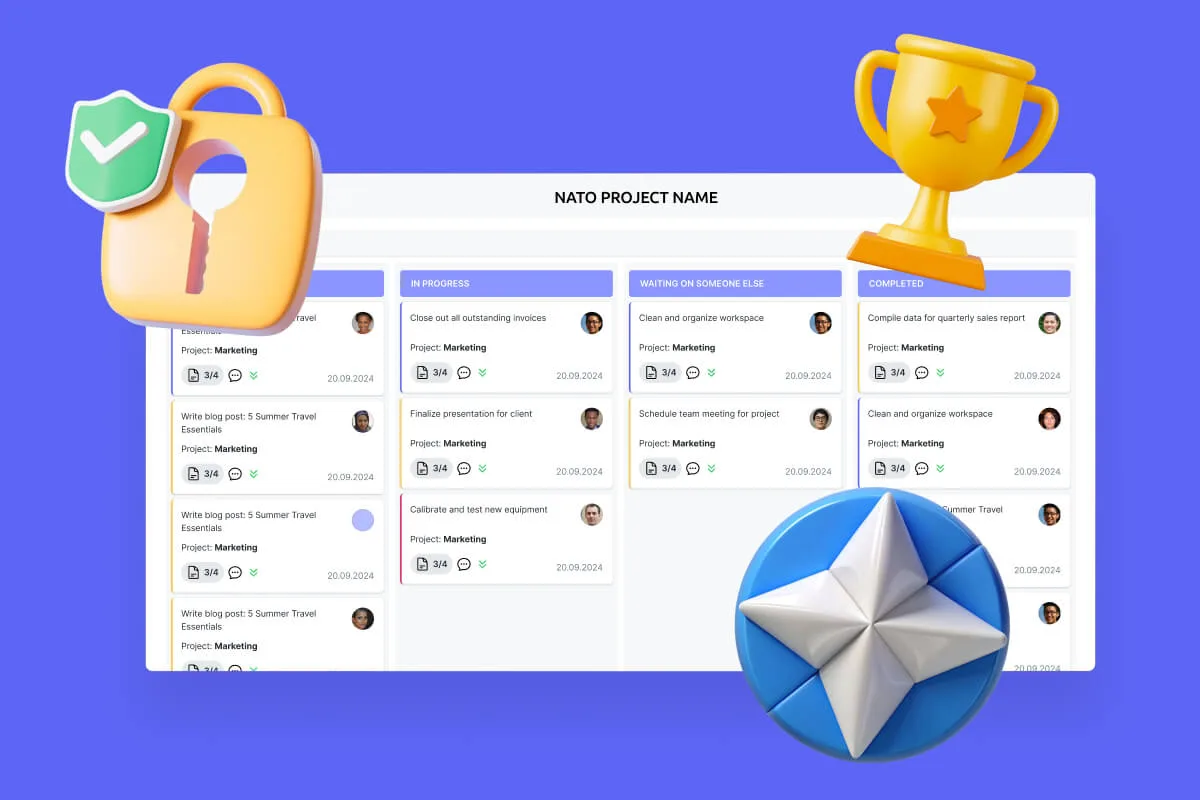
Transform your secure project management, enhance mission coordination, and get your security and compliance features running like clockwork with VirtoSoftware's NATO-tested secure productivity solutions.
Designed for government, legal, and finance teams, Virto automates compliance monitoring workflows and ensures every task and policy deadline is met—without manual tracking.
Built for high-compliance organizations, Virto’s tool helps you use SharePoint to share files securely, automate file approval workflows, and manage multiple files in bulk—without scripting or IT help.
Gain control of your enterprise project portfolio with VirtoSoftware. Our solutions provide centralized project planning, resource management, and real-time tracking for successful project delivery.
Save time and resources with VirtoSoftware's compliance solutions. Automate tedious tasks, streamline audits, and centralize compliance activities for increased efficiency.
VirtoSoftware's integrated risk management solution helps enterprises identify, assess, and mitigate risks across operations in real-time.
Simplify scheduling, enhance transparency, and ensure compliance with Virto Calendar, a comprehensive solution designed for government organizations, municipalities, and public sector teams.
Enhance interdepartmental collaboration with Virto Calendar. Align schedules, share resources, and improve communication for cohesive event planning.
Improve your case management with the court calendar calculator, designed for modern law firms. Organize dockets, allocate resources, reduce conflicts, and enhance the administration of justice.

VirtoSoftware Trust & Security Center

Wei Lü
You can create literally any alert with this add-on, connect it to any messanger agent, add whatever types of files to it. Totally worth purchasing!
Oliver Anić
For me the interface looks user-friendly, and it offers comprehensive functionality, letting you customize notifications and how you receive them. It also allows to set up alerts and reminders for different SharePoint items . Try it, very easy to use and convenient web part!
J.N. Hammond
Pricey but useful. Sharepoint alert web part works perfectly, enhancing our alert management system. It allows for creating a custom schedule for sending reminders, sending sharepoint alerts to external email addresses, and merging alert triggers in one message to avoid spamming your team. So we are always on a schedule!

Trusted by Industry Leaders

Warner_Bros._logo_2023
Disney wordmark
Sony logo
University of California Berkeley logo
Motorola logo
Teck Resources logo
Seal of the United States Department of the Treasury
university-of-pittsburgh-logo-vector
nasa
stockholms-stad
fedex_logo_logos_icon
Zespri logo

and over 8,000 businesses worldwide

Sized to fit your business

Choose the perfect plan to match your business needs.

Pro

$

1399

per WFE

50% discount from the second year

For mid-size businesses that require more robust project and program management tools.

Enterprise

For large organizations needing advanced features and enterprise-grade security and controls.

icon purchase

Purchase Info & Discounts

After you press the “add to cart” button, you will be forwarded to a secure zone of our processing partner Avangate, where you can select quantity, select additional services, and finish checkout.

icon education

Educational & Non-profit Discounts

We are glad to offer a set of special 15% discounts for schools, colleges, universities, hospitals and charity organizations. Please contact our sales department for more information.

icon volume

License Notes & Renewal

Upon purchase, your license comes with a free 1-year update period. Once this initial period expires, an extension for a further year needs to be purchased to maintain access to the latest product updates.

The pricing outlined herein is valid only as to new purchases occurring on or after June 1, 2024, and is not offered and does not apply to any prior purchases. VirtoSoftware reserves the right to adjust its packaging and pricing at any time.
Amount shown is price per month and billed on an annual per user basis. 

Explore how our set of productivity tools can transform your task management

Download and extract the zip file to a folder on your SharePoint server
Run Setup.exe under SharePoint administrator account and follow the simple wizard

Request your 14-day trial. 

Download the Latest Version

Choose your SharePoint product version:

Need any help? – email us at support@virtosoftware.com

Virto Notifications & Alerts

Please select the SharePoint version that your organization uses to proceed
with the checkout.

Virto Notifications & Alerts

Please select the SharePoint version that your organization uses to proceed
with the checkout.

Download and extract the zip file to a folder on your SharePoint server
Run Setup.exe under SharePoint administrator account and follow the simple wizard

Request your 14-day trial. 

Download Free 30-day Trial

Choose your SharePoint version

Product version:

v. 5.1.20
v. 5.1.21
v. 5.1.21
v. 5.1.21

Need any help? – email us at support@virtosoftware.com

Charts

Important: You’re just a few clicks away from exploring our app. Before you start the installation process, make sure to read instructions. This will prevent from possible technical issues in the future

If you will need further technical help for installation or configuration please contact our support team at support@virtosoftware.com

Pop up alert
Important: You’re just a few clicks away from exploring our app. Before installing, please read the instructions to avoid potential technical issues.

If you will need further technical help for installation or configuration please contact our support team at support@virtosoftware.com

Download and extract the zip file to a folder on your SharePoint server
Run Setup.exe under SharePoint administrator account and follow the simple wizard

Request your 14-day trial. 

Download Free 30-day Trial

Choose your SharePoint product version:

Need any help? – email us at support@virtosoftware.com