


Virto Calendar App vs. Virto Shared Calendar: which one fits your team
One view of the calendars you already have, or one calendar your team fills in together.
Which one should you choose?
Both open where your team already works. The difference is where the events come from.

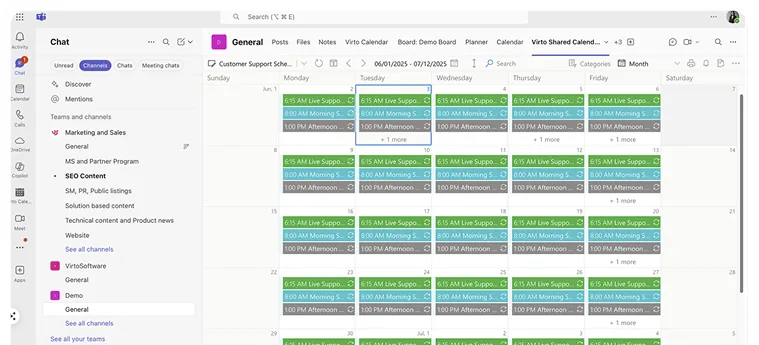
Choose it if
- Your events already live in Outlook, Exchange, SharePoint lists or Planner, and you want them in one view
- You need room and equipment calendars, a Gantt view or the whole year at a glance across departments
- Calendar content has to stay in your Microsoft 365 tenant
- You are planning for 100 users or more

Choose it if
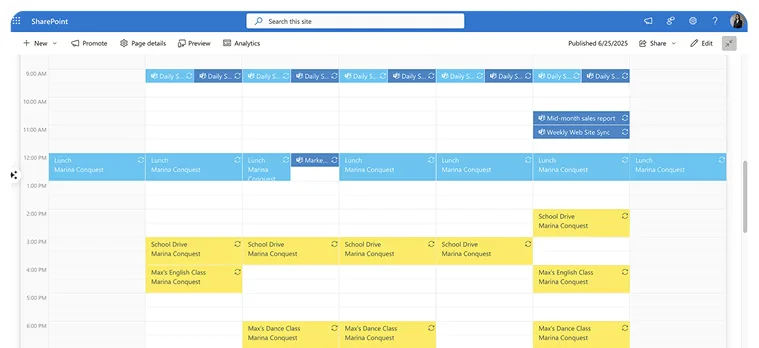
- You need one calendar the team fills in together, rather than a view of calendars you already have
- You share it by link with clients, contractors or vendors who have no Microsoft account
- You are a small team: people who only view it are free, and the free plan covers 15 entries per user
- You work in Microsoft Teams or simply in a browser
Trusted by Industry Leaders


and over 8,000 businesses worldwide
Detailed Feature Comparison
| Feature | Virto Calendar App | Virto Shared Calendar |
|---|---|---|
| Platform | SharePoint, Microsoft 365 (Outlook, Teams) 


 | Microsoft Teams (channel tab) and a web app in any browser |
| Calendar sources supported | Exchange Online calendars, room and equipment mailboxes, SharePoint lists, Planner, Public Folders, iCal feeds (Google Calendar too) | Its own events plus read-only iCal feeds |
| Sharing with people outside | People outside your organization sign in as SharePoint site guests | Share by link, view-only or with edit rights; no Microsoft account needed |
| View modes | Day, Week, Work Week, Month, Year, Year Quarter, Flat Year, Multi Source, Gantt (task days and task hours) | Day, Week, Month, Year, Task timeline (days or hours) |
| Permissions | Follows each source: people see what they can already open in Microsoft 365 | Private or organization-wide calendar; owners, members who edit, others who view |
| Notifications | Reminders come from the source (Outlook, SharePoint) or from Virto Alerts & Reminder App, a separate app | No notifications |
| Where your data is stored | Stays in your Microsoft 365 tenant; the app reads it without storing it | On Microsoft Azure, managed by VirtoSoftware |
| Free option | 30-day free trial | Free plan: up to 15 calendar entries per user; people who only view are always free |
| Pricing | $2,412 per year for 100 users, with a 3-year agreement | $19 per year for each person who creates or edits events $99 per year, unlimited |
What customers say
Virto Calendar App
Virto Shared Calendar
Use cases
Real setups for each calendar, one page each
With Virto Calendar App
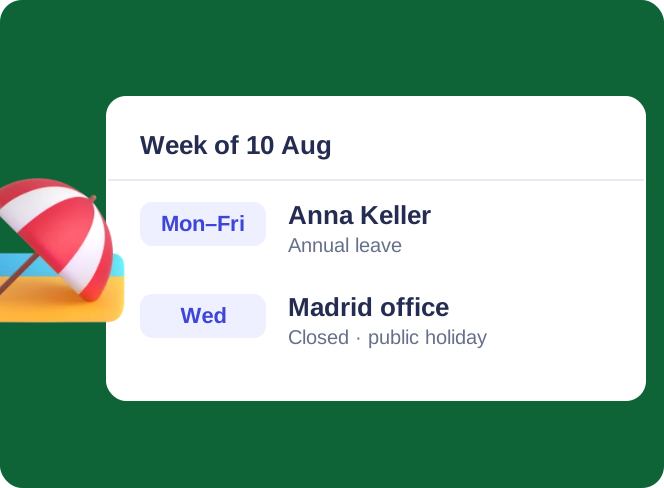
Employee Vacation Tracker
Virto Calendar App shows approved leave next to the public holidays of every country your team works in — who is away, and which offices are …
Learn more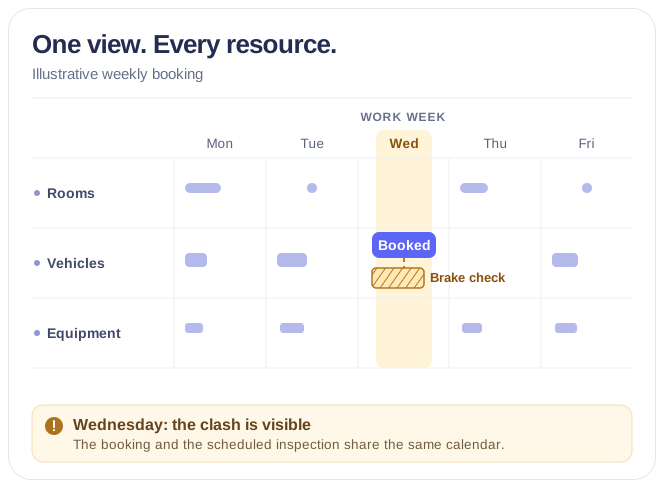
Rooms & Equipment Calendar
Combine rooms, offices, vehicles and equipment in one Microsoft 365 calendar, with the maintenance jobs and blackout periods that make them …
Learn more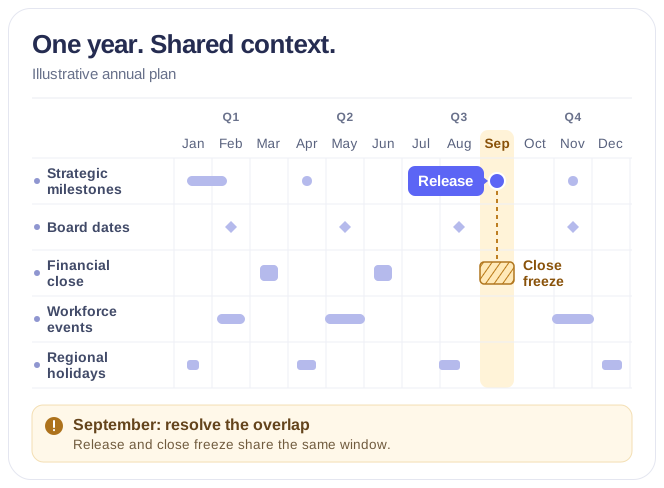
Executive Annual Calendar
Overlay approved strategic milestones, launches, board and QBR dates and annual targets by theme in one live annual calendar for the CEO and …
Learn moreWith Virto Shared Calendar
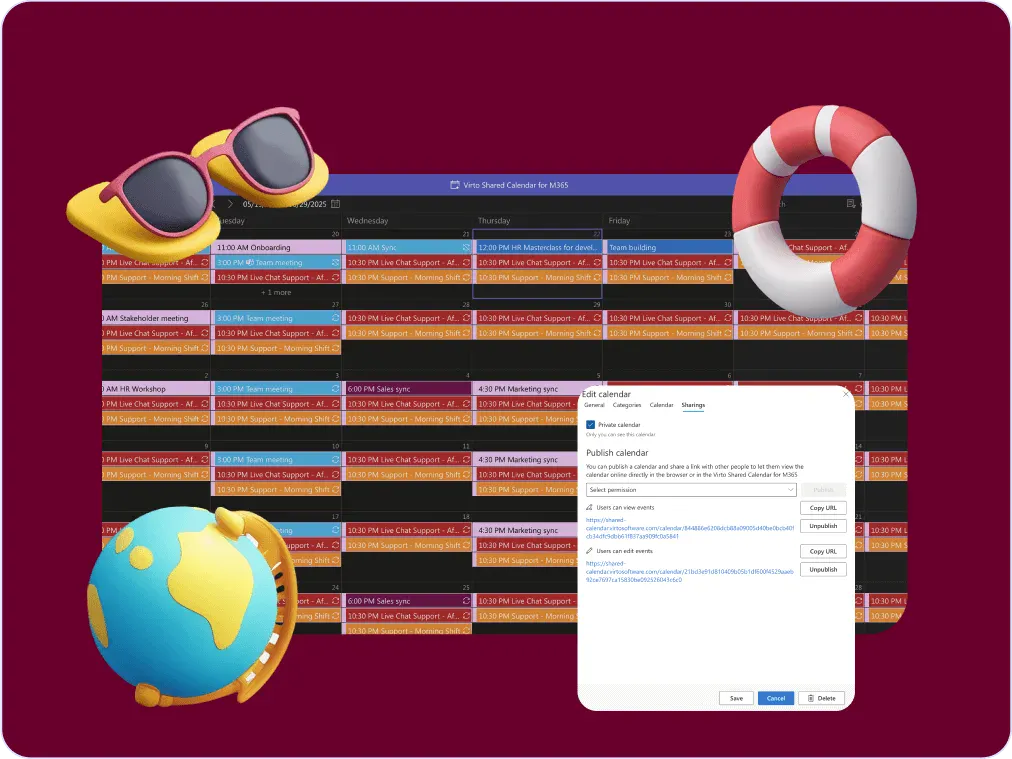
Company Holiday Calendar
One company holiday calendar for a small team: public holidays from an iCal feed, office closures and time off, shared with employees, …
Learn more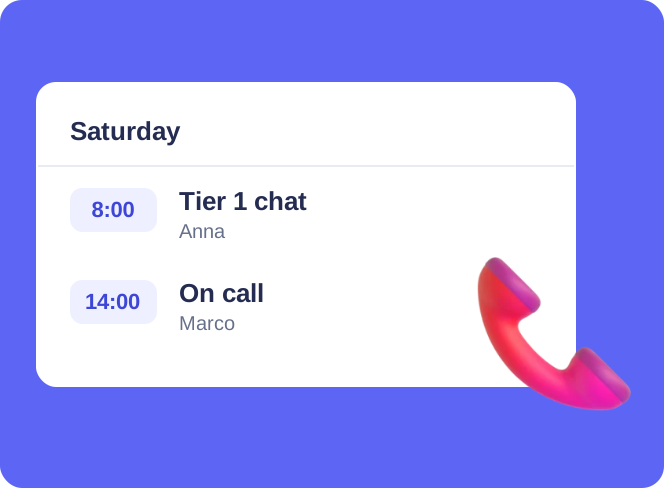
Customer Support Schedule
One shared rota for on-call shifts, PTO and night rotations, tagged by tier. Agents check it in Teams or on a phone, and part-timers or …
Learn more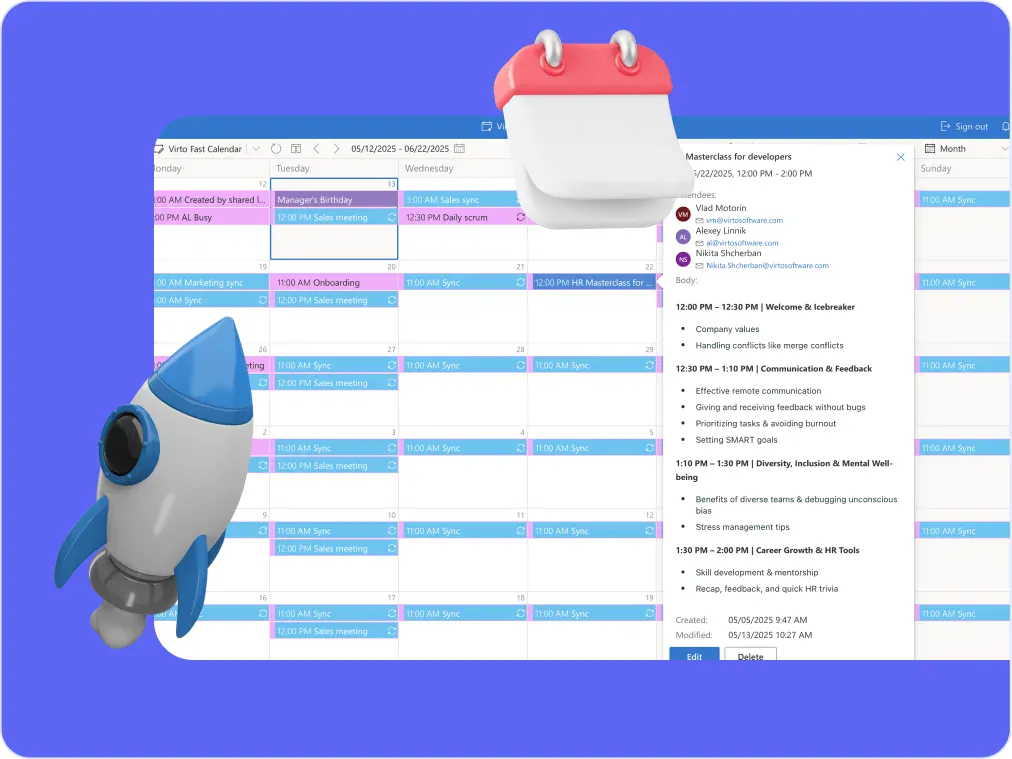
Sprint Calendar
Stay in sync and sprint with style: planning, stand-ups, reviews and retros in one shared sprint calendar, color-coded, in a browser or in …
Learn moreTalk to our team
Need clarity on our app's suitability for you? Set up a quick call with us or chat via Microsoft Teams chat to explore its potential for your needs.