


Passwords and AD Details, Handled by the Employee
Employees reset a forgotten password and keep their own Active Directory details current from a SharePoint Server page, and HR creates new accounts from a form, without a helpdesk ticket. Built with two Virto web parts for SharePoint on-premises.
Trusted by Industry Leaders


and over 8,000 businesses worldwide
Three Steps, Two Web Parts, Your Own Active Directory
Virto Password Reset & Recovery and Virto Active Directory User & Password Manager sit on ordinary SharePoint Server pages and work against your on-premises Active Directory. The screens are from our SharePoint Subscription Edition demo farm.
Step 1 · Reset
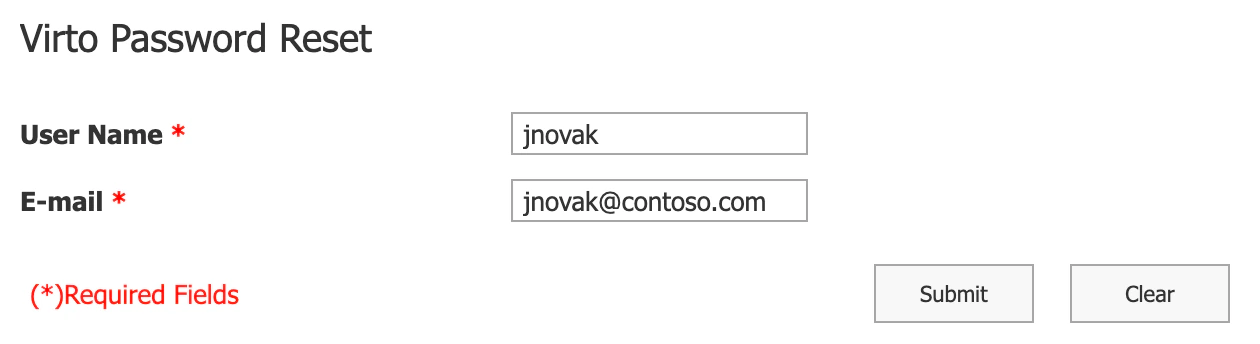
A forgotten password, reset without a ticket
Email or security questions
The admin picks the check: a message to the address stored in Active Directory, or one to three security questions whose answers live in AD attributes.
Locked out, too
Placed on a page that allows anonymous access, the web part reaches employees who cannot sign in, and the reset can unlock the account in the same step.
Step 2 · Update
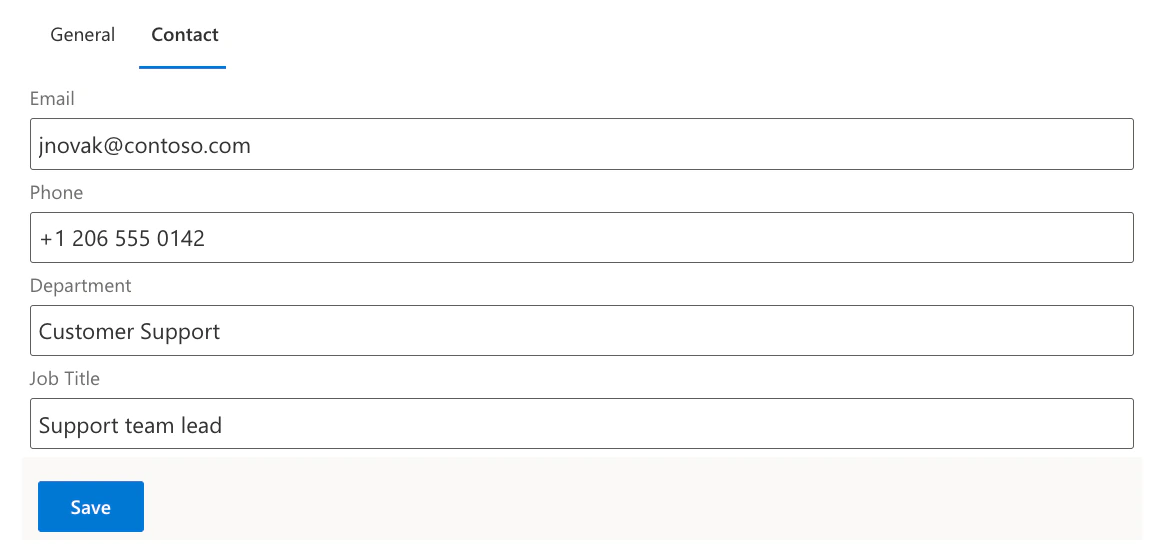
Contact details kept current by the employee
Fields chosen by the admin
Fieldsets map each form field to an Active Directory attribute, with validation patterns for values such as phone numbers.
Confirmed by email
A change is confirmed through a one-time link sent by email, valid for 24 hours and only for the person who made it.
Step 3 · Onboard
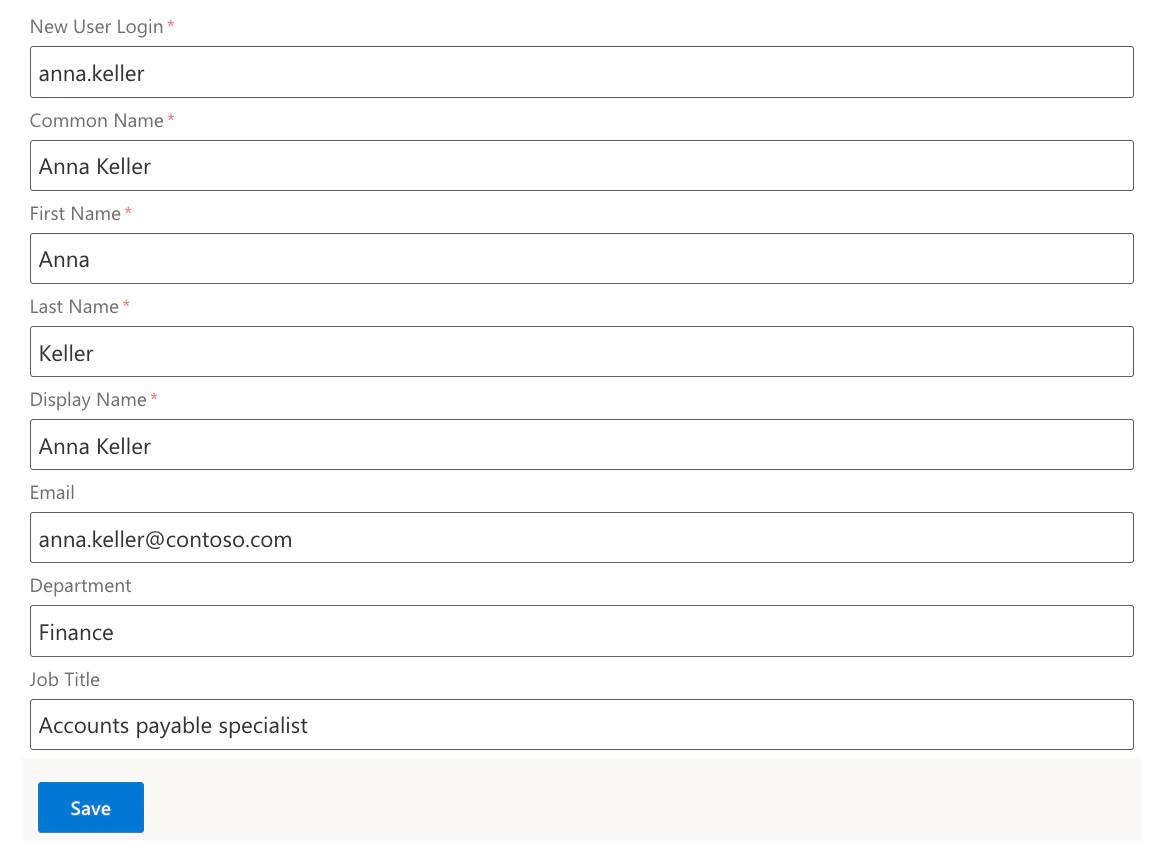
A new account from a SharePoint form
Or copy a colleague's account
Copy User starts from an existing colleague's account and takes the new person's login and names.
Password change and expiry
Password Change lets a signed-in employee set a new password, and Password Expiration shows when the current one runs out under the domain's password policy.
Key benefits

Fewer helpdesk tickets
Forgotten passwords and contact changes are handled by the employee, so the helpdesk keeps its time for real problems.
Your Active Directory, your servers
The web parts run on your SharePoint Server farm and change accounts in your own Active Directory domain.
The admin sets the rules
Which check a reset uses, which groups may reset and which AD attributes employees may edit are all decided in the settings.
On classic and modern pages
Both web parts run on classic and modern SharePoint Server pages.
A perpetual licence
On-premises licences never expire; a yearly renewal brings updates and support.
HR without the admin console
New hires get their accounts from a SharePoint form, so HR does not need access to Active Directory tools.
What password and account requests need, and what handles them
A reset from a SharePoint page after an email check or security questions, with the option to unlock the account in the same step.
The web part placed on a page with anonymous access.
Employees edit their own fields in a form, and fieldsets decide which AD attributes are open to them.
New User and Copy User create the AD account from a SharePoint form, without the admin console.
Password Expiration shows when the password runs out, and Password Change sets a new one.
These web parts work with on-premises Active Directory from SharePoint Server. Cloud identities and multi-factor sign-in use Microsoft Entra ID and its own self-service password reset.
Virto Password Reset & Recovery
Take password resets off the helpdesk queue

Related use cases
Discover our range of use cases to take your planning and coordination to another level
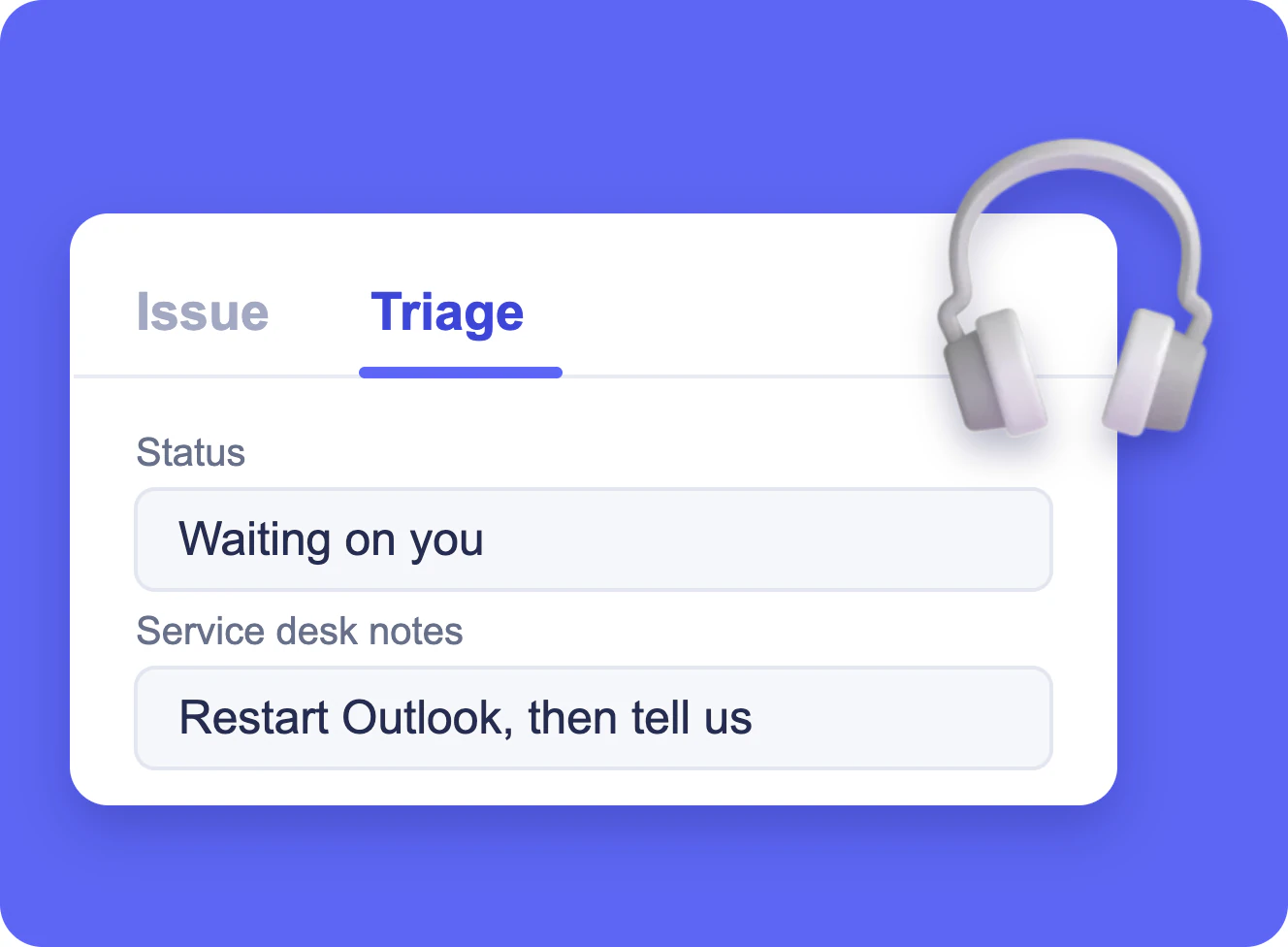
IT Help Desk Ticket Form in SharePoint
A SharePoint list of IT tickets with a short form for employees and a Triage tab that only the service desk edits, built with Virto Forms Designer App.
Learn more about IT Help Desk Ticket Form in SharePoint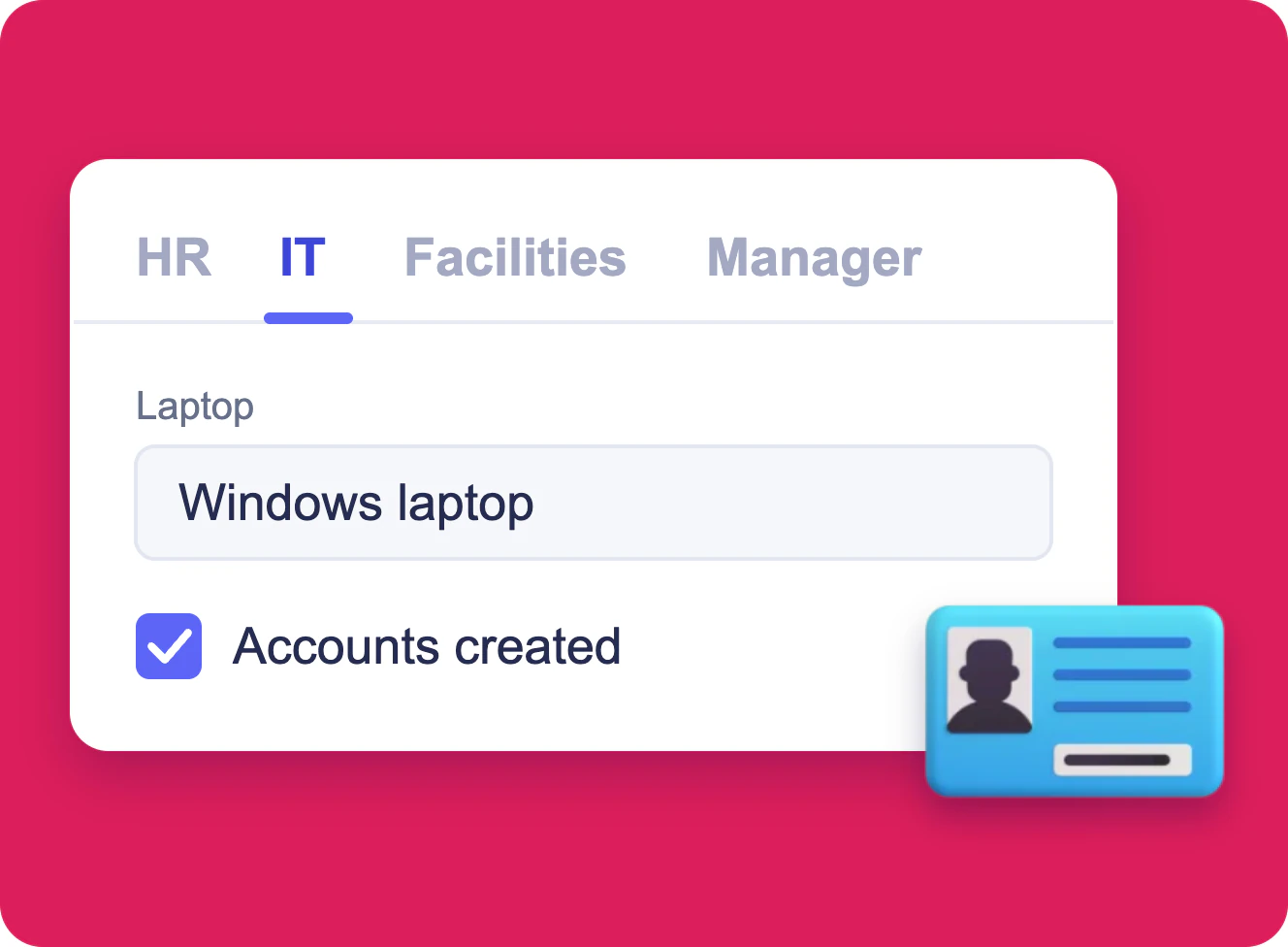
Employee Onboarding Form in SharePoint
One SharePoint list item per new hire, filled in by HR, IT, facilities and the hiring manager, each in a form of its own built with Virto Forms Designer App.
Learn more about Employee Onboarding Form in SharePoint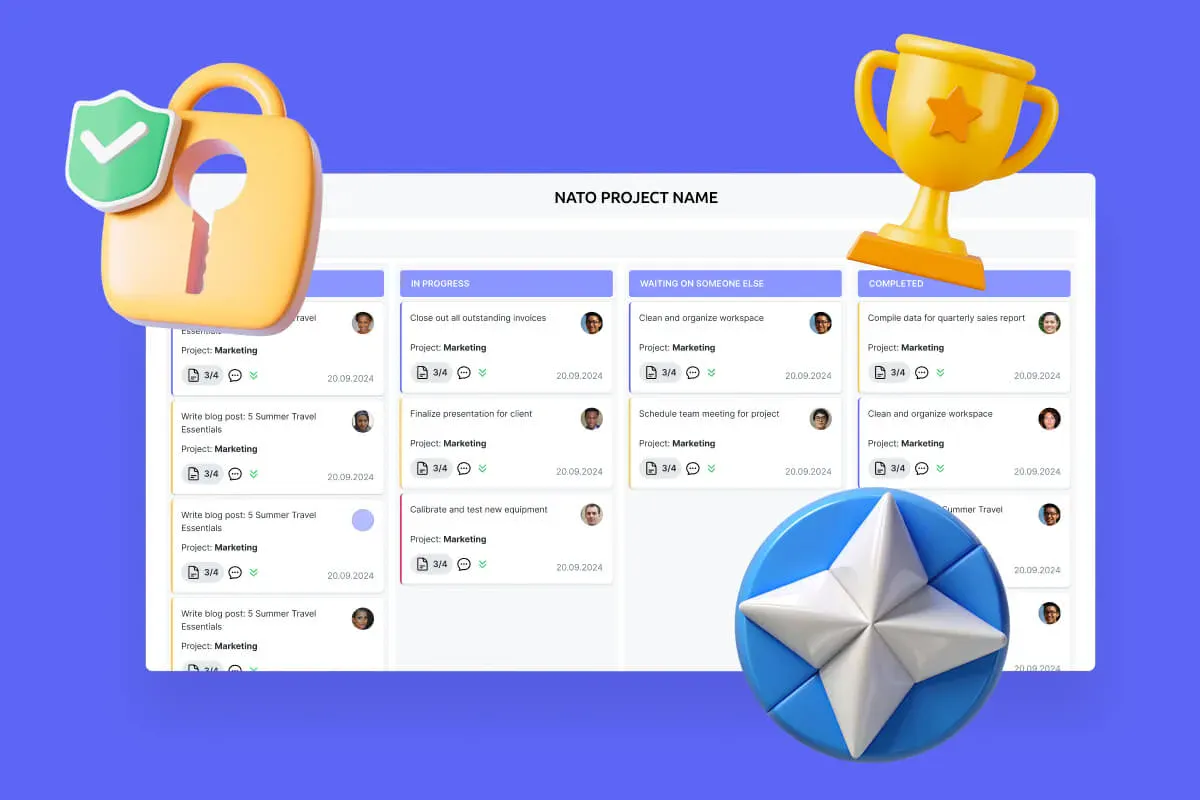
Secure Productivity for IGOs
Transform your secure project management, enhance mission coordination, and get your security and compliance features running like clockwork with VirtoSoftware's NATO-tested secure productivity solutions.
Learn more about Secure Productivity for IGOs