


A Team Calendar That Sends Its Own Updates
Keep team events in a SharePoint list, and Virto Alerts & Reminder App emails the team two days before each one, sends a weekly table of what is coming up, and gives everyone the old and the new date when an event moves.



Trusted by Industry Leaders


and over 8,000 businesses worldwide
One Events List, Three Kinds of Email
A reminder before each event, a table of the week ahead and a notice when a date moves — all three read the same SharePoint list the team calendar is built on.
The reminder
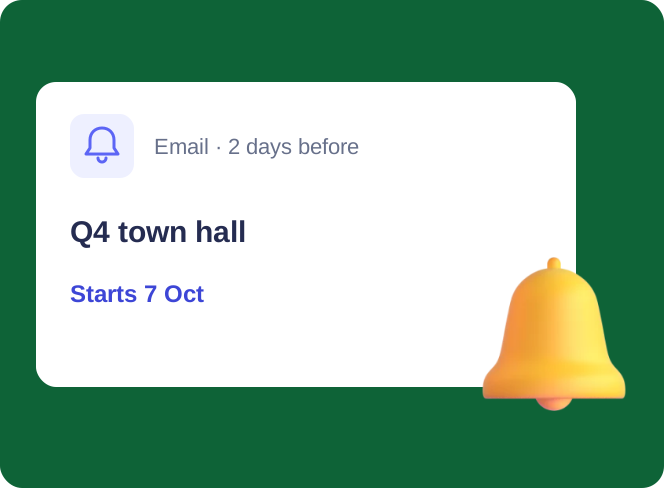
Two days before the event, the team gets an email
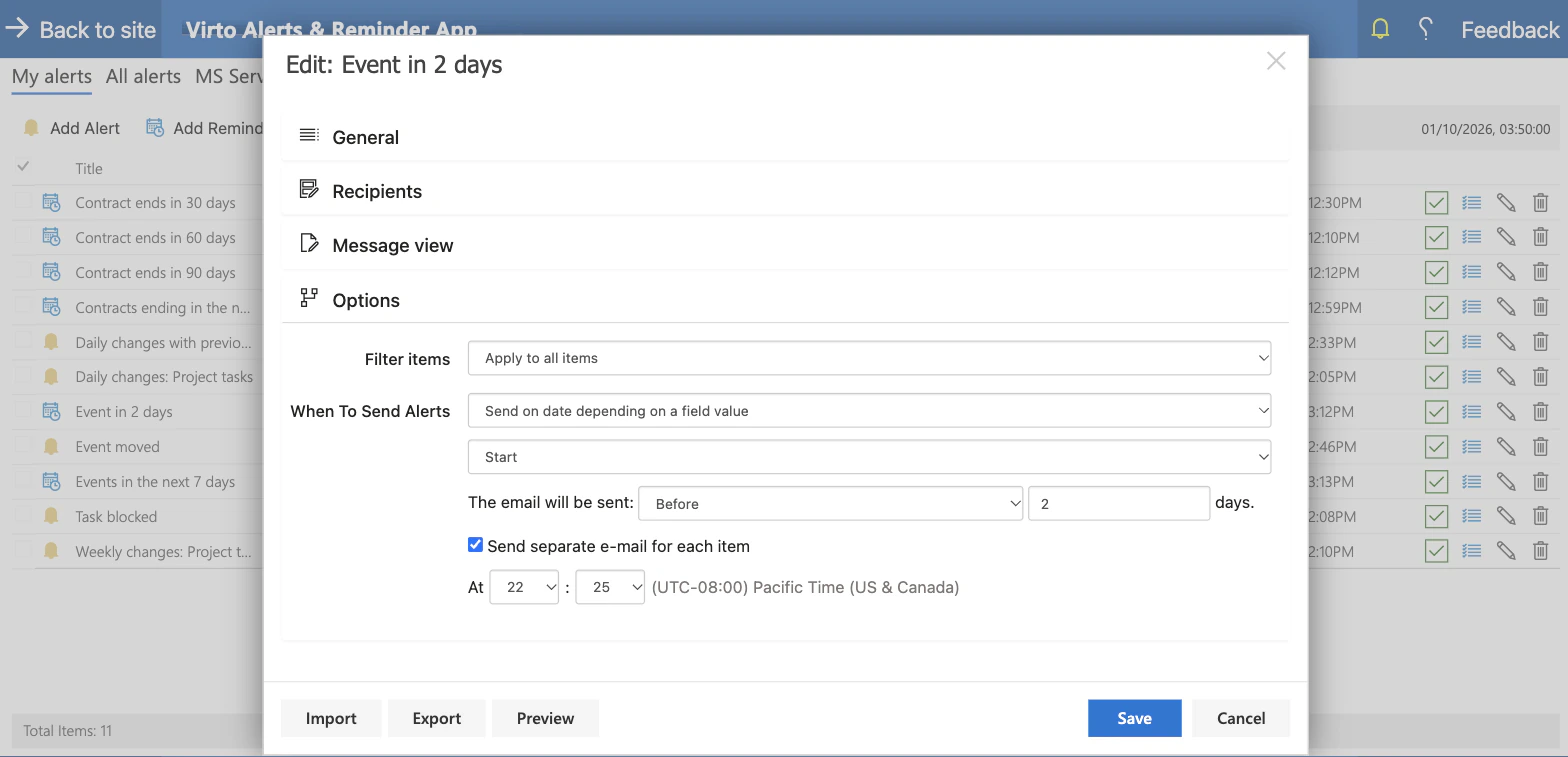
Counted from the Start column
The rule reads the Start date of each event and sends a set number of days before it. One rule covers every event in the list.
To a team, not to invitees
An event in a SharePoint list has no attendee list. The reminder goes to the people and groups you name, and the organizer from the event's own column can be added.
Sent at the hour you set
Each rule has its own send time, in the time zone chosen in the app settings. A new rule does not send on the day it is created, so set it up at least a day ahead.
The weekly table
One email with everything in the week ahead
Filtered from today
A second rule keeps the events whose Start falls in the coming days and sends them on the weekday and at the hour you choose.
One table, every event linked
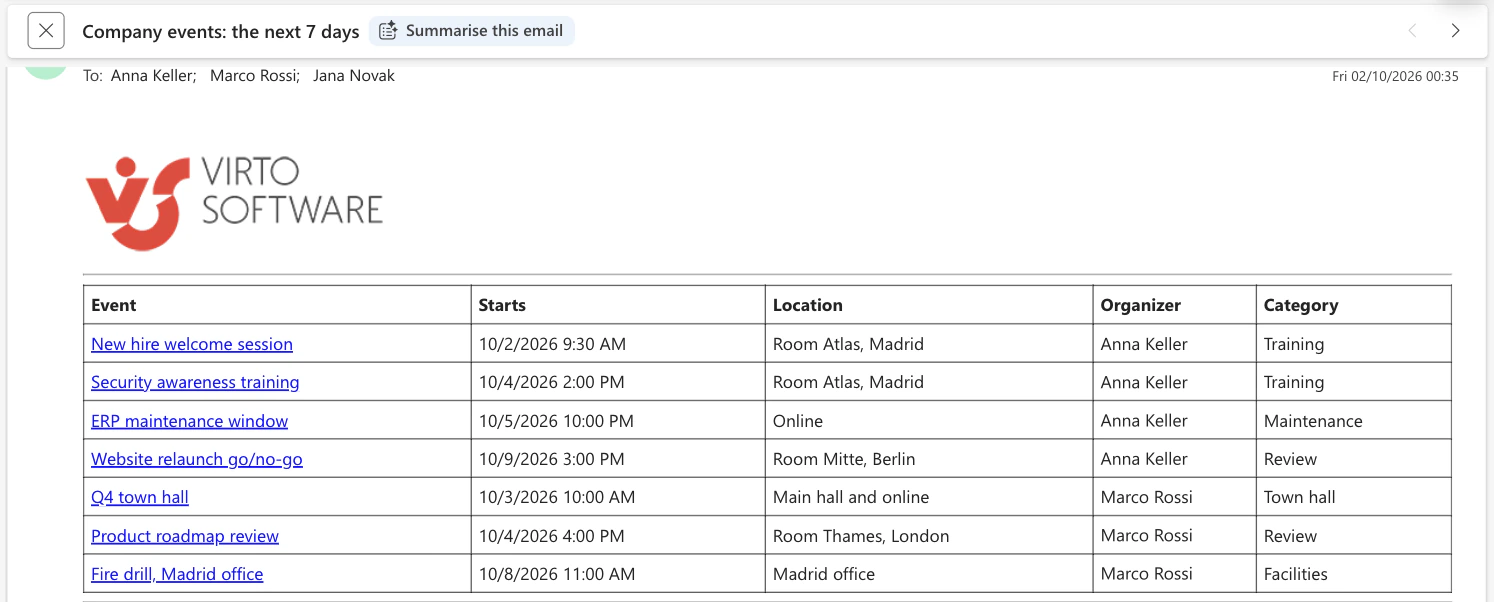
Seven events arrive as seven rows in one message — event, start, location, organizer, category — and each name opens the item in SharePoint.
Dates as the site shows them
Start is printed with its date and time in the time zone of the SharePoint site, the same way the list shows it.
The change notice
When a date moves, everyone gets the old and the new one
Triggered by one column
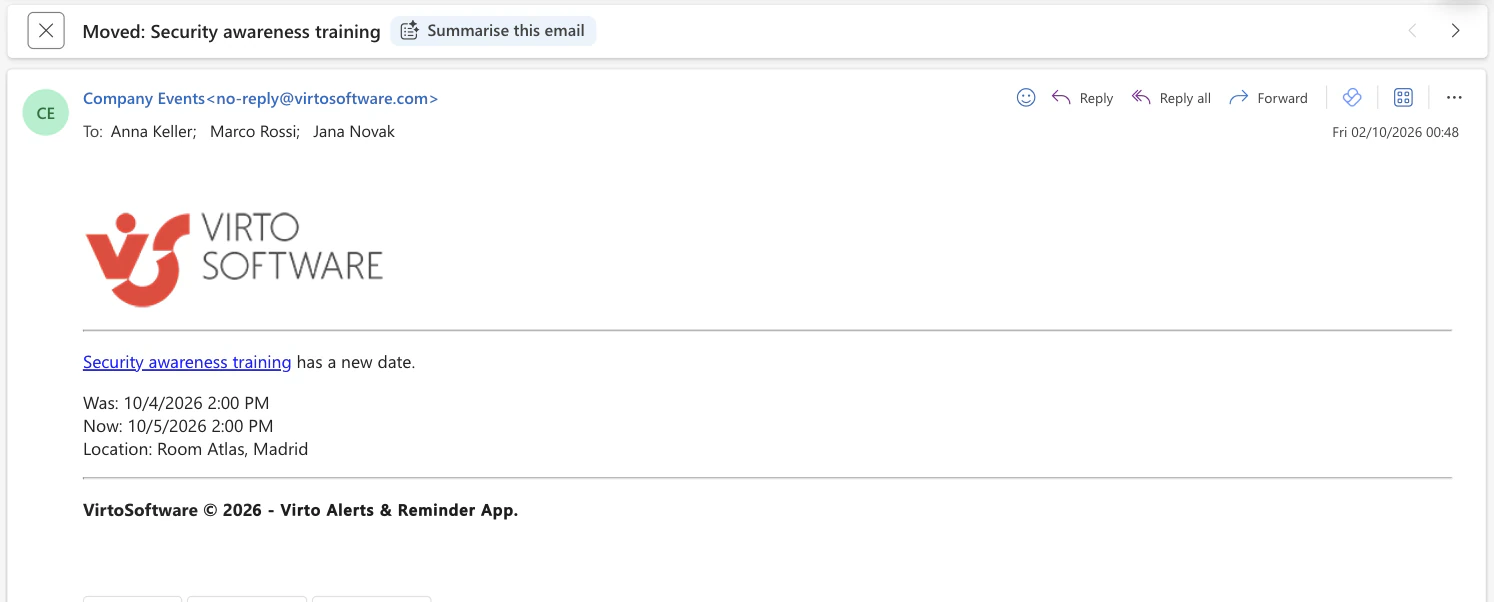
An alert watches the Start column and fires only when that column has been changed. A corrected typo in the title sends nothing.
Was and Now in one message
The email prints the previous and the new start, date and time, next to a link to the event.
Sent within minutes
The notice goes out within minutes of the change being saved. Each changed event sends its own email, so switch the rule off before shifting many dates in one go.
The calendar
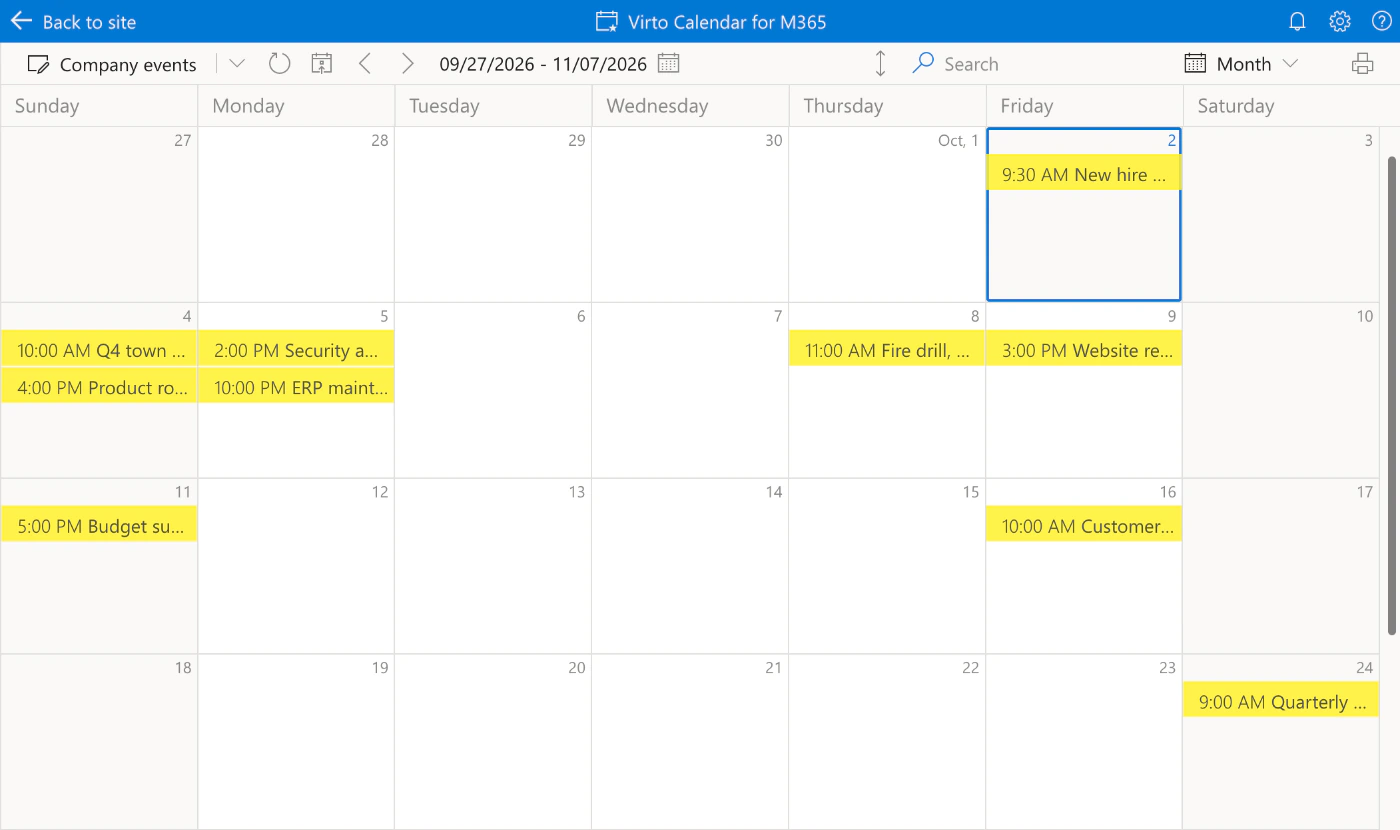
The same list is the calendar the team looks at
One source for the view and the emails
Virto Calendar App shows the list in Month, Week or Year view. The reminders and notices are rules on that same list, so a date is entered once.
A list, not an Outlook calendar
The rules work with SharePoint lists and libraries. Meetings in Outlook and group calendars keep Outlook's own reminders for the people invited.
Key benefits

No attendee list needed
A list event has no invitees for Outlook to remind. The rule sends to the people and groups you name, with the organizer taken from the event's own column.
The week ahead in one message
One table of the upcoming events on the weekday you choose, instead of a separate email for each of them.
The old date next to the new one
A change notice prints the previous and the new start, so nobody has to open the list to find out what moved.
Only the change that matters
The alert is tied to one column. Edits to the location or the description of an event do not send a date notice.
The calendar and the emails share a source
The list that feeds the team calendar is the list the rules read, so nobody keeps a second copy of the dates for the emails.
The list stays where it is
The events remain an ordinary SharePoint list in your Microsoft 365 tenant, with the permissions and version history it already has.
Which reminder fits which calendar
Town halls, training sessions, maintenance windows: the dates live in a SharePoint list and everyone should know about them.

A reminder goes to the team a set number of days before each event, and a weekly table lists what is coming up.
The organizer changes the start of an event the team already knows about.
An alert on the Start column emails the previous and the new date to everyone within minutes of the change.
The team wants a month view next to its Outlook and group calendars.

It shows the list in Month, Week or Year view together with other sources. The emails come from Virto Alerts & Reminder App on the same list.
Invited people get Outlook's reminder for the meeting. Virto Alerts & Reminder App works with SharePoint lists and libraries, not with Exchange or group calendars.
An iCal feed is view-only and sends no notifications. Keep the dates that need a reminder in a list, and the rules can read them.
Virto Alerts & Reminder App
Let the events list tell the team itself

Related use cases
Discover our range of use cases to take your planning and coordination to another level
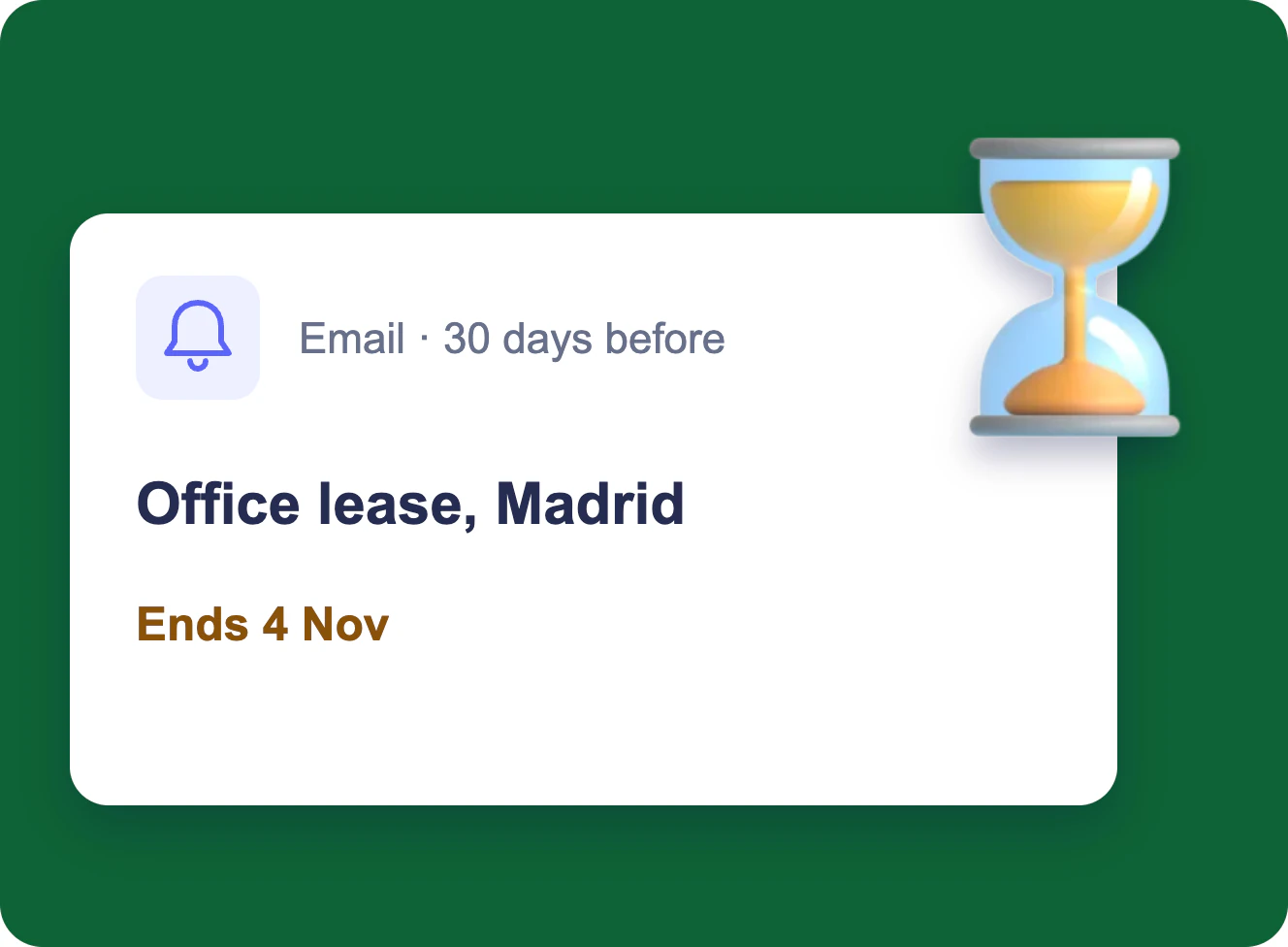
Expiration & Renewal Reminders
Each owner gets an email 90, 60 and 30 days before a contract, certificate or licence ends, and the team lead gets one weekly table — from the SharePoint list you already keep.
Learn more about Expiration & Renewal Reminders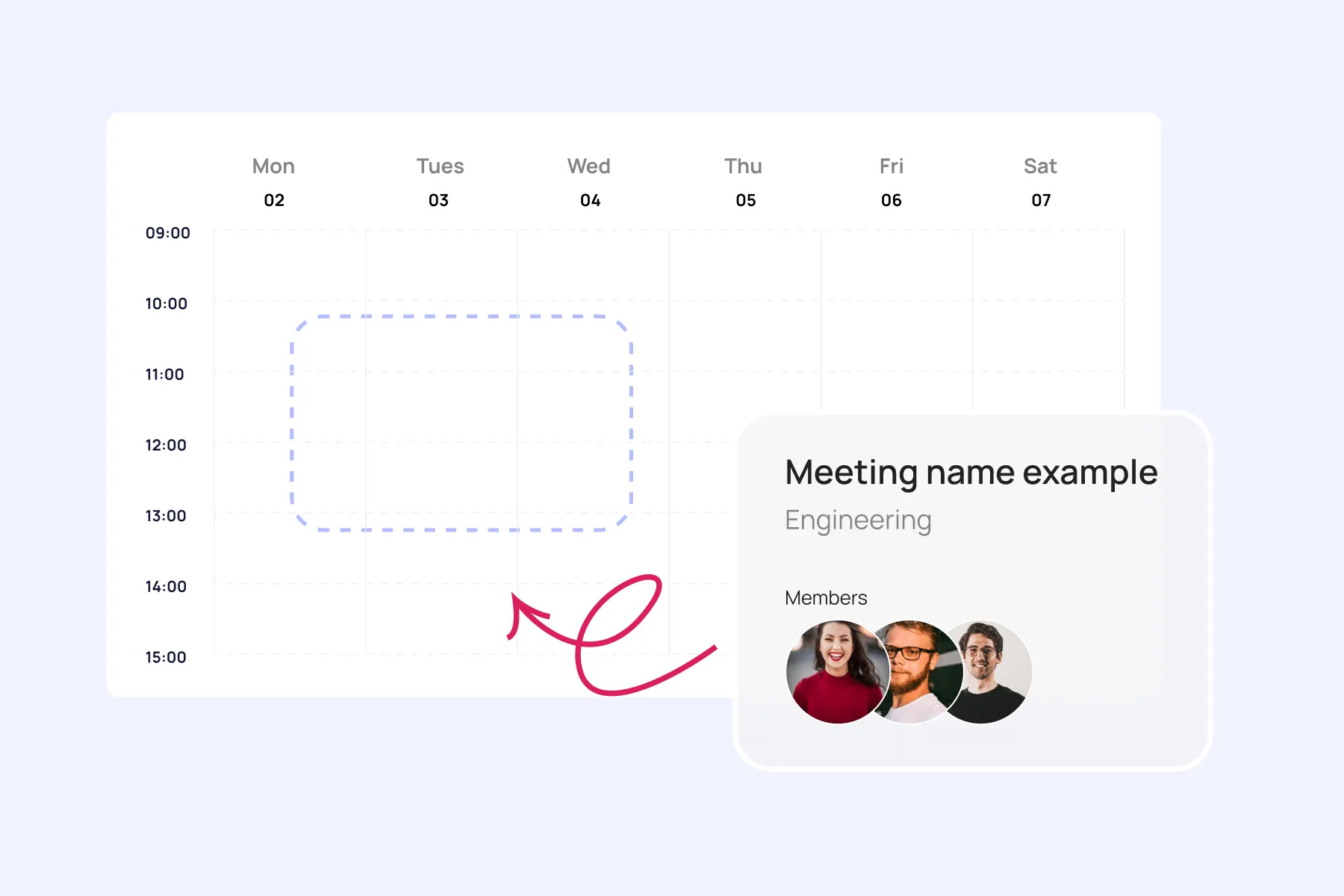
Event Calendar
Effortlessly plan and execute corporate meetings and events with our feature-rich calendar. Ensure real-time visibility for both internal and external users.
Learn more about Event Calendar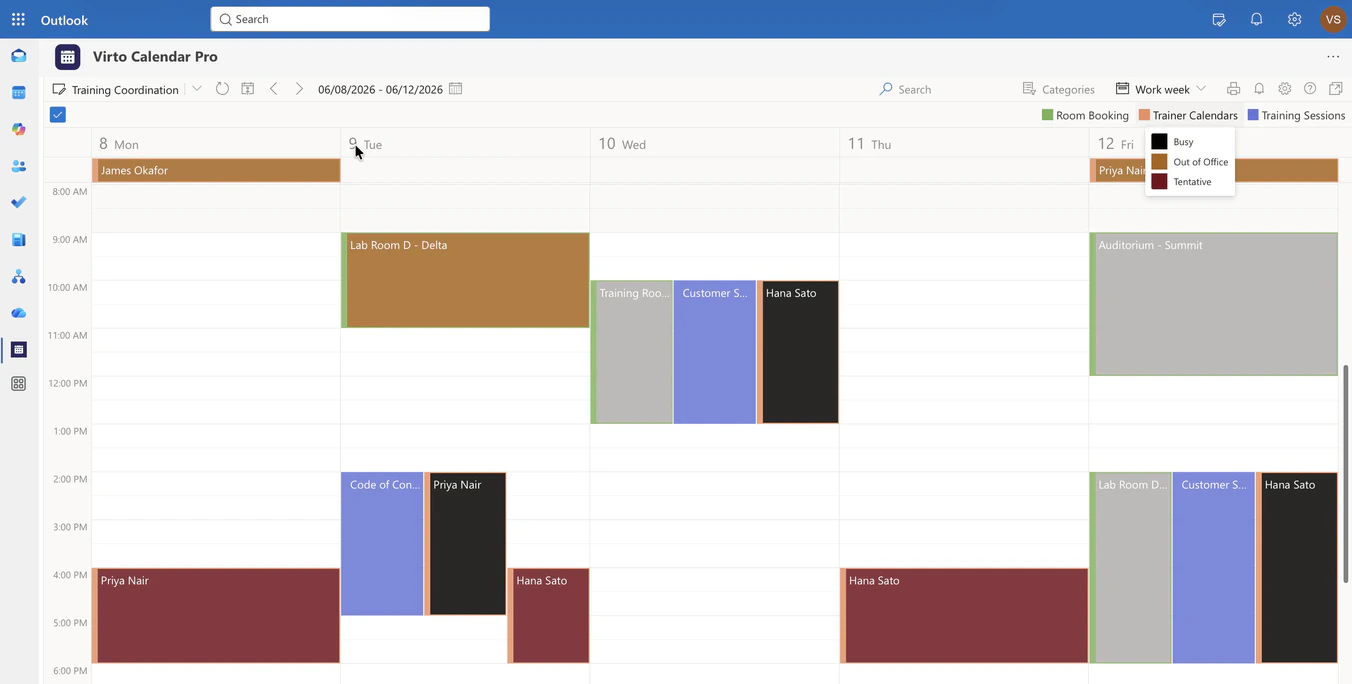
Corporate Training Calendar
Overlay the training sessions list, room mailboxes and trainer calendars in one Microsoft 365 calendar, so L&D sees whether a session can happen at that time, in that room, with that trainer.
Learn more about Corporate Training Calendar