


Every School and the District Office on One Calendar
Each school keeps its events in its own SharePoint list, and the district office keeps closures and board meetings in another. One Microsoft 365 calendar shows them all, a colour per school, and staff get next week's district dates every Friday.



Trusted by Industry Leaders


and over 8,000 businesses worldwide
Five Steps, Two Apps, One Calendar
Every school's events and the district office's dates are ordinary SharePoint lists. Virto Calendar App draws them together, and Virto Alerts & Reminder App sends the weekly email. The screens are from our demo site.
Step 1 · Keep
Each school keeps its own list
One list per school
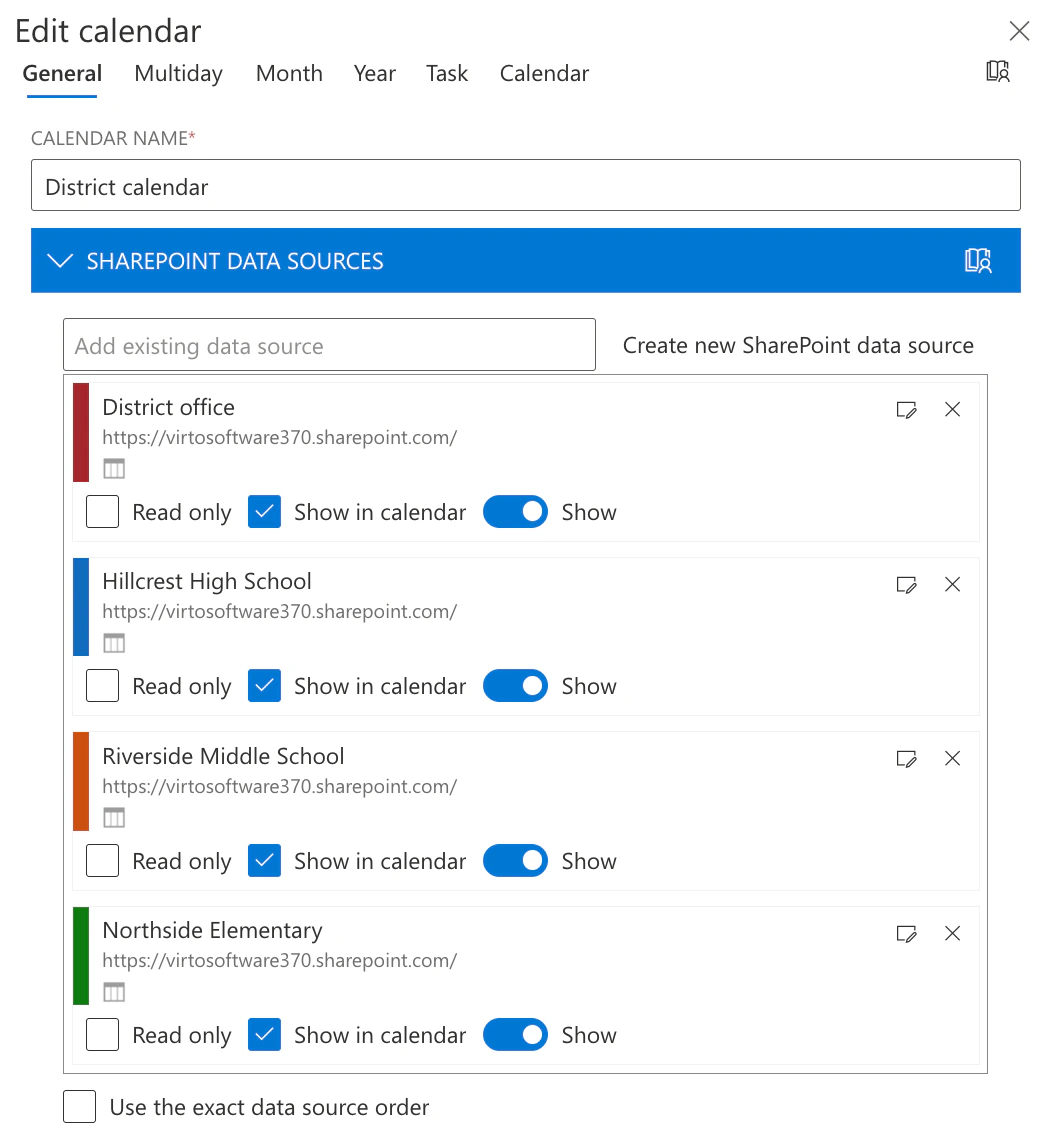
Each school adds its events to a SharePoint list it owns, and the district calendar reads the lists without copying them. In our demo the lists sit on one site; in a district each list stays on its school's own site.
Read only where it should be
A source can be added read only, so the district office sees a school's events without editing them.
Step 2 · See
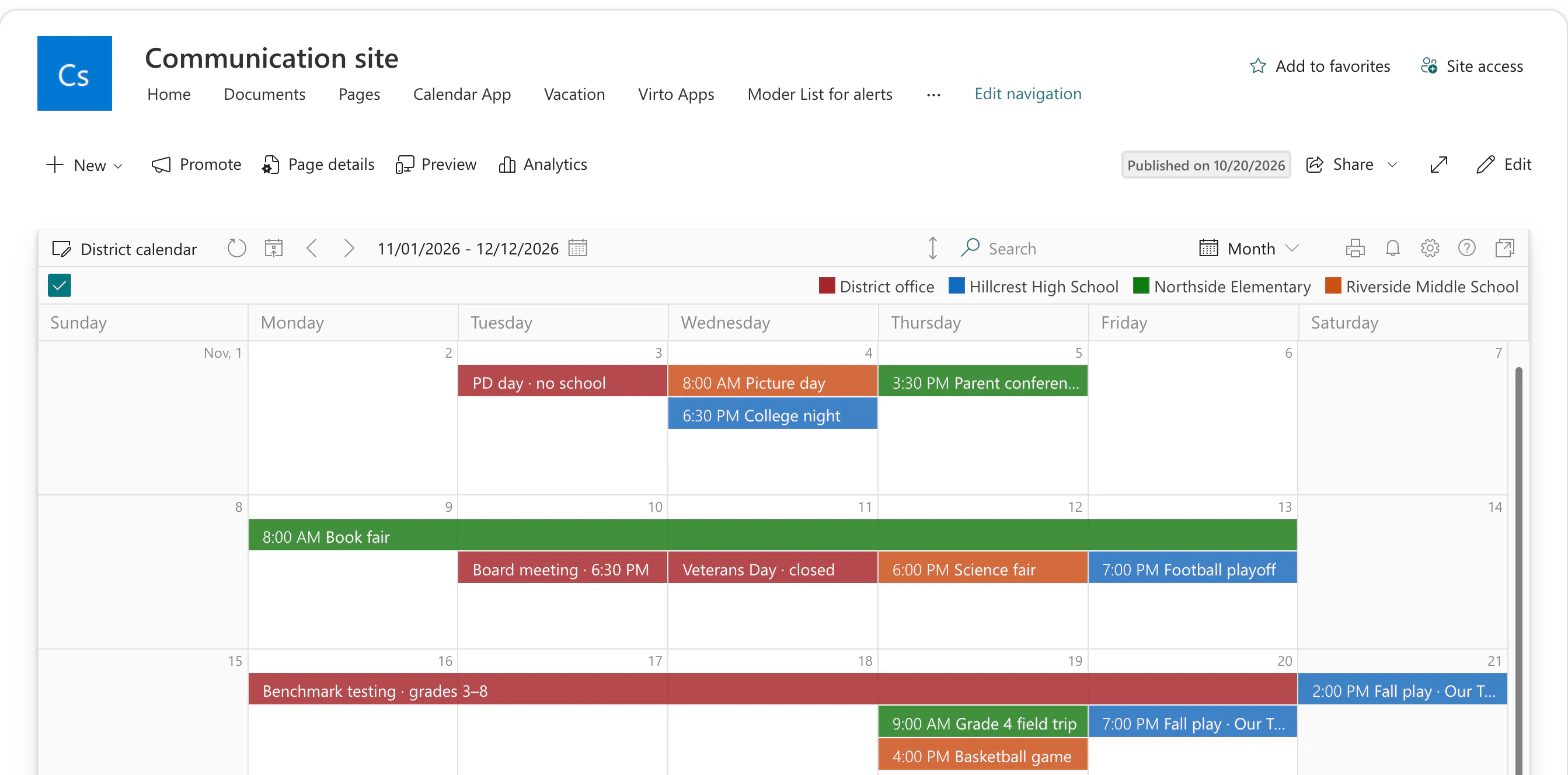
The whole district in one month
A colour per school
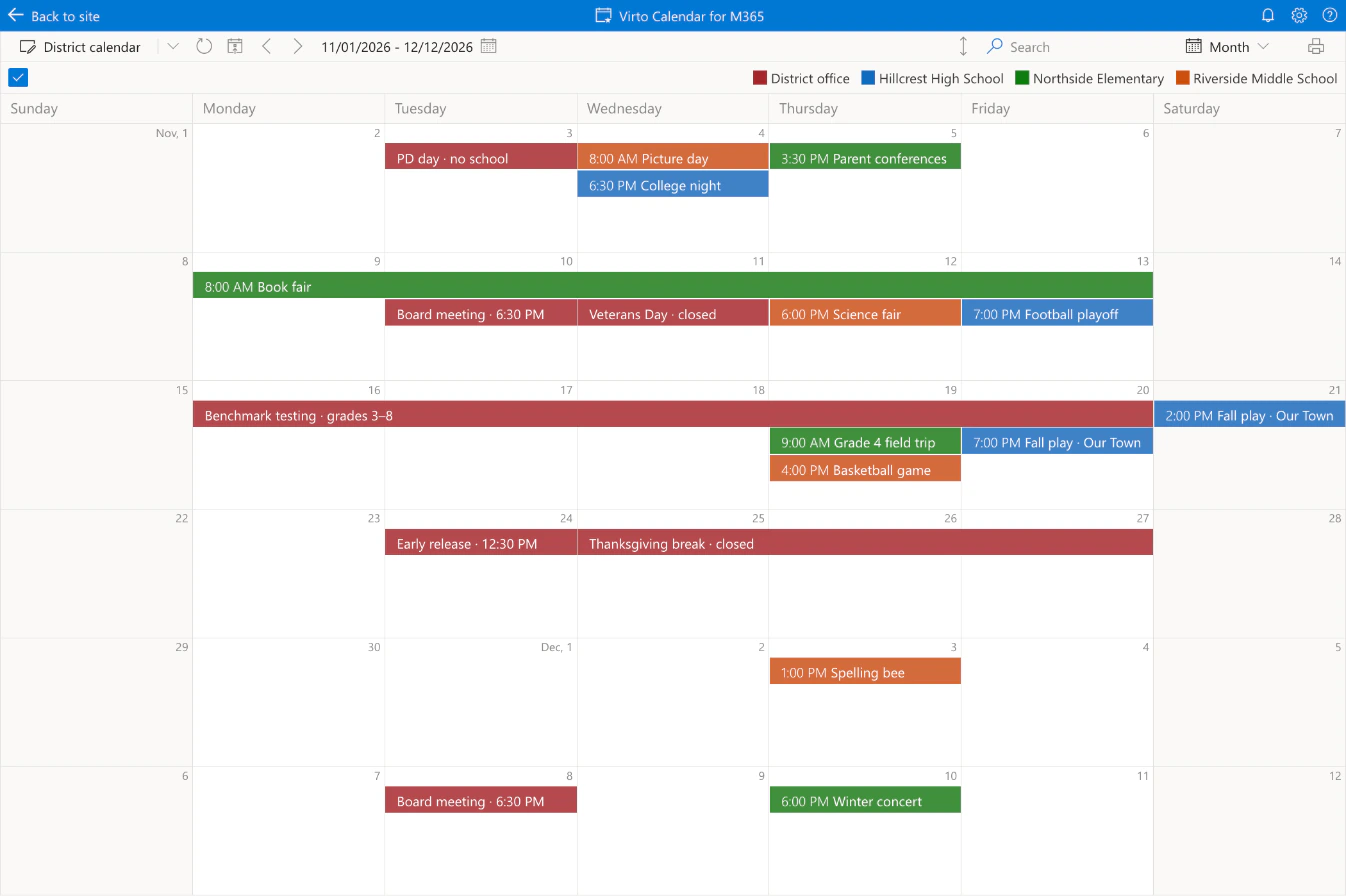
Each source has its own colour, and the legend names it: the district office in red, Northside in green, Riverside in orange, Hillcrest in blue.
Closures next to school events
A PD day, a holiday or a testing window from the district office lands on the same grid as each school's concerts and games.
Step 3 · Filter
One school and the district, one click
The legend is the filter
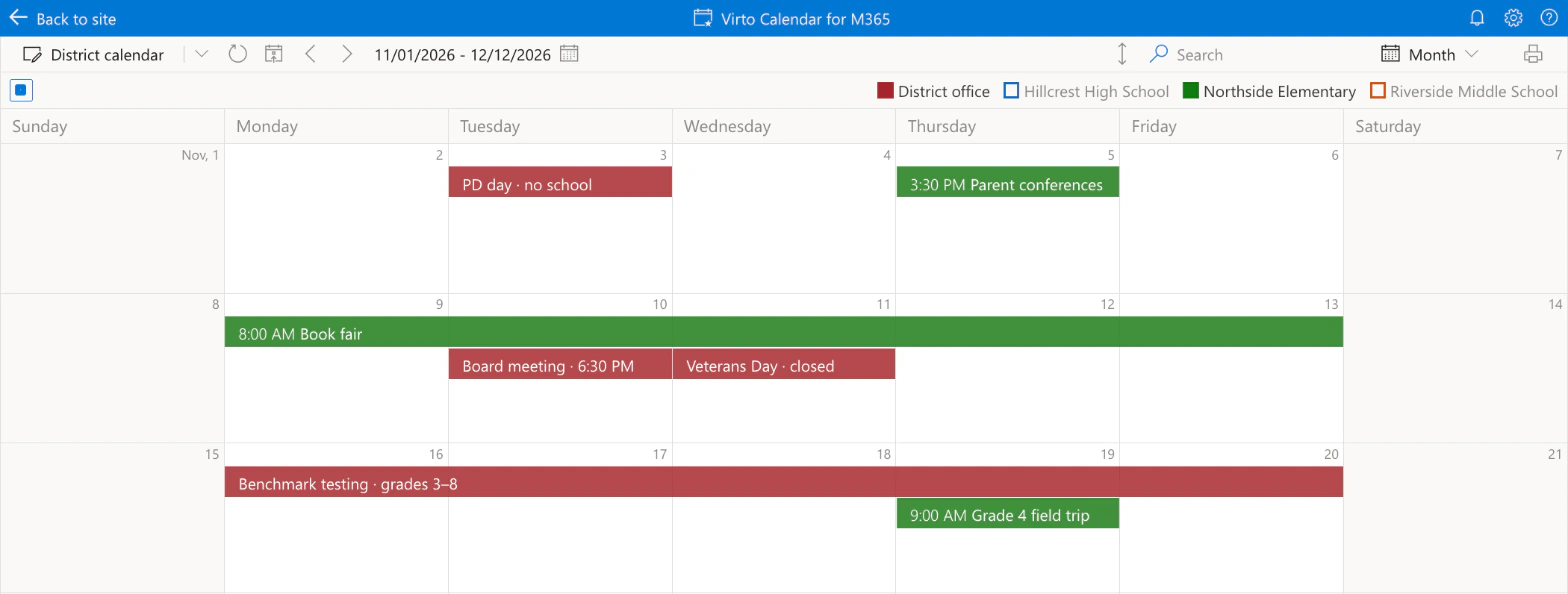
Clicking a school in the legend hides or shows its events in the view; the district dates stay.
Every school one click away
A school switched off stays in the legend, outlined, and one more click brings its events back.
Step 4 · Publish
The district calendar on the intranet
A web part on a page
Virto Calendar App is added to a SharePoint page like any web part and set to one calendar, so staff open the district intranet and see the district.
Shown to the right groups
Audience Targeting shows the web part only to the users and groups you pick. It controls what the page shows, not who may open the lists.
Step 5 · Tell
Next week's district dates, every Friday
One email, not one per date
The weekly summary puts every matching date into one table, so staff get a single email on Friday.
To the people you choose
The rule writes to the people or SharePoint groups you add, such as all district staff.
![Virto Alerts & Reminder App, the Options of a new reminder on the District dates list: conditions Start greater than [Today]+1 and Start less than [Today]+8, send a weekly summary on Friday at 14:00](/images/use-cases/school-district-calendar/weekly-digest.webp)
Key benefits

No new system for the district
The calendars are SharePoint lists the schools already keep. The two apps add the district view and the weekly email.
Clashes you can see
The calendar does not flag a clash by itself. It puts a field trip and a testing week on the same grid, so the overlap is seen.
Schools stay the owners
Each school edits its own list; the district office reads it, read only if you choose.
Your data stays in your tenant
Lists and events stay in your Microsoft 365 tenant under your permissions; the apps process them without storing them.
In Teams and Outlook too
Virto Calendar App also opens as an app in Teams, Outlook and the Microsoft 365 app.
On a phone, too
The calendar opens on a phone, so a principal can check next week from anywhere.
What a school district needs from a calendar, and what runs it
Each school keeps its own list; the district office keeps closures and board meetings.

The lists overlay in one calendar, a colour per school; each event stays an item of its school's list.
The legend turns schools on and off in the view, and the district dates stay.
A web part on a SharePoint page, with Audience Targeting for the groups who should see it.

A weekly summary every Friday lists the coming week's district dates in one email.
The calendar shows events and closures. Timetables, attendance and grade books stay in the SIS.
Bookings takes the appointments; the district calendar shows the conference days next to everything else.
Virto Calendar App
Put every school on one calendar

Related use cases
Discover our range of use cases to take your planning and coordination to another level
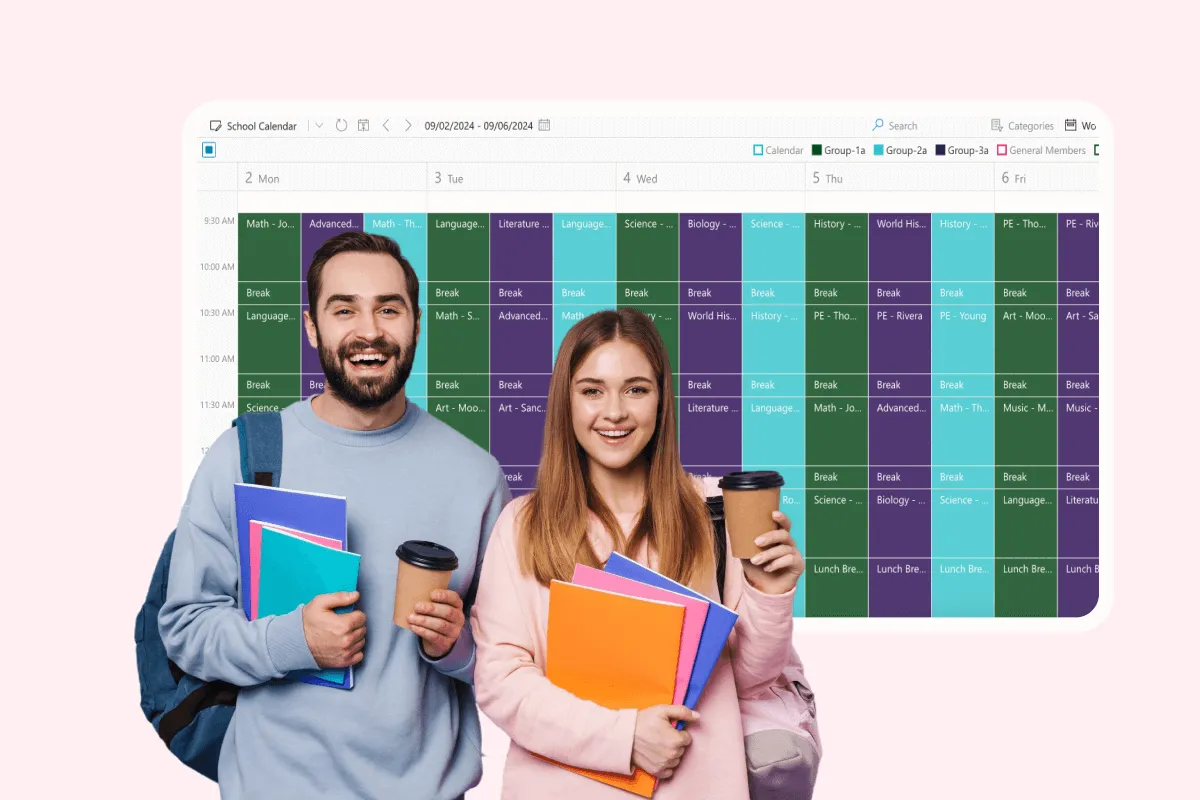
School Event Calendar
Unify school events with Virto Calendar. Coordinate assemblies, sports matches, and extracurricular activities for better communication and participation.
Learn more about School Event Calendar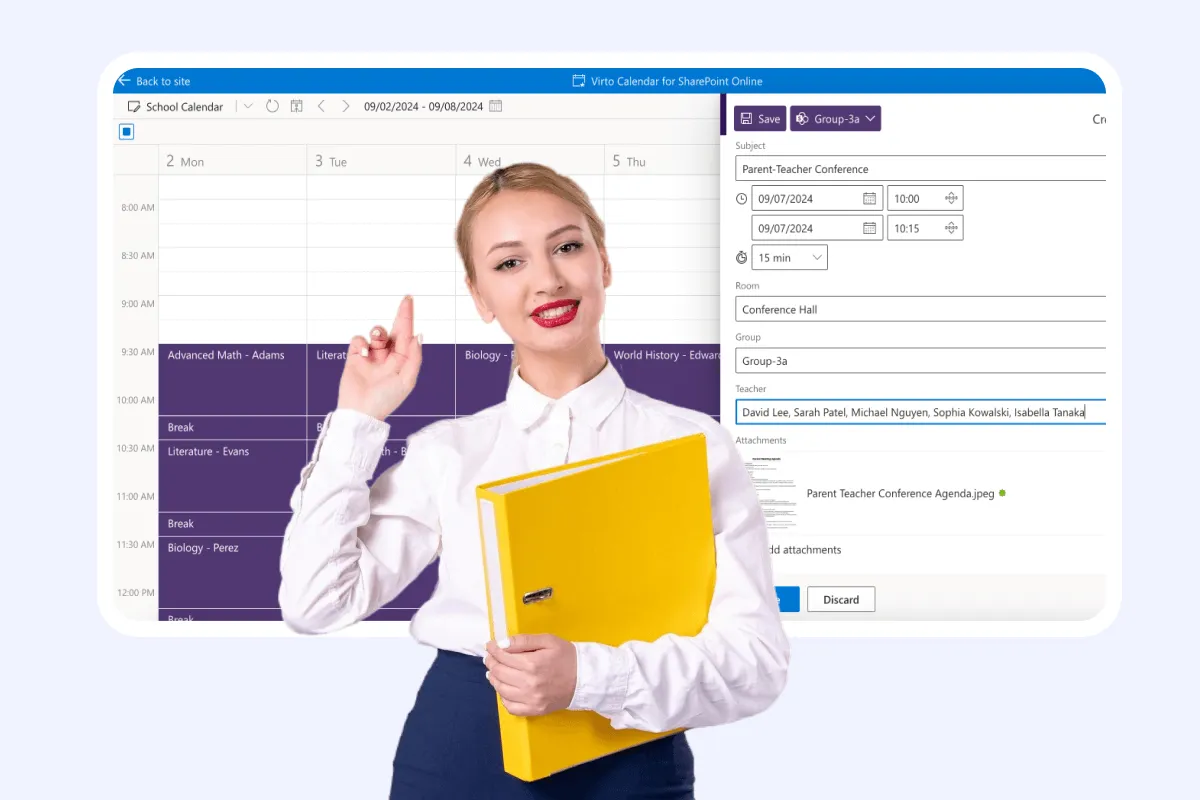
Parent Teacher Meeting
Improve parent-teacher conference scheduling with Virto Calendar. See teachers' availability, rooms and school events together, and manage multiple meetings effectively.
Learn more about Parent Teacher Meeting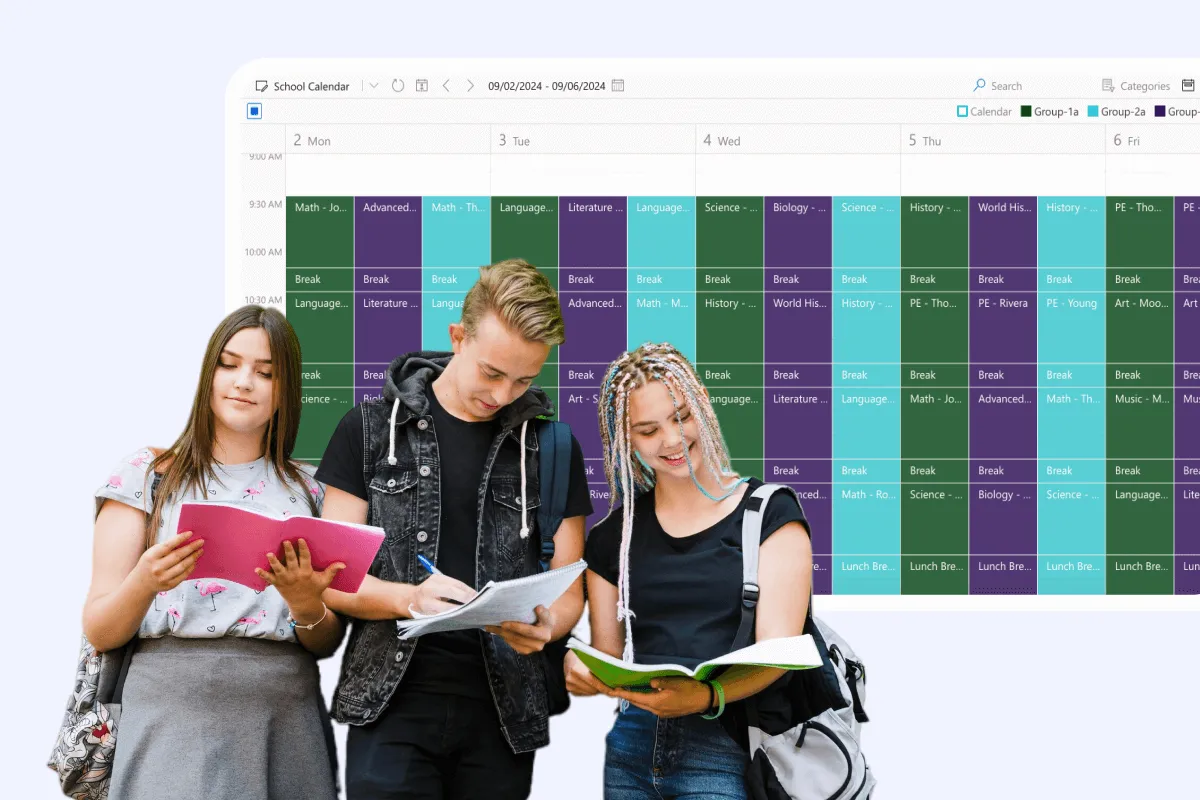
Class Scheduling
Say goodbye to scheduling conflicts, missed classes, and administrative headaches. With Virto Calendar, focus on what matters most: delivering quality education.
Learn more about Class Scheduling