


Rooms, Equipment, and Availability in One Calendar
See rooms, offices, vehicles and equipment in Microsoft 365 — with the maintenance jobs and blackout periods that make them unavailable.



Trusted by Industry Leaders


and over 8,000 businesses worldwide
One Availability View for Rooms and Equipment
Coordinate shared spaces, vehicles, equipment, and people from the Microsoft 365 calendars and lists your organization already uses.
Availability
Shared resource availability
Rooms, offices, and vehicles
Bring room mailboxes, office calendars, company vehicles, and other bookable assets into a single color-coded availability view.
Faster booking decisions
Let coordinators see what is available before they open individual calendars or send another availability request.
Service work and blackout periods
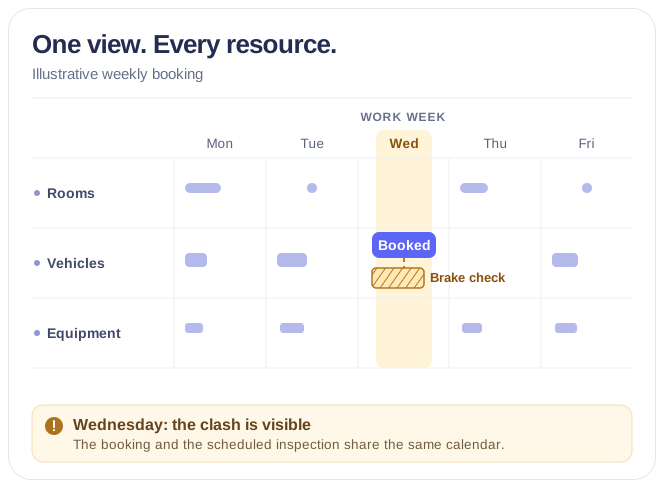
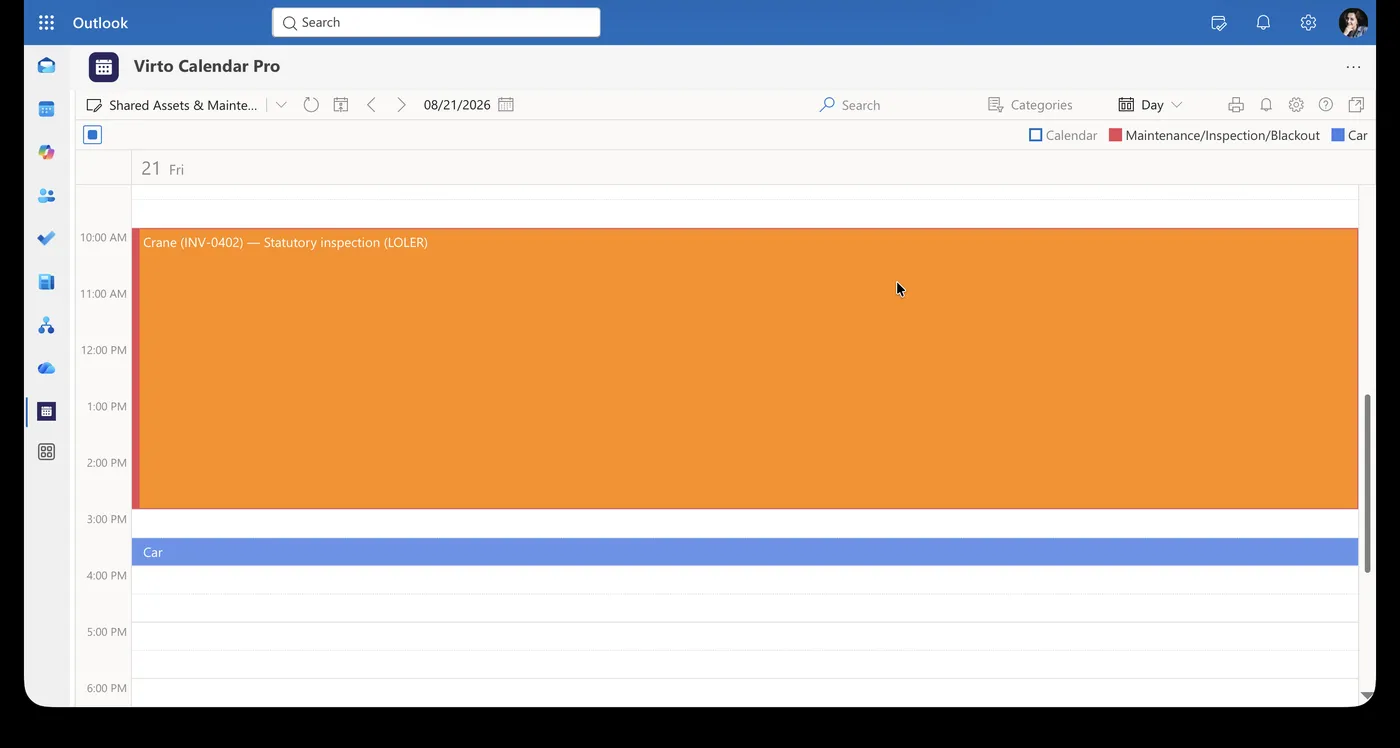
Maintenance jobs, inspections and periods when an asset is unavailable appear in the same availability view as the bookings they interrupt.
Sources
Multiple sources, one operating picture
Exchange and Microsoft 365 groups
Overlay resource mailboxes and group calendars so facilities, operations, and project teams work from the same schedule.
SharePoint asset context
Add operational equipment and asset schedules stored in SharePoint Lists without replacing their existing system of record.
Maintenance and inspection schedules
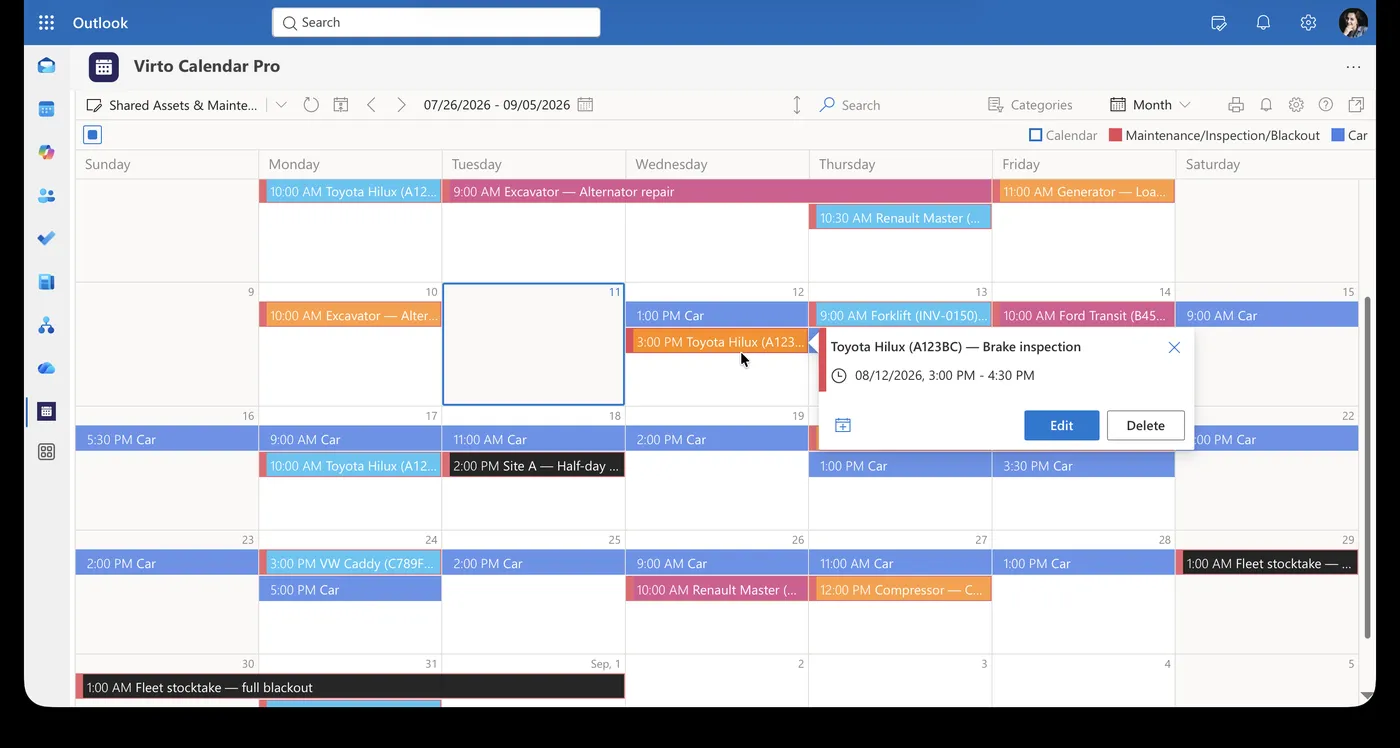
Virto Calendar App adds the service calendar for vehicles and equipment alongside the booking sources, so a booked asset and a scheduled inspection are read together.
Setup
A setup that matches your workplace
Clear source mapping
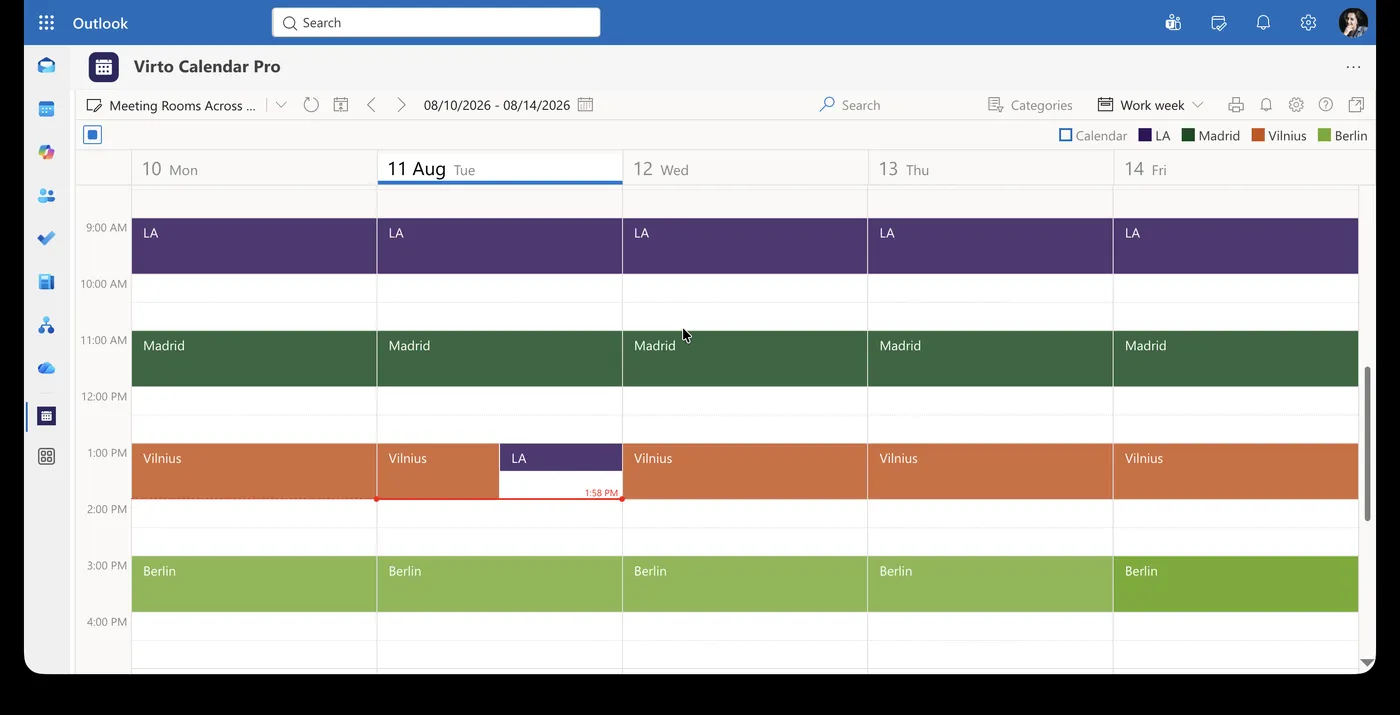
Assign a distinct color and label to each office, room, vehicle, equipment pool, or responsible team for immediate recognition.
Views for every coordination task
Use day, work week, week, month, multisource or task views with the same connected resource setup, and scale up to year when reviewing how rooms were used.
Key benefits

One source of availability
Give employees and coordinators a single view of shared resources that otherwise live in separate Microsoft 365 calendars and lists.
Fewer booking conflicts
Identify occupied rooms, reserved equipment, and overlapping requests before they disrupt meetings or operational work.
Multi-location coordination
Compare availability across offices, departments, and regions while keeping each resource clearly labeled.
Existing Microsoft 365 permissions
Retain the access model of the connected source instead of creating a separate public booking database.
Flexible resource categories
Organize rooms, vehicles, specialist equipment, workstations, and teams with recognizable colors and categories.
No calendar migration
Keep booking records in Exchange, group calendars, and SharePoint while Virto Calendar provides the shared operating view.
When Virto Calendar App fits — and when it does not

The inspection and the booking are drawn in the same calendar, so the clash is visible while the booking is still being made.
Blackout windows are rendered as blocks that hold their place in the day, rather than as a note kept in a separate list.
Room calendars from several offices are drawn in one view, and two bookings that overlap are shown side by side rather than stacked out of sight.
Work orders sit in a SharePoint list, vans and tools have equipment mailboxes, and each technician keeps their own calendar.
The work order, the technician's calendar and the vehicle mailbox are drawn in the same view, so a job whose slot has no free person or no free vehicle is visible before it is confirmed.
Virto Calendar App shows when service work happens. It does not hold the work order, the parts or the service record, which stay in the system that owns them.
Virto Calendar App shows whether the person and the vehicle are free for the slot. Assignment, route optimization and dispatch stay in the field service system that owns the job.
Virto Calendar App
Make every shared resource visible and usable
Related products


Related use cases
Discover our range of use cases to take your planning and coordination to another level
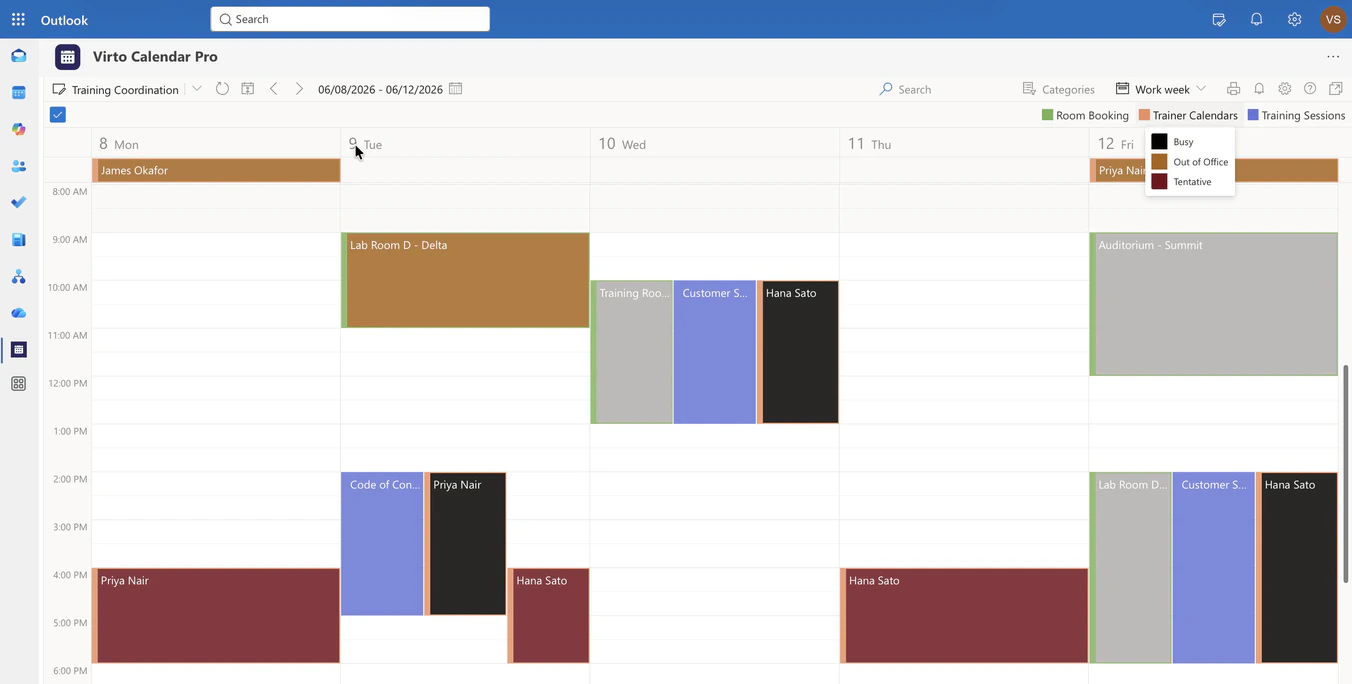
Corporate Training Calendar
Overlay the training sessions list, room mailboxes and trainer calendars in one Microsoft 365 calendar, so L&D sees whether a session can happen at that time, in that room, with that trainer.
Learn more about Corporate Training Calendar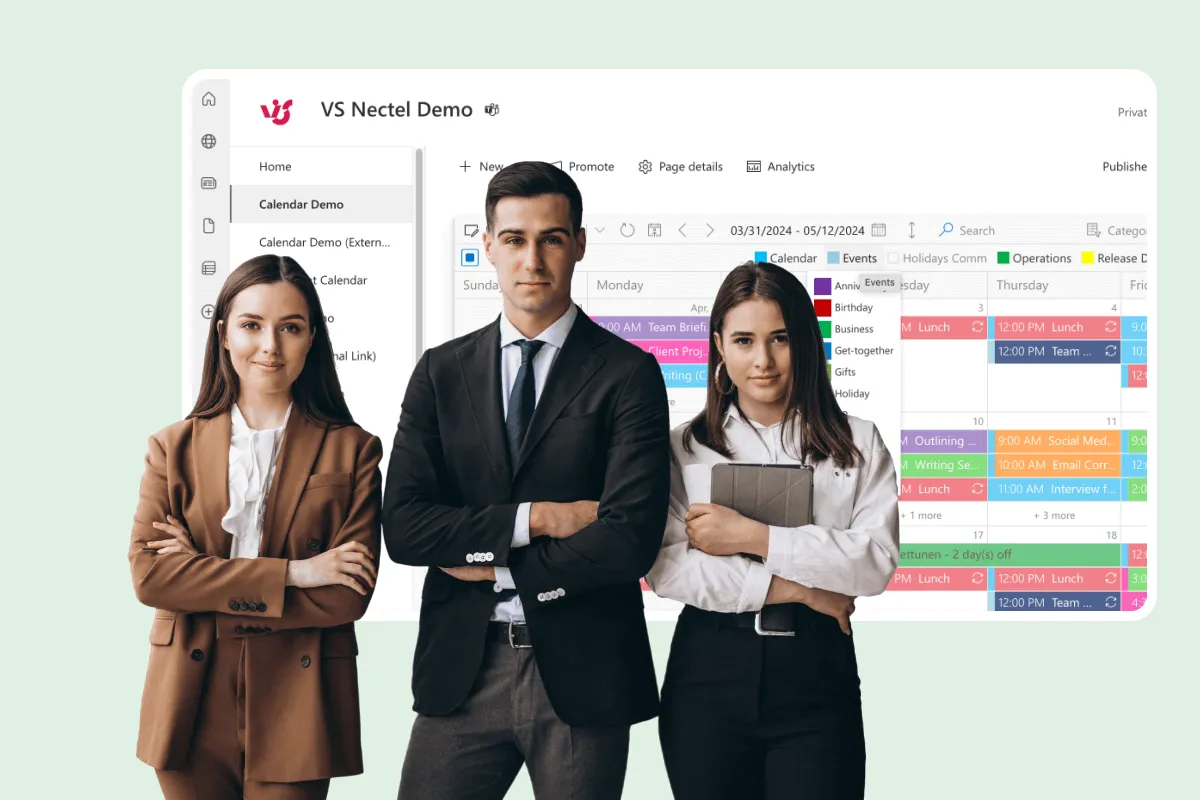
Calendar for Interdepartmental Communication
Sales, Product, Marketing and regional groups keep their own Microsoft 365 Group calendars. Virto Calendar App draws them in one view — Week, Month, Year and Year Quarter — so shared dates and collisions are visible early.
Learn more about Calendar for Interdepartmental Communication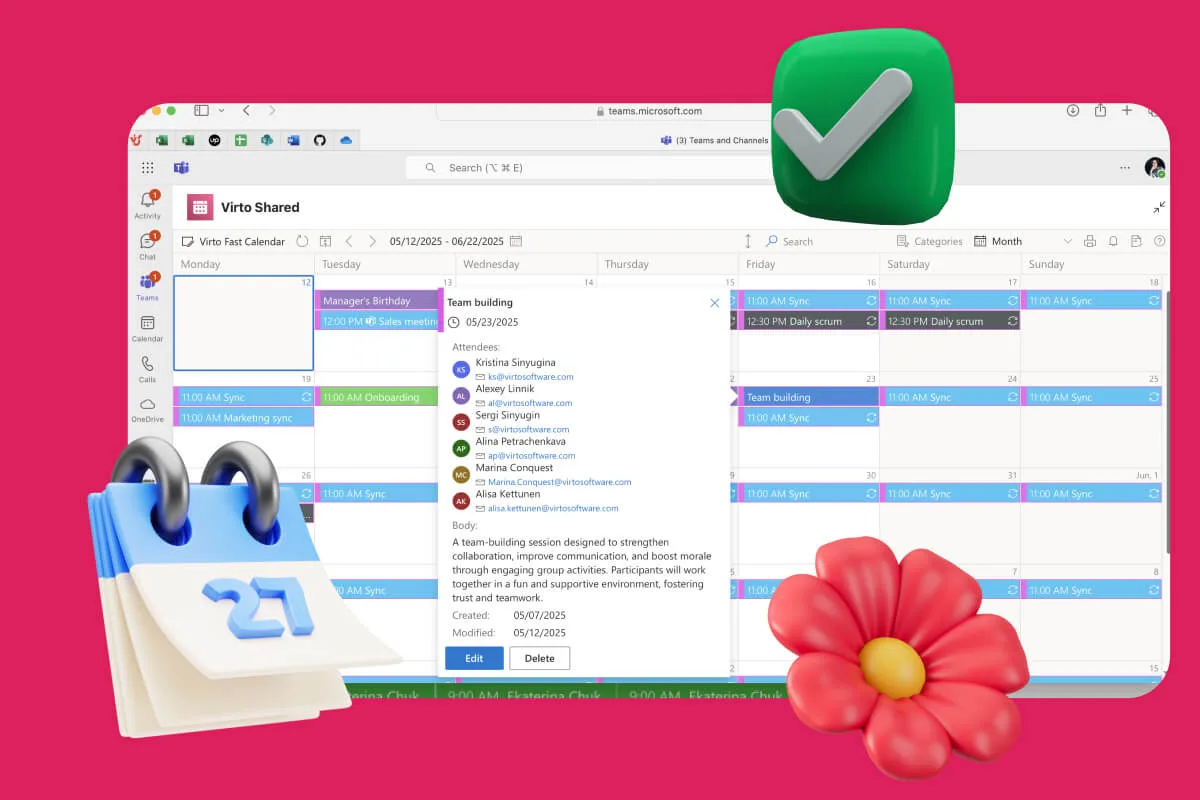
Availability Calendar
Virto Calendar App draws every team member's calendar in one Outlook view — busy time, vacations and shared meetings, under the permissions each source already has.
Learn more about Availability Calendar