


Purchase Requests With an Order Tab for Finance
A SharePoint list of purchase requests with a form in two tabs: the request an employee fills in, and the order that finance completes. The employee sees the PO number and status but cannot change them. Built with Virto Forms Designer App.



Trusted by Industry Leaders


and over 8,000 businesses worldwide
Ask, Order, Track
The screens come from a test list on our own SharePoint site: one item per request and a published Virto form with two layouts, one for the finance team and one for everyone else. The names are invented.
Ask
The employee asks for an item
A request per item
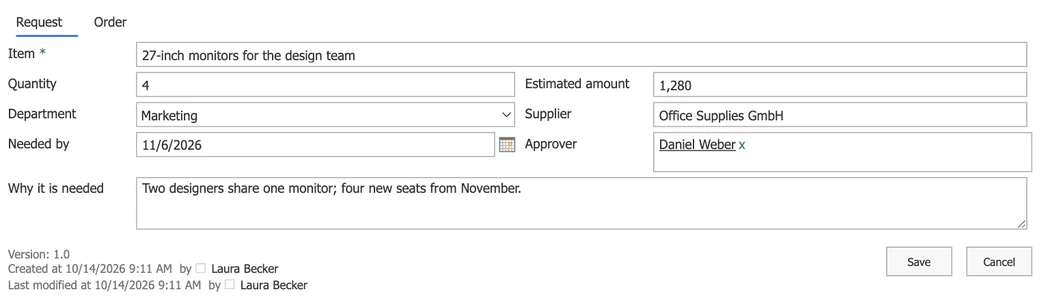
What, how many, how much, for which department and by when: columns of an ordinary SharePoint list item.
The approver named in the form
The approver is a person column, so an approval flow or a reminder knows whom to address.
Track
The employee sees the order, read-only
No email to ask where it is
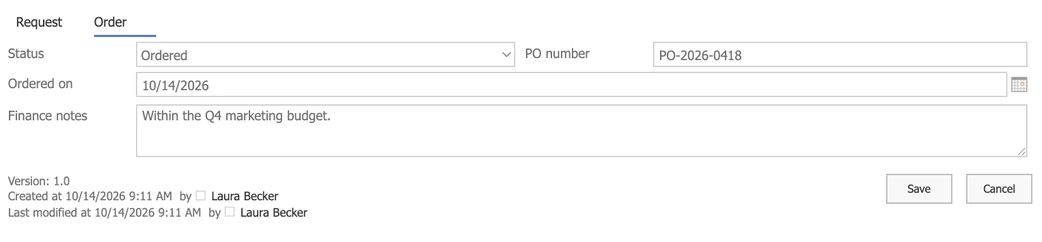
Status, PO number and order date are in the same item the employee filled in.
Visible, not editable
The Order tab is read-only in the employee's form. Who may change the data itself is still decided by the list's permissions.
Order
Finance completes the order
A layout for finance
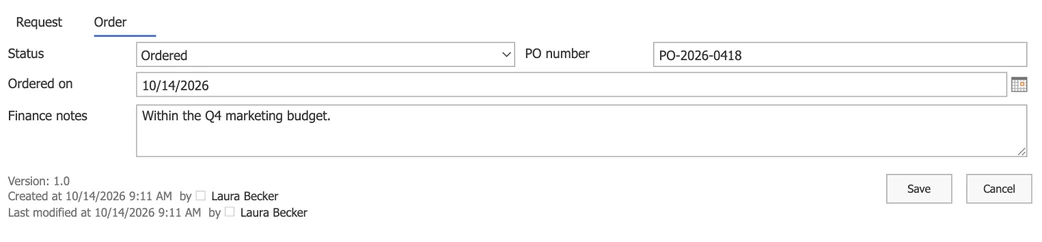
Members of the Finance team group open the request in a layout where the Order tab is theirs.
Notes stay with the request
Budget remarks travel with the item instead of a separate spreadsheet.
Key benefits

Your data stays in your list
Every request is a list item in your tenant, with your permissions, versions and views.
No code for the layout
Tabs, two columns and a layout for finance are set in a drag-and-drop designer.
Fewer status questions
Employees see the order status and PO number in their own request.
Every change on record
Version history shows who changed the amount, the status or the PO number, and when.
Flows and alerts can react
Because the request is a list item, a Power Automate flow or a Virto alert can react to the status or the amount.
A form, not a lock
A read-only tab shapes the form. Who may change the data is still set by the list's permissions.
What purchasing needs, and what runs it

A Request tab for employees and an Order tab for finance on one list item, with a layout for each, set up without code.
A cascading drop-down: pick Marketing, see only marketing cost centres.
Possible with JavaScript in the form; the designer has no setting for cascading lookups.

A date-based reminder on the Needed by column emails finance or the approver a few days ahead.
A flow sends requests above a threshold to a second approver and writes the outcome back to the item.
This form handles one item per request. Multi-line orders, catalogues and supplier integration belong in a procurement system.
Virto Forms Designer App
Give finance its own tab in every purchase request

Related use cases
Discover our range of use cases to take your planning and coordination to another level
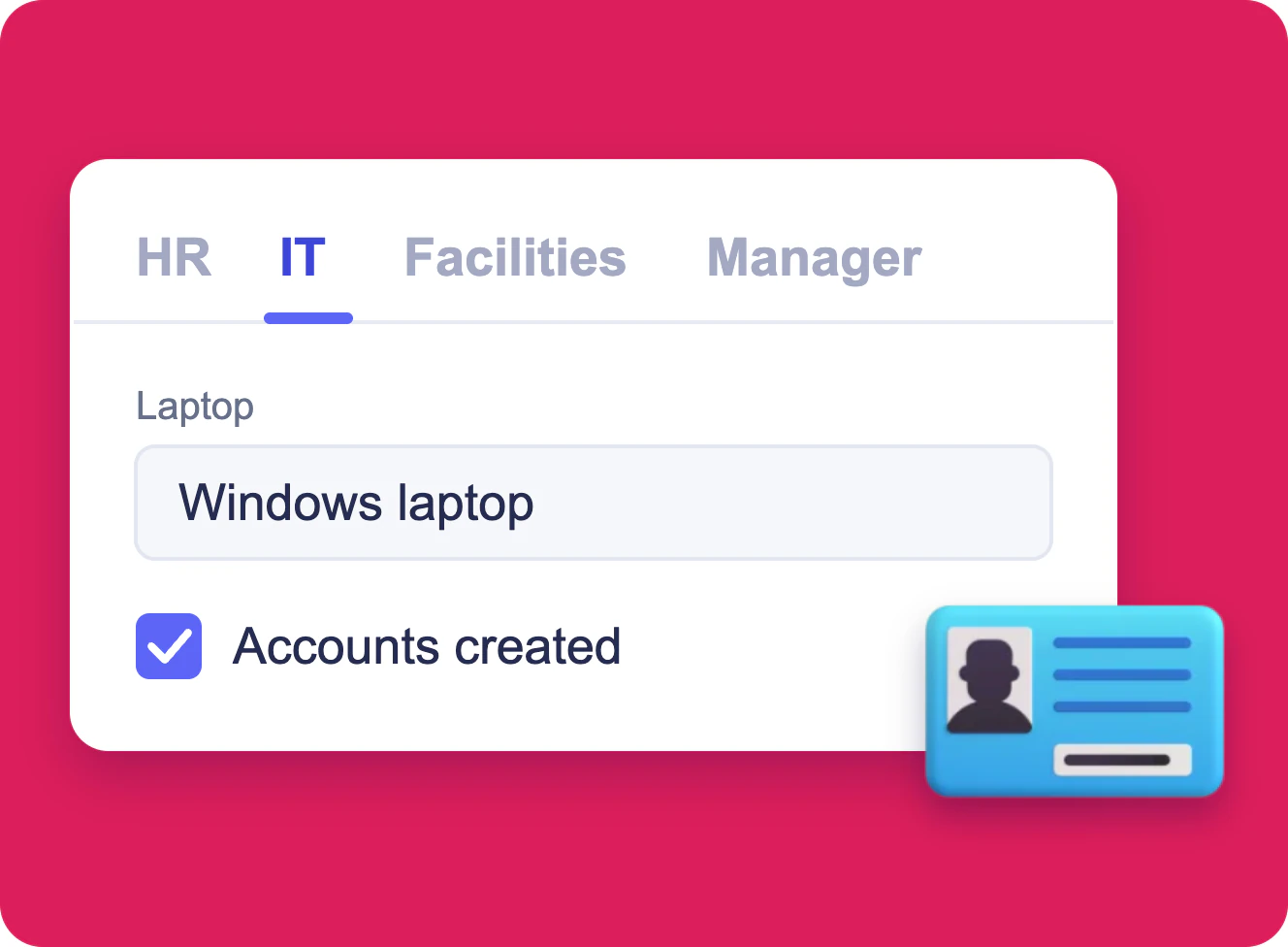
Employee Onboarding Form in SharePoint
One SharePoint list item per new hire, filled in by HR, IT, facilities and the hiring manager, each in a form of its own built with Virto Forms Designer App.
Learn more about Employee Onboarding Form in SharePoint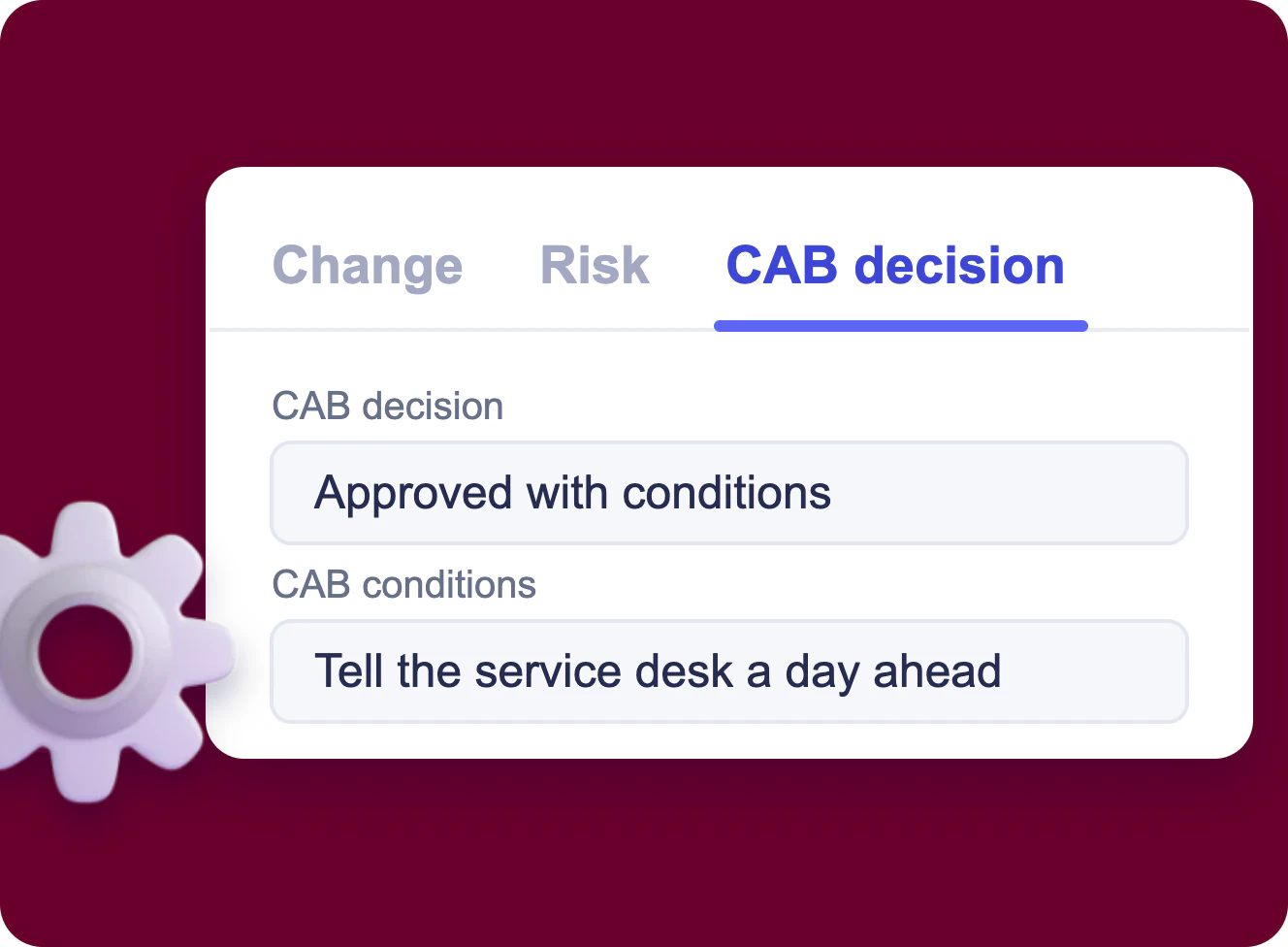
IT Change Request Form in SharePoint
A SharePoint list of change requests with tabs for the change, its impact and risk, and the CAB decision, which only the change advisory board edits, built with Virto Forms Designer App.
Learn more about IT Change Request Form in SharePoint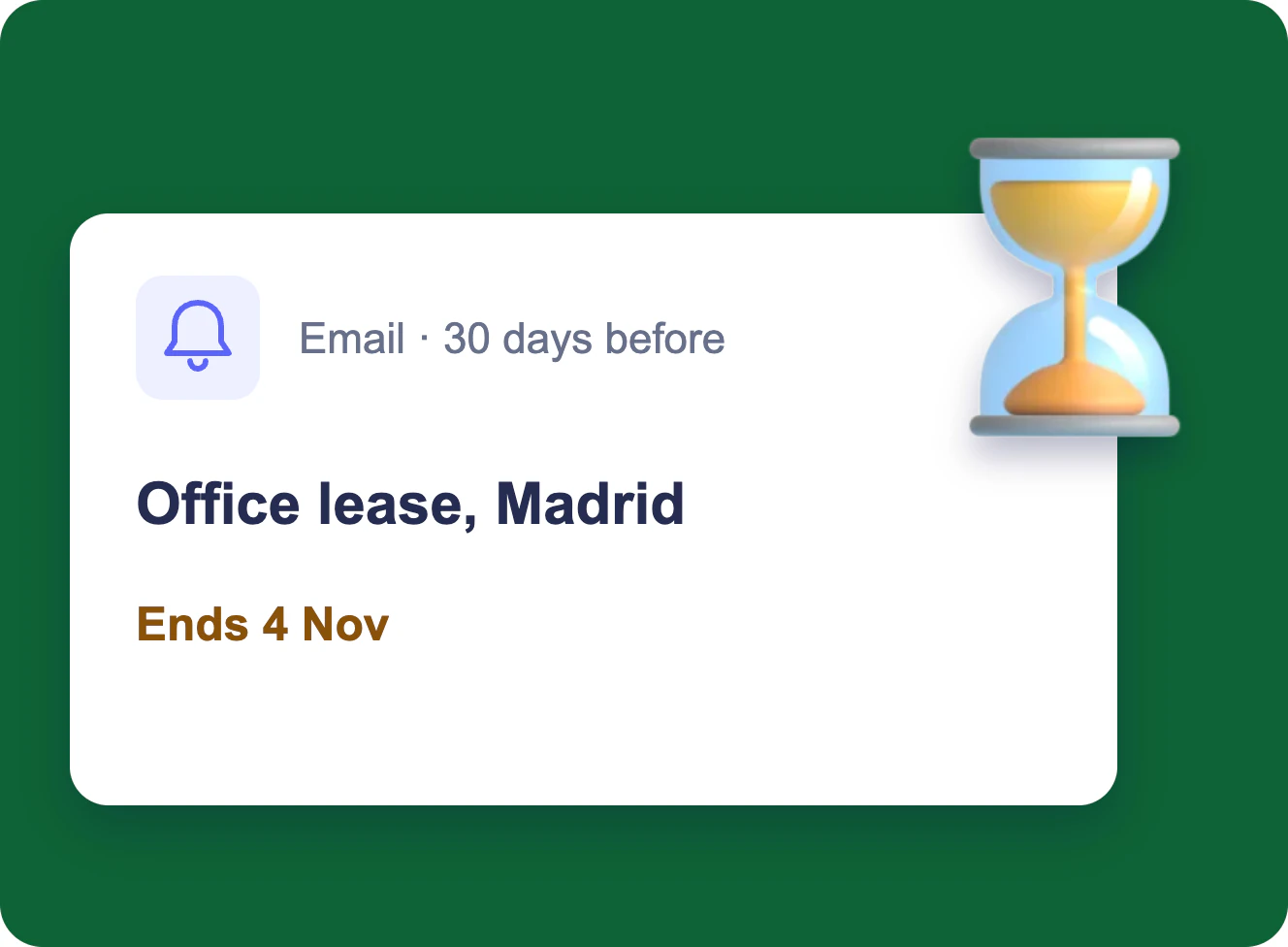
Expiration & Renewal Reminders
Each owner gets an email 90, 60 and 30 days before a contract, certificate or licence ends, and the team lead gets one weekly table — from the SharePoint list you already keep.
Learn more about Expiration & Renewal Reminders