


The On-Call Rota Next to Everyone's Time Off
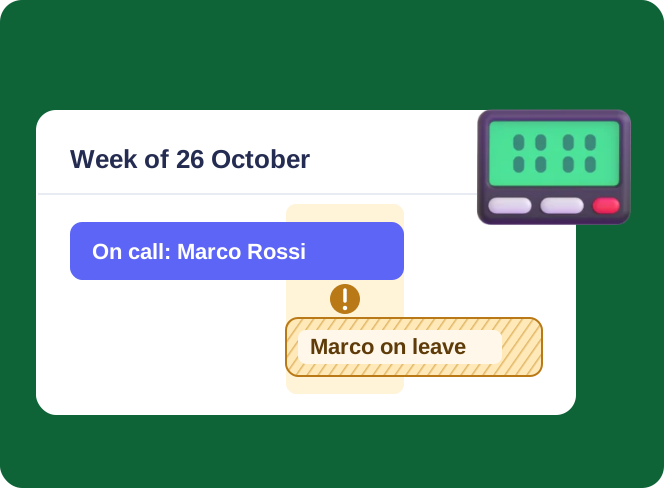
Keep the on-call rota in a SharePoint list and see it next to approved and pending leave in one calendar. Engineers get a reminder before their week, and the team channel hears who is on call.



Trusted by Industry Leaders


and over 8,000 businesses worldwide
Five Steps, Two Apps, Two Lists
The rota and the time-off requests are ordinary SharePoint lists. Virto Calendar App draws them together, and Virto Alerts & Reminder App does the reminding. The screens are from our demo site.
Step 1 · See
Who is on call, and who is away
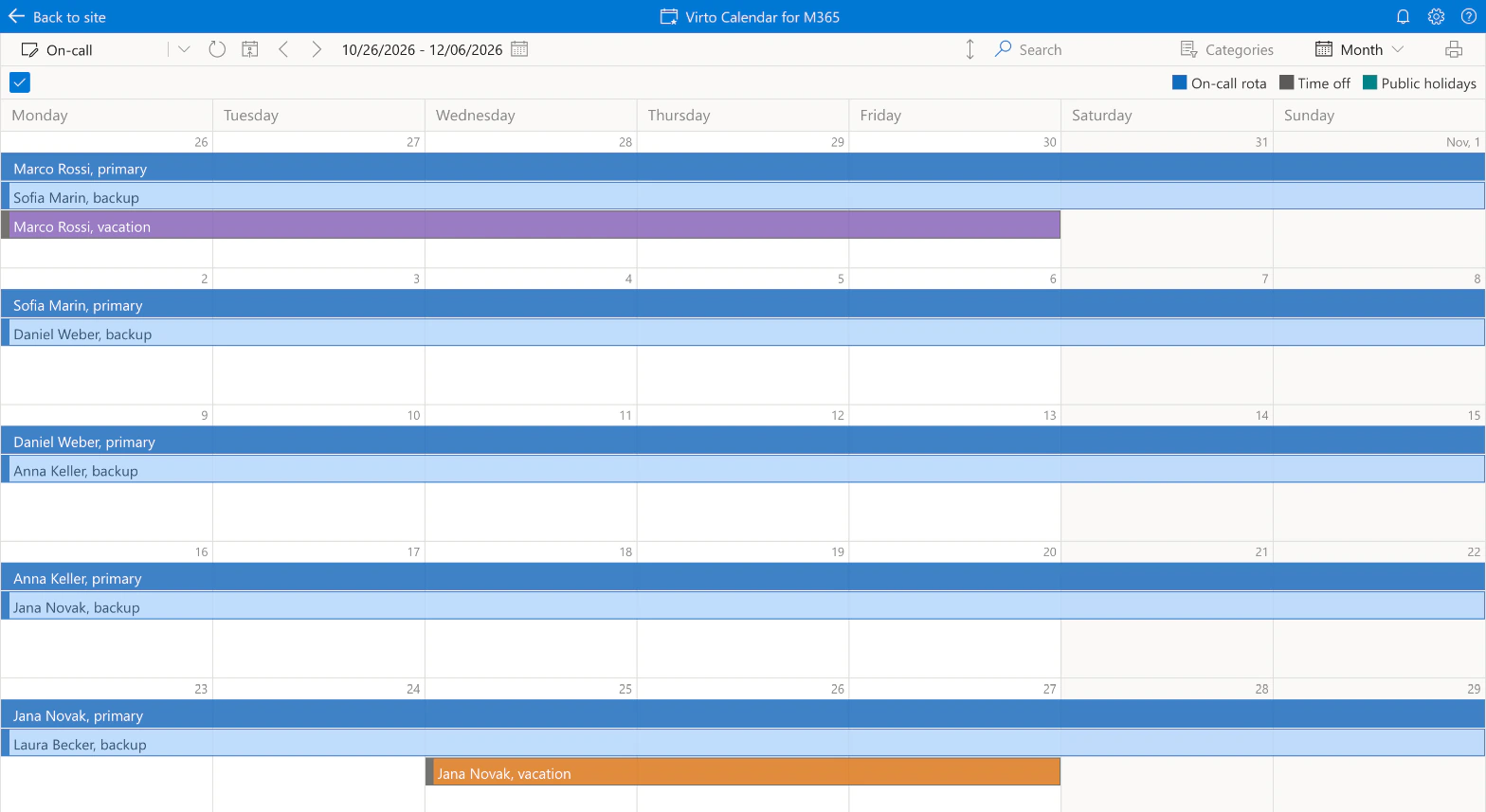
Two lists, one view
The rota and the time-off requests stay separate lists with their own permissions; the calendar only draws them together.
Colour tells the story
The rota is coloured by role and the leave by approval status, so a week with the primary on vacation stands out.
Step 2 · Look ahead
Holidays are on the same calendar
Public holidays from a feed
An ICS feed adds a country's public holidays next to the rota.
The whole year at a glance
Month, quarter and Flat Year views show which holiday weeks still need a plan.

Step 3 · Remind
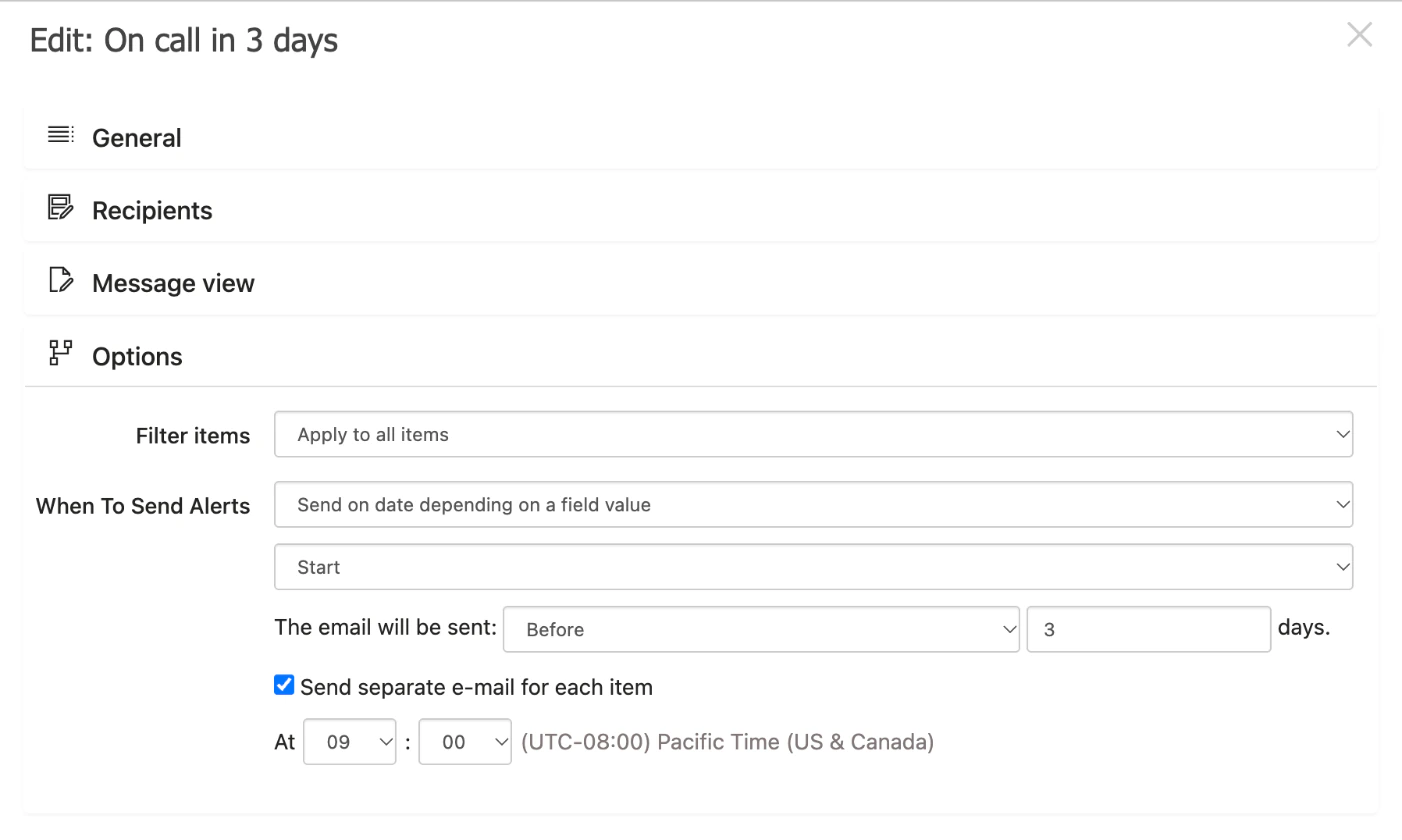
Three days before the shift, the engineer hears
The recipient comes from the row
The rule writes to the person in the On-call engineer column, so next quarter's rota needs no new rule.
Primary and backup both hear
Each person on the rota has a row, and each row gets its own email.
Step 4 · Tell the team
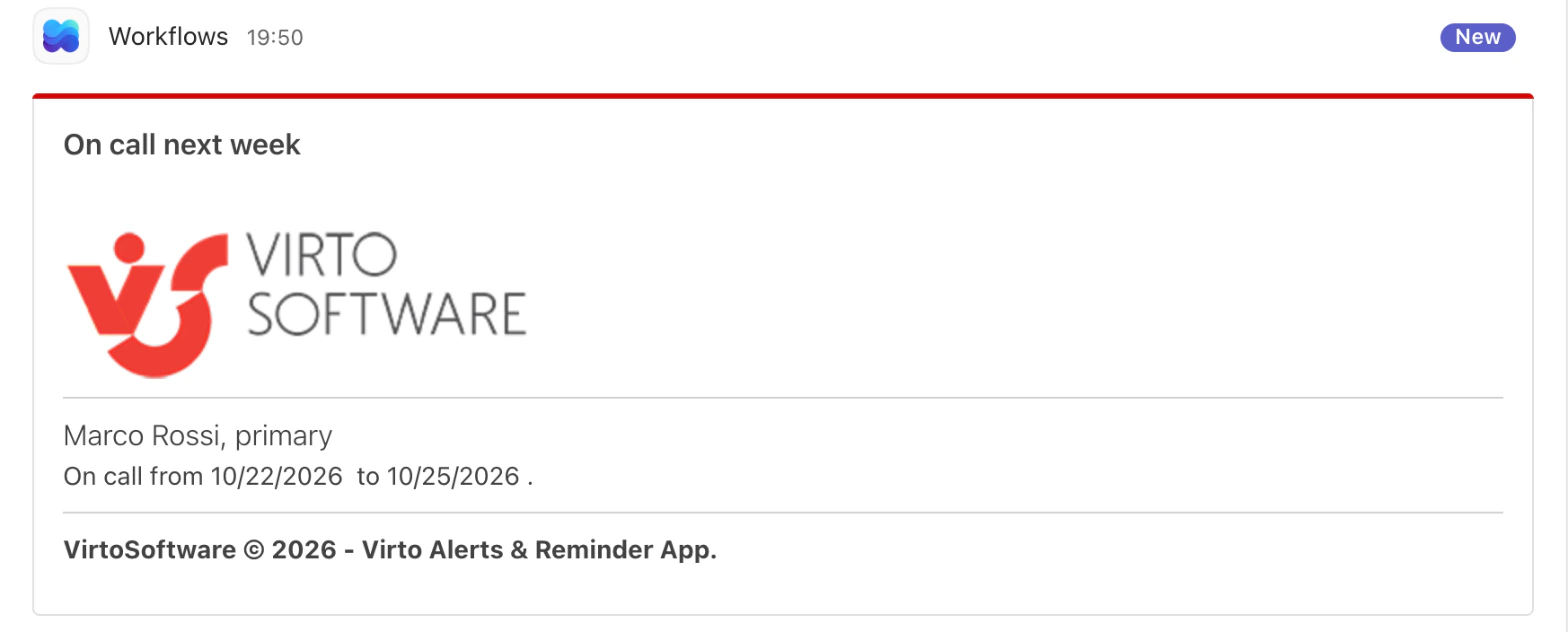
Who is on call next week, in the team channel
Friday morning, every week
Three days before a Monday start, the rota row is posted to the team's channel in Teams.
Through a Workflows link
The reminder posts to the channel you choose through a Workflows link; nobody forwards anything.
Step 5 · React
Approved leave reaches the rota coordinator
Approve right on the calendar
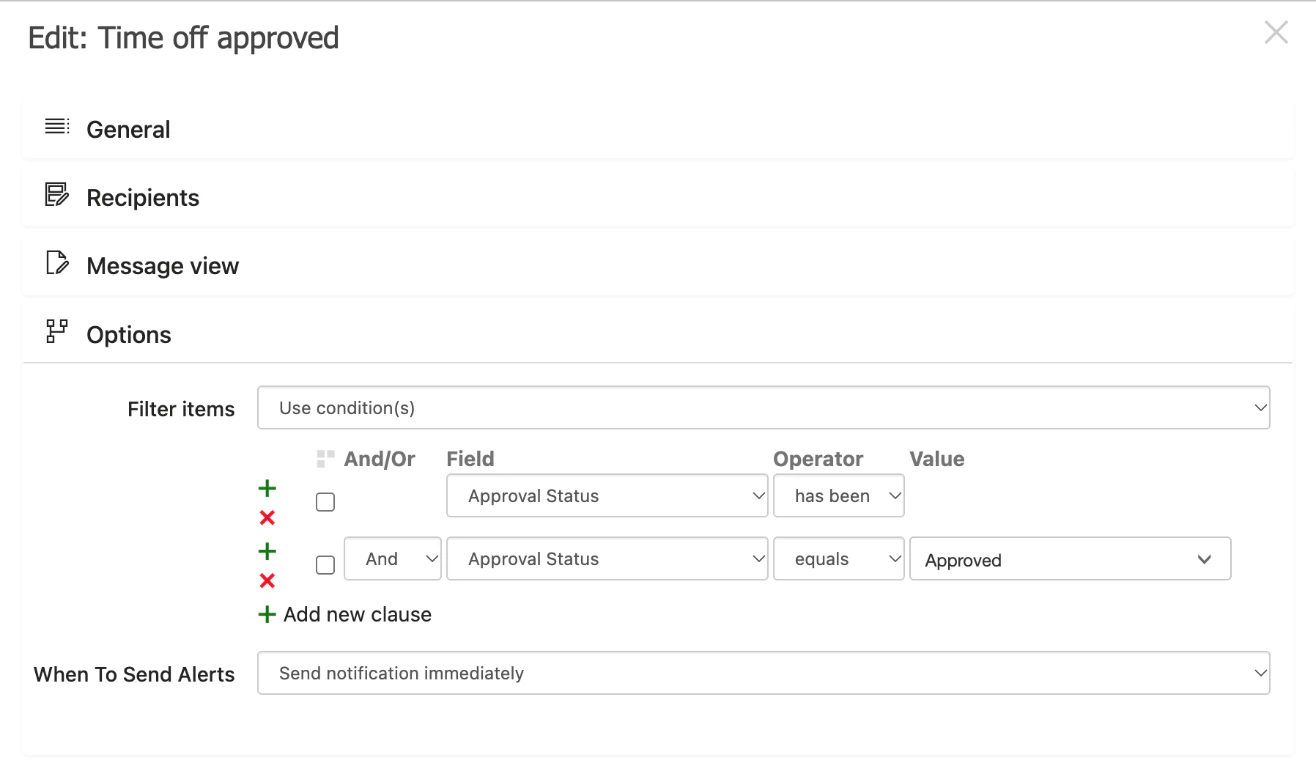
Managers approve or reject leave on the calendar itself, and the colour turns from amber to purple.
A swap is announced too
A second rule writes to the coordinator and the new engineer when the On-call engineer column changes.
Key benefits

No new system to roll out
The rota and the leave requests are SharePoint lists. The two apps add the calendar and the reminders on top of them.
Overlaps you can see
The calendar does not flag clashes for you. It puts the rota and the leave side by side, so a week with the primary away is visible at a glance.
Reminders built from the rota
The rules read the dates and the people in each row, so next quarter's rota needs no new setup.
Email and Teams
A reminder can go by email to the person in the row and to a Teams channel through a Workflows link.
Your data stays in your tenant
The rota and the leave records stay in your Microsoft 365 lists, under your permissions.
On a phone, too
The calendar opens on a phone, so the backup can check the week from anywhere.
What an on-call rota needs, and what runs it
The rota is one list, the leave requests another, and the holidays come from outside.

Both lists and an ICS holiday feed overlay in one calendar, coloured by role and approval status, with a clickable legend.

A reminder three days before Start goes to the person in the row, primary and backup alike.
The same kind of reminder posts the rota row to the team's Teams channel through a Workflows link.
One alert fires when a request becomes Approved, another when the on-call engineer in a row changes.
The calendar and the reminders keep the rota visible and remembered. Phone calls, SMS and escalation chains belong to an incident tool.
The coordinator fills the rota list; the apps show it and remind people, they do not generate or balance it.
Virto Calendar App
Put the rota and the time off on one calendar

Related use cases
Discover our range of use cases to take your planning and coordination to another level
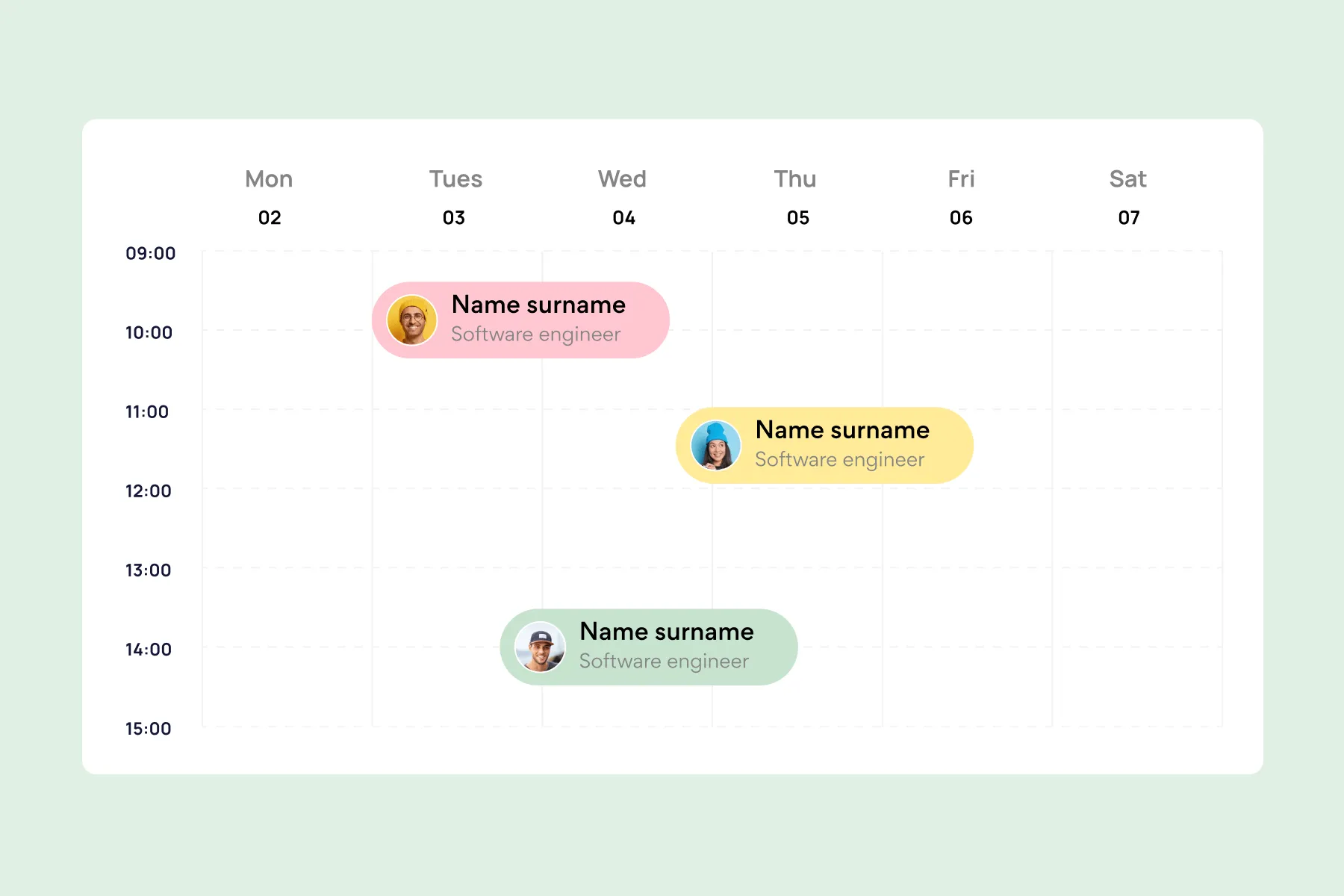
Employee Vacation Tracker
Virto Calendar App shows approved leave next to the public holidays of every country your team works in — who is away, and which offices are closed.
Learn more about Employee Vacation Tracker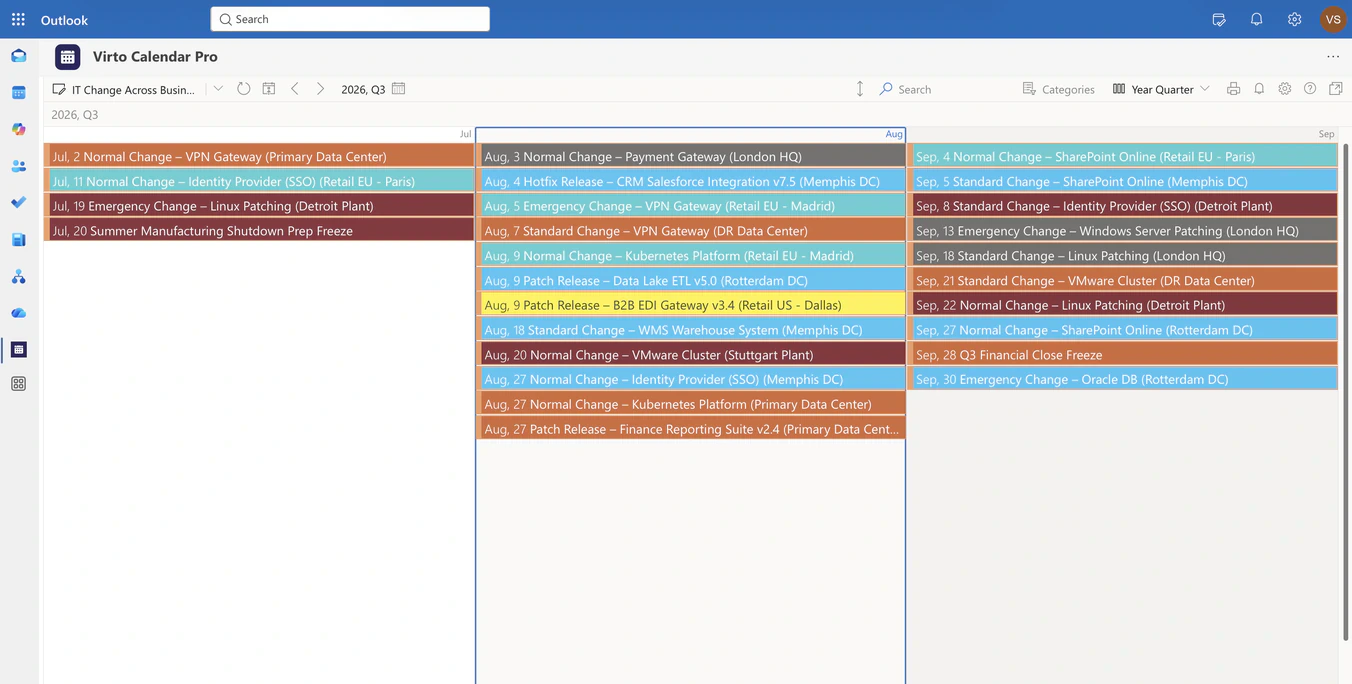
IT Change & Release Calendar
Overlay change, release and maintenance lists from every business unit in one Microsoft 365 calendar, so IT sees colliding windows before they open.
Learn more about IT Change & Release Calendar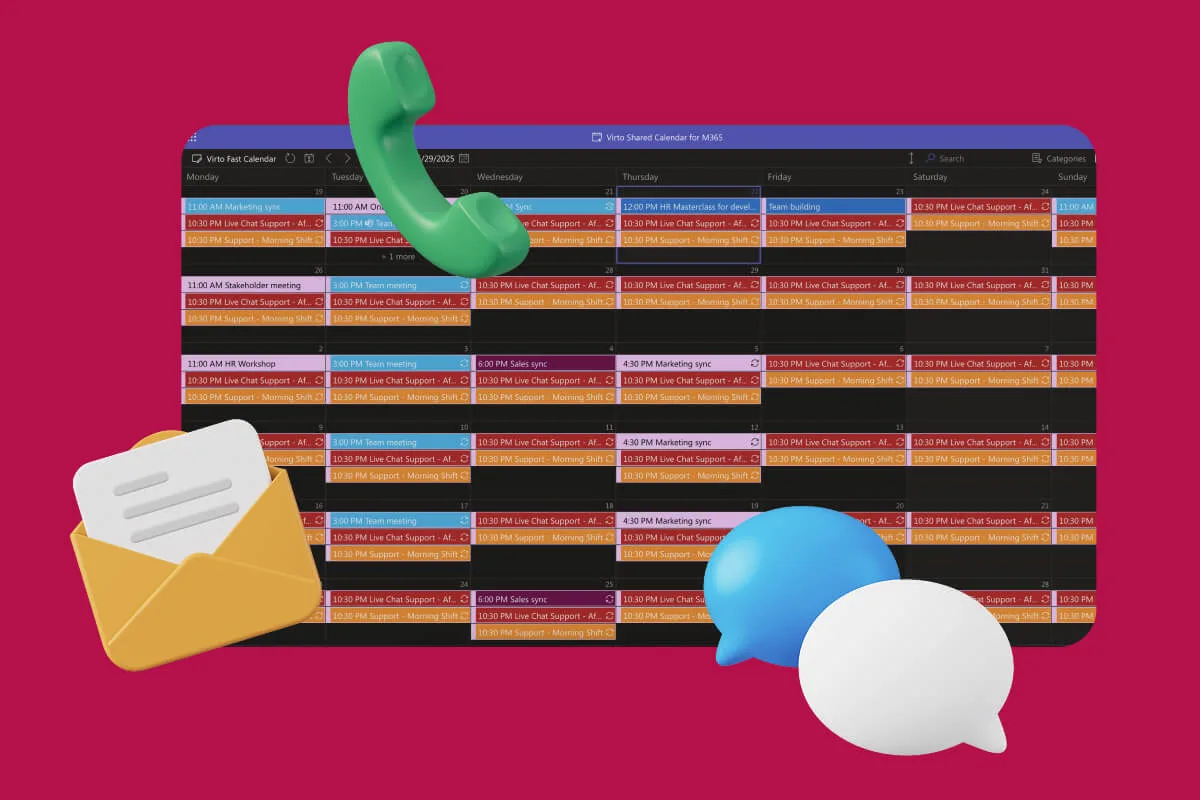
Customer Support Schedule
One shared rota for on-call shifts, PTO and night rotations, tagged by tier. Agents check it in Teams or on a phone, and part-timers or partners open it from a link, no Microsoft account needed.
Learn more about Customer Support Schedule