


Master schedule calendar: Know what’s happening. Always.
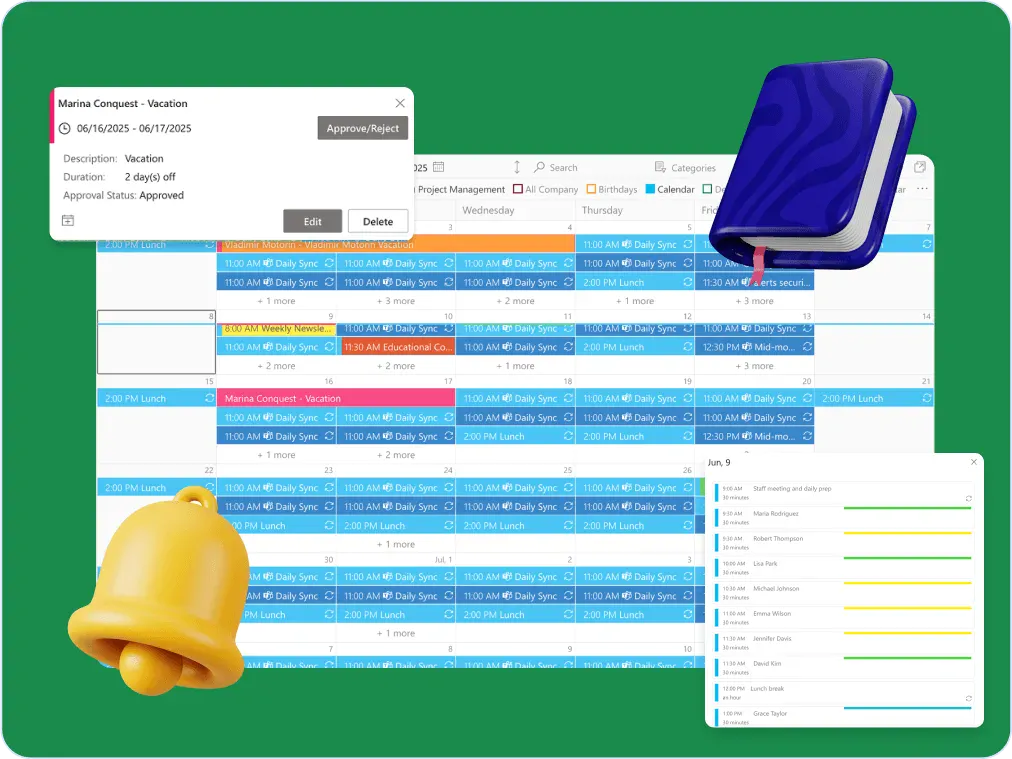
The right master schedule makes it easier to manage moving parts. From cross-functional teams to external partners, everyone stays in the loop—and nothing slips through the cracks.



Trusted by Industry Leaders


and over 8,000 businesses worldwide
Launch Interactive Demo
What Makes a Master Schedule Masterful
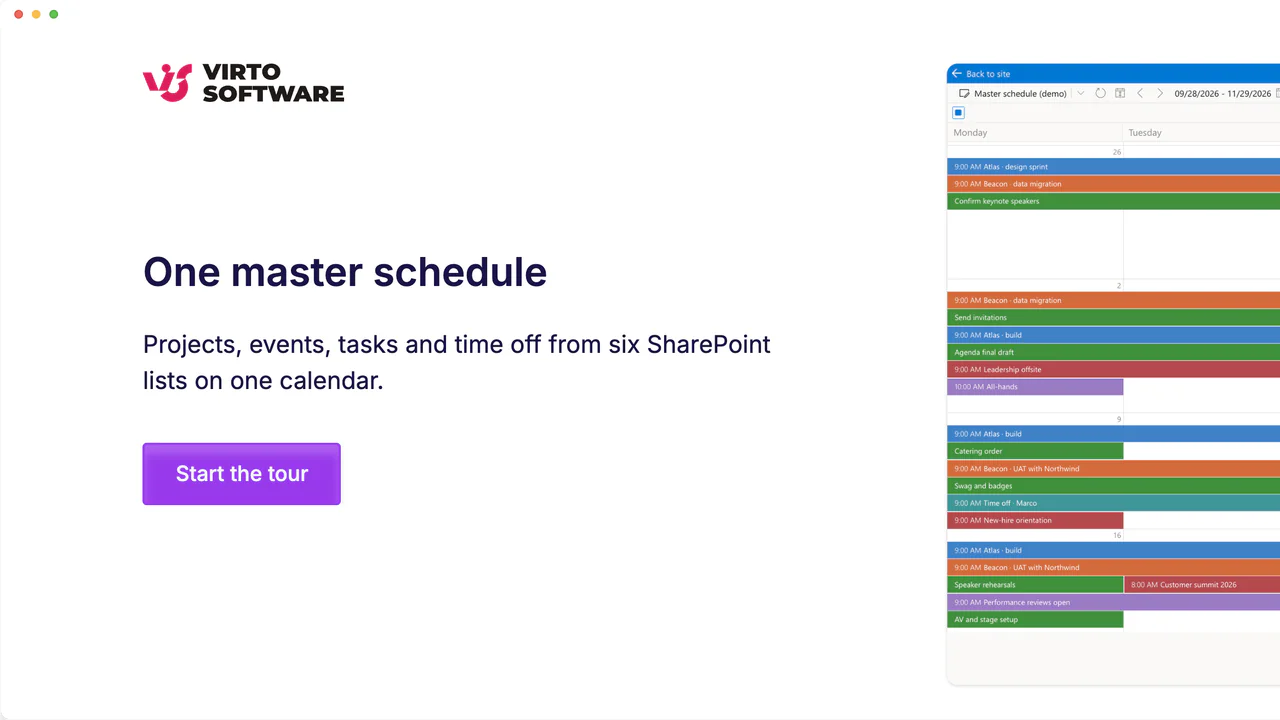
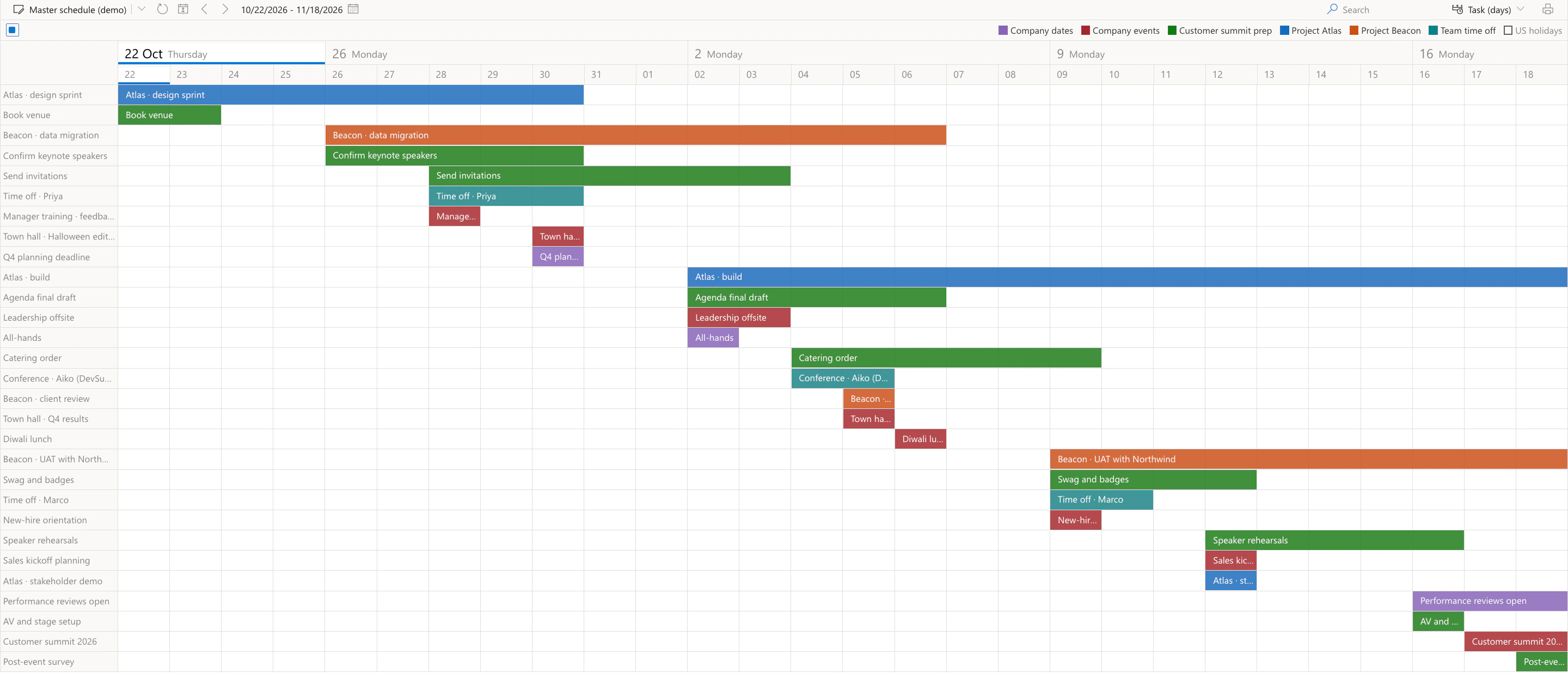
You’ll know who’s doing what—and when—without the daily scramble. The screens show a company's projects, events, tasks and time off on a demo calendar in our own tenant.
One place, all your plans.

Pull together calendars from Outlook, SharePoint, and Google into one clean master schedule with the Virto Calendar App. View everything side-by-side with overlays and detailed views—finally, no more tab-hopping.

Want to keep it simple? The Virto Shared Calendar lets you share a master schedule with your team or external folks—no Microsoft accounts required.
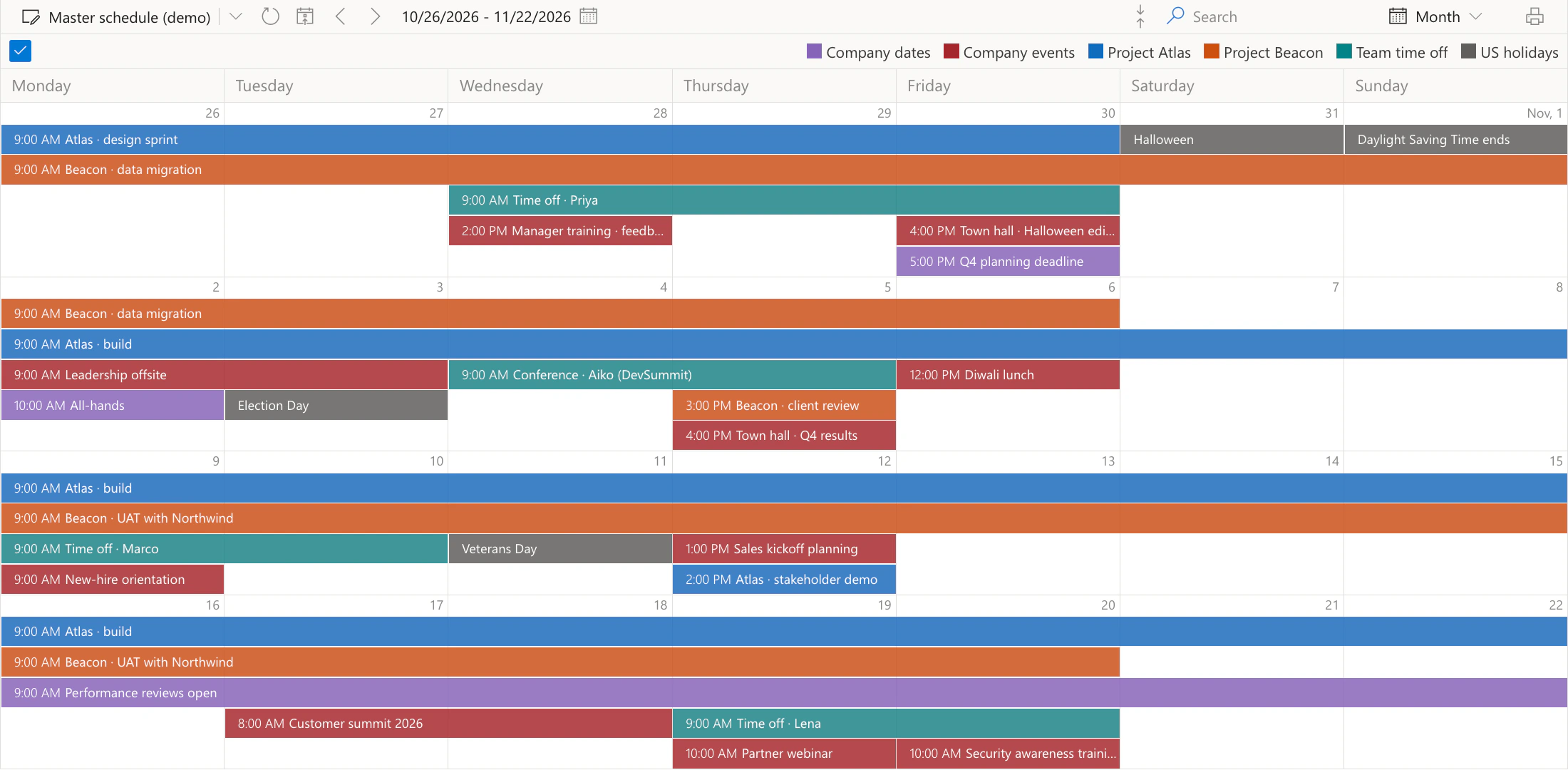
Right people, right tasks, right on time.
With the Virto Calendar App, tasks and deadlines from SharePoint lists and Microsoft Planner sit next to meetings, and room and equipment mailboxes show which resources are taken. Color-coded categories and each source's own permissions keep things crystal clear.
The Virto Shared Calendar keeps everyone on one calendar—in a browser, in Teams or on a phone—perfect for distributed teams that don’t have time for “Wait, what’s the plan?”
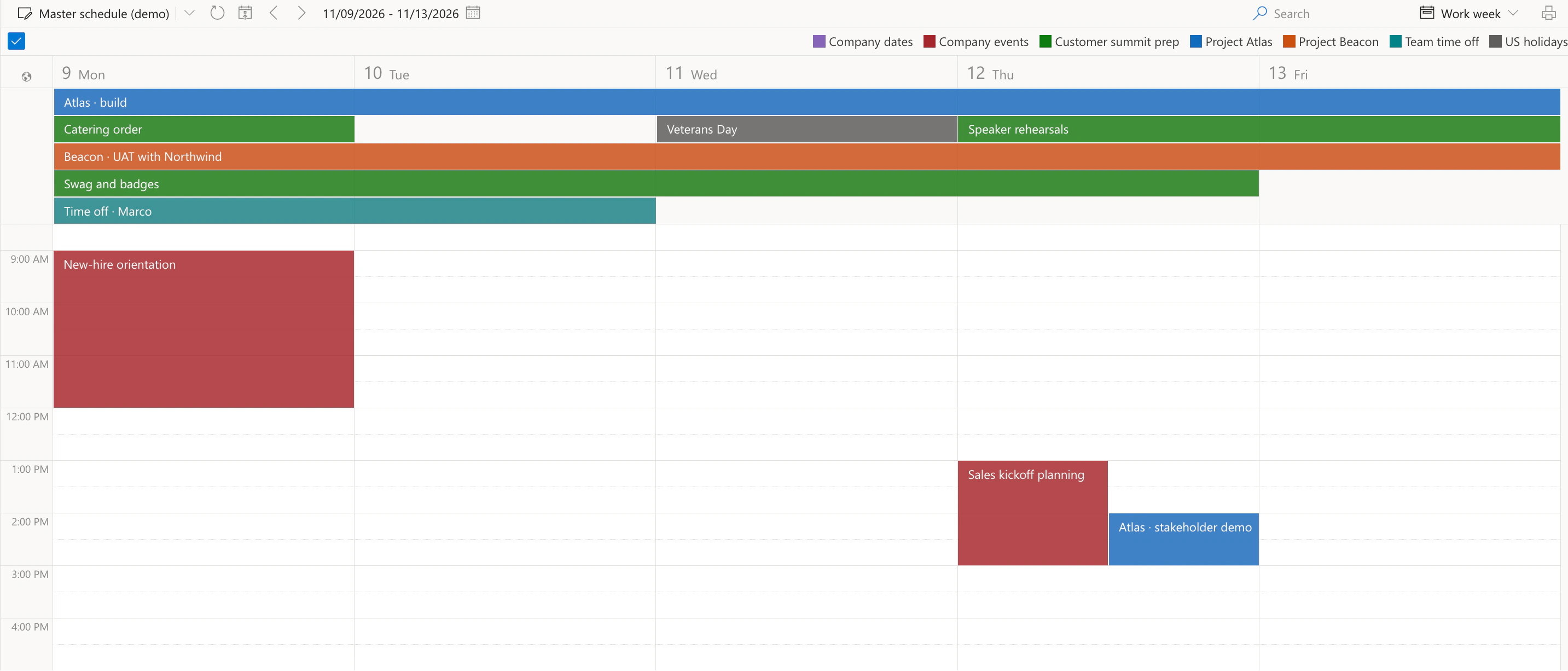
Make it work your way.
The Virto Calendar App supports custom views, advanced filters and drag-and-drop rescheduling, and overlays Microsoft Planner plans and SharePoint task lists, down to a Gantt view: Task (days) and Task (hours) in the view menu. Your master scheduling system, your rules.
Using the Virto Shared Calendar? Enjoy tags and colors, mobile access, and sharing permissions—because master schedules should be flexible, not frustrating.
Key benefits

See the big picture (and the small stuff)
View all your timelines, milestones, and room and equipment bookings in one place with a clear, easy-to-navigate master schedule. Overlaps show up side by side before they turn into double bookings.
Everyone’s on the same page
Keep your team in sync with better visibility and fewer surprises. A solid master scheduling setup makes overlaps visible early and makes sure everyone knows what they’re responsible for.
Share it like a pro
Whether it’s with your internal crew or outside partners, flexible sharing options make your master schedules easy to distribute—without the messy email chains.
See what’s taken and what’s free
With the Virto Calendar App, room and equipment mailboxes sit next to people’s calendars, so you can see which rooms and equipment are taken and which are free before you plan.
Less time managing, more time doing
Say goodbye to copying dates between calendars. The Virto Calendar App reads them from where they already live, so there is one version to keep up to date and fewer errors creep in.
You’re in control
Sensitive schedule info? No problem. Granular permissions in your master schedule mean only the right eyes see the right things—simple, secure, and stress-free.
When to Use Virto Calendar vs. Virto Shared Calendar: Real-World Scenarios
Overlays of Outlook, SharePoint and Planner calendars, room and equipment mailboxes, and each source's own permissions keep your master scheduling on point.
Easy to set up, share, and get live updates—perfect for keeping your master schedule chill and simple.
Each department's calendars, SharePoint task lists and Planner plans are overlaid in one view, color-coded by source — a top schedule master choice.
No accounts needed, lightweight, and easy access—great for sharing your master schedules beyond your team.
Fast, flexible scheduling with almost no setup fuss to keep your master scheduling hassle-free.
Virto Calendar App
Put every project, meeting and shift on one master schedule


Related use cases
Discover our range of use cases to take your planning and coordination to another level
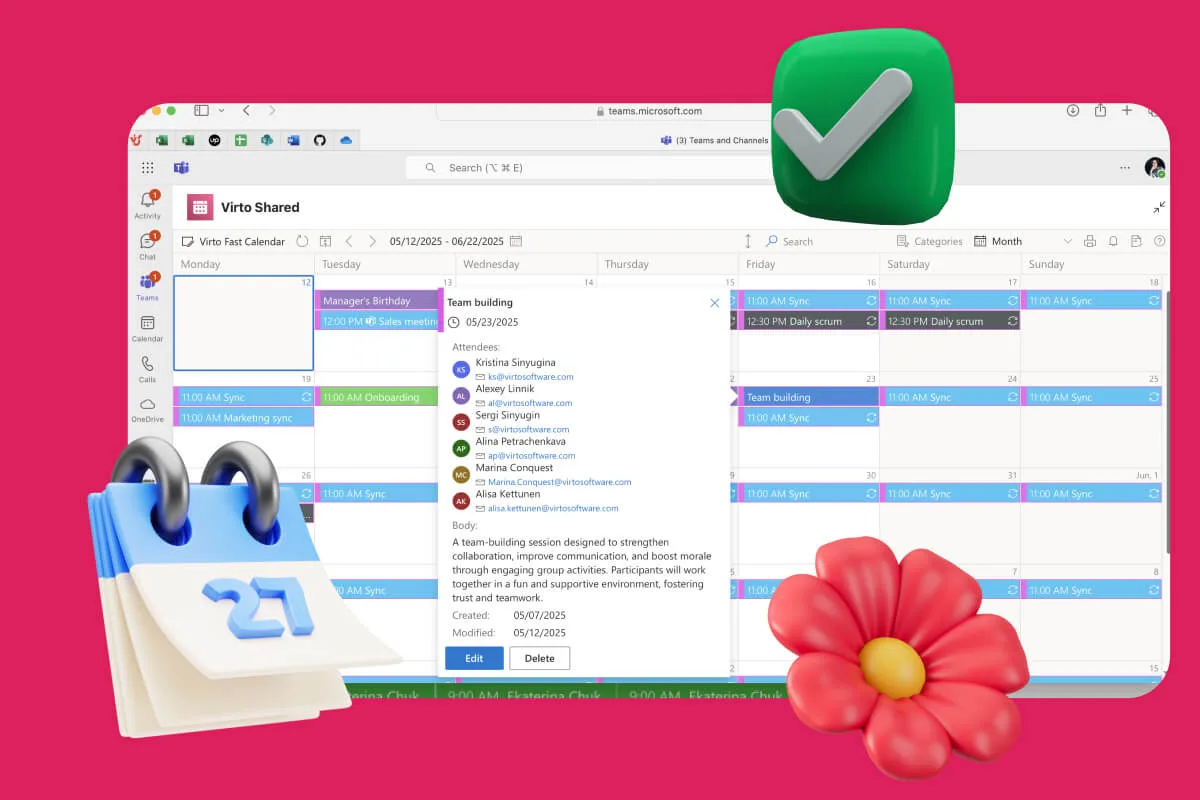
Availability Calendar
Virto Calendar App draws every team member's calendar in one Outlook view — busy time, vacations and shared meetings, under the permissions each source already has.
Learn more about Availability Calendar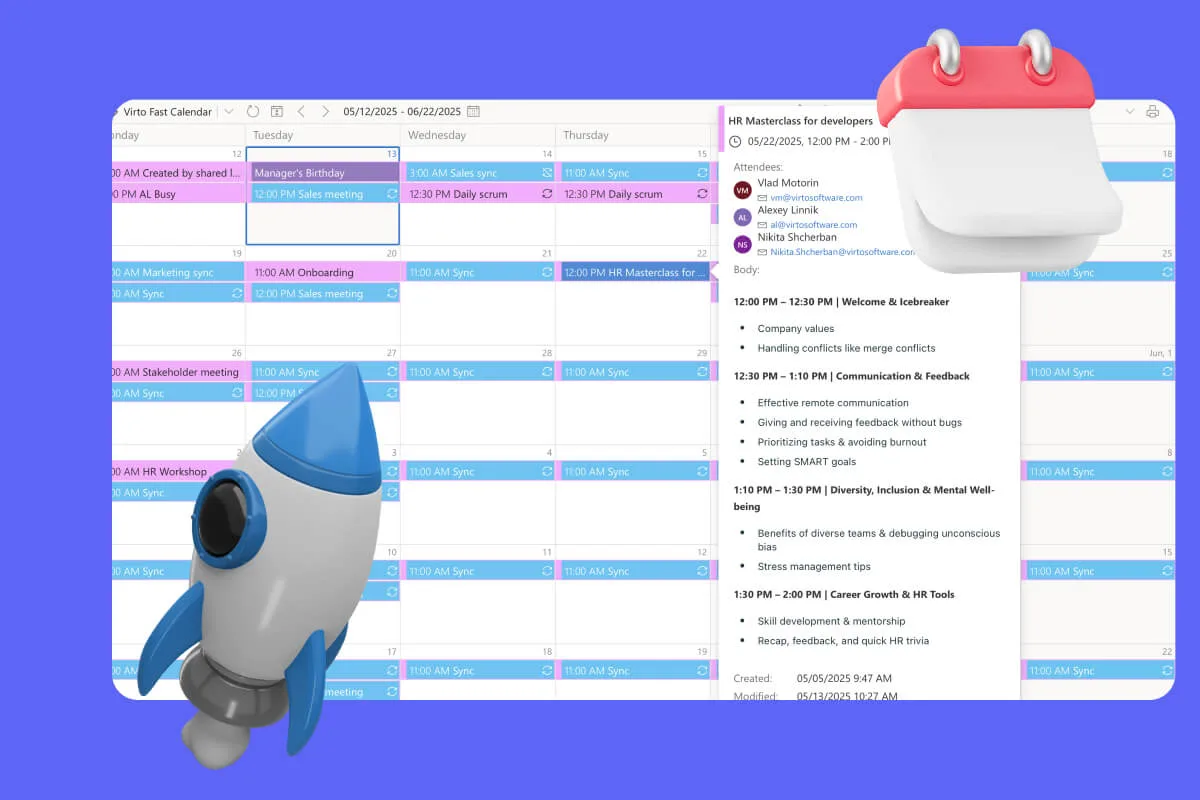
Sprint Calendar
Stay in sync and sprint with style: planning, stand-ups, reviews and retros in one shared sprint calendar, color-coded, in a browser or in Microsoft Teams, and shared by link with the whole team.
Learn more about Sprint Calendar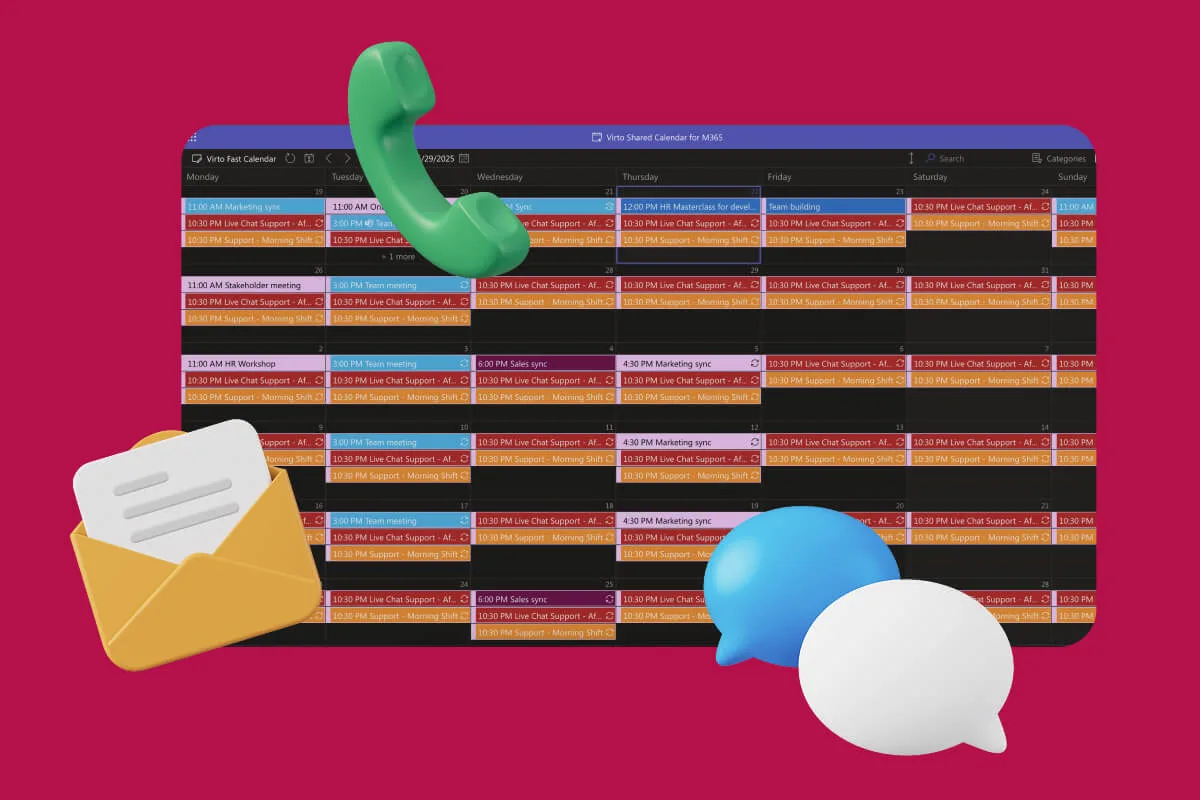
Customer Support Schedule
One shared rota for on-call shifts, PTO and night rotations, tagged by tier. Agents check it in Teams or on a phone, and part-timers or partners open it from a link, no Microsoft account needed.
Learn more about Customer Support Schedule