


IT Tickets With a Triage Tab for the Service Desk
A SharePoint list of IT tickets with a short form for employees and a Triage tab for the service desk: status, priority, assignee and notes. Employees see the status and notes but cannot change them. Built with Virto Forms Designer App.



Trusted by Industry Leaders


and over 8,000 businesses worldwide
Report, Triage, Follow
The screens come from a test list on our own SharePoint site: one item per ticket and a published Virto form with a short New form and two Edit layouts, one for the service desk and one for everyone else. The names are invented.
Report
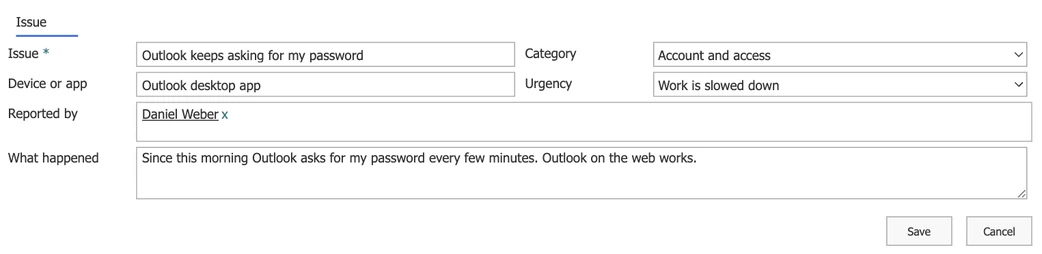
A short form to report the issue
Only what the employee knows
The New form leaves out status, priority and assignee. Those belong to the service desk and appear in the Edit form.
Urgency in plain words
Choices such as "Work is slowed down" tell the service desk how much the issue blocks the person, without asking them to pick a priority code.
Triage
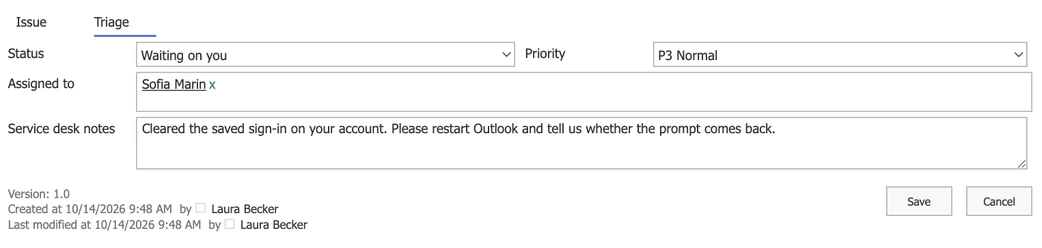
The service desk sets status, priority and owner
A layout for the service desk
Members of the Service desk group open the ticket in a layout where the Triage tab is theirs.
One record per ticket
The report and the triage sit in the same list item, so views by status or by assignee work as usual.
Follow
The employee sees the status, read-only
No email to ask for an update
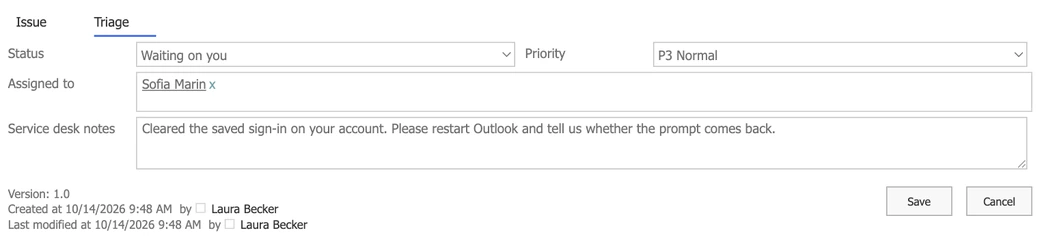
The employee opens the ticket and reads the status and the latest note from the service desk.
Visible, not editable
The Triage tab is read-only in the employee's form. Who may change the data itself is still decided by the list's permissions.
Key benefits

Your data stays in your list
Every ticket is a list item in your tenant, with your permissions, versions and views.
No code for the layout
A short New form, tabs, two columns and a layout for the service desk are set in a drag-and-drop designer.
Fewer "any news?" emails
Employees read the status and the latest note in their own ticket.
Every change on record
Version history shows who changed the status, the priority or the assignee, and when.
Flows and alerts can react
Because the ticket is a list item, a Power Automate flow or a Virto alert can react to its status or priority.
A form, not a lock
A read-only tab shapes the form. Who may change the data is still set by the list's permissions.
What a help desk needs, and what runs it
A short New form for employees and a Triage tab for the service desk on one list item, with a layout for each, set up without code.
Pick Hardware, then choose only from laptop, monitor or printer.
Possible with JavaScript in the form; the designer has no setting for cascading choices.
An alert emails the person in the Reported by column when the service desk sets the status to Waiting on you or Resolved.
Microsoft's template gives you a ready list for issues; if its default form is enough, it is all you need.
When the help desk needs SLA timers, queues, a portal and a configuration database, a dedicated ITSM tool is the answer.
Virto Forms Designer App
Give the service desk its own tab in every ticket
Related use cases
Discover our range of use cases to take your planning and coordination to another level
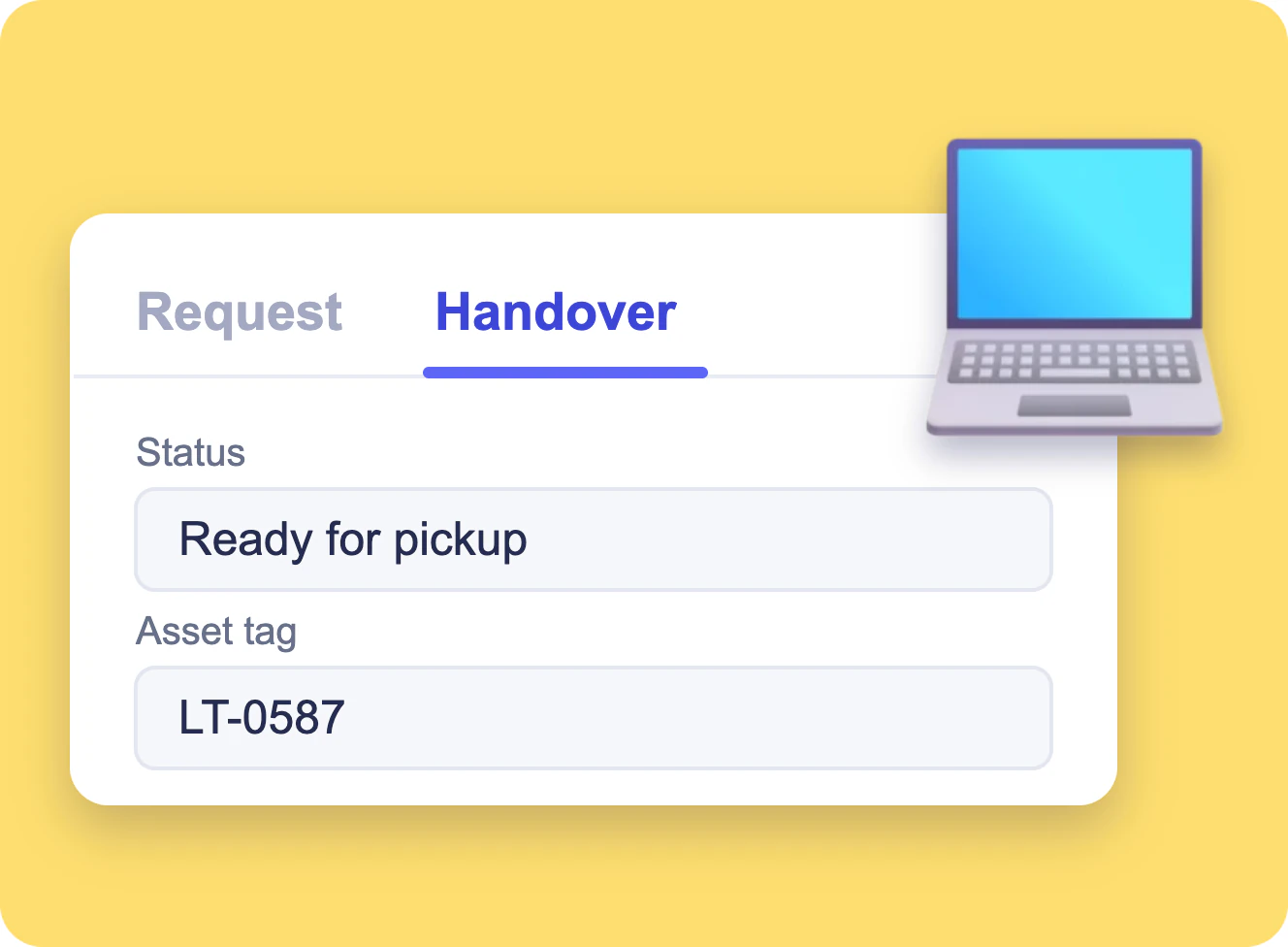
Equipment Request Form in SharePoint
A SharePoint list of equipment requests with a short form for employees and a Handover tab that only IT edits, built with Virto Forms Designer App.
Learn more about Equipment Request Form in SharePoint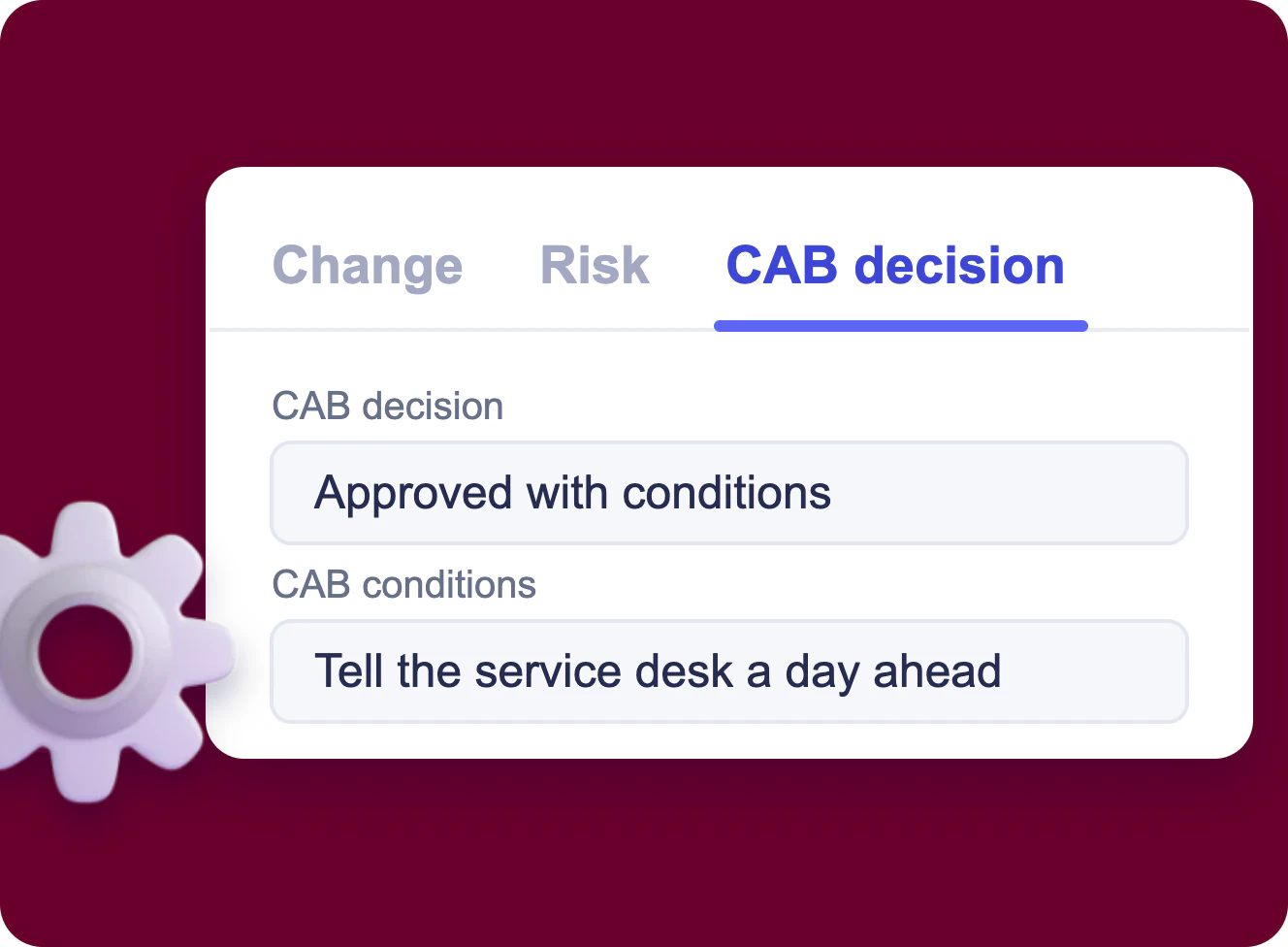
IT Change Request Form in SharePoint
A SharePoint list of change requests with tabs for the change, its impact and risk, and the CAB decision, which only the change advisory board edits, built with Virto Forms Designer App.
Learn more about IT Change Request Form in SharePoint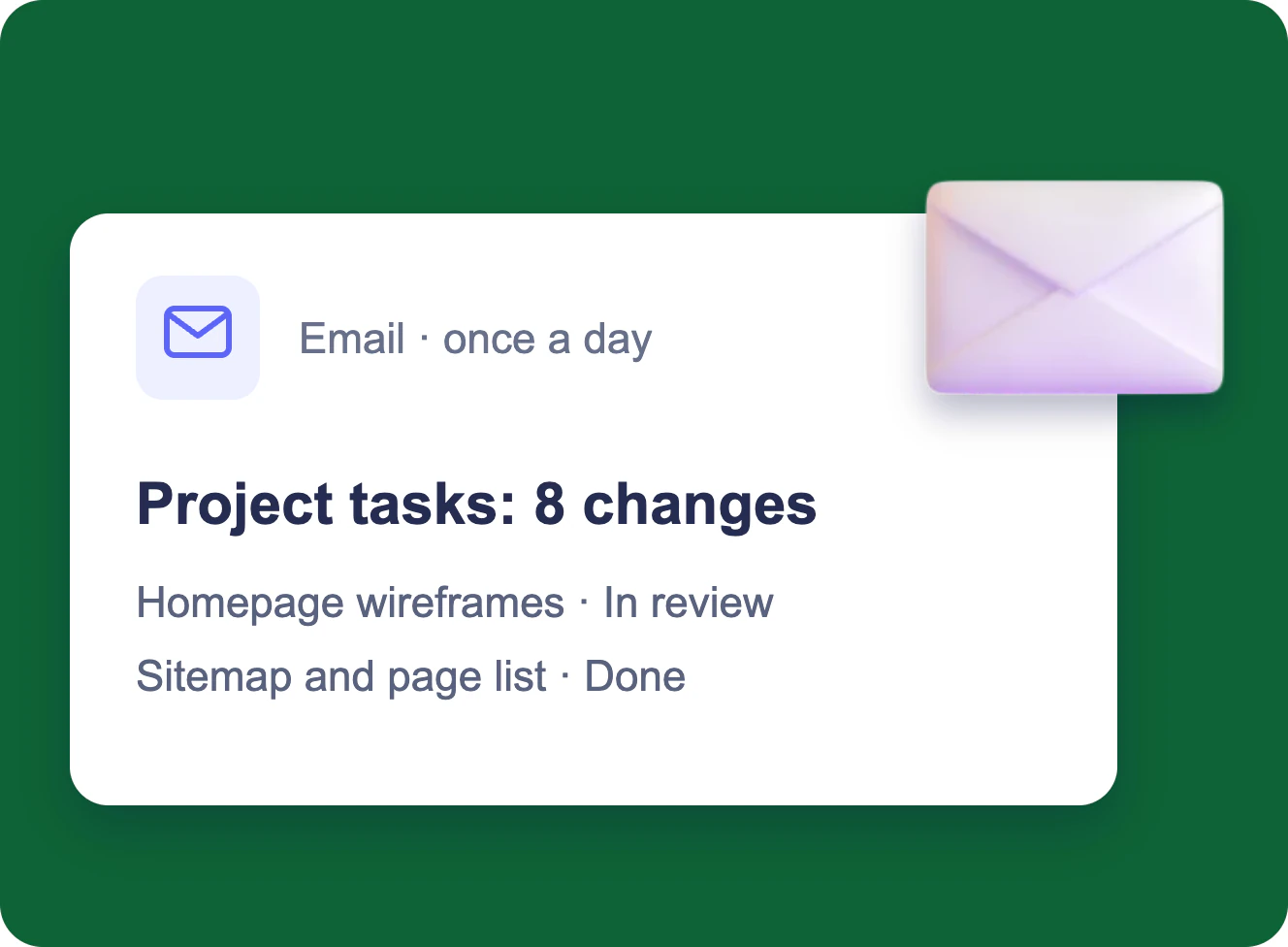
Change Digest for SharePoint Lists
Several people edit one SharePoint list; the project manager gets one email a day with every change in a table, and a separate email within minutes when a task is blocked.
Learn more about Change Digest for SharePoint Lists