


Change Requests With a Tab for the CAB
A SharePoint list of change requests with a form in three tabs: what changes, its impact and risk, and the CAB decision. Requesters fill in the first two; the change advisory board writes the decision. Built with Virto Forms Designer App.



Trusted by Industry Leaders


and over 8,000 businesses worldwide
Request, Assess, Decide
The screens come from a test list on our own SharePoint site: one item per change and a published Virto form with two layouts, one for the change advisory board and one for everyone else. The names are invented.
Request
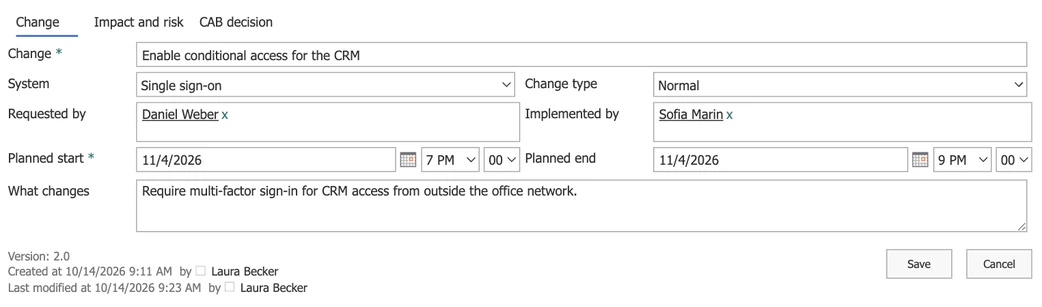
What changes, where and when
A list item per change
System, change type, requester, implementer and the planned window are columns of an ordinary SharePoint list, so views, filters and exports keep working.
The window with times
Planned start and end carry the time of day, which is what a calendar of changes and the service desk need.
Assess
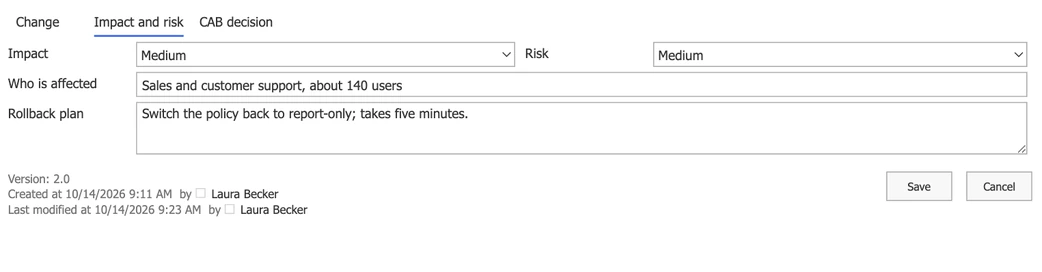
Impact, risk and a way back
Its own tab
Impact, risk, the people affected and the rollback plan sit on a second tab, so the request does not become one long page.
Read before the meeting
Board members open the same item and read the assessment the requester wrote, without asking for it by email.
Decide
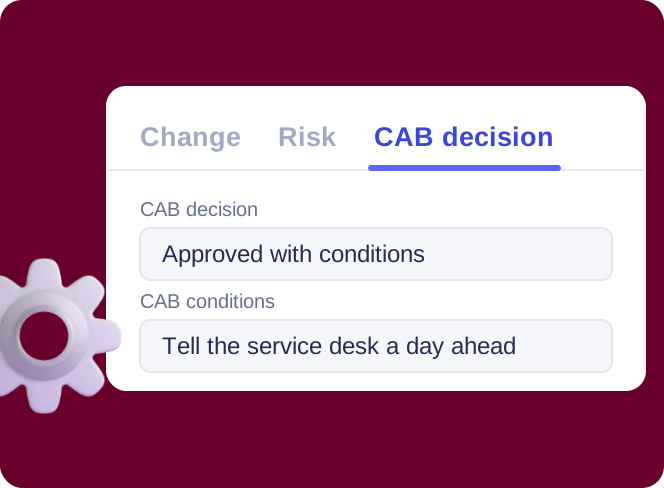
The CAB writes the decision
A layout for the board
Members of the Change Advisory Board group get a layout in which the decision tab can be edited.
Read-only for requesters
Everyone else sees the decision read-only in the form. Who may change the data itself is still decided by the list's permissions.

Key benefits

Your data stays in your list
Every change is a list item in your tenant, with your permissions, versions and views.
No code for the layout
Tabs, two columns and a layout for the board are set in a drag-and-drop designer.
The board has its own view
CAB members open the request in a layout where the decision tab is theirs to fill in.
Every change on record
Version history shows who changed the window, the risk or the decision, and when.
Ready for a calendar
Planned start and end with times are exactly what a change calendar overlays.
A form, not a lock
A read-only tab shapes the form. Who may change the data is still set by the list's permissions.
What change control needs, and what runs it

Three tabs on a list item, a layout for the change advisory board and a default layout for requesters, set up without code.

The change list is overlaid with release and maintenance calendars, so a window that collides with a freeze is seen before it opens.

A date-based reminder on the Planned start column emails the implementer ahead of the change.
Microsoft's approvals route the request to the board and write the outcome back to the item; the form shows it on the CAB decision tab.
When change management needs a CMDB, automatic risk scores and service levels, a dedicated IT service management tool is the answer.
Virto Forms Designer App
Give the CAB its own tab in every change request
Related use cases
Discover our range of use cases to take your planning and coordination to another level
IT Change & Release Calendar
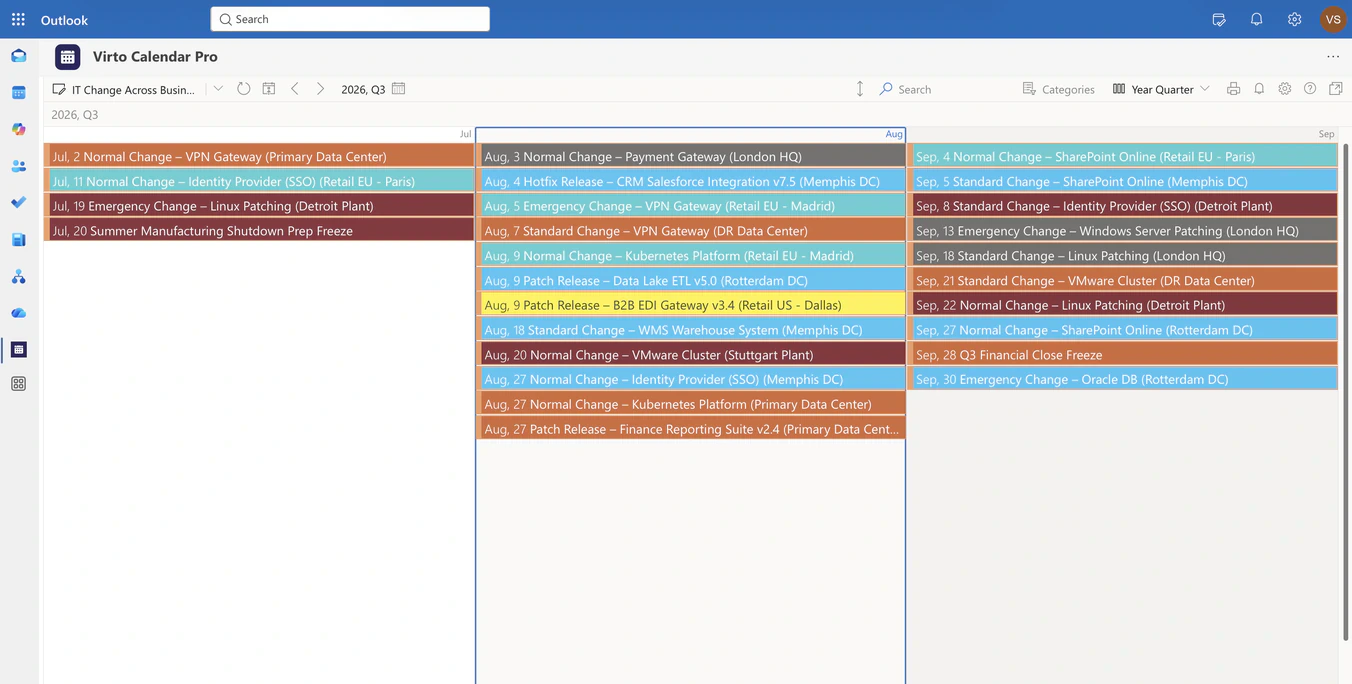
Overlay change, release and maintenance lists from every business unit in one Microsoft 365 calendar, so IT sees colliding windows before they open.
Learn more about IT Change & Release Calendar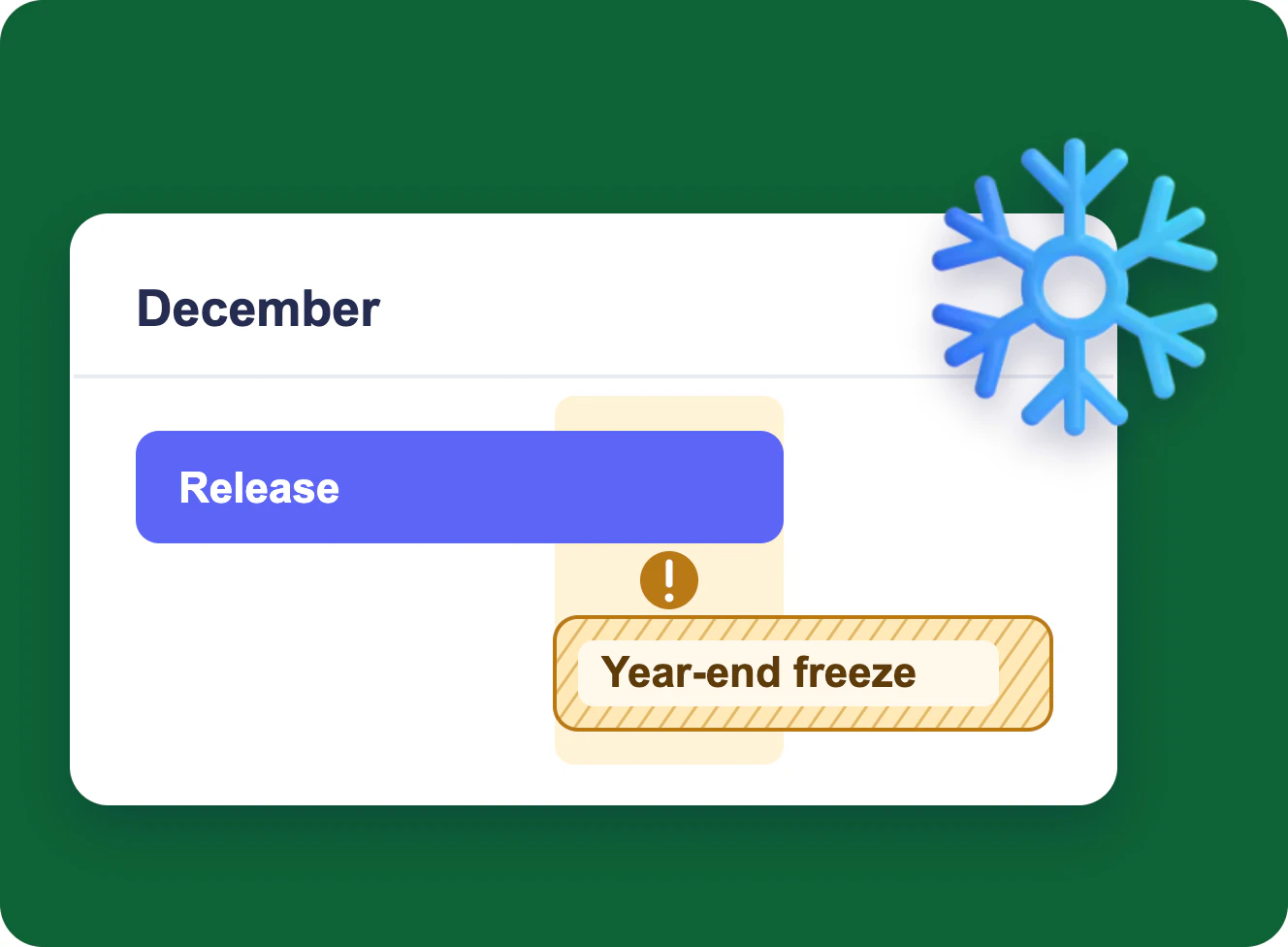
CIO Change, Release & Freeze Calendar
Overlay change records, release milestones, freeze windows and vendor maintenance in one Microsoft 365 year view, so the CIO sees the collision before the change is approved.
Learn more about CIO Change, Release & Freeze Calendar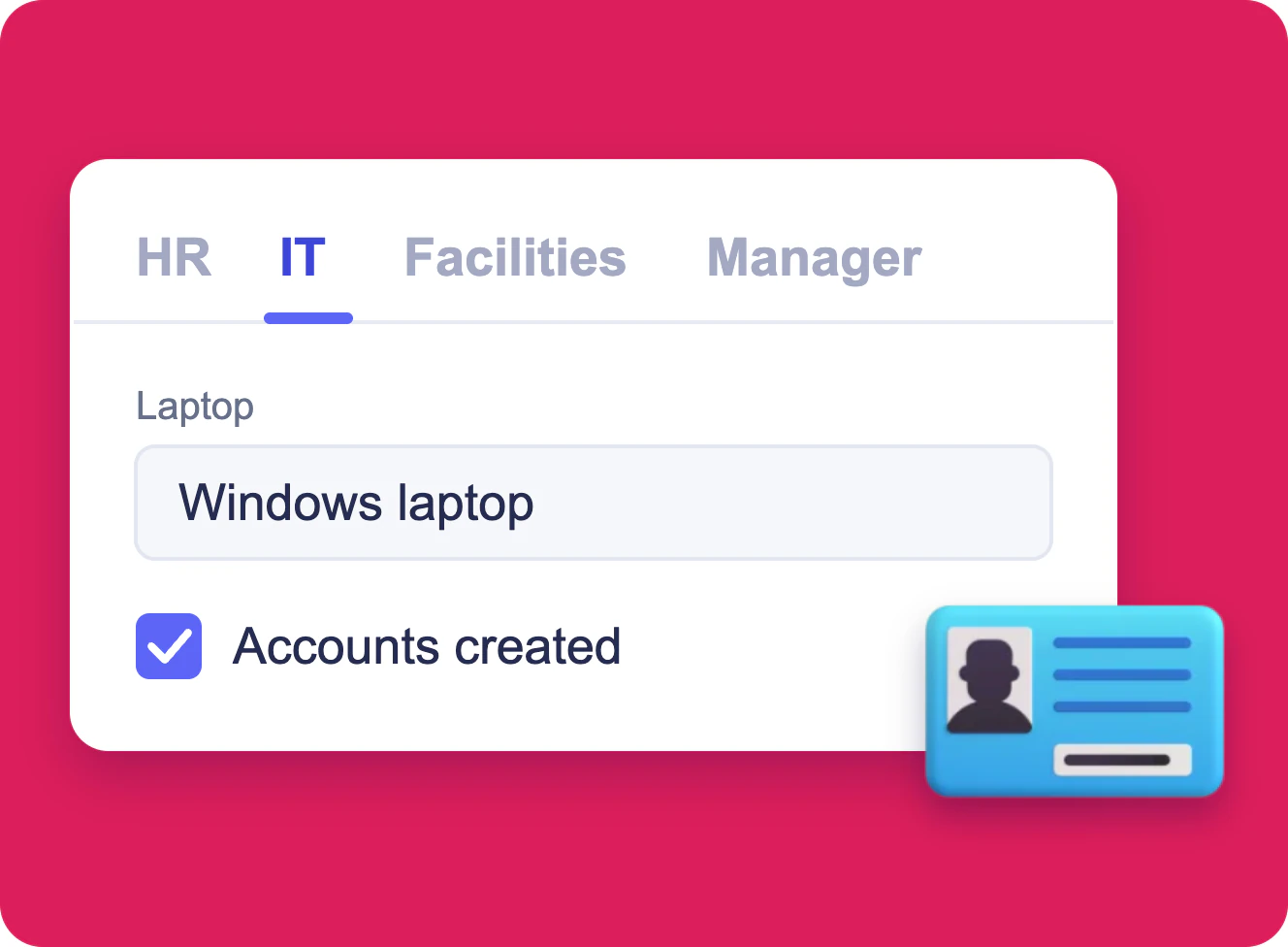
Employee Onboarding Form in SharePoint
One SharePoint list item per new hire, filled in by HR, IT, facilities and the hiring manager, each in a form of its own built with Virto Forms Designer App.
Learn more about Employee Onboarding Form in SharePoint