


Virto Calendar for Interdepartmental Communication
Help your departments work better together with Virto Calendar for Microsoft 365. Coordinate meetings, share resources, and manage cross-department projects in one place.


Trusted by Industry Leaders


and over 8,000 businesses worldwide
Launch Interactive Demo
Better interdepartmental communication through smart scheduling
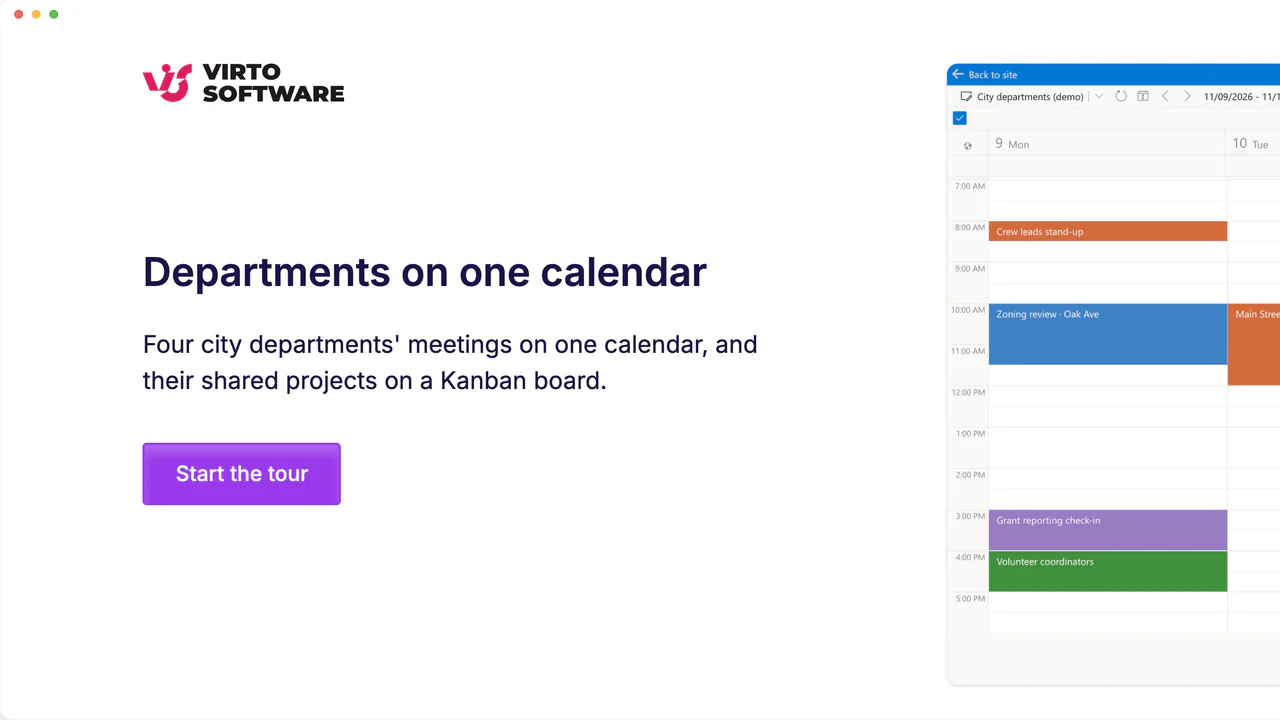
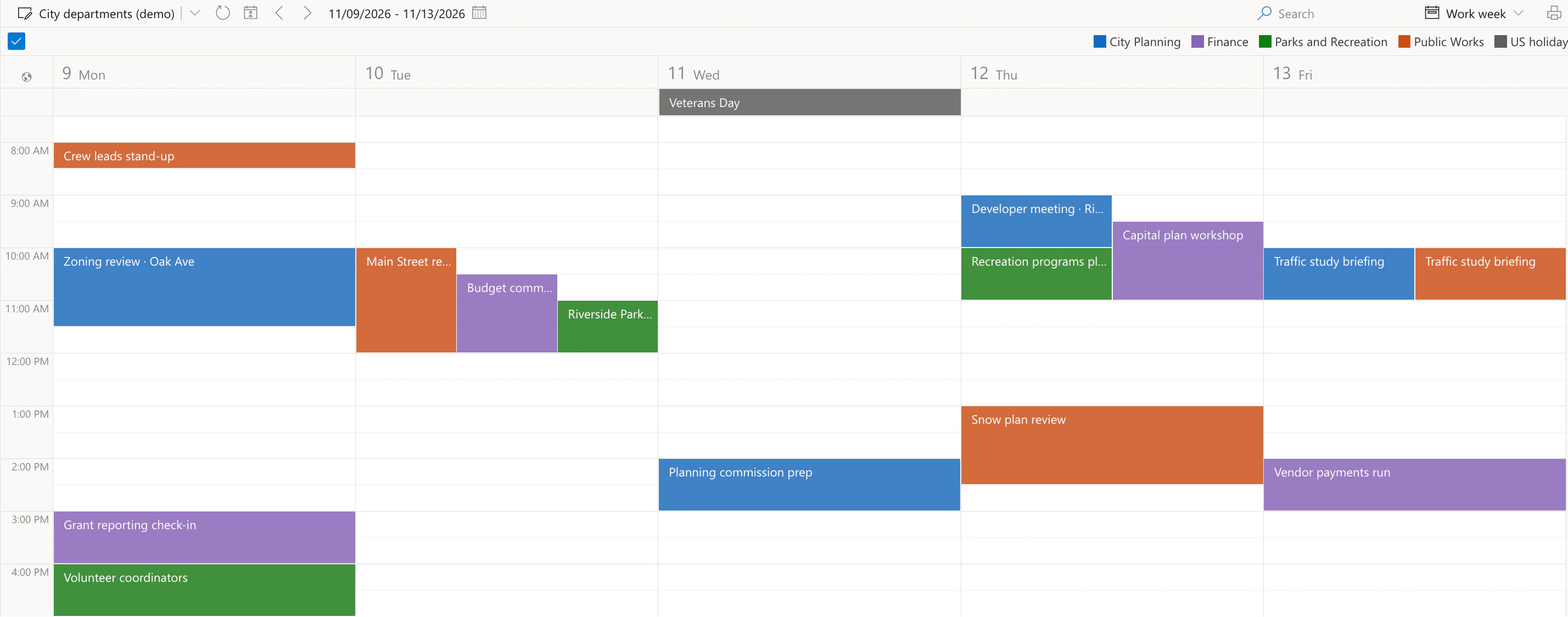
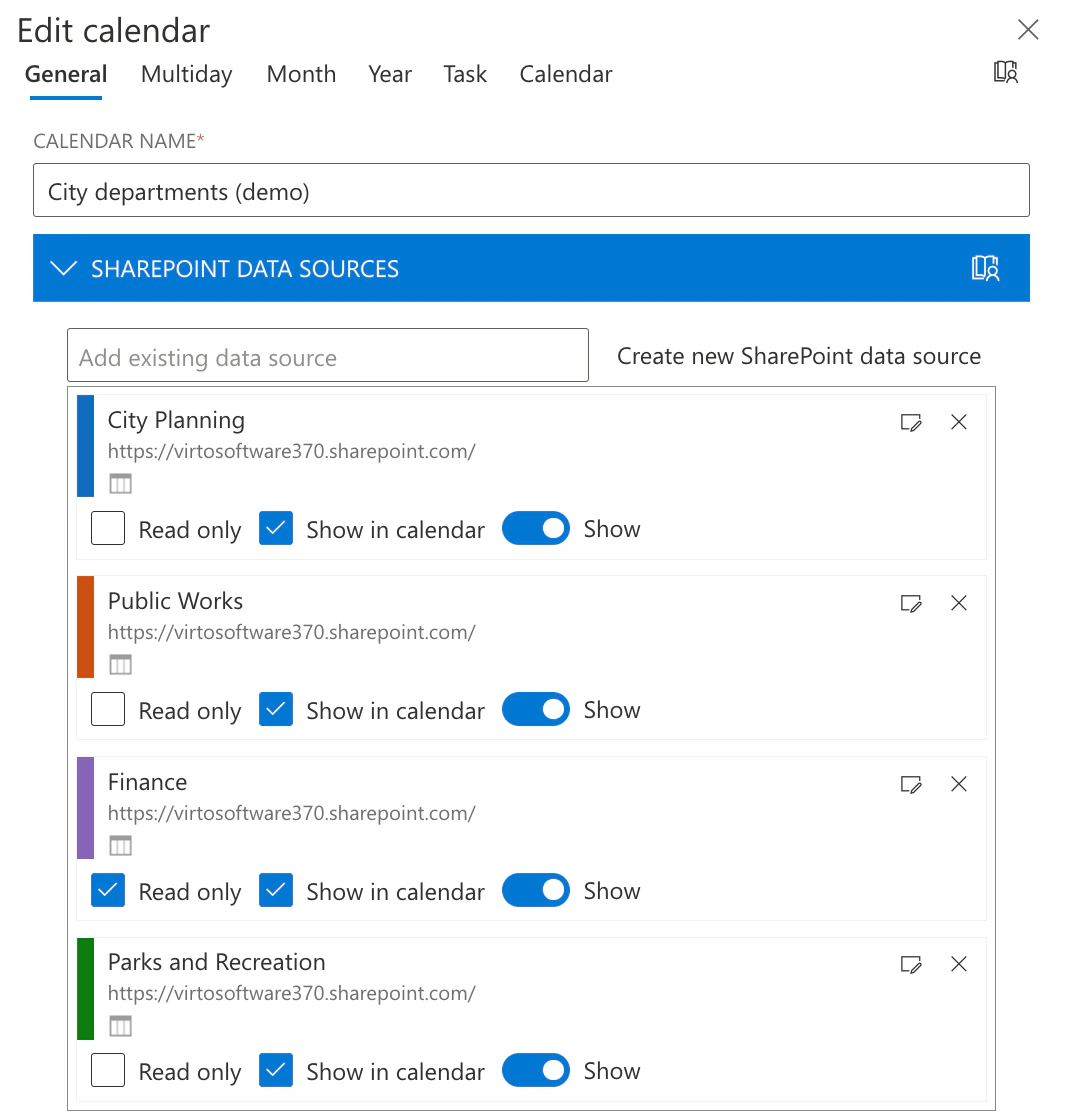
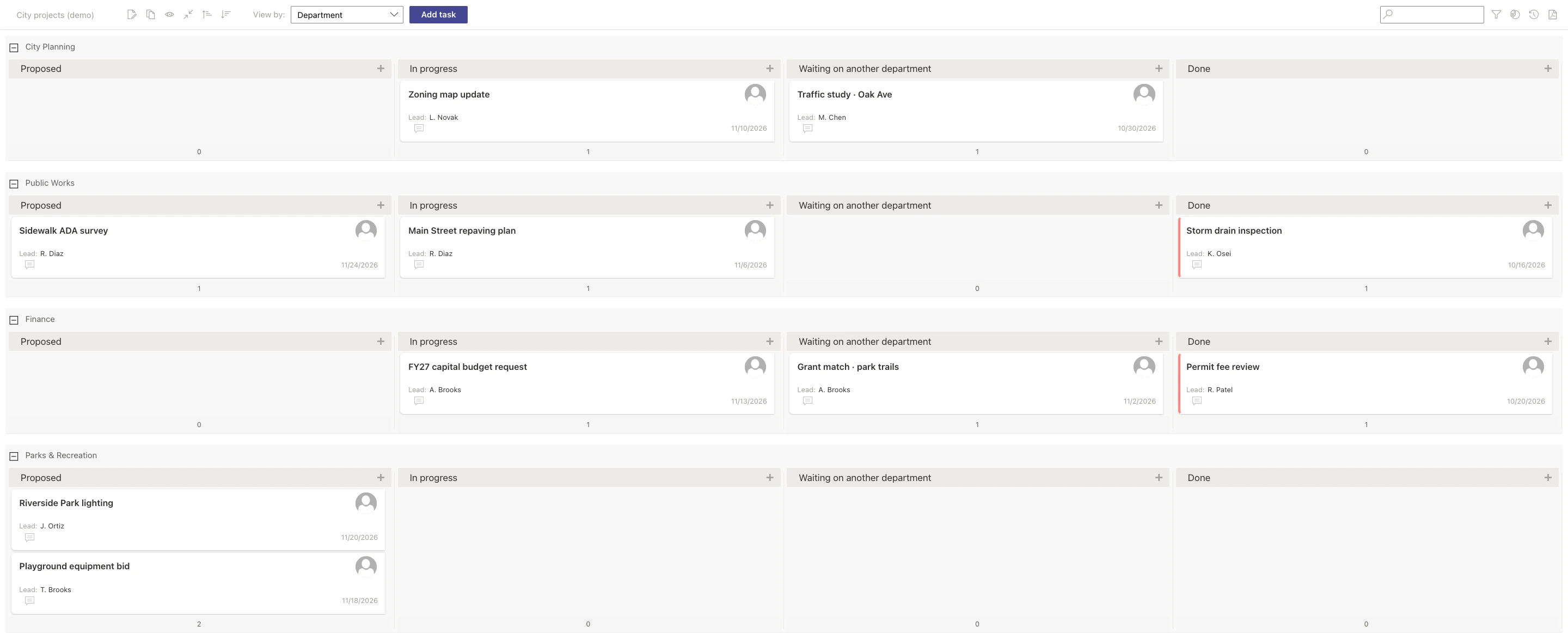
A comprehensive calendar platform built for government agencies, helping departments work together effectively while maintaining security and compliance standards. The screens show four city departments' calendars and shared projects on a demo calendar and board in our own tenant.
Confident interdepartmental communication
Clear calendar views
See all department activities in one place: Virto Calendar App overlays each department's calendar in one view, so overlapping meetings show up side by side before they collide.
Customizable categories and filters
Organize events and deadlines by category, such as department or project, and use filters to quickly view specific schedules, ensuring accessible information for everyone.
Smart and secure integrations
Direct Microsoft Teams integration
Create a Microsoft Teams meeting straight from an event in an Outlook calendar, making it simple for departments to meet and share information when needed.
Protected information access
Each department's calendar keeps the permissions it has in Microsoft 365, so people see only what its source lets them see and departments share exactly what's needed.
Improved workflow efficiency
Visual project management
Use complementary tools like Virto Kanban Board to track complex projects between departments, giving everyone clear visibility into task status and next steps.
Changes read from the source
Virto Calendar App reads each department's calendar live, so a moved meeting or a new deadline shows in the shared view as soon as it changes at its source. The app sends no notifications itself; Outlook invitations and updates reach attendees as usual.
Key benefits

Unified calendar view
Combine all department schedules into one clear view. Departments check availability in the combined view and book meetings in Outlook as usual. View overlaid calendars from SharePoint lists, Exchange Online, and external sources in a single calendar.
Secure department access
Control who sees what with the permissions already set in Microsoft 365. The combined view respects each source calendar's access, so sensitive meetings remain private while shared events are visible to all relevant teams — without a second permission model to maintain.
Shared resources in the same view
See meeting rooms, equipment and vehicles next to the departments' events. Room and equipment mailboxes are overlaid in the same calendar, so a meeting is planned where a resource is actually free; the booking itself is still made in Outlook.
Department calendar organization
Color-code events by department, project, or priority level. Create custom categories that help teams quickly identify relevant meetings and deadlines. Set up consistent color schemes to spot priorities and facilitate interdepartmental communication.
Multi-source calendar integration
Connect every department's preferred calendar system into one view. Pull in schedules from Exchange Online, SharePoint lists, Microsoft Planner tasks, and even external calendars through iCal feeds. Keep departments coordinated regardless of which tools they use.
Flexible calendar views
Give each department the view they need. Switch between daily, weekly, monthly, or yearly views with a click. Use Year Quarter or Flat Year for long-range planning while the detailed views stay a click away. Filter events by department, project, or resource type.
When Virto Calendar App fits — and when it does not
Departments plan in their own Microsoft 365 group calendars.
The group calendars are overlaid in one view with a colour per department, while each department keeps full ownership of its own calendar.
Rooms and vehicles are booked through resource mailboxes.
The resource mailboxes sit in the same calendar as the departments' events, so an interdepartmental meeting is planned where a room is actually free.

A Kanban board on a SharePoint list, with a swimlane per department, shows where each task stands and which department holds it.
Virto Calendar App shows when departments meet and what is due. Case files, records and formal approvals stay in the system of record that owns them.
Connect your departments and drive better collaboration across your agency



Related use cases
Discover our range of use cases to take your planning and coordination to another level
Compliance & Regulatory Deadlines Calendar
Simplify compliance management with a Microsoft 365 calendar that centralizes deadline tracking, with email and Teams reminders from Virto Alerts & Reminder App.
Learn more about Compliance & Regulatory Deadlines Calendar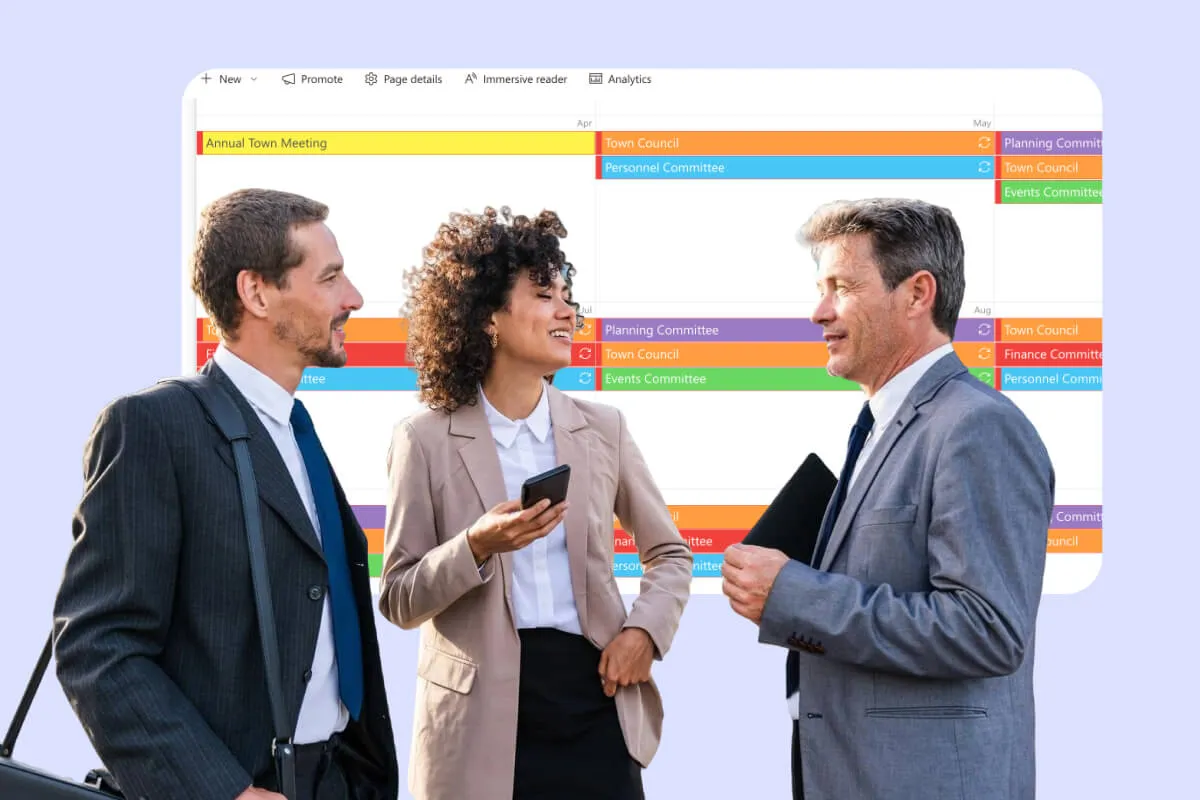
Public Meeting Calendar
Simplify scheduling and enhance transparency with Virto Calendar App: public meetings, hearings and hall bookings in one Microsoft 365 calendar for government organizations, municipalities and public sector teams.
Learn more about Public Meeting Calendar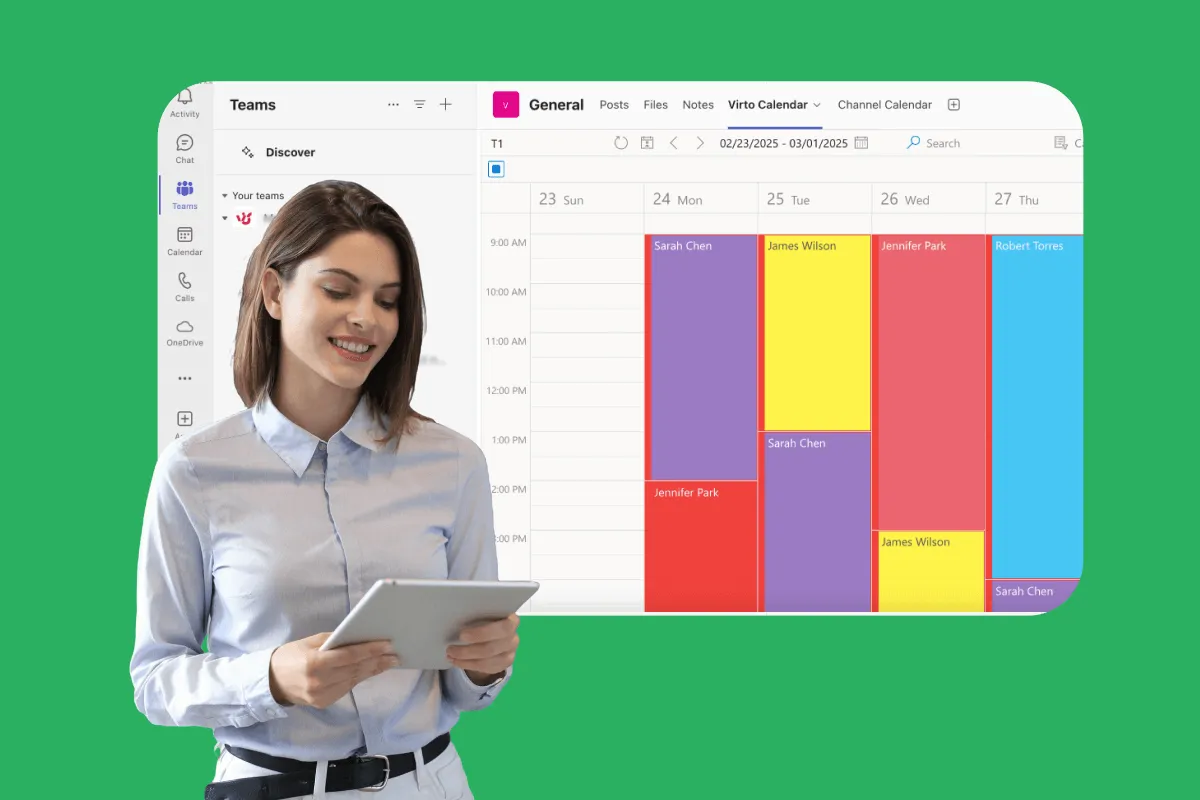
Shift Scheduling Software
VirtoSoftware’s shift scheduling software simplifies staff scheduling and shift planning for government agencies. See every department's shifts, leave and holidays in one Microsoft 365 calendar.
Learn more about Shift Scheduling Software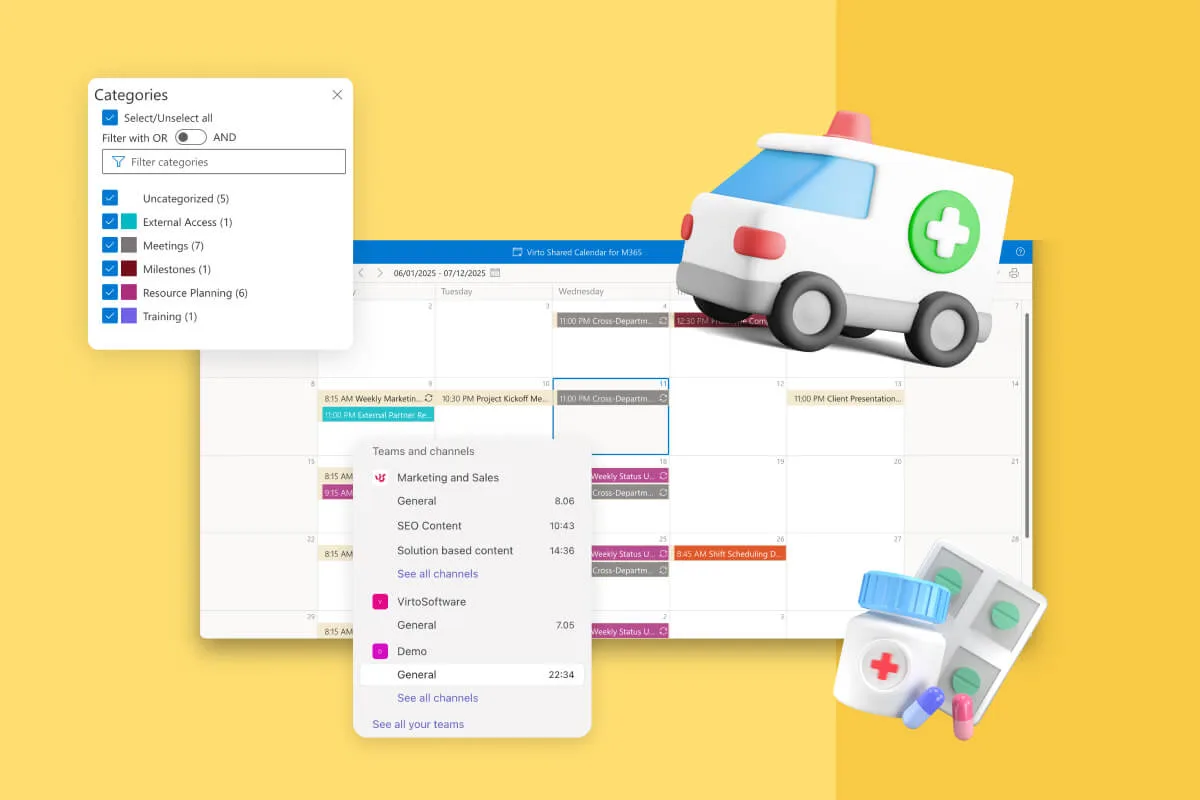
Clinic Scheduling Software
One clinic calendar for staff shifts, treatment rooms, clinic hours and closures, tagged by team. Staff check it on a phone or in Teams; patient appointments stay in your practice-management system.
Learn more about Clinic Scheduling Software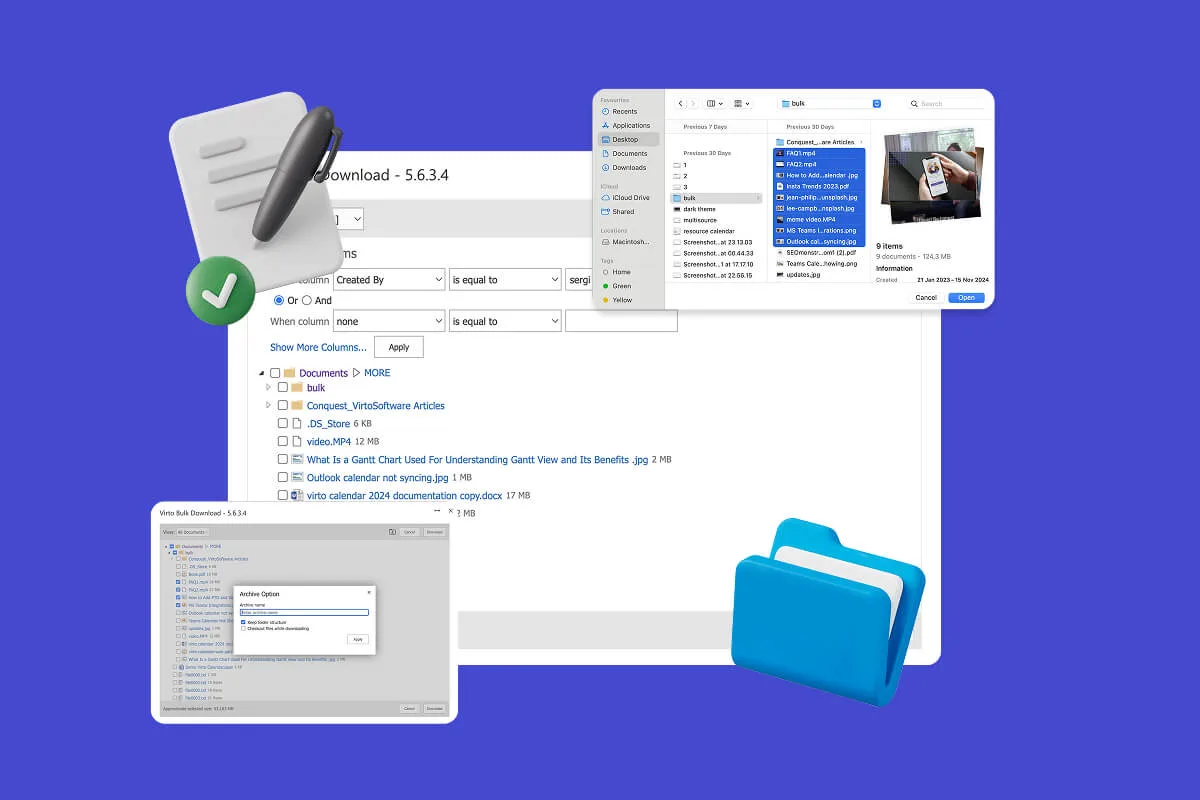
Multiple File Management
Built for high-compliance organizations: Virto Multiple File Operations On-Premises uploads, moves, copies, deletes and re-tags SharePoint files in bulk, under the permissions you already set—without scripting or IT help.
Learn more about Multiple File Management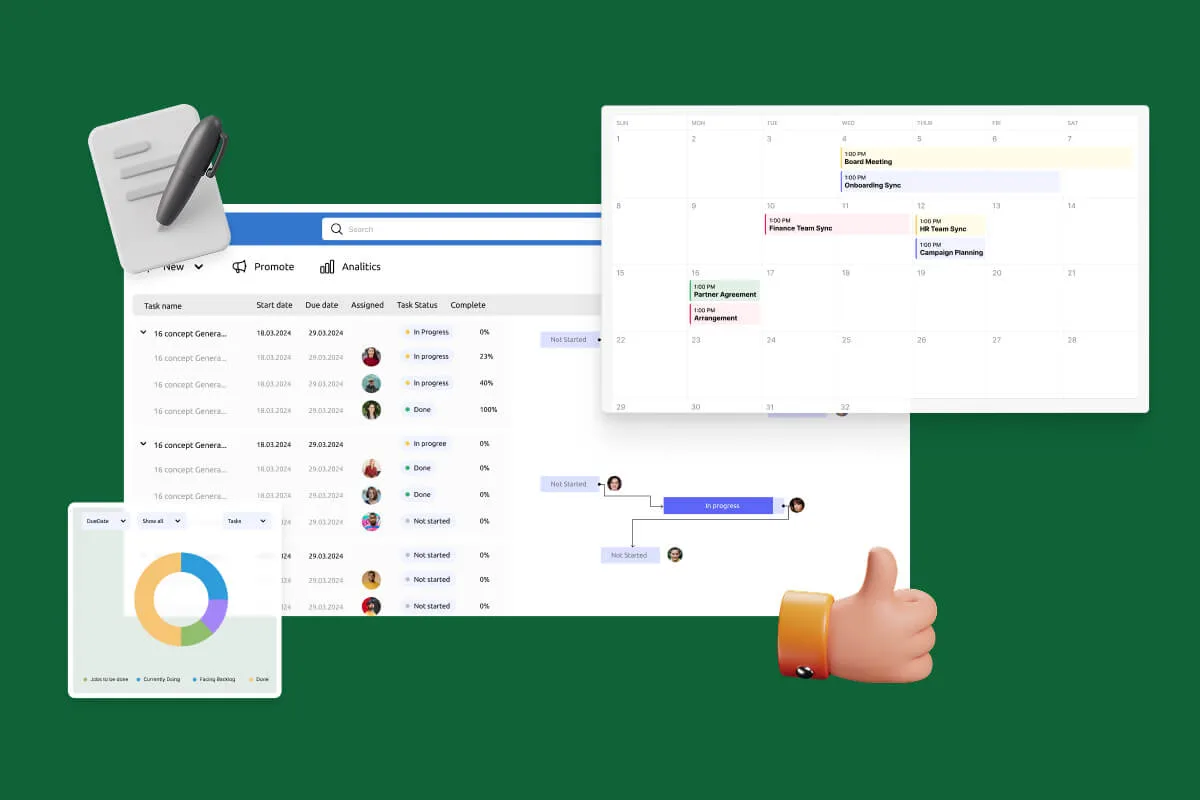
Notifications Automation for Government
For government, legal and finance teams: Virto Alerts & Reminder App sends email and Teams reminders before the deadlines kept in your SharePoint lists and alerts owners when items change.
Learn more about Notifications Automation for Government