


Incident Reports With an Investigation Tab for Safety
A SharePoint list of safety incidents with a form in two tabs: the report anyone can file, with photos attached, and the investigation that the safety team completes. The reporter sees the corrective action but cannot change it. Built with Virto Forms Designer App.



Trusted by Industry Leaders


and over 8,000 businesses worldwide
Report, Investigate, Follow Up
The screens come from a test list on our own SharePoint site: one item per incident and a published Virto form with two layouts, one for the safety team and one for everyone else. The names are invented.
Report
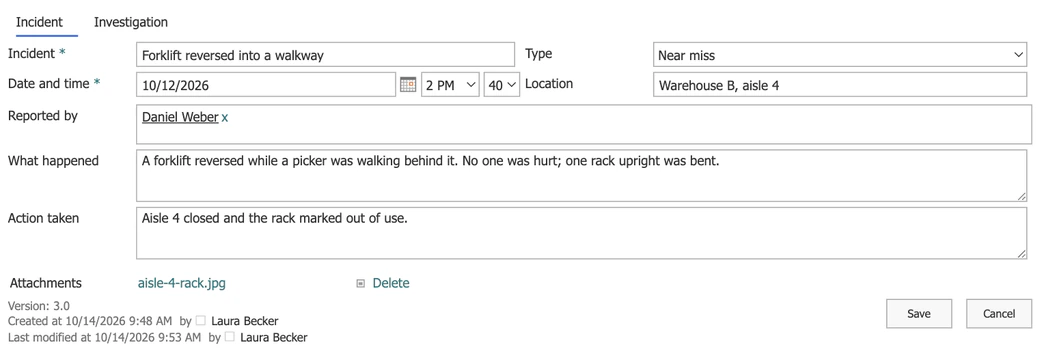
Anyone can report what happened
Photos with the report
Attach File on the form's ribbon adds photos to the list item, and the form lists them under its tabs.
Near misses count too
The Type column separates injuries, near misses, damage and unsafe conditions, so a near miss is recorded rather than forgotten.
Investigate
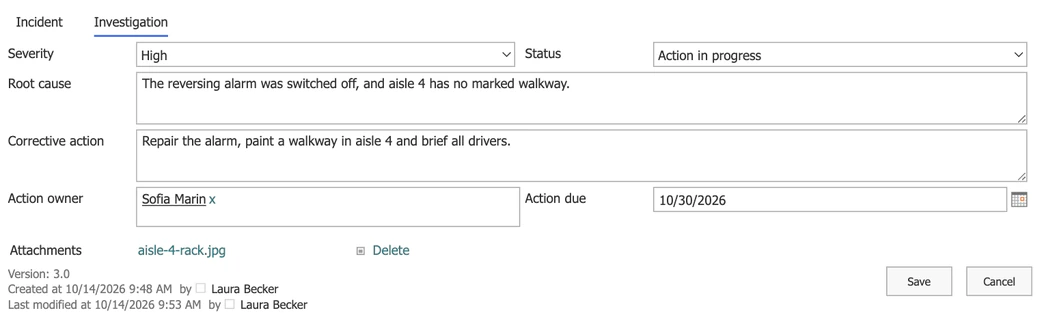
The safety team records cause and action
A layout for the safety team
Members of the Safety team group open the incident in a layout where the Investigation tab is theirs.
An owner and a date
The corrective action has a person and a due date, ready for a reminder.
Follow up
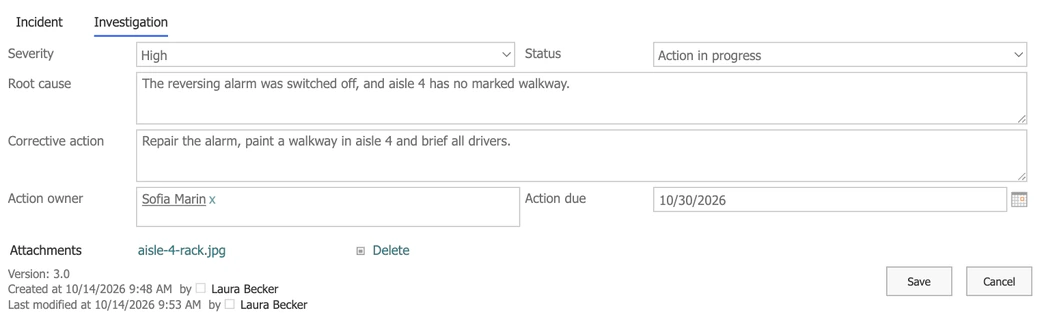
The reporter sees what is being done
Reports lead somewhere
The person who reported sees the cause and the fix in the same item, which makes the next report more likely.
Visible, not editable
The Investigation tab is read-only in the reporter's form. Who may change the data itself is still decided by the list's permissions.
Key benefits

Your data stays in your list
Every incident is a list item in your tenant, with your permissions, versions and views.
No code for the layout
Tabs, two columns and a layout for the safety team are set in a drag-and-drop designer.
Every report gets an answer
Reporters see the cause, the action and its owner in the item they filed.
Every change on record
Version history shows who changed the severity, the root cause or the due date, and when.
Flows and alerts can react
Because the incident is a list item, a Power Automate flow or a Virto alert can react to its severity or due date.
A form, not a lock
A read-only tab shapes the form. Who may change the data is still set by the list's permissions.
What incident reporting needs, and what runs it
An Incident tab anyone can fill in and an Investigation tab for the safety team on one list item, with a layout for each, set up without code.
Attach File on the published form's ribbon adds photos to the item, and the form lists them under its tabs. The designer does not place an upload area inside a tab.
Body part and treatment appear for injuries, not for near misses.
Possible with JavaScript in the form; the designer has no setting for showing a field by another field's value.

A date-based reminder on the Action due column emails the person in the Action owner column a few days ahead.
Microsoft's template gives you a ready list for incidents; if its default form is enough, it is all you need.
When you must file reports with an authority, run risk assessments or issue permits to work, an environment, health and safety system is the answer.
Virto Forms Designer App
Give the safety team its own tab in every incident report

Related use cases
Discover our range of use cases to take your planning and coordination to another level
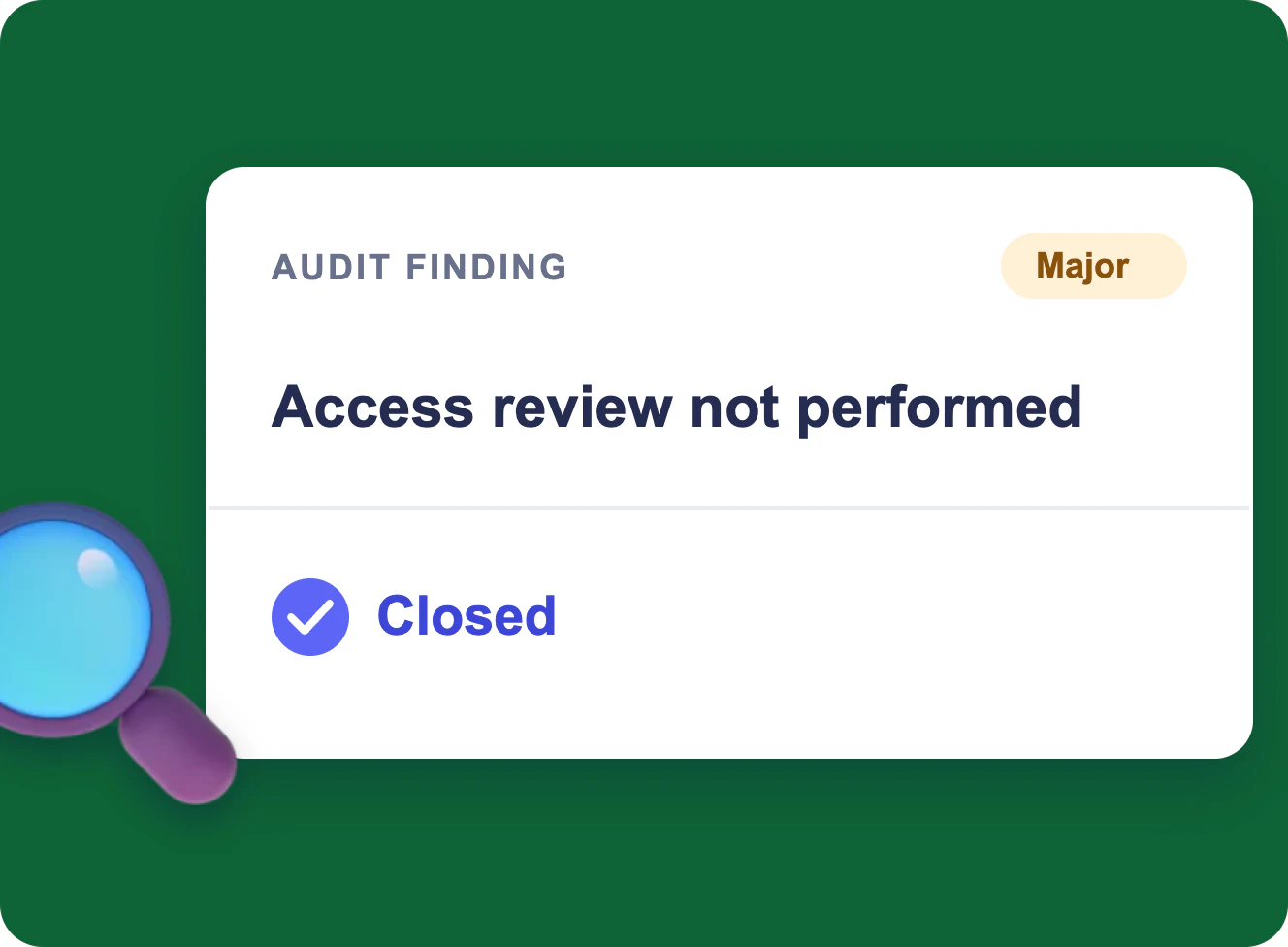
CAPA and Audit Findings in Microsoft 365
One audit finding from the audit plan to a closed record in Microsoft 365: a calendar, a form, a board, an evidence folder and reminders for ISO 9001, 20000-1, 27001 and CMMI, without a separate QMS.
Learn more about CAPA and Audit Findings in Microsoft 365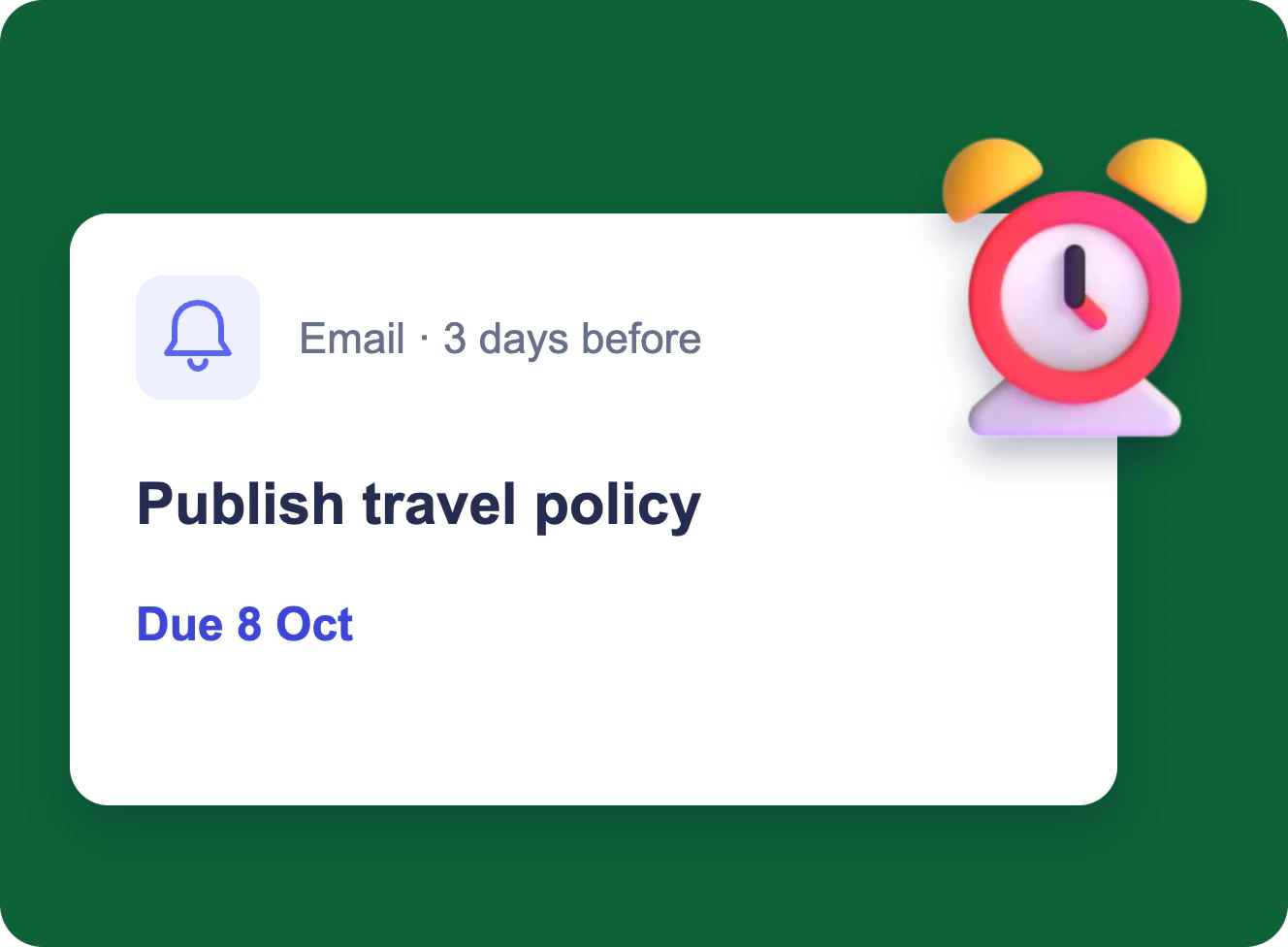
Task Due Date & Overdue Reminders
Each assignee gets an email three days before a task is due, and the manager gets one table of everything overdue and still open every morning — from a SharePoint task list.
Learn more about Task Due Date & Overdue Reminders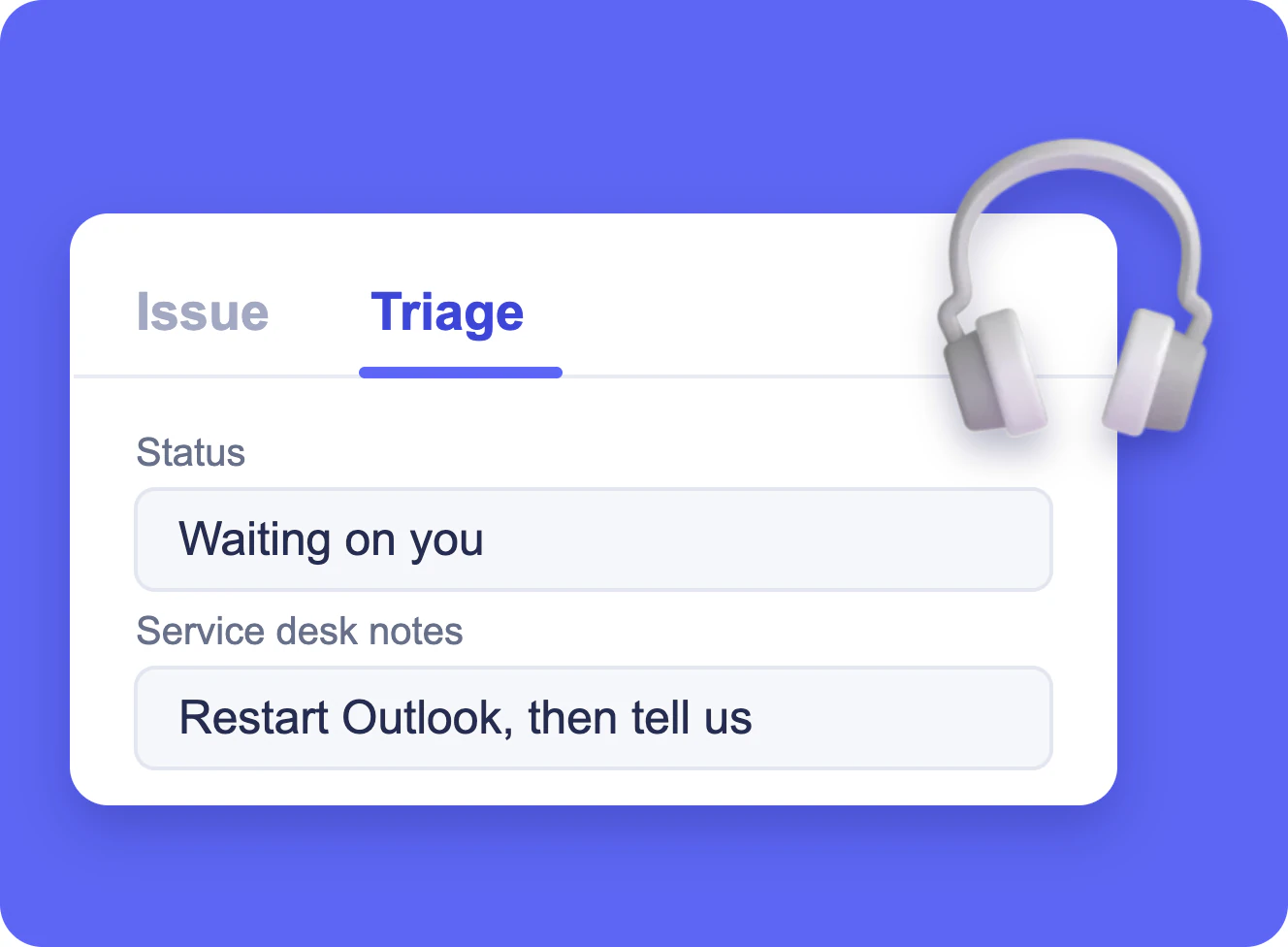
IT Help Desk Ticket Form in SharePoint
A SharePoint list of IT tickets with a short form for employees and a Triage tab that only the service desk edits, built with Virto Forms Designer App.
Learn more about IT Help Desk Ticket Form in SharePoint