


VirtoSoftware's Group Meeting Scheduler
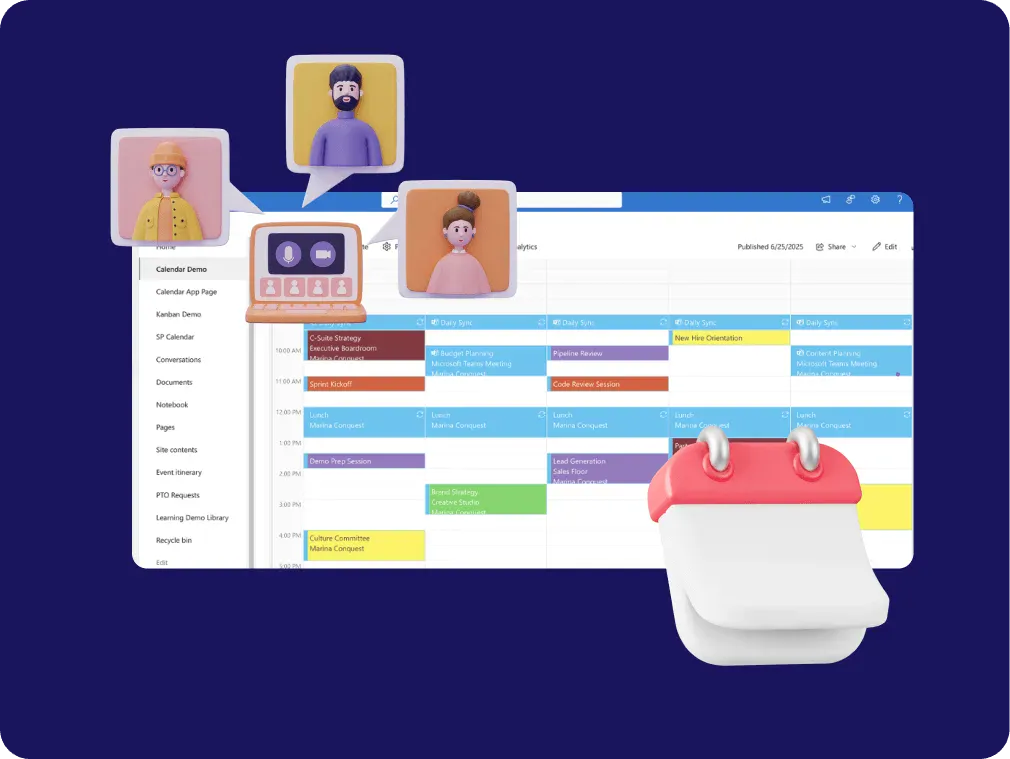
Every group meeting in one shared calendar: stand-ups, all-hands and client sessions, tagged by team and room. Virto Shared Calendar opens in a browser or in Teams, and a link shares it, no Microsoft account needed.
Trusted by Industry Leaders


and over 8,000 businesses worldwide
Group scheduling tools that respect your time
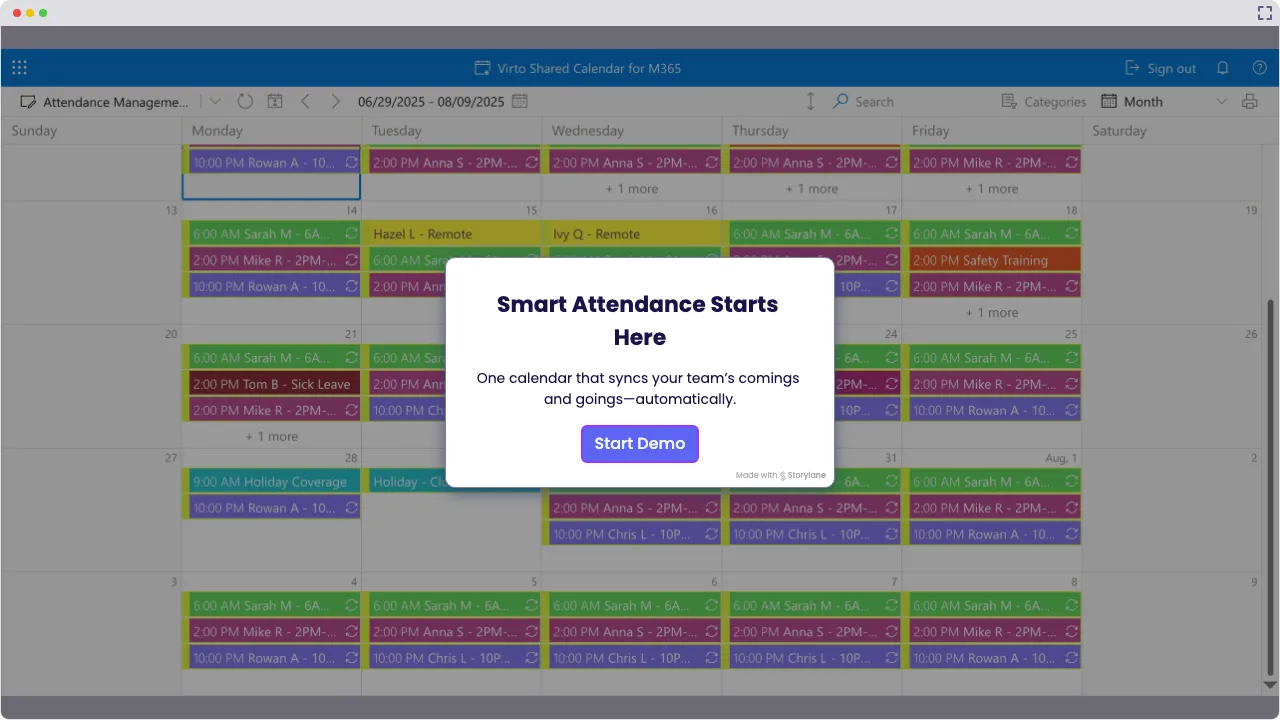
Launch Interactive Demo
Group Scheduling That Actually Functions
Virto Shared Calendar is for group scheduling that involves several teams, recurring meetings and a few meeting rooms: every group meeting in one calendar, tagged by team and room, so you see what is already booked before you send the invite from Outlook or Teams.
The group scheduling software that gets meetings done

Handle your group meetings in one shared calendar: stand-ups, all-hands and client sessions, recurring where they repeat, tagged and color-coded by team. Open it in Microsoft Teams or in a browser, and share it by link with anyone who needs to see it, no Microsoft account required.

Coordination that cuts through meeting chaos
Color-code your meeting schedules by department, tag each meeting with its team and room, and coordinate cross-functional groups with the kind of precision that keeps projects on track and deadlines intact.

Updates that move at business speed
Move a meeting to its new time right in the calendar, and everyone who opens it sees the change; the updated invite still goes out from Outlook or Teams. Perfect for those “Conference Room B is available earlier” moments that define modern workplace reality.

Key benefits

Streamlined scheduling that cuts email ping-pong
Put the group’s meetings on one calendar everyone can open, instead of another 'When is the all-hands again?' email thread. A Teams tab or a link answers that question up front, so you can skip straight to the actual meeting.
Fewer conflicts through real-time visibility
See every group meeting in one calendar, tagged and color-coded by team, so overlapping meetings stand out. No more accidentally booking the all-hands over the team offsite or discovering conflicts five minutes before the meeting starts.
Meetings that stay on everyone’s radar
Reminders come from Outlook and Teams, where the meeting invitation lives; Virto Shared Calendar sends none of its own. It keeps the meeting visible next to the rest of the group’s schedule, so it does not get lost in a busy week.
Room visibility that prevents room disasters
Tag each meeting with its room, and a room booked twice for the same hour shows up before you send the invite. No more awkward 'someone's in our room' moments; room mailboxes and catering stay with facilities.
Collaboration across organizational boundaries
Bring internal teams together in one calendar, send external stakeholders a view-only link that needs no Microsoft account, or share the calendar with a partner company’s Microsoft 365 tenant. Whether it's cross-departmental projects or client meetings, everyone stays aligned.
Mobile and remote access that works everywhere
Open the calendar at your desk, in Microsoft Teams, on your phone during the commute or in a browser in your home office. Remote attendees see the same schedule wherever they work.
When Virto Shared Calendar fits — and when it does not
A weekly stand-up with the same 8 people, a monthly all-hands and client sessions, scattered across invites and chat threads
Add each group meeting as an event, recurring where it repeats, and tag it by team, so the month of meetings reads at a glance in Microsoft Teams, in a browser or on a phone.
Quarterly board meetings with external board members who are not in your Microsoft 365
Send a view-only link. External board members open the meeting calendar in their browser with no Microsoft account and no login. Catering and board papers stay with the teams that handle them.
A few conference rooms and no room mailboxes
Tag each meeting with its room and give each room a color, so a room booked twice for the same hour is visible before the invite goes out.
A joint project with an organization on its own Microsoft 365 tenant
Share the calendar with the partner’s tenant, and their team adds it to Microsoft Teams next to their own apps. Owners and members edit the meetings; everyone else views them.
Fifty people across departments, locations and time zones, whose availability lives in Exchange

Virto Shared Calendar keeps its own events and reads iCal feeds; it does not open Outlook calendars or room mailboxes. Overlaying those in one view, with a time-zone setting that shows each reader their local time, is what Virto Calendar App does.
Twelve people from three teams and no obvious slot
Virto Shared Calendar shows the meetings the group has planned, but it does not propose times or run polls. Outlook’s Scheduling Poll lets attendees vote on the options you offer.
Virto Shared Calendar
Plan group meetings on one shared calendar
Related products

Integrations
Connect to the tools your teams use the most so everyone works seamlessly in one place.







Related use cases
Discover our range of use cases to take your planning and coordination to another level
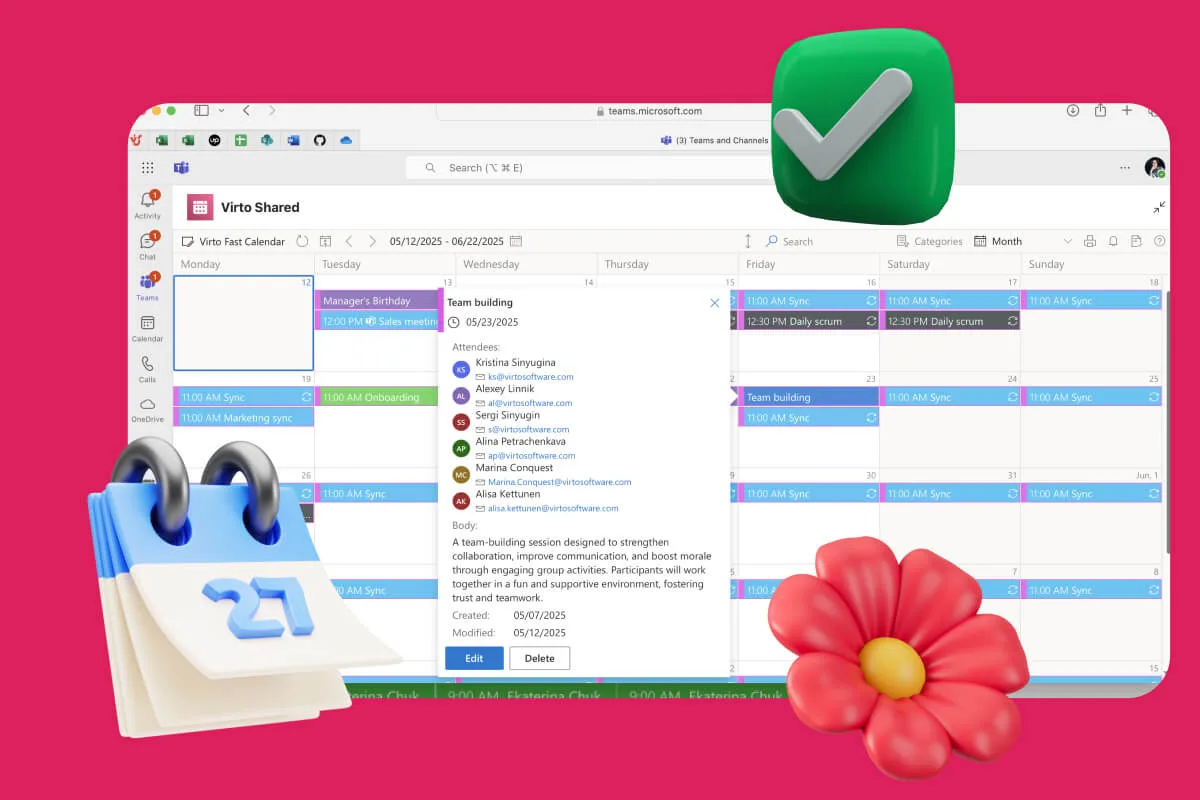
Availability Calendar
Virto Calendar App draws every team member's calendar in one Outlook view — busy time, vacations and shared meetings, under the permissions each source already has.
Learn more about Availability Calendar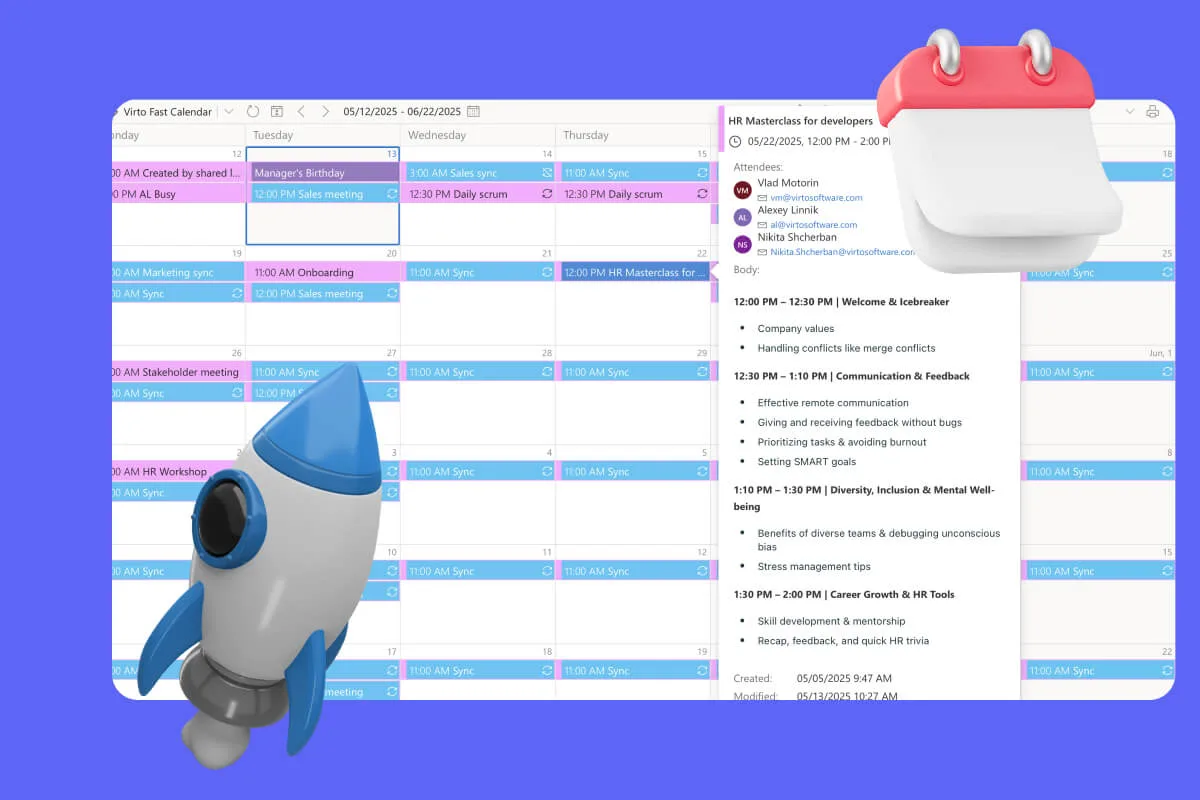
Sprint Calendar
Stay in sync and sprint with style: planning, stand-ups, reviews and retros in one shared sprint calendar, color-coded, in a browser or in Microsoft Teams, and shared by link with the whole team.
Learn more about Sprint Calendar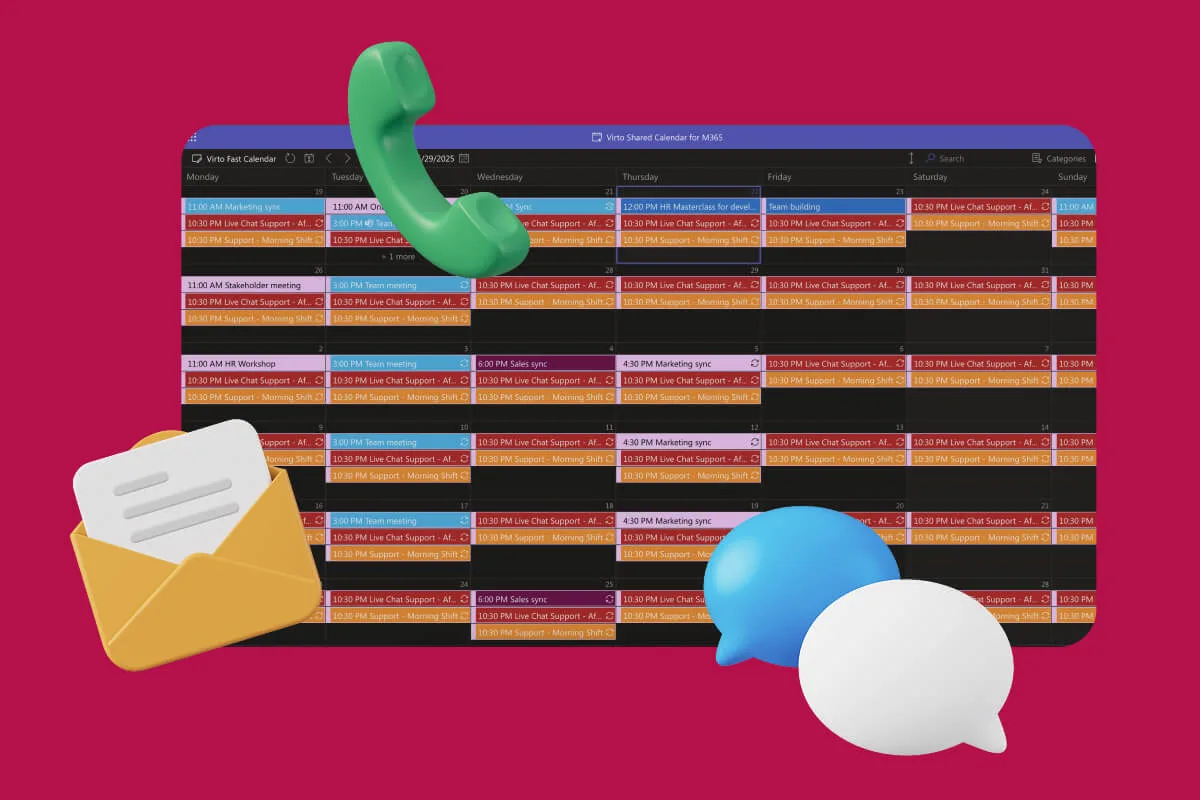
Customer Support Schedule
One shared rota for on-call shifts, PTO and night rotations, tagged by tier. Agents check it in Teams or on a phone, and part-timers or partners open it from a link, no Microsoft account needed.
Learn more about Customer Support ScheduleComprehensive support, security, and integration
Our commitment to excellence in every aspect of your experience

Support
Get your questions answered by our global support team of VirtoSoftware product experts, available 24/7/365.

Security
We build our solutions with you in mind to give you control and visibility over access, data, and security.

Integrations
Connect to the M365 tools and internet calendars your teams use the most so that everyone works seamlessly in one place.
Talk to our team
Need clarity on our app's suitability for you? Set up a quick call with us or chat via Microsoft Teams chat to explore its potential for your needs.