


Each Team Gets Its Own Onboarding Form
One SharePoint list item per new hire, filled in by HR, IT, facilities and the hiring manager. Virto Forms Designer App gives each team its own form: the tabs it works in, the details it needs to read, nothing else.


Trusted by Industry Leaders


and over 8,000 businesses worldwide
Four Teams, Four Forms
The screens come from a test list on our own SharePoint site: one item per new hire and one published Virto form with four layouts. The names are invented.
HR
HR sees the whole record
A list item per new hire
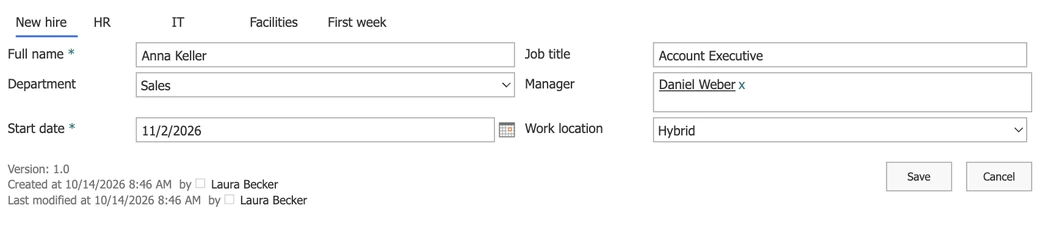
Name, job, department, manager, start date and work location are columns of an ordinary SharePoint list, so views, filters and exports keep working.
Tabs instead of a long page
HR, IT, facilities and the first week each have a tab, laid out in two columns in a drag-and-drop designer, without code.
IT
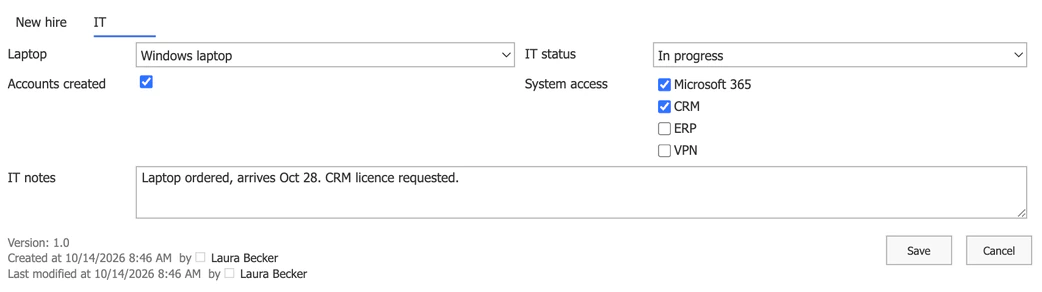
IT opens the same item and sees its own tab
Only what IT fills in
Laptop, accounts, system access and the IT status. The HR, Facilities and First week tabs are not in IT's form at all.
The details stay in view
The New hire tab is there for reference and read-only in this form. Who may change the data itself is still decided by the list's permissions.
Facilities
Facilities gets a desk, a badge and parking
Two tabs, nothing to scroll past
Facilities never sees contract or system-access fields; its form has the new hire's details and its own tab.
A status per team
IT status and Facilities status are separate columns, so a list view shows at a glance who is not ready for day one.

Manager
The manager plans the first week
A default for everyone else
People outside the HR, IT and facilities groups, such as the hiring manager, get the default layout.
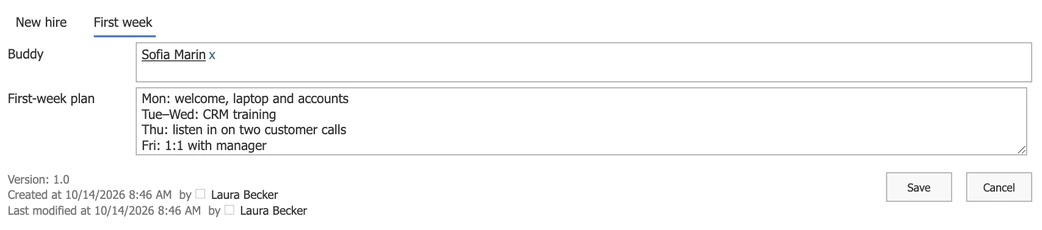
Buddy and plan in the record
The buddy and the first-week plan sit next to the rest of the onboarding, not in a separate email.
Set-up
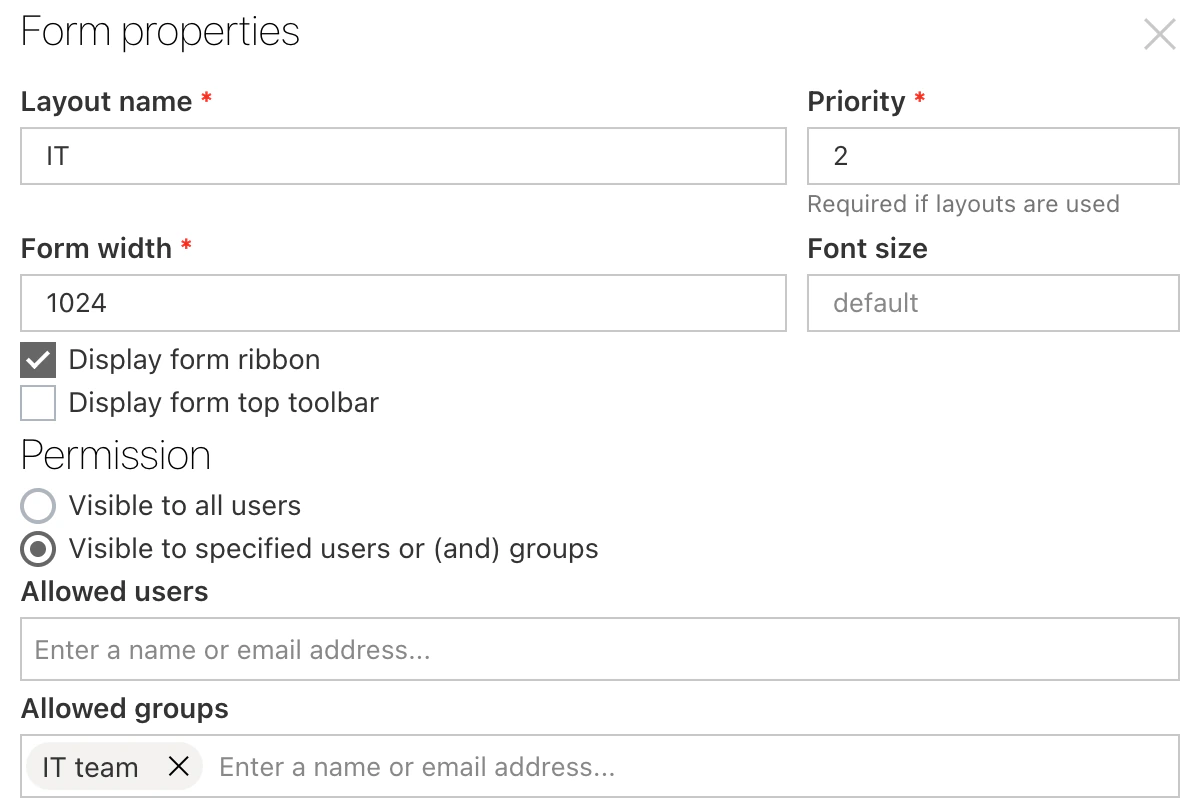
A layout per group, set once
Layouts with a priority
Each layout names the users or SharePoint groups that see it. When a person matches several, the priority decides; the default layout catches everyone else.
Code only for logic
Tabs, columns and who sees which layout are settings in the designer. A field that appears only when another one is filled in needs a few lines of JavaScript.
Key benefits

Your data stays in your list
Every answer is a column of an ordinary SharePoint list item in your tenant, with your permissions, versions and views.
No code for the layout
Tabs, two columns, labels and a layout per group are set in a drag-and-drop designer.
Each team sees its part
Fewer fields on screen means fewer mistakes, and nobody scrolls past another team's questions.
Every change on record
Version history shows who changed which field and when, across all four teams.
Flows and alerts can react
Because the record is a list item, a Power Automate flow or a Virto alert can react to any column, such as the IT status.
A form, not a lock
Hiding a tab or making it read-only shapes the form. Who may change the data is still set by the list's permissions.
What onboarding needs, and what runs it
HR, IT, facilities and the manager each own a part of the record, and each part has its own fields.
A tab per team and a layout per SharePoint group on one list item; each team sees the tabs it works in.
A date-based reminder on the Start date column emails the people who still have work to do a few days before day one.
For example, a VPN request only when the work location is Remote.
Possible with a few lines of JavaScript in the form; the designer has no setting for conditional fields. The default SharePoint form can show or hide a column by formula for free.
When onboarding is a list of tasks with owners rather than one record per person, Microsoft's own list template is the simpler start.
Keep contracts, e-signatures, salaries and identity documents in the HR system that owns them. The onboarding list holds the logistics.
Virto Forms Designer App
Give each team its own onboarding form
Related use cases
Discover our range of use cases to take your planning and coordination to another level
Employee Vacation Tracker
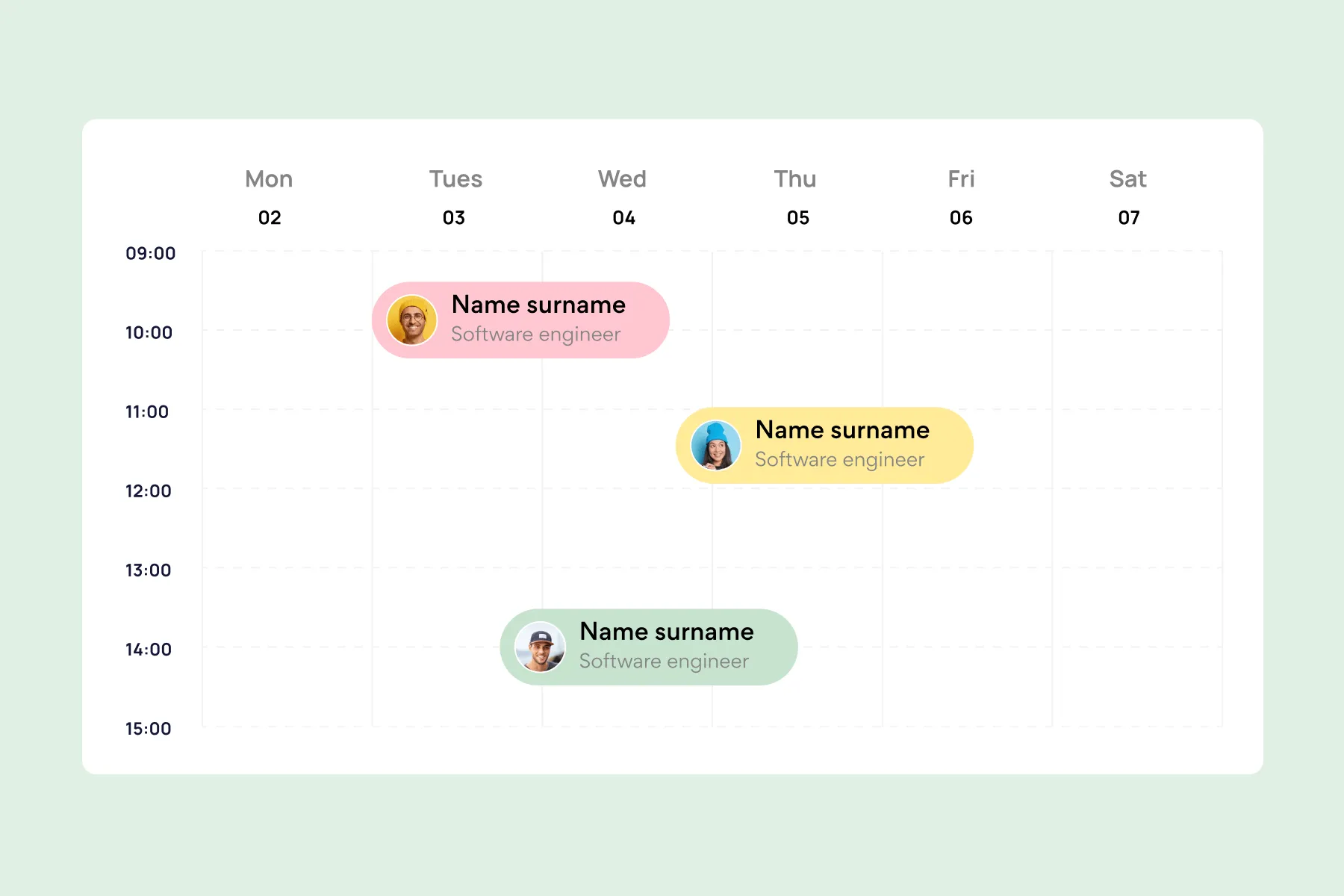
Virto Calendar App shows approved leave next to the public holidays of every country your team works in — who is away, and which offices are closed.
Learn more about Employee Vacation Tracker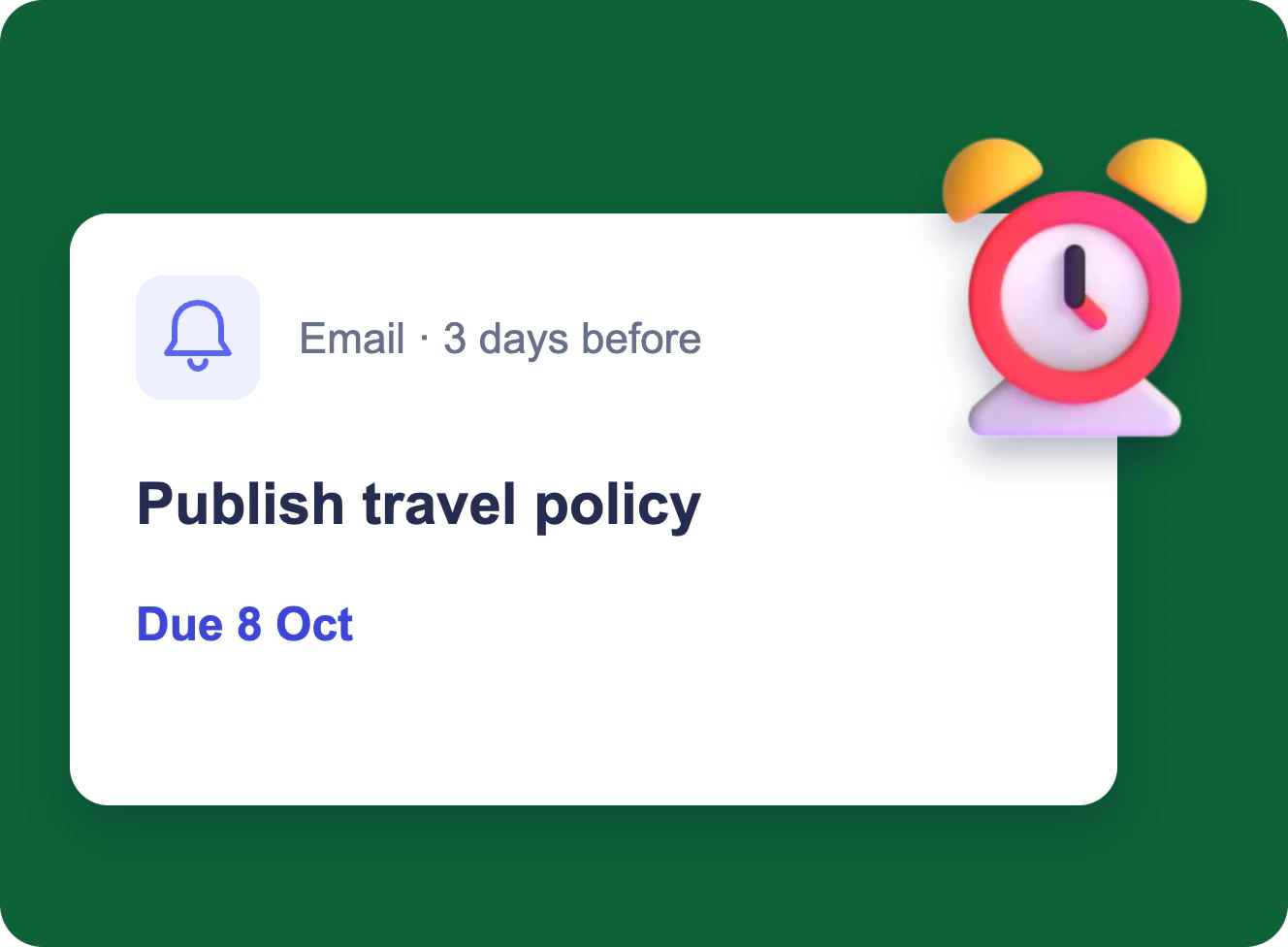
Task Due Date & Overdue Reminders
Each assignee gets an email three days before a task is due, and the manager gets one table of everything overdue and still open every morning — from a SharePoint task list.
Learn more about Task Due Date & Overdue Reminders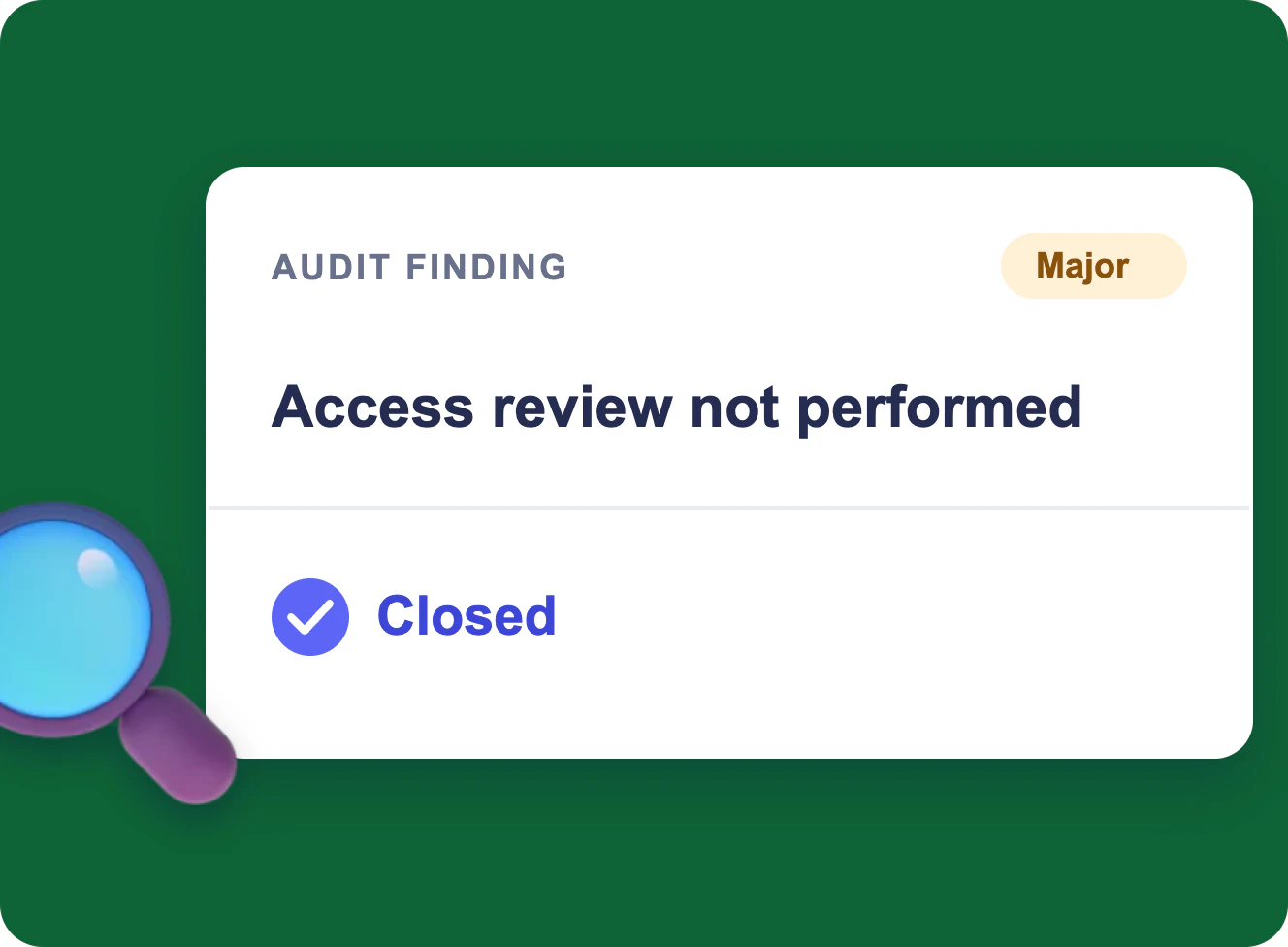
CAPA and Audit Findings in Microsoft 365
One audit finding from the audit plan to a closed record in Microsoft 365: a calendar, a form, a board, an evidence folder and reminders for ISO 9001, 20000-1, 27001 and CMMI, without a separate QMS.
Learn more about CAPA and Audit Findings in Microsoft 365