


A Policy Is Approved. Its Readers Hear About It.
Policies and procedures live in a SharePoint library. Virto Alerts & Reminder App emails the readers when a document is approved, covers one folder with its own rule, and sends a weekly table of what changed.



Trusted by Industry Leaders


and over 8,000 businesses worldwide
From a Status Change to an Email With a Link
One library and three rules: an announcement when a document is approved, a rule for one folder, and a weekly table for whoever answers for the library.
The announcement
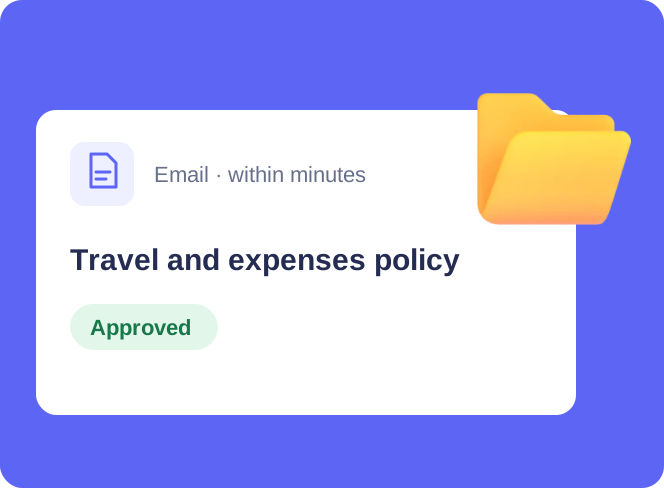
When a document is approved, an email goes out
Drafts stay quiet
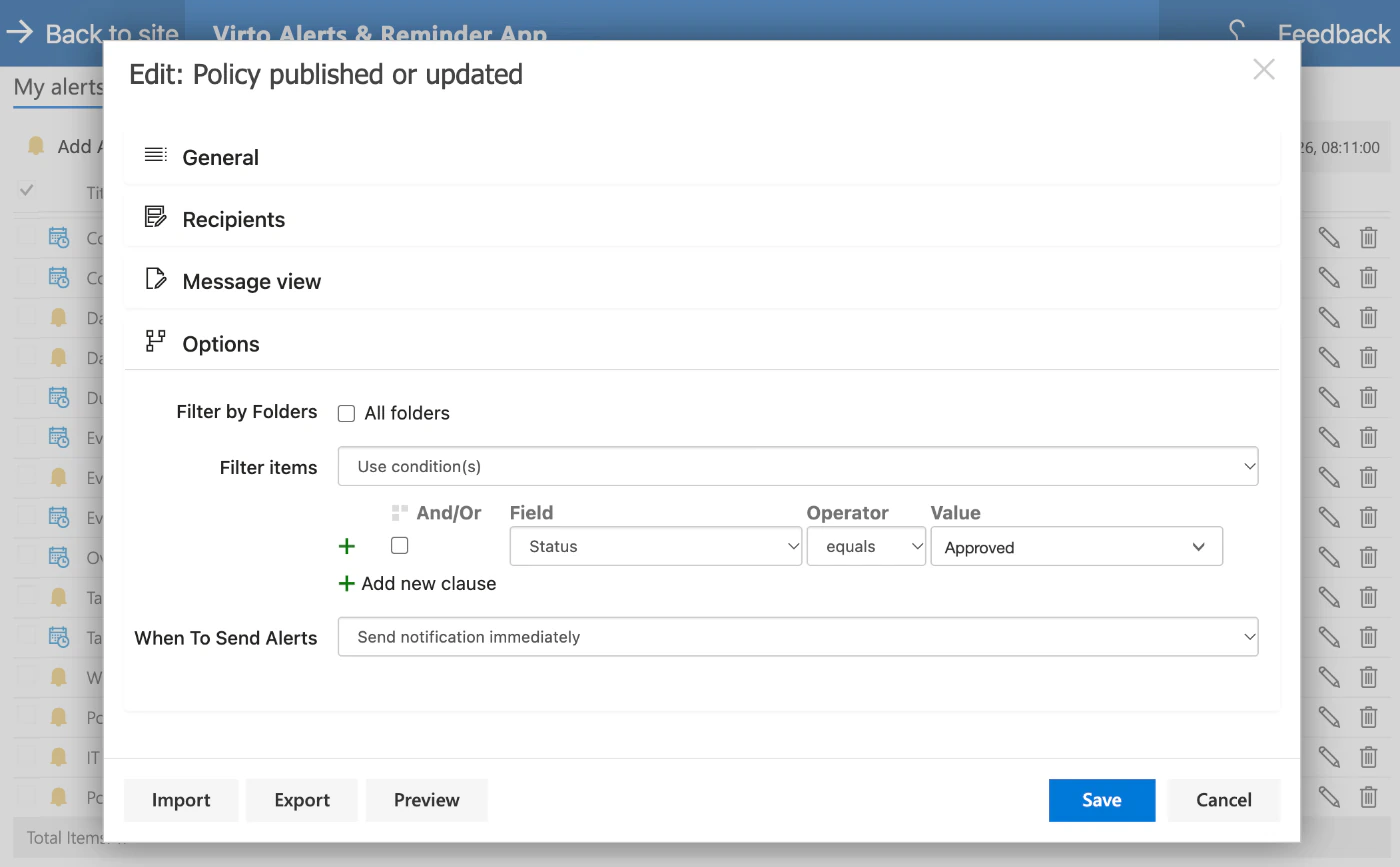
The condition Status equals Approved keeps working drafts out. The email goes out when a document reaches that status or an approved one is changed.
Within minutes
An immediate rule sends within minutes of the change. The condition is checked when the email is sent, so the message shows the document as it stands then.
To the people who need to read it
Recipients are set in the rule: named people, with copies where needed.
The email
A link to the document, its folder and who changed it
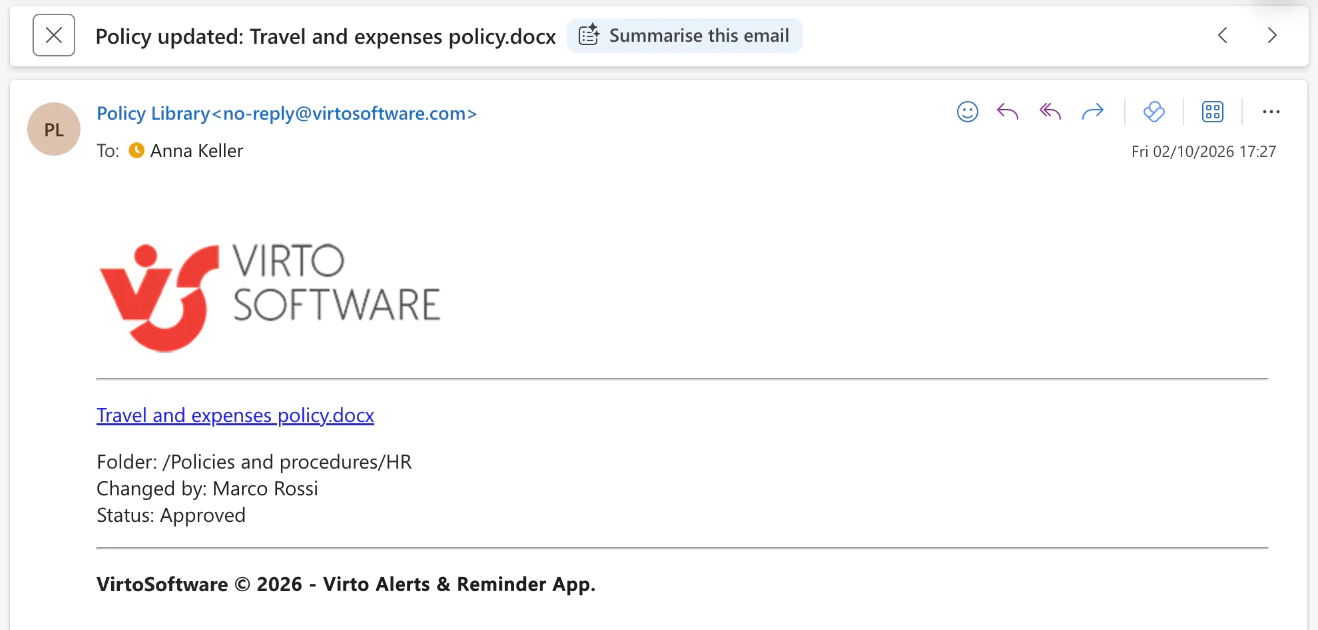
The file name is the link
A click in the email opens the document in SharePoint; nothing is attached or copied.
Folder, editor and status
The message can print the folder path, the person who made the change and the columns of the library, such as Status.
Your subject and sender name
Subject, body and sender name are set in the rule; the header and footer can be replaced with your own.
One folder
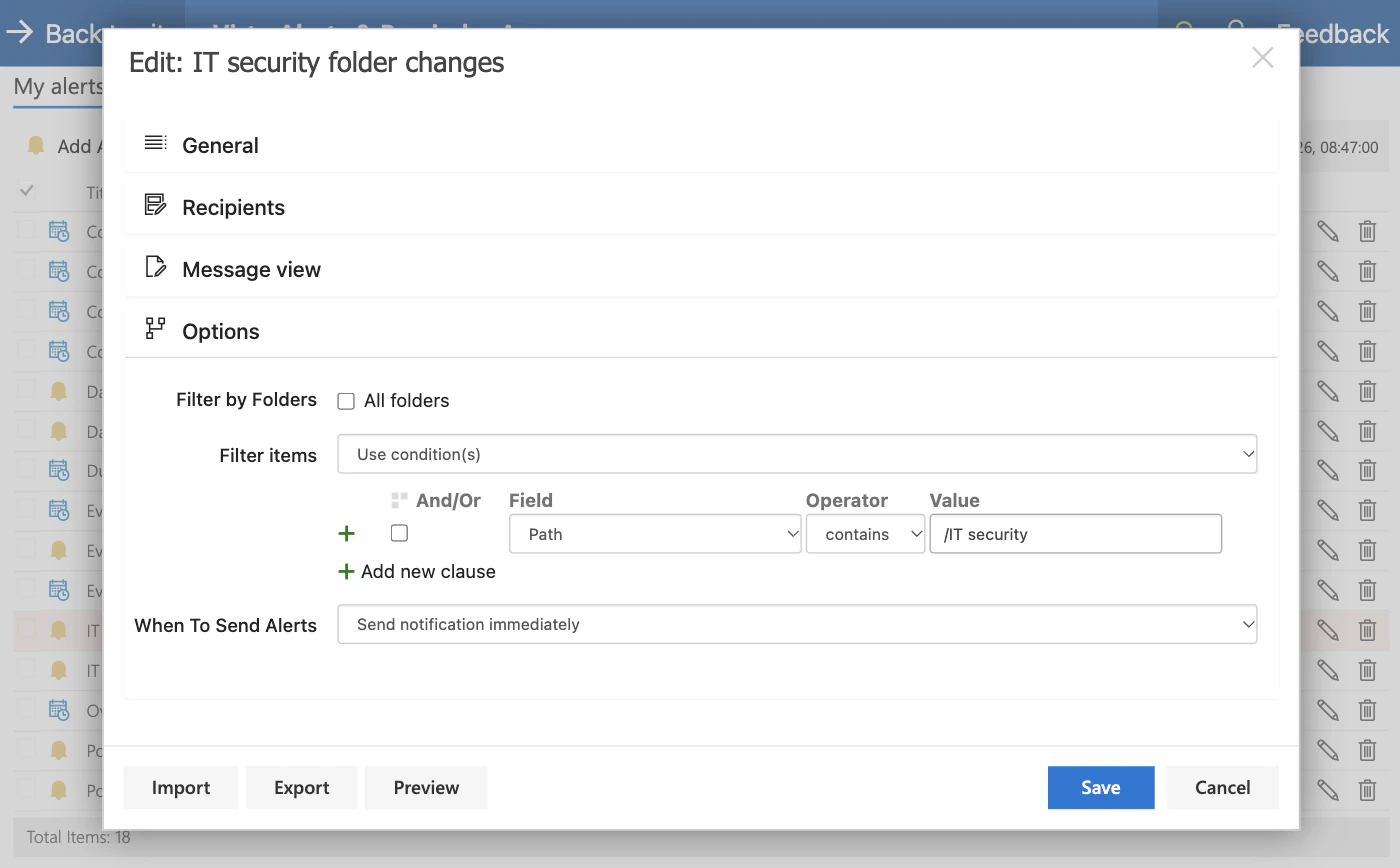
A rule for one folder through a condition on the path
The path is a column like any other
A condition Path contains the folder name limits the rule to that folder, so the security team hears only about its own documents.
Separate recipients per folder
Each folder rule has its own recipients and its own message, on the same library.
The weekly table
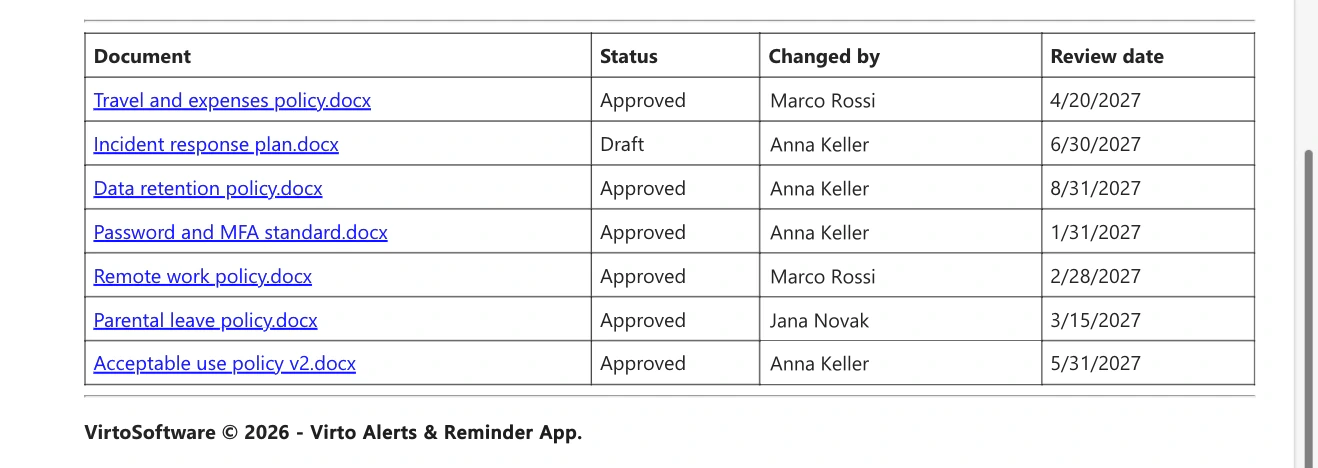
Once a week, every document that changed
One row per document
A document edited several times during the week appears once, as it stands at send time, with Show latest version only.
Drafts included
The weekly rule has no condition on Status, so a renamed draft is listed next to the approved documents and the library owner sees the whole week.
On the weekday you choose
Send a weekly summary takes a day and an hour. This email goes to the person who looks after the library, not to its readers.
Key benefits

Only approved documents are announced
A condition on a library column decides what is worth an email, so readers are not told about every draft.
A link, not an attachment
The email points to the document in SharePoint, so readers always open the current version with the permissions they have.
One folder, one audience
A rule with a condition on the path keeps a team's notifications to its own folder.
A weekly table for the library owner
One email on the weekday you choose lists what changed in the library.
Every rule in one place
My alerts lists each rule with its library and recipients, and the Queue tab shows what has been sent.
The library stays where it is
The documents remain in your SharePoint library in your Microsoft 365 tenant, with the permissions and version history they already have.
Which notification fits which library
Documents are drafted and edited by a few people and read by many.

A rule with a condition on Status announces a document when it is approved, with a link, the folder and the person who changed it.
The security team should not get emails about HR documents.
A second rule with a condition on the path covers that folder and has its own recipients.
The built-in rules email named people when a file changes. Each rule is created by someone with Contribute permission on the library.
Virto Alerts & Reminder App sends the notification. It does not collect acknowledgements or track who opened the document.
Virto Alerts & Reminder App
Tell the readers when a document changes

Related use cases
Discover our range of use cases to take your planning and coordination to another level
Change Digest for SharePoint Lists
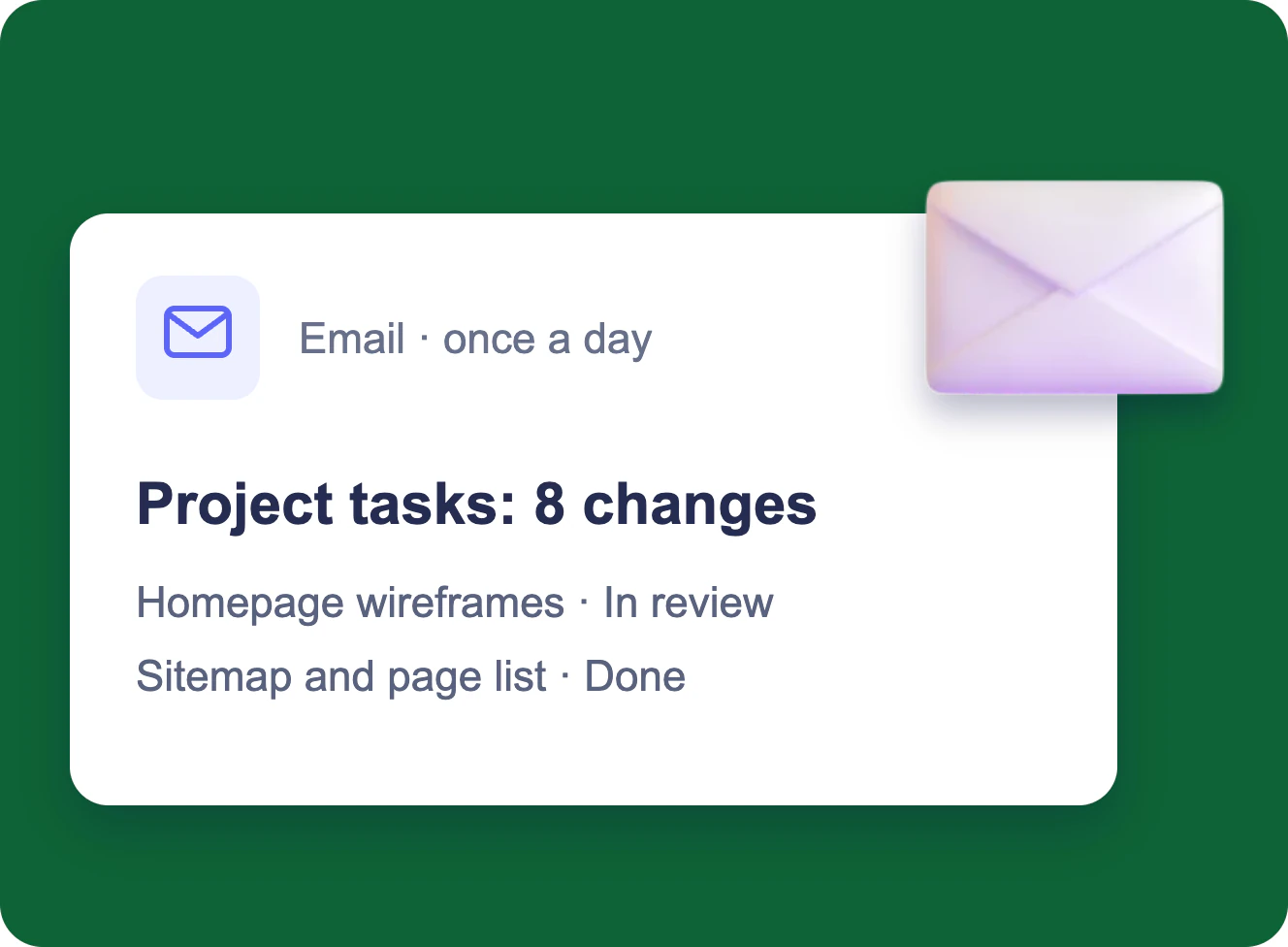
Several people edit one SharePoint list; the project manager gets one email a day with every change in a table, and a separate email within minutes when a task is blocked.
Learn more about Change Digest for SharePoint Lists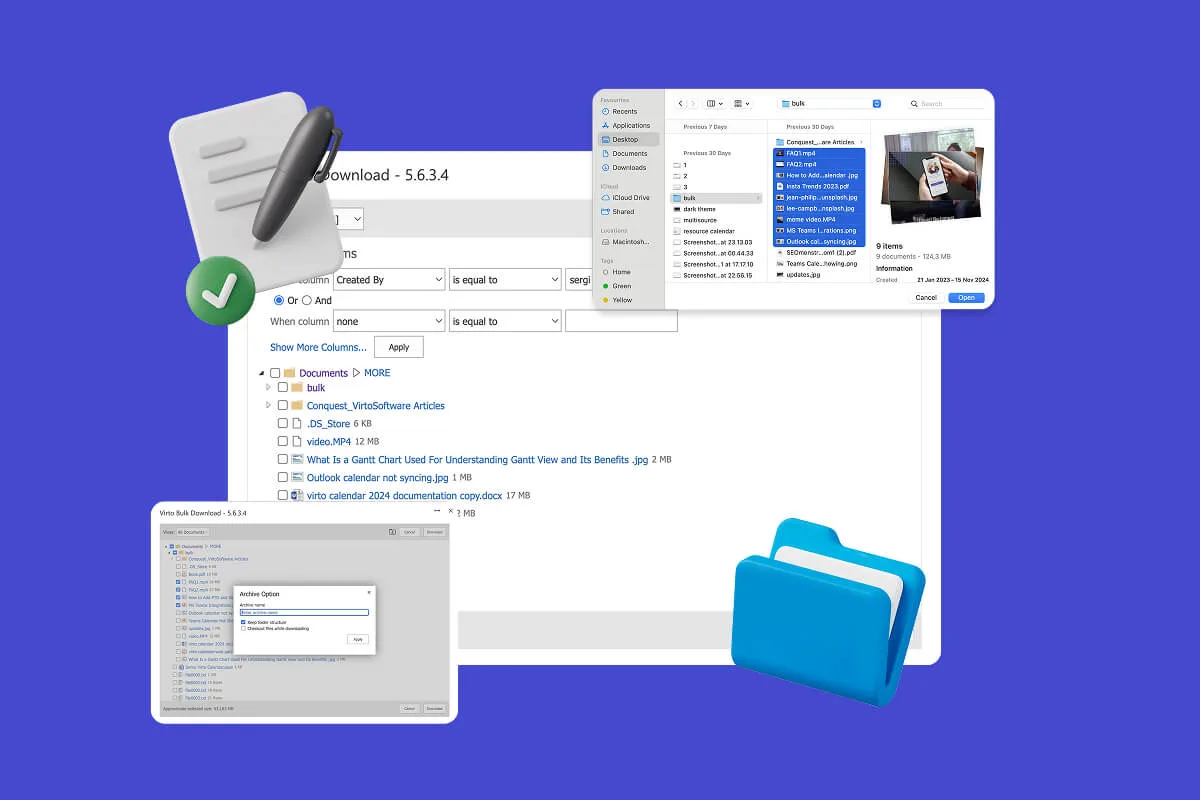
Multiple File Management
Built for high-compliance organizations: Virto Multiple File Operations uploads, moves, copies, deletes and re-tags SharePoint files in bulk, under the permissions you already set—without scripting or IT help.
Learn more about Multiple File Management
Compliance Management Software
See every audit and filing date in one calendar, move remediation tasks across Kanban boards, and email owners before compliance deadlines, all in Microsoft 365.
Learn more about Compliance Management Software