


Contract Renewals, Flagged Before They Slip
Supplier contracts in a SharePoint Server library email their owners when a contract turns Renewal due, 30 days before its renewal date and in one weekly digest. Built with Virto Notifications & Alerts On-Premises on your own farm.
Trusted by Industry Leaders


and over 8,000 businesses worldwide
Launch Interactive Demo
Alert, Remind, Summarize: Three Rules on One Library
Virto Notifications & Alerts On-Premises sits on an ordinary SharePoint Server page and watches any list or library you point it at. The screens are from our SharePoint Subscription Edition demo farm: a Vendor contracts library with six supplier contracts, each with a vendor, an owner, a renewal date, an annual value and a status.
Step 1 · Alert
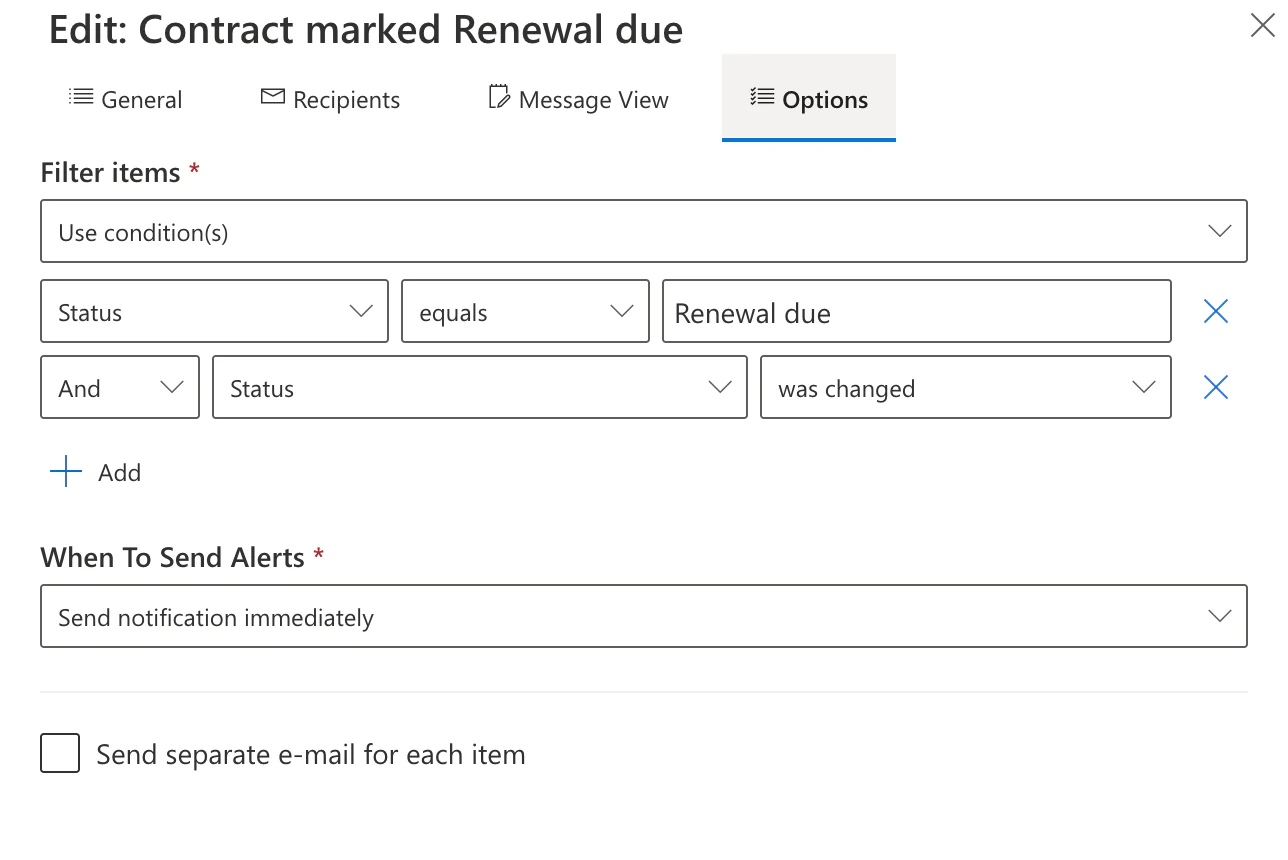
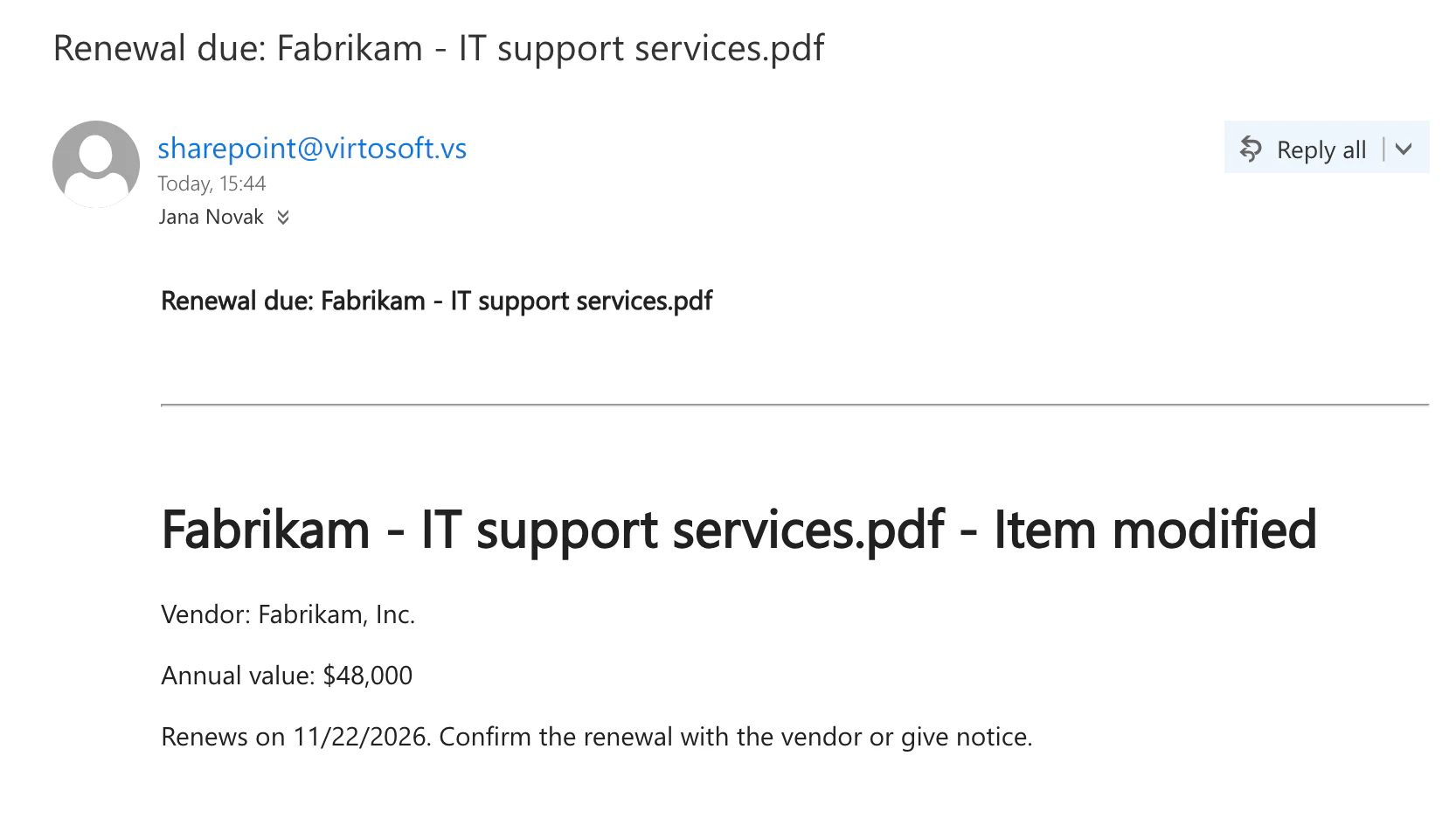
An email the moment a contract turns Renewal due
Conditions on any field
A rule can watch every change or only some: equals, contains, greater or less than, is empty, was changed, and several conditions together.
Email, SMS or Clickatell
Each rule sends by email over your SMTP server, by SMS, or through the Clickatell gateway.
Step 2 · Remind
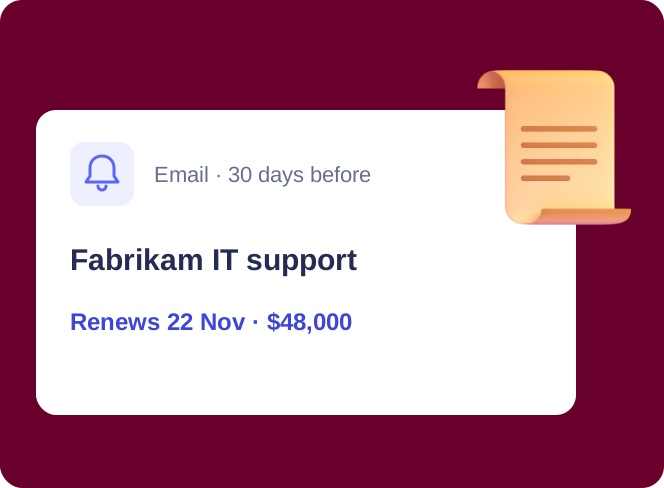
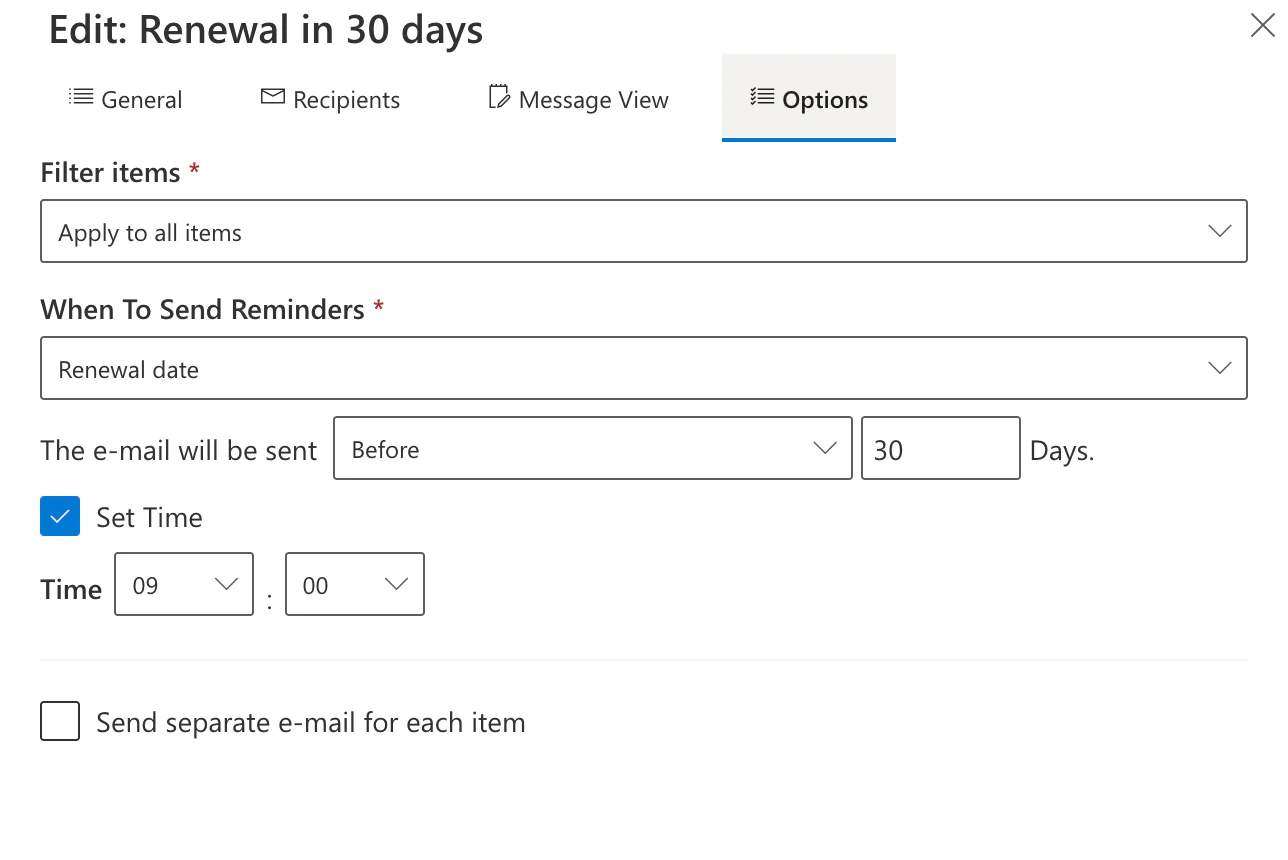
A reminder 30 days before the renewal date
Before, on or after a date
Any date field can drive a reminder: on the day, a number of days before or after, a number of days taken from another field, with or without a daily repeat.
One digest instead of ten emails
Changes can also be collected into a daily or a weekly summary, sent on the day and at the hour you set.
Step 3 · Read
The email the contract owner gets
Your own message
Subject and body are written once, with tags for the item's title, the change and the old or new value of any field, plus a header and a footer.
Recipients beyond the site
To, CC and BCC take people or any outside address, and To also takes a contact list, with your own sender name and reply-to.
Key benefits

No missed notice periods
A reminder before each renewal date leaves time to renegotiate or cancel instead of renewing by default.
Quiet unless it matters
Conditions on any field keep routine edits from turning into email.
One digest for managers
A daily or weekly summary replaces a stream of single alerts.
Your farm, your data
The web part runs inside your SharePoint Server farm; the contracts stay on your servers.
Every rule on one page
Alerts and reminders for the site are listed, searched, enabled and disabled in one web part.
A perpetual licence
On-premises licences never expire; a yearly renewal brings updates and support.
What contract renewals need, and what handles them

A reminder on the renewal date field writes to the owner 30 days ahead, or as many days as the notice period needs.
An alert with conditions fires only for the change that matters, not for every edit.
A daily or weekly summary collects every change in the library into one message.
Any email address can be a recipient, next to the people in your directory.

The Microsoft 365 app sends alerts and reminders from SharePoint Online lists and libraries.
The web part tells people about contracts kept in SharePoint; it does not draft, negotiate or sign them.
Virto Notifications & Alerts On-Premises
Let the renewal dates remind you

Related use cases
Discover our range of use cases to take your planning and coordination to another level
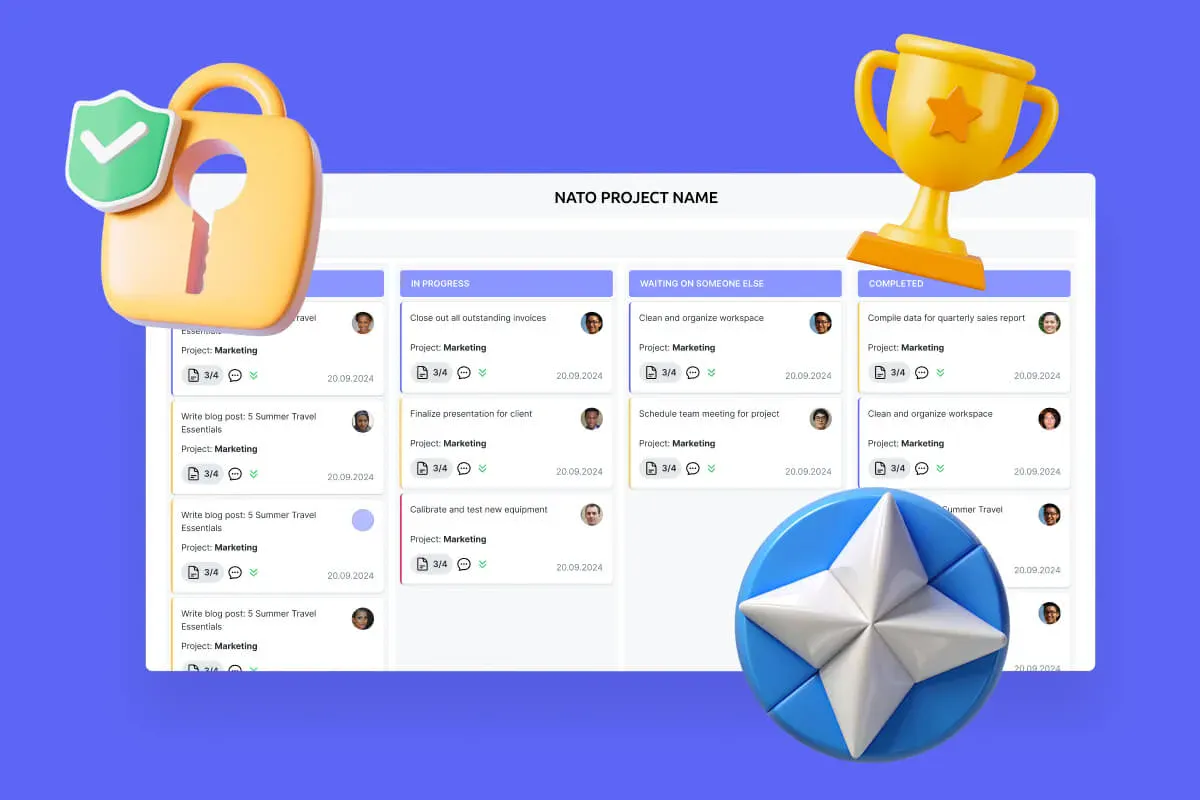
Secure Productivity for IGOs
Transform your secure project management, enhance mission coordination, and get your security and compliance features running like clockwork with VirtoSoftware's NATO-tested secure productivity solutions.
Learn more about Secure Productivity for IGOs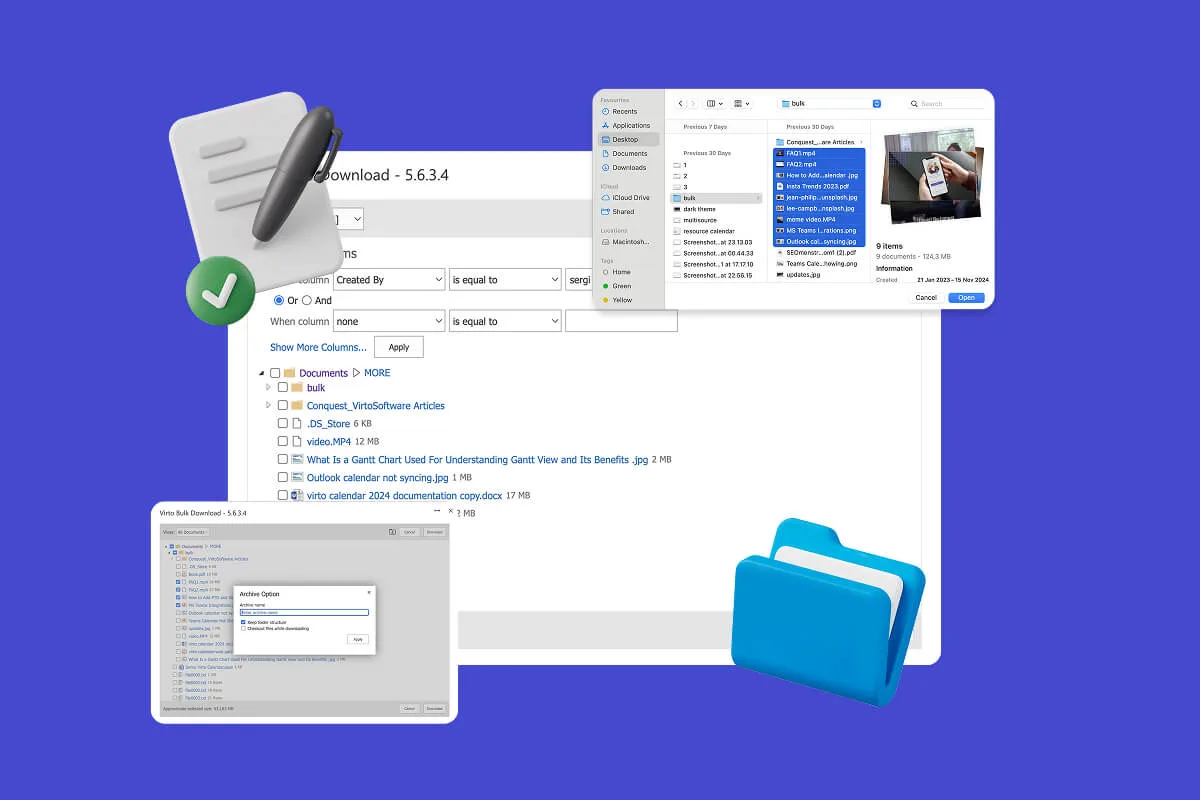
Multiple File Management
Built for high-compliance organizations: Virto Multiple File Operations On-Premises uploads, moves, copies, deletes and re-tags SharePoint files in bulk, under the permissions you already set—without scripting or IT help.
Learn more about Multiple File Management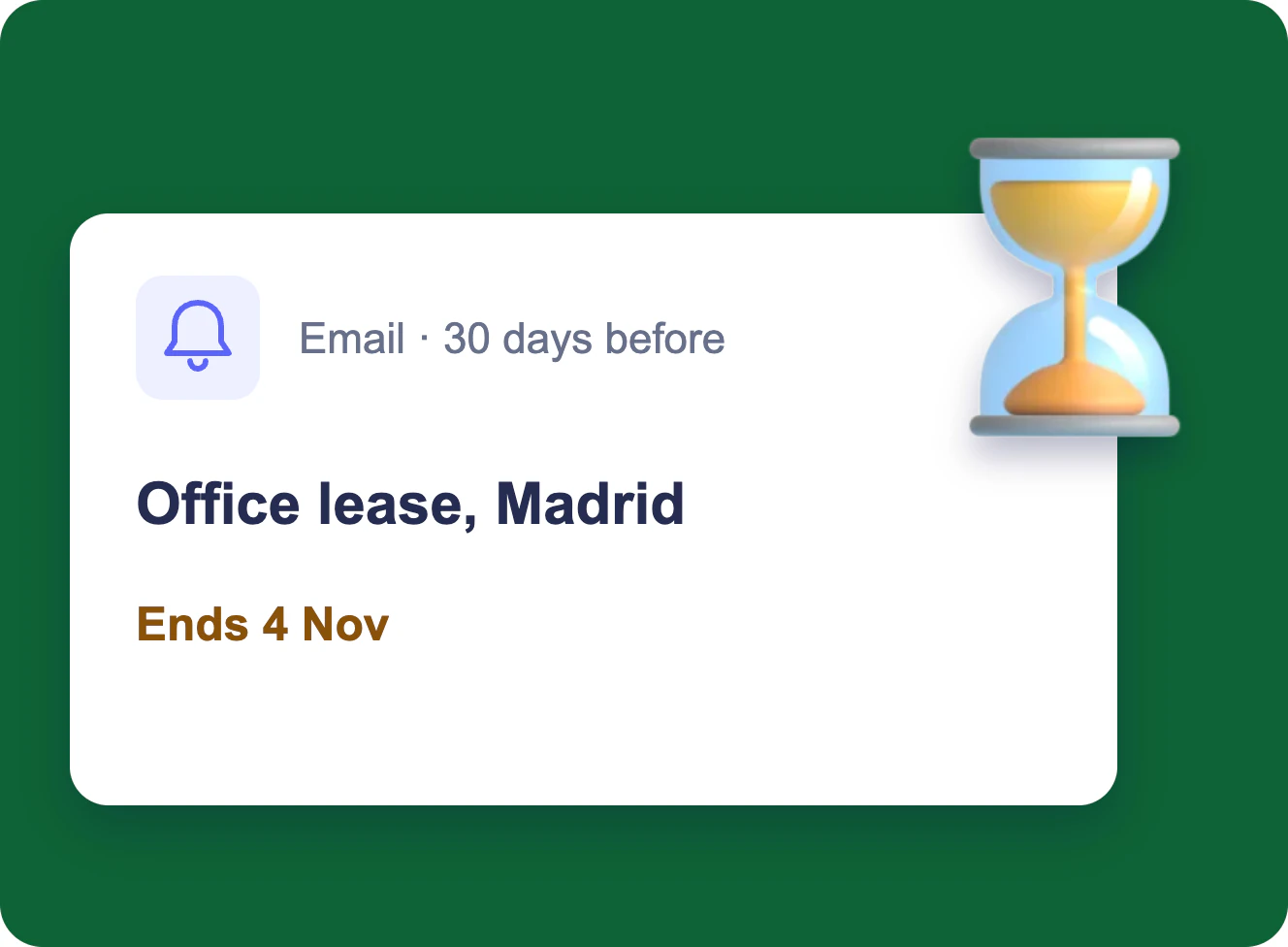
Expiration & Renewal Reminders
Each owner gets an email 90, 60 and 30 days before a contract, certificate or licence ends, and the team lead gets one weekly table — from the SharePoint list you already keep.
Learn more about Expiration & Renewal Reminders