


One Calendar per Club or Team, Open to Every Parent
One shared calendar for each club or team: practices, games and fundraisers in a colour per sub-team, school holidays from an iCal feed, and a view-only link that parents and players open on a phone without a Microsoft account.
Trusted by Industry Leaders


and over 8,000 businesses worldwide
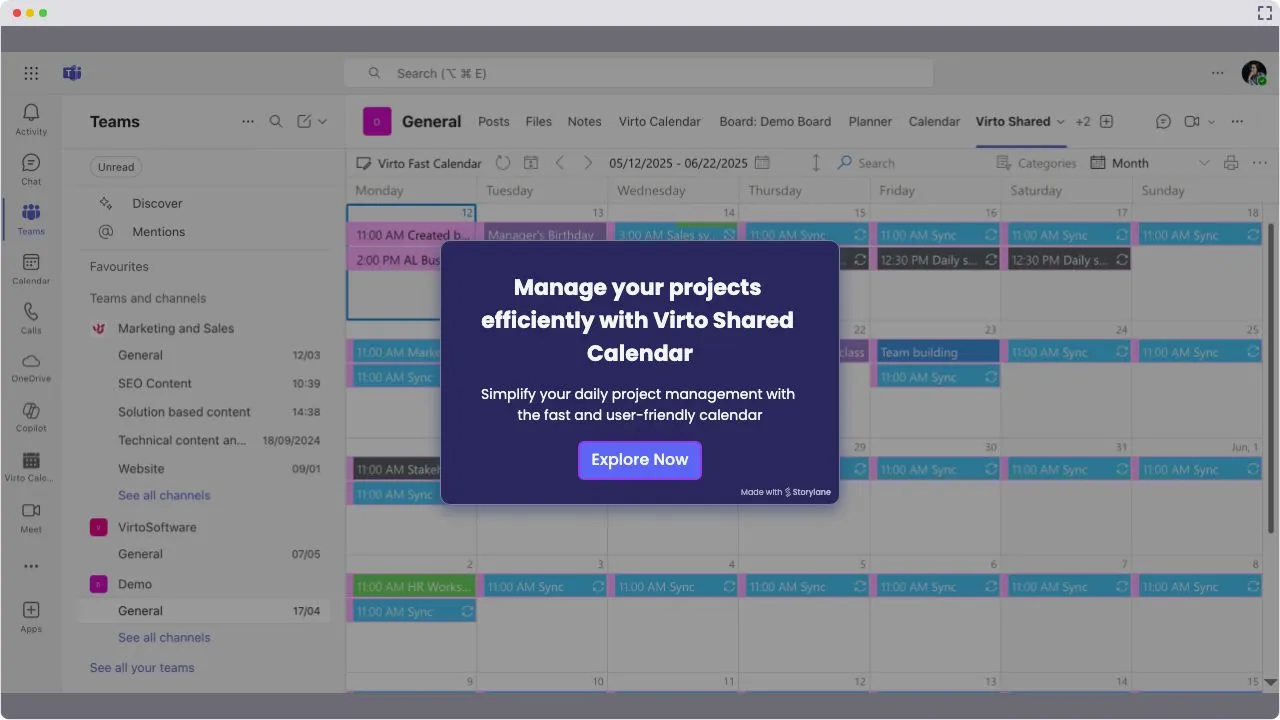
Launch Interactive Demo
Five Steps, One Calendar per Team
A coach or club lead keeps the calendar in Virto Shared Calendar, in Microsoft Teams or in a browser, and everyone else reads it from a link. The screens show a school robotics team with four sub-teams, on a demo calendar in our own tenant.
Step 1 · Plan
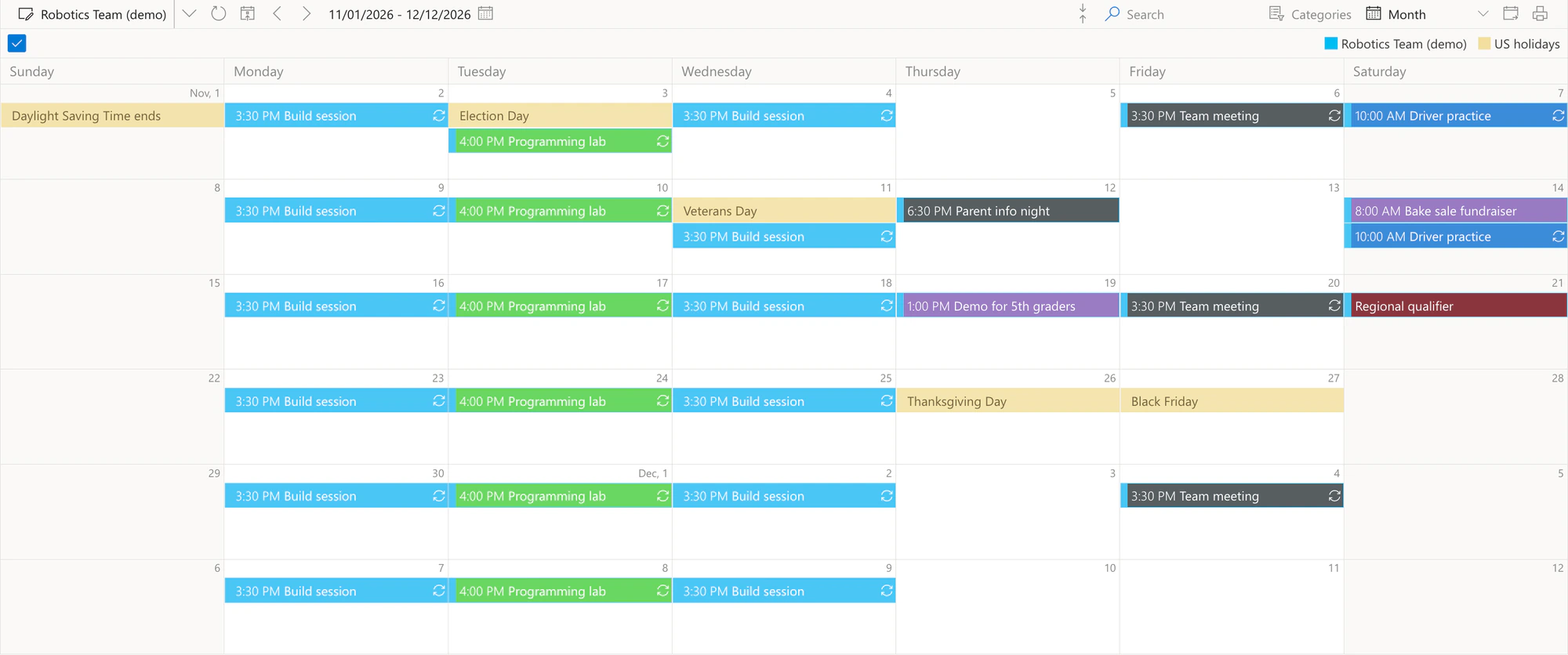
The whole season in one month
A colour per sub-team
Each event is given a category, and the category gives it its colour: Build, Programming, Drive team, Outreach, Competition and Whole team.
A weekly practice is one entry
The build session repeats every Monday and Wednesday as one recurring event, so the whole series counts once against the free plan's 15 entries per calendar. The calendar in these screens holds 8 entries.
Step 2 · Filter
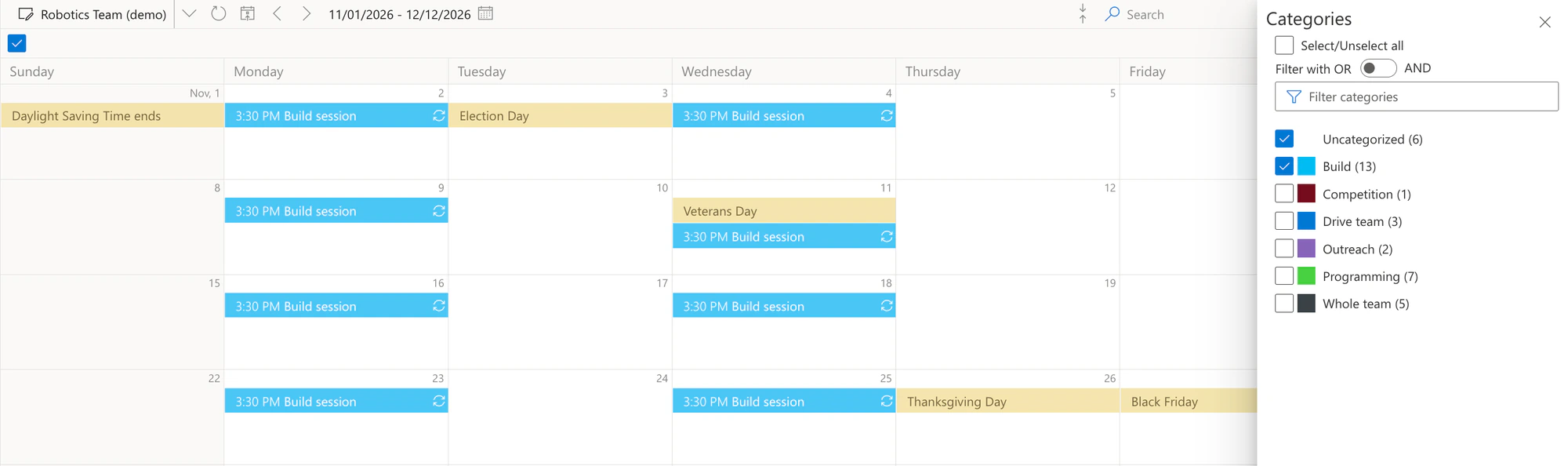
Each sub-team sees its own sessions
Categories is the filter
Tick one sub-team or several. The panel counts each category's events in the view, and Select/Unselect all brings everything back.
Holidays stay in view
Feed events count as Uncategorized, so leaving that box ticked keeps the holidays in view while a sub-team looks at its own sessions.
Step 3 · Add
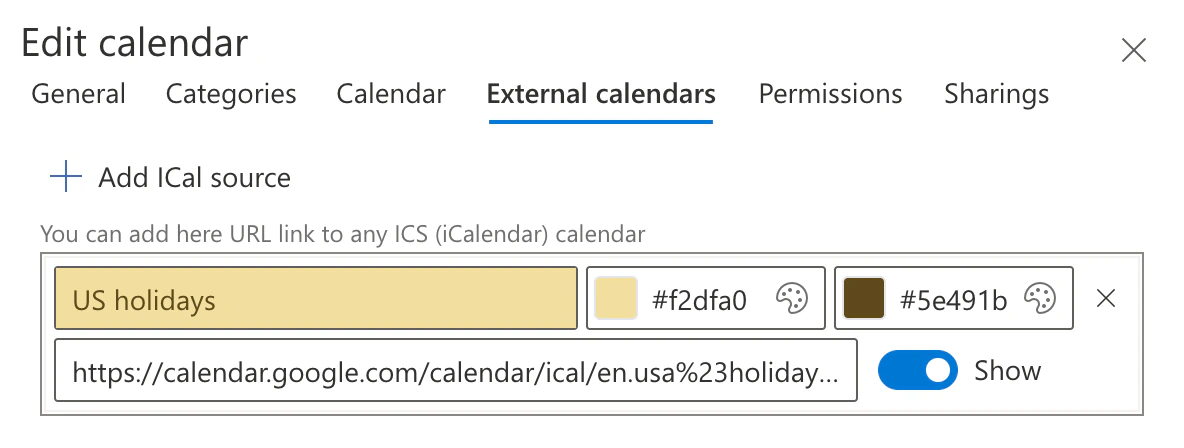
School holidays from an iCal feed
Any iCal link
Paste the address of any ICS calendar: a public holiday feed, the school's own calendar if it publishes one, or an Outlook or Google calendar.
Its own colour, its own switch
The feed sits next to the team's events in the colours you pick, and the Show switch hides it without removing it.
Step 4 · Share
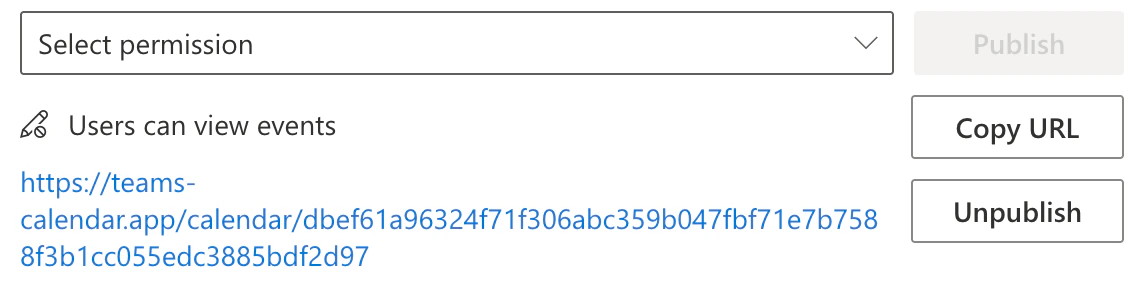
A view-only link for parents
View or edit
A link either lets people view all details or lets them edit. Families get the view link; the parent who runs the bake sale can get an edit link.
Unpublish ends it
One click turns the link off, for example when the season is over.
Step 5 · Check
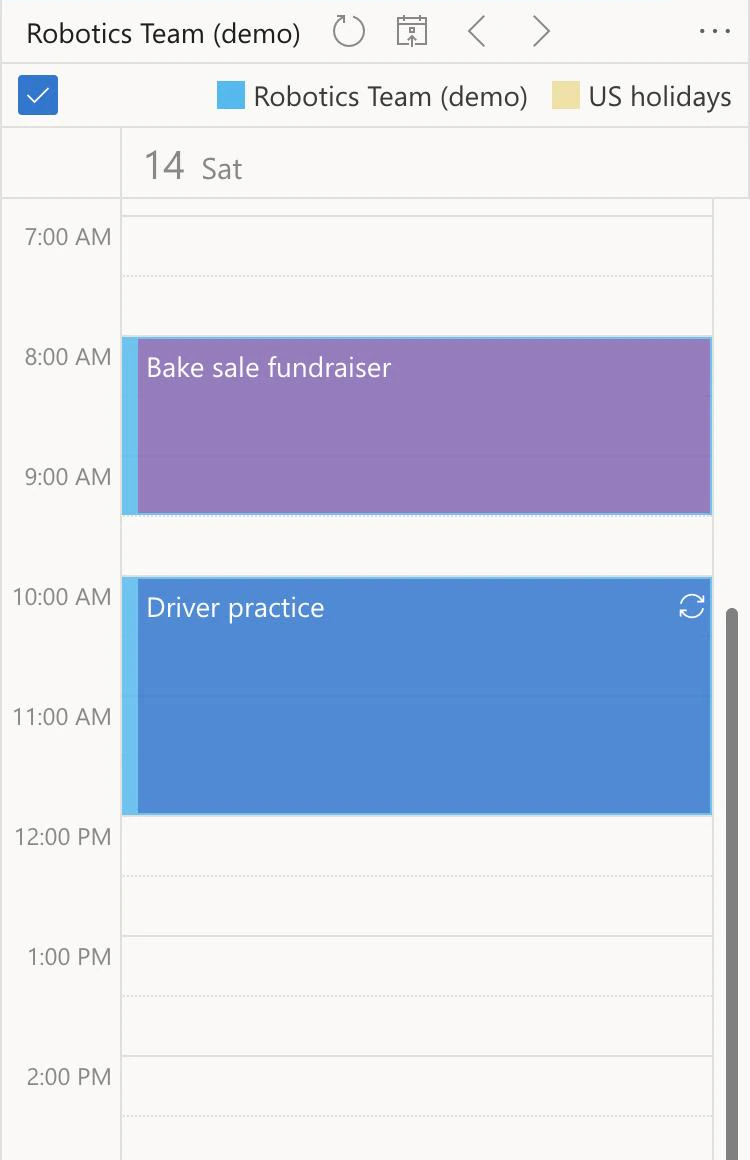
Saturday on a parent's phone
No Microsoft account
The link opens in any browser, on a phone or a laptop. There is nothing to install and nothing to sign in to.
Day, week or month
Readers switch the view themselves; on a phone the day view is the easiest to read.
Key benefits

Free while the calendar is small
The free plan allows up to 15 entries in each calendar, and a weekly practice counts once. Viewers never need a licence; when a calendar grows past 15 entries, only the people who create and edit events need one.
Parents need no account
A view-only link opens in any browser, on a phone or a laptop, with no Microsoft account and nothing to install.
Coaches edit, everyone else reads
Owners and members change events. A calendar is private or visible to the whole school, as you set it.
A tab in the team's channel
A coach adds Virto Shared Calendar to the club's channel in Microsoft Teams without an admin, unless IT has restricted third-party apps.
One calendar for two schools
Share a calendar with another organization's Microsoft 365 tenant for a joint team or a league.
Where the events live
Virto Shared Calendar keeps its calendars on Microsoft Azure, run by VirtoSoftware, not in your SharePoint. If events must stay in your own tenant, Virto Calendar App reads them from your SharePoint lists and Outlook calendars.
What a club calendar needs, and what does it
A coach keeps the season in a spreadsheet and posts every change in a group chat.

One calendar per club or team, a colour per sub-team and weekly practices as recurring events, opened in Microsoft Teams or in a browser.
Families use personal email addresses and their phones.
Publish a view-only link. It opens in any browser with no Microsoft account and no app to install.
Add the holiday calendar's iCal link to the view, and a closure on a practice day shows on the same grid.
Students from a neighbouring school, on its own Microsoft 365 tenant, build the robot too.
Share the calendar with the other school's tenant, and their coach adds it in Microsoft Teams next to their own apps.
The activities office already keeps events in SharePoint lists and Outlook calendars.

Virto Shared Calendar keeps its own events and reads iCal feeds; it does not open SharePoint lists or Outlook calendars. Overlaying those in one view is what Virto Calendar App does.
Virto Shared Calendar shows the schedule. It takes no sign-ups or payments and sends no reminders; those stay in the registration or team-management app the club already uses.
Virto Shared Calendar
Give every club and team its own calendar
Related products

Related use cases
Discover our range of use cases to take your planning and coordination to another level
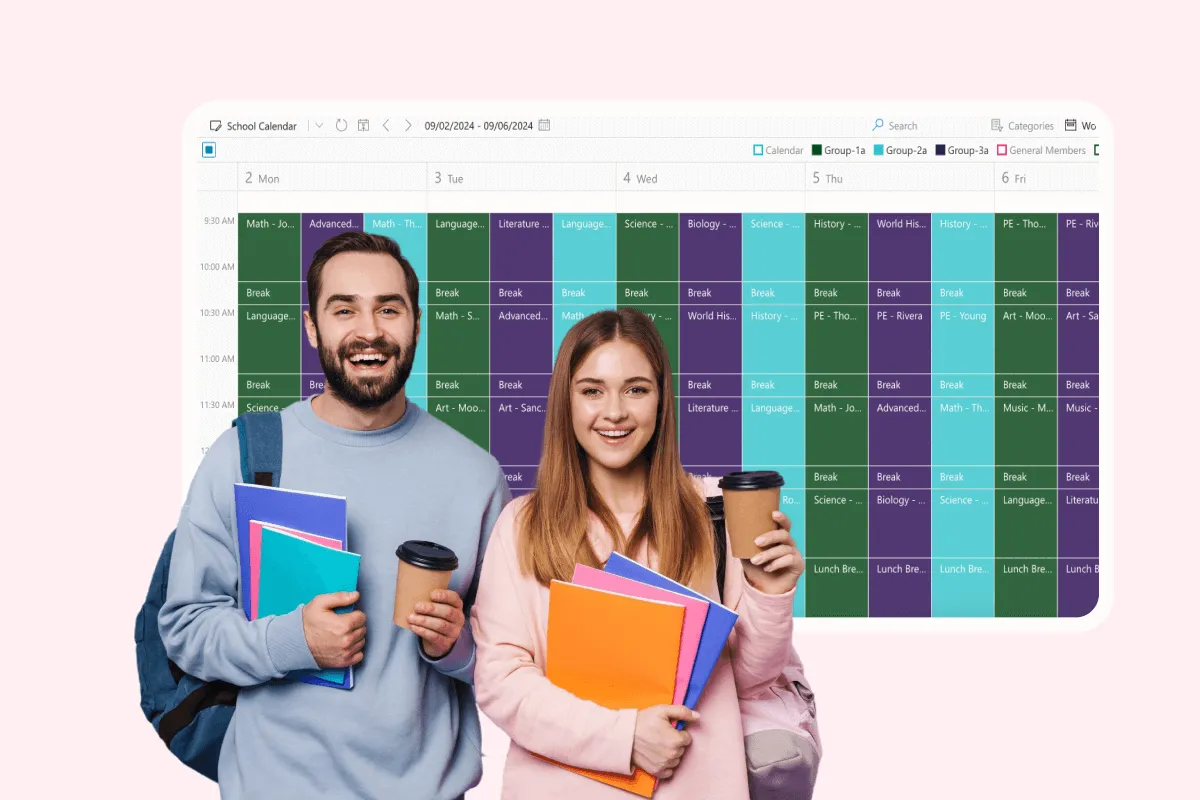
School Event Calendar
Unify school events with Virto Calendar. Coordinate assemblies, sports matches, and extracurricular activities for better communication and participation.
Learn more about School Event Calendar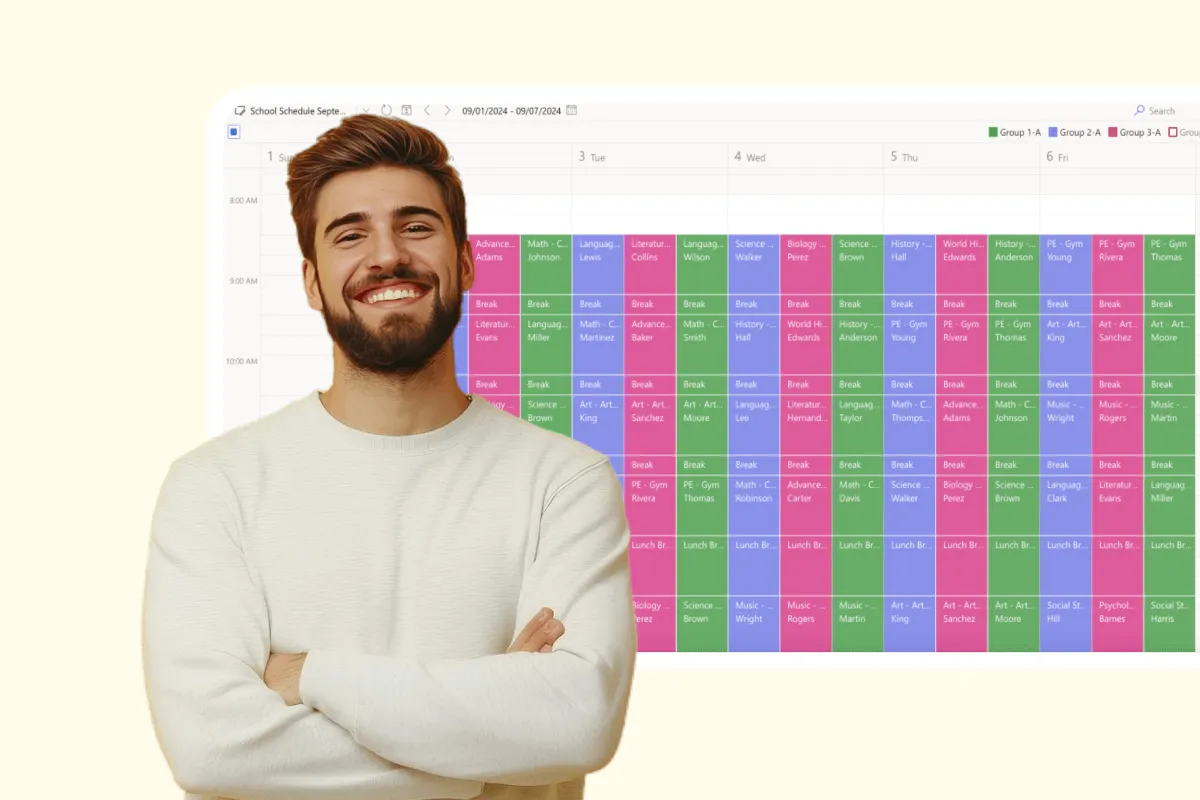
Extracurricular Activities Calendar
Coordinate after-school programs with Virto Calendar. Manage the schedules and facilities of every extracurricular activity in one calendar.
Learn more about Extracurricular Activities Calendar
School District Calendar in Microsoft 365
Every school's events and the district office's closures and board meetings in one Microsoft 365 calendar, a colour per school, with a Friday email listing next week's district dates.
Learn more about School District Calendar in Microsoft 365