Virto Resource Management Appfor SharePoint Online & Microsoft 365
Optimize project management and resource allocation directly within SharePoint Online.

Key features:

Resource Monitoring
Track employee workloads and resource usage to improve resource allocation and project planning.

Interactive Chart View
Create, view, edit, or delete SharePoint tasks within a chart for a dynamic PM experience.

Gantt View
Employ a Gantt chart to visualize project timelines and resource allocation, aiding in efficient PM.
Trusted by Industry Leaders


and over 8,000 businesses worldwide
How it works
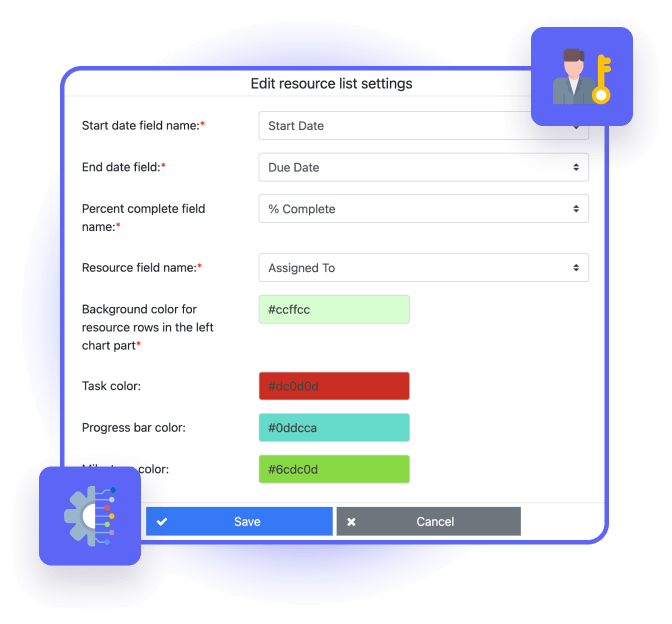
Customizable Data Sources and Permissions
Add and adjust data sources for chart displays and set task editing and viewing permissions for enhanced data security and access control.
Integration with Multiple SharePoint Lists
Combine data from different SharePoint lists into one chart for a unified resource and task overview.
Flexible Time Scales and Task Adjustments
Use multiple timescales and adjust task durations or dates with drag-and-drop features, improving scheduling flexibility.
Good to know
Installation and documentation
Setup steps, video guides, FAQs and troubleshooting articles in our documentation.
Documentation →One license for all platforms
Get SharePoint and Azure license at once without any additional purchase.
Deploy in your own Azure
Run the app in the Azure subscription linked to your Microsoft 365, under your control.
How it works →Your data
Your content stays in your Microsoft 365 tenant: the app processes it without storing it.
Trust & Security Center →Discounts and quotes
15% off for education, healthcare and charities; custom quotes for larger organisations.
Talk to sales →
The pricing outlined herein is valid only as to new purchases occurring on or after June 1, 2024. VirtoSoftware reserves the right to adjust its packaging and pricing at any time.
Talk to our team
Need clarity on our app's suitability for you? Set up a quick call with us or chat via Microsoft Teams chat to explore its potential for your needs.