Two new scenarios, an accounting firm and a commercial real estate company, and what it takes to run Virto Calendar App as your own private app.
Large organisations ask for a shared calendar for the same reasons small ones do. Deadlines sit in one list, engagements in another, who is away in a third, and nobody sees all of them at once. What changes at that size is the answer from corporate IT: “not an approved vendor app”, “Microsoft Store and AppSource are blocked here”, “the permissions of a multi-tenant app did not pass the security review”.
That answer is fair for a hosted app that one team wants to buy. It does not have to end the conversation. Virto Calendar App can be built as your organisation’s private app, run on your own Azure subscription and sign people in through your own Entra ID. The model is described on Deploy VirtoSoftware Apps in Your M365 Environment.
We have just added two scenario pages for organisations that often meet this gate: an accounting firm and a commercial real estate services company. This post walks through both, and through what the deployment takes on your side.
Why a store app fails the review and a private app may not
A Marketplace app is one application shared by all its customers. Your administrators consent to the vendor’s app registration and its permissions, and the vendor runs the backend. In the standard version of Virto Calendar App, events stay in your Microsoft 365 tenant, while the app’s backend runs on VirtoSoftware’s Azure and processes them in memory. For many organisations that is fine. For some, any backend outside their own subscription stops the review.
An in-tenant deployment changes what is being reviewed:
- Where it runs. The application runs on an Azure App Service in your subscription, under your domain. Its configuration (calendar definitions, overlay rules, user preferences) is stored in your own Azure Storage account.
- How people sign in. Through your own single-tenant app registration in Entra ID, with the OAuth 2.0 authorization code flow and PKCE. The implicit flow stays switched off.
- Where the events are. In your Exchange and SharePoint, where they already were. VirtoSoftware is not in the data path.
- Who holds the keys. Your administrators enter the client secret and the storage connection string themselves. We receive only a publish profile to deploy the code.
- What people install. Nothing from the Microsoft Store or AppSource. The Teams and SharePoint packages are built for your tenant, carry your organisation’s name and are uploaded by your administrators.
Your security team then reviews the calendar the way it reviews any internal application: its permissions, its sign-in and the place it runs are all yours.
Scenario 1: an accounting firm
An accounting and advisory firm keeps its filing deadlines in one SharePoint list, its engagements in another and the team’s availability in a third. The partners want one view of all three before busy season starts, not after the first missed handover.
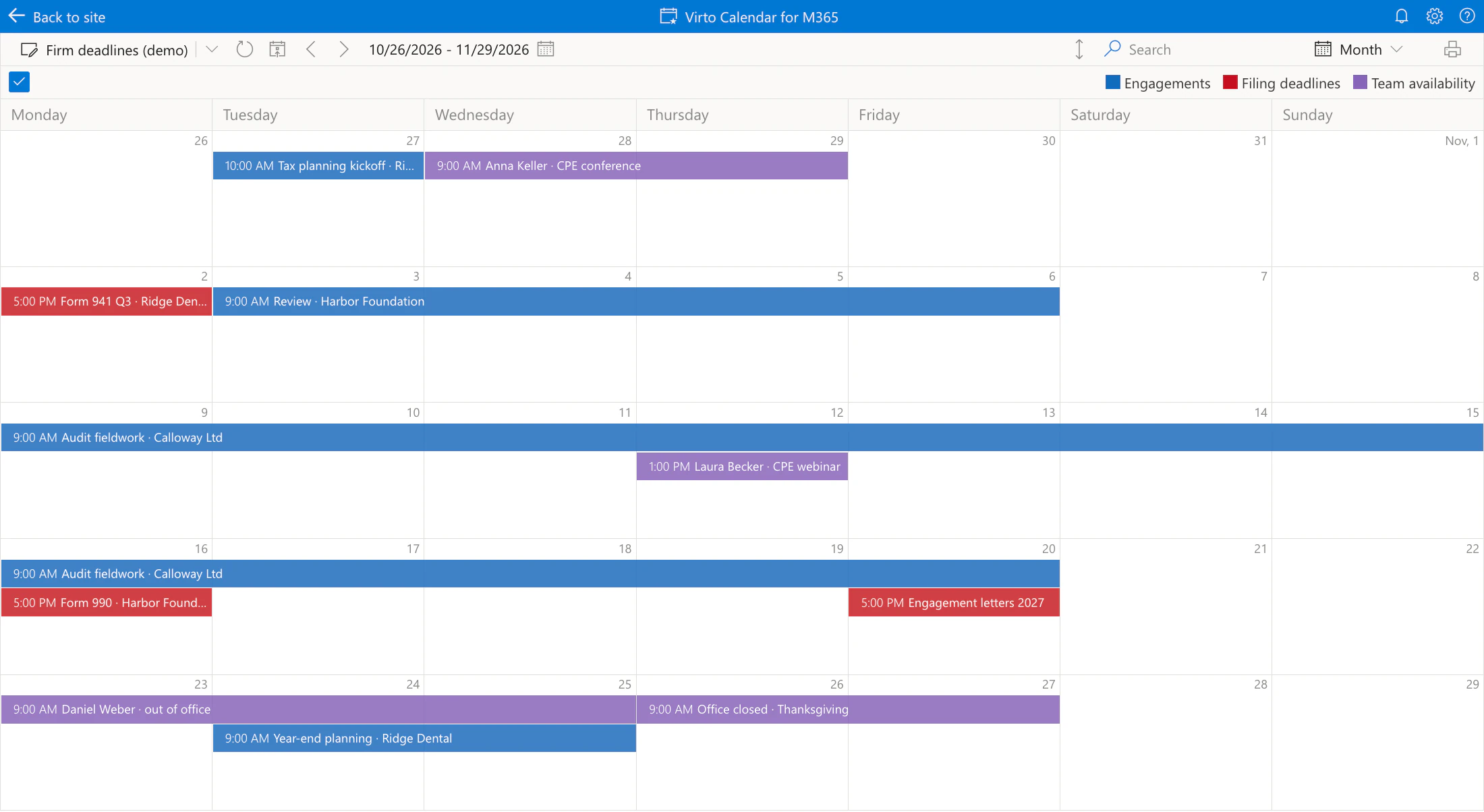
Pic. 1. Five weeks of a demo firm calendar: filing deadlines in red, engagements in blue, team availability in purple
Virto Calendar App reads the three lists where they already are and draws them on one calendar, each in its own colour. Outlook and shared calendars can join them, and nobody re-enters a date. Month, quarter and year views show where deadlines and fieldwork bunch up, so the partners plan staffing before the peak instead of during it.
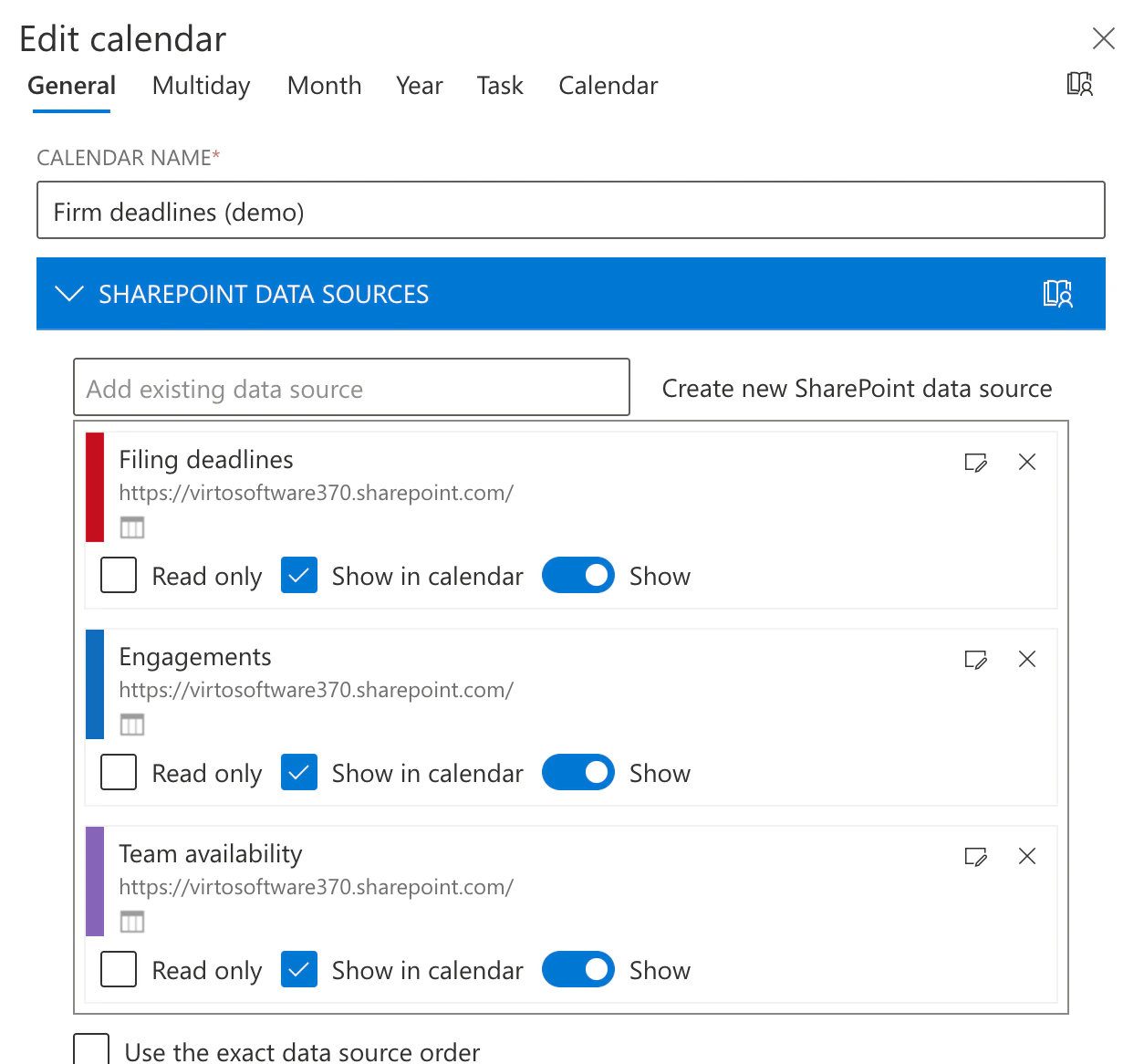
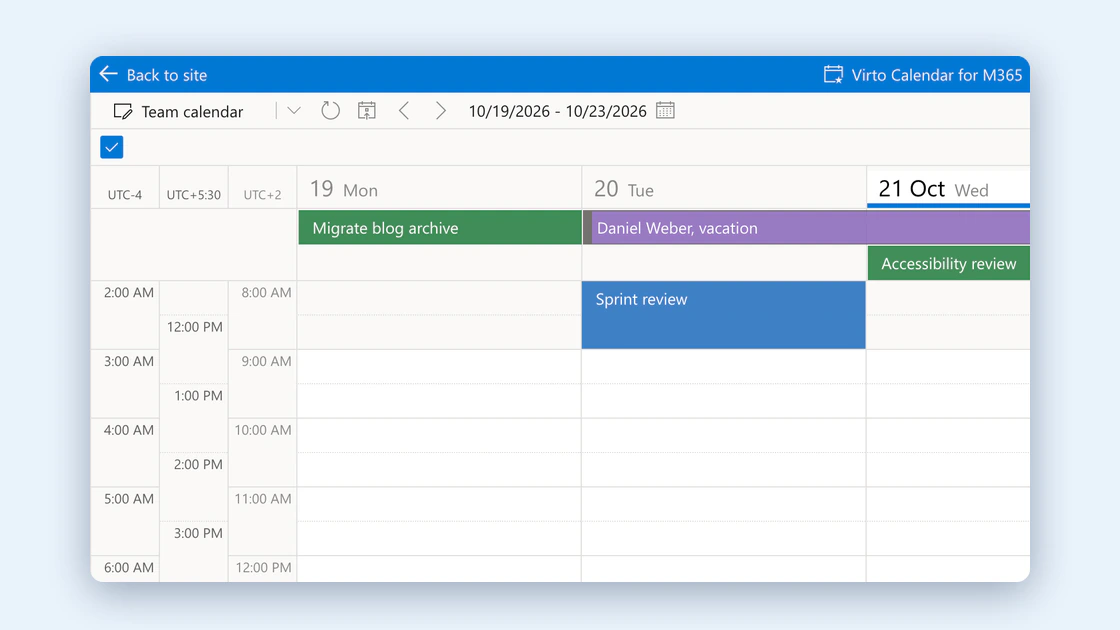
Pic. 2. The calendar’s data sources: three SharePoint lists, each in its own colour
Click a deadline, and the event card shows the list’s own columns: the client, the form and the responsible partner. The data has not moved anywhere. The calendar is a view over the lists the firm already keeps.
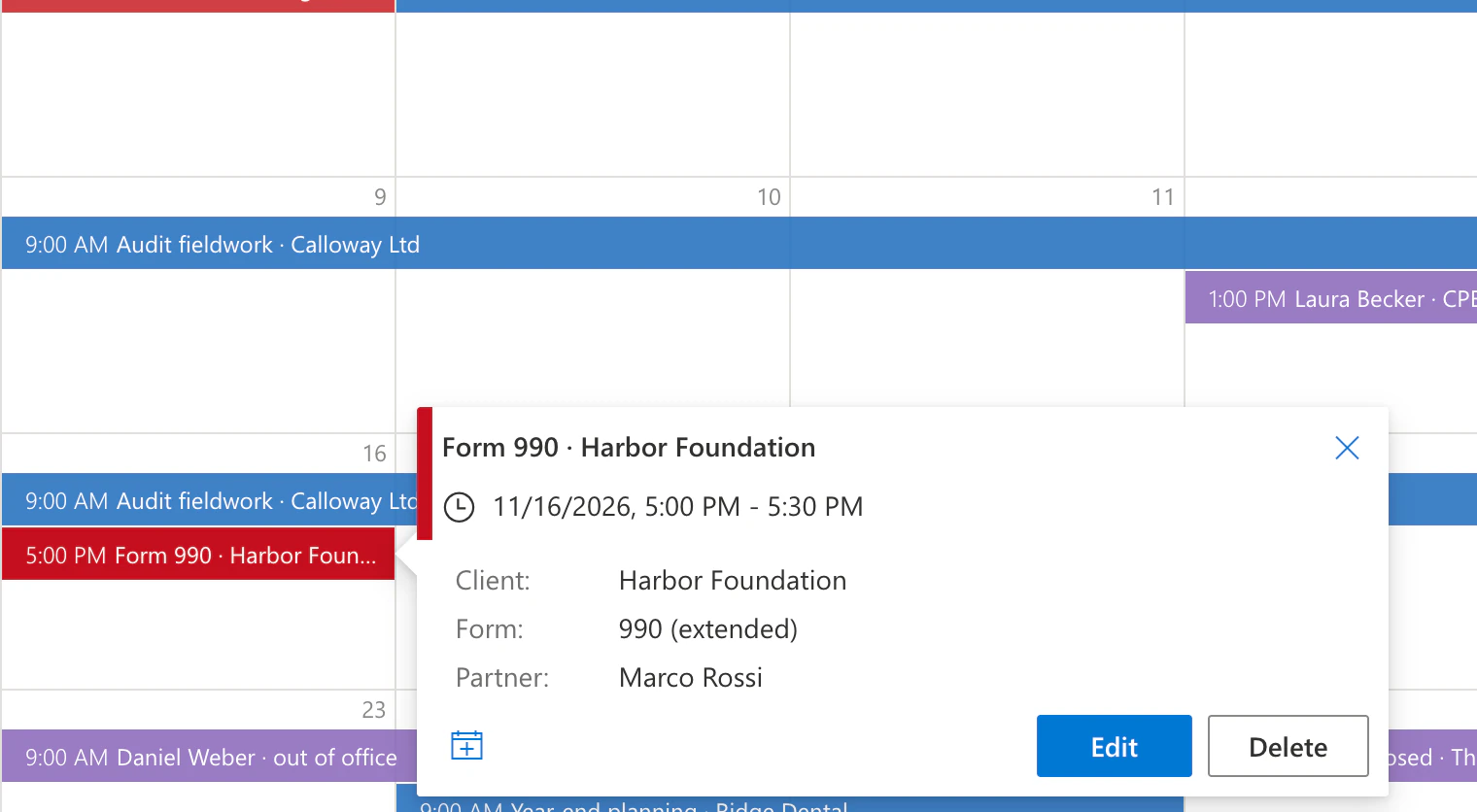
Pic. 3. A filing deadline’s card with the client, form and partner from the list
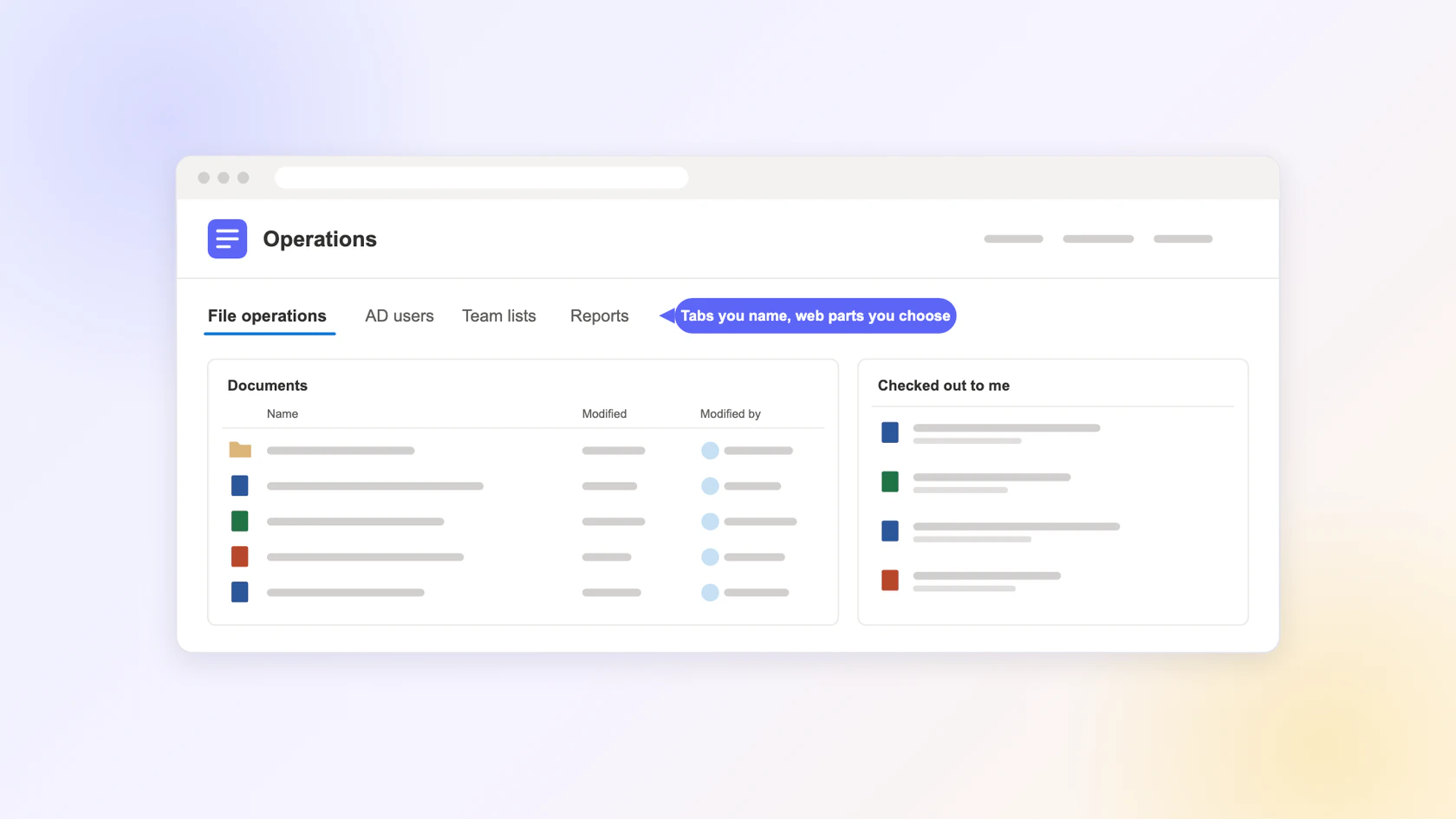
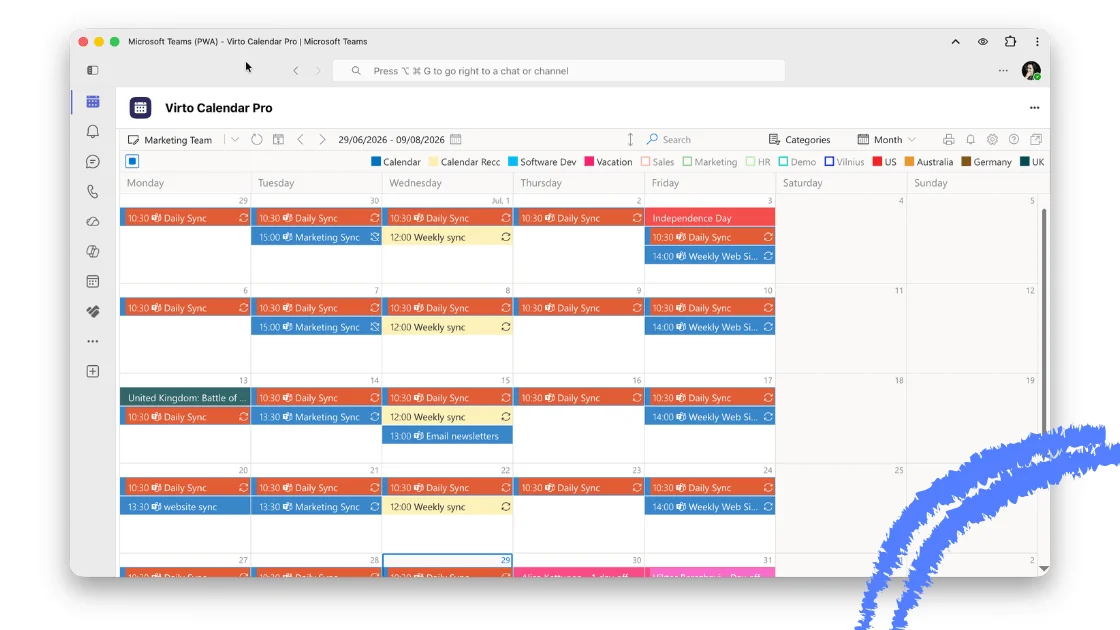
The calendar opens as a tab in Microsoft Teams and as a web part on a SharePoint page, where the firm already works. The full scenario is on Accounting Firm Calendar in Your Own Tenant.
Scenario 2: a commercial real estate company
The second profile is a commercial real estate services company with several brands and offices in one Microsoft 365 tenant. Lease expiries, rent reviews and move-ins live in one list. Inspections, maintenance windows and site visits live in others, often owned by different teams.
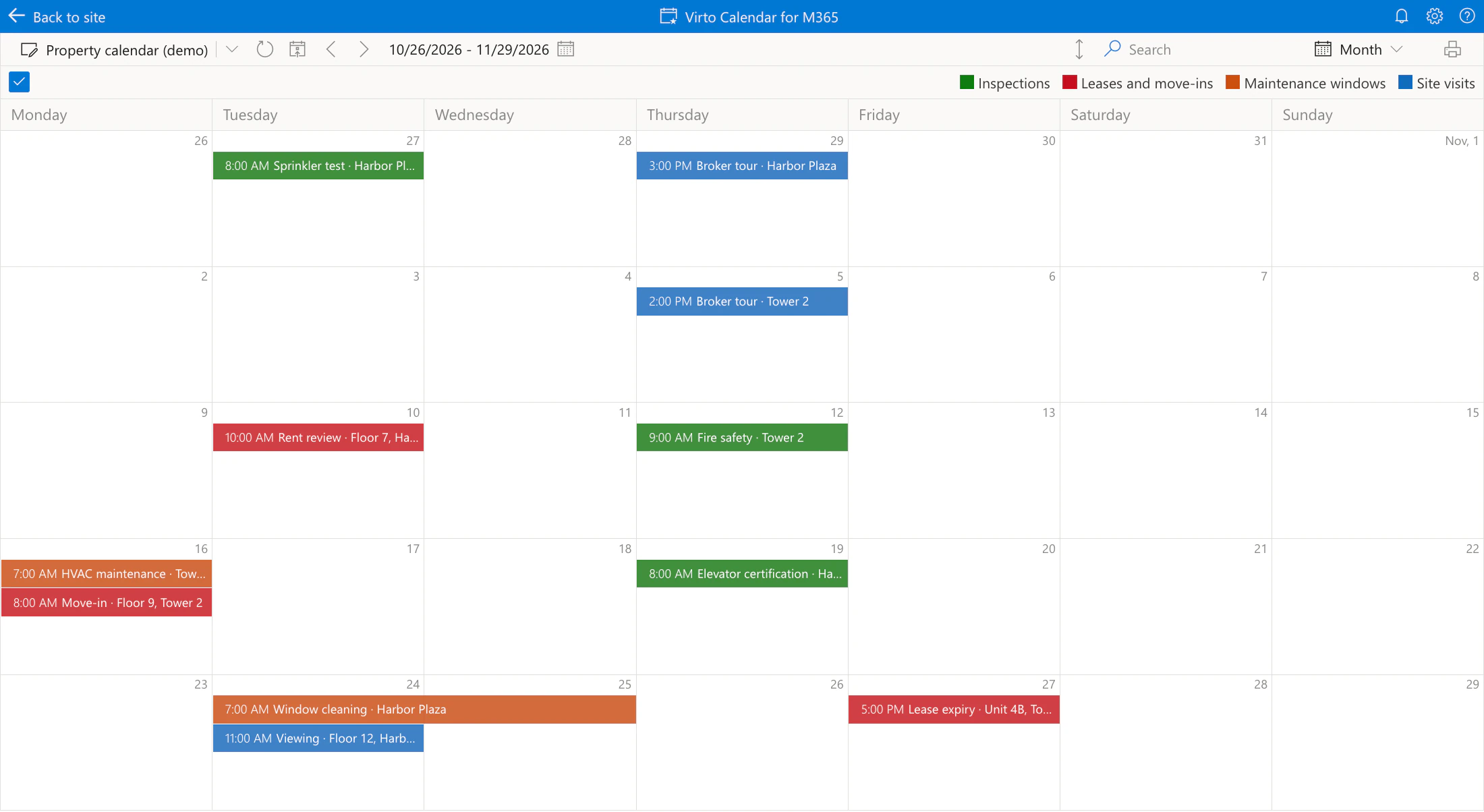
Pic. 4. A demo property calendar across two buildings: on Monday 16 November, HVAC maintenance and a tenant move-in land on the same morning at Tower 2
On one calendar, the clash on the 16th is visible weeks ahead, before either date is confirmed with the tenant. Room mailboxes, pool cars and other bookable equipment from Exchange can be added like any other calendar for viewings and site visits.
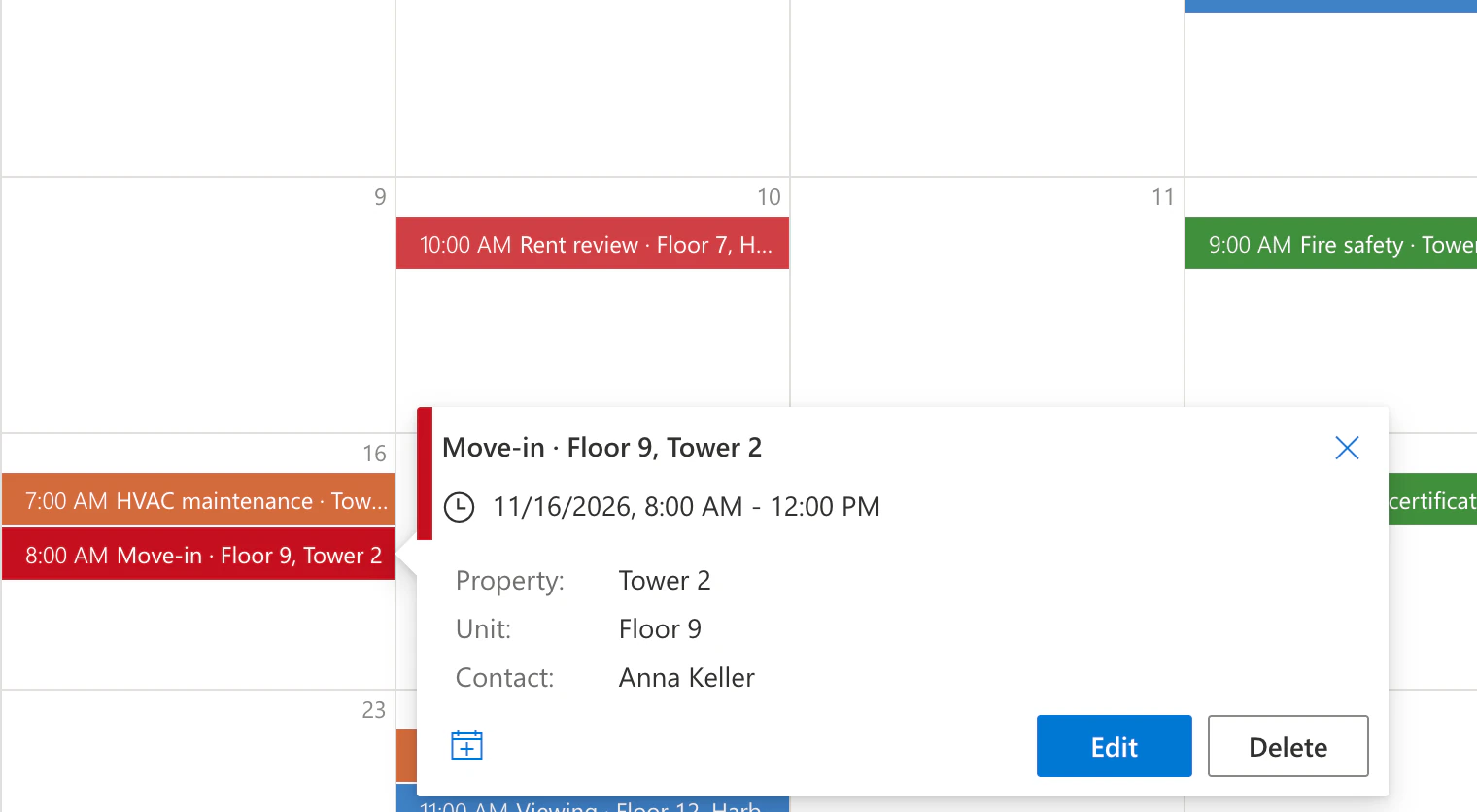
Pic. 5. The move-in card shows property, unit and contact from the leases list, next to the HVAC window on the same day
For a company of this shape, the permissions model matters most. Each office’s lists keep their own SharePoint permissions, and every permission the app uses is delegated, so the calendar shows a person only the events they can already open. Teams administrators make the app available to the property teams’ security groups through app permission and setup policies; for everyone else it stays blocked. Brands and offices that share one tenant share one deployment. The full scenario is on Commercial Real Estate Calendar in Your Own Tenant.
Explore the In-Tenant Scenarios
Accounting Firm Events Calendar in Your Own Tenant
Client seminars, webinars, CPE courses and internal events in one calendar, filtered by practice — with Virto Calendar App deployed inside the firm's own Azure and Microsoft 365 tenant.
Learn more about Accounting Firm Events Calendar in Your Own Tenant
Commercial Real Estate Booking Calendar in Your Own Tenant
Client meetings, events and building tours on one calendar instead of a Teams channel per booking — with Virto Calendar App deployed inside the company's own Azure and Microsoft 365 tenant.
Learn more about Commercial Real Estate Booking Calendar in Your Own TenantWhat the deployment takes on your side
The engineering part is short. Publishing the application to your App Service normally takes one business day, and building the SharePoint and Teams packages one or two more. What takes time is that the deployment touches several administrative areas, and in a large organisation each of them has its own owner.
| Role | What they do |
|---|---|
| Azure subscription administrator | Resource group, App Service, Storage account |
| Entra ID administrator | Single-tenant app registration, client secret, redirect URI, admin consent |
| Security or IAM reviewer | Reviews the permission set and the sign-in flow |
| SharePoint administrator | App Catalog, adding the app to site collections |
| Teams administrator | Uploads the private app, sets the permission and setup policies |
| Business tester | Tests the calendar against real calendars and data |
Naming these people before the start is the most useful thing you can do for the timeline. The work then goes in this order:
- Your team prepares the Azure resources and the app registration from a written, step-by-step guide.
- You send us the App Service publish profile, and we publish the application.
- Your administrator enters your own values in the app’s configuration and restarts it.
- You send us the application URL and the client ID, and we build the SharePoint and Teams packages under your organisation’s name.
- Your administrators upload the packages and give the pilot group access.
The guide for the first step is public: Installing Virto Calendar in your own Azure.
In a large organisation, a business user usually gets a first working test two to four weeks after the start. The gap between those weeks and the few days of engineering is approvals, not code.
Five things that slow an in-tenant deployment down
This is what we have learned from deployments behind a corporate IT gate. Each point is now part of the checklist we send before anything is built.
- The permission set comes first. The application is compiled against the permissions your security team approves, so the list is settled before the packages are built. If the full set is not approved, a reduced one still shows each person’s Outlook calendar and shared calendars, but SharePoint list calendars, group calendars and Planner tasks drop out. Better to know that on day one.
- Deployment teams work from a document, not a call. When the Azure owner, the Entra ID owner and the security reviewer are different people, often in different countries, a remote session is hard to schedule and often not allowed. A guide with a screenshot for every step is what moves the project.
- Uploaded is not the same as available. In Teams, the app also has to be allowed and assigned through an app permission policy and an app setup policy, or testers see it as blocked. In SharePoint, the app has to be added to each site collection where it is used, and the web part placed on an actual page.
- Testers find the wrong app. Someone who searches the Teams store finds the public Virto Calendar App, which is a different application and does not work with your deployment. That is why the private app carries your organisation’s name, and testers get its exact name.
- A sandbox needs something to test. Mailboxes with real events, a resource mailbox if room booking is in scope, a tester who may create SharePoint lists and upload a CSV file (CASB and DLP policies often block that) and third-party cookies allowed for the app’s domain. Inside the app, testers also need the Calendar Manager role, or they can open the calendar but not edit it.
Updates after go-live
Updates are deployed the same way as the first version: your administrator opens deployment access for the update window, we publish, and you restart the app. Changes to the Teams or SharePoint packages, such as a new placement of the calendar in Outlook or Teams, need a rebuild on our side and a re-upload on yours. Updates and support are part of the Enterprise package, along with knowledge transfer for your IT team.
When you don’t need any of this
If your policy allows Microsoft Marketplace apps and one team or practice group wants its dates next to Outlook, the Marketplace version of Virto Calendar App is the quickest start, with a 30-day free trial. The in-tenant build is for an organisation-wide rollout under corporate IT, where the security review is the gate.
Neither scenario replaces a practice management or property management system either. The calendar shows when deadlines, leases and inspections fall and who is away. Time entries, budgets, rent rolls and work orders stay in the system that owns them.
Talk it through with us
If your IT team has said no to store apps and you still need one calendar, book a demo and bring someone from IT or your Microsoft 365 team. We will go through the permission set and the deployment plan for your tenant. Questions about licensing go to our sales team.