Virto Pollsfor Microsoft Teams
Your team’s voice, one click away. Virto Polls brings fast, effortless polling to Microsoft Teams for feedback that fuels collaboration.
Key features:

Poll Creation Made Simple
Create quick polls with single choice, multiple choice, rating, or open-text questions right inside Microsoft Teams — no extra tools required.

Real-Time Results
Track responses as they come in with clear visual charts, making it easy to spot trends and make decisions faster.

Seamless Teams Integration
Run, share, and answer polls directly in Microsoft Teams, with the Virto Polls Bot assisting in chat for effortless collaboration.
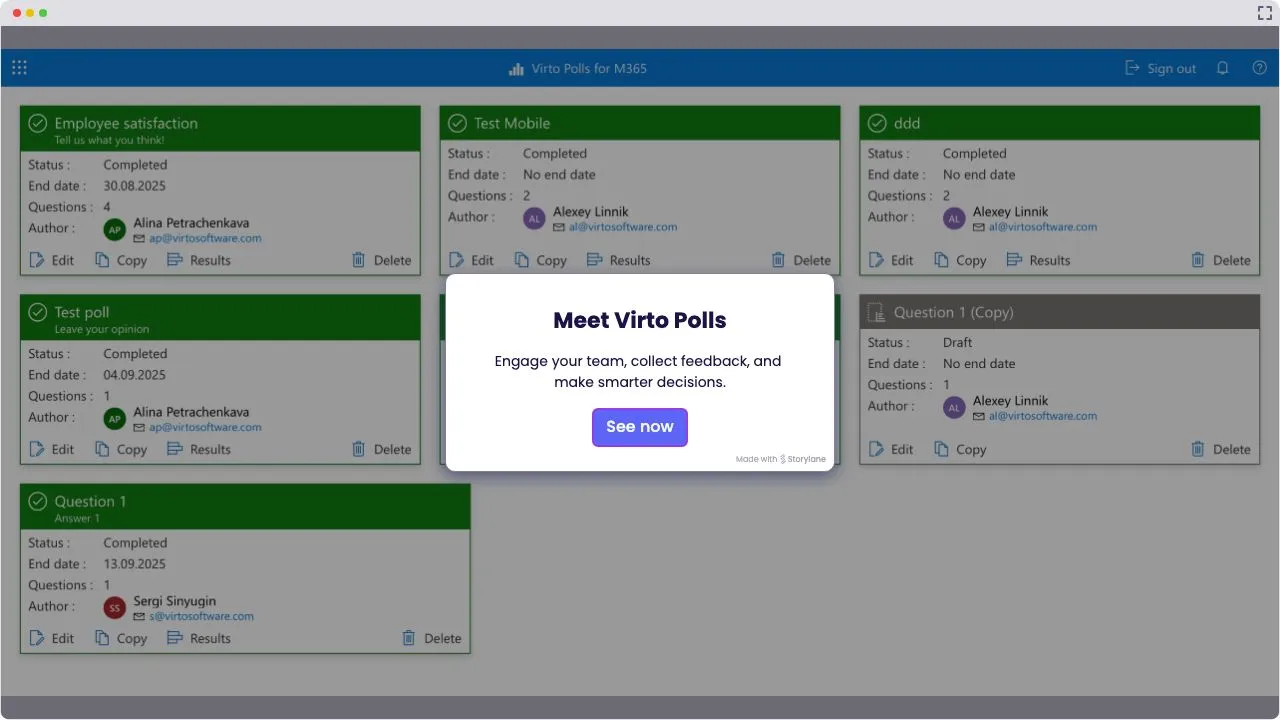
Launch Interactive Demo
Trusted by Industry Leaders


and over 8,000 businesses worldwide
Ask, Vote, Decide — All in Teams
With Virto Polls, turning questions into answers is effortless. Install the app in Microsoft Teams, launch a poll in seconds, and watch results roll in live. No extra tools, no wasted time — just quick feedback and smarter decisions, right where teamwork happens.
See options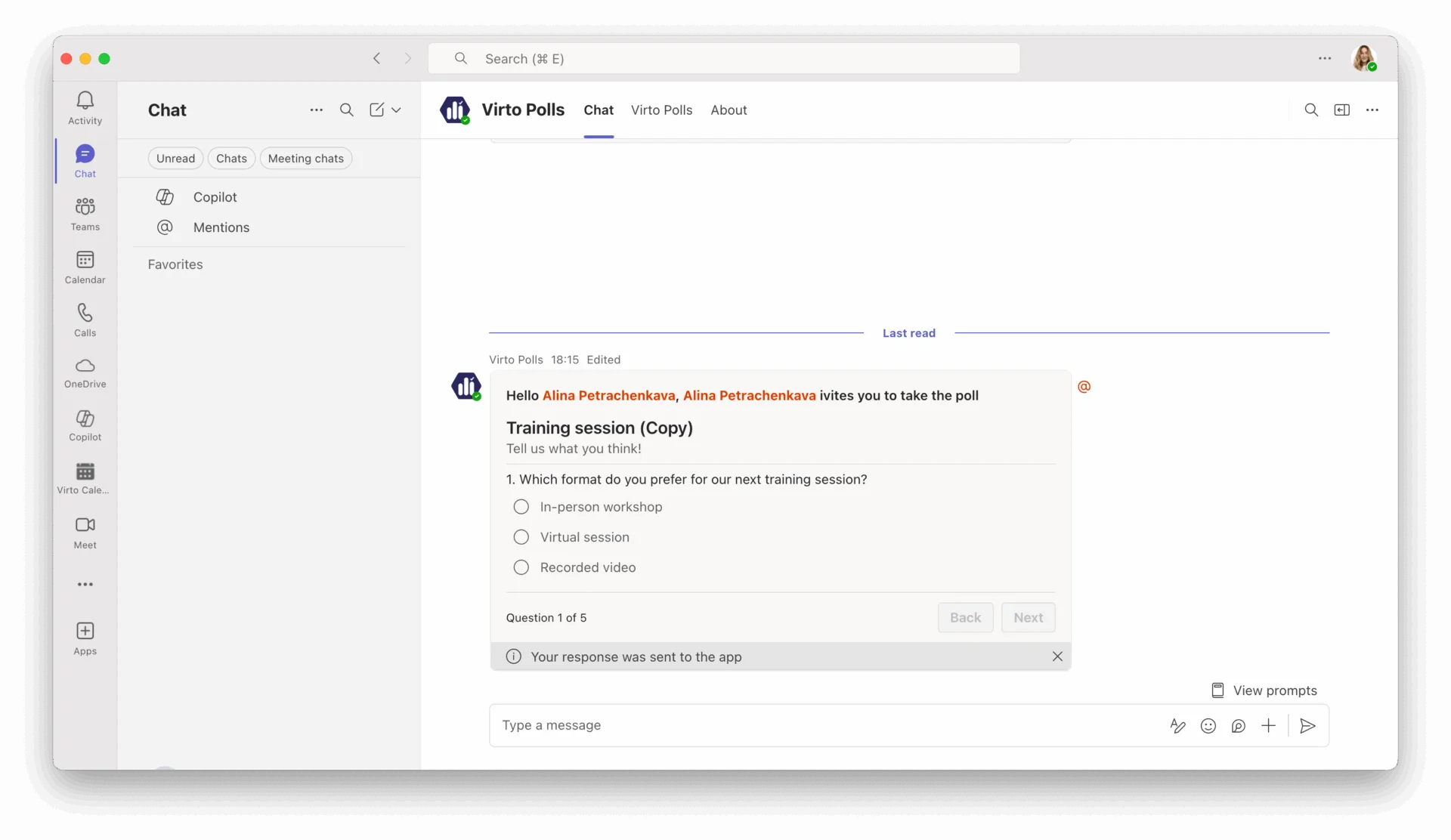
Key Features of Virto Polls

Ask in Seconds
No more clunky forms or endless email threads. Create polls in a snap — single choice, multiple choice, ratings, or open text — all without leaving Microsoft Teams.
Answers, Live and Clear
Watch responses roll in with real-time charts that make trends impossible to miss. Decisions become faster, meetings shorter, and teamwork smoother.
Built for Busy Teams
Virto Polls blends right into Teams chat and channels. With the Polls Bot as your sidekick, setup is instant, and using it feels natural — no training, no fuss.
How to Use Virto Polls in Teams
Easy Setup
Install Virto Polls directly in Microsoft Teams and start creating polls in minutes—no extra tools or configuration needed.
Quick Poll Creation
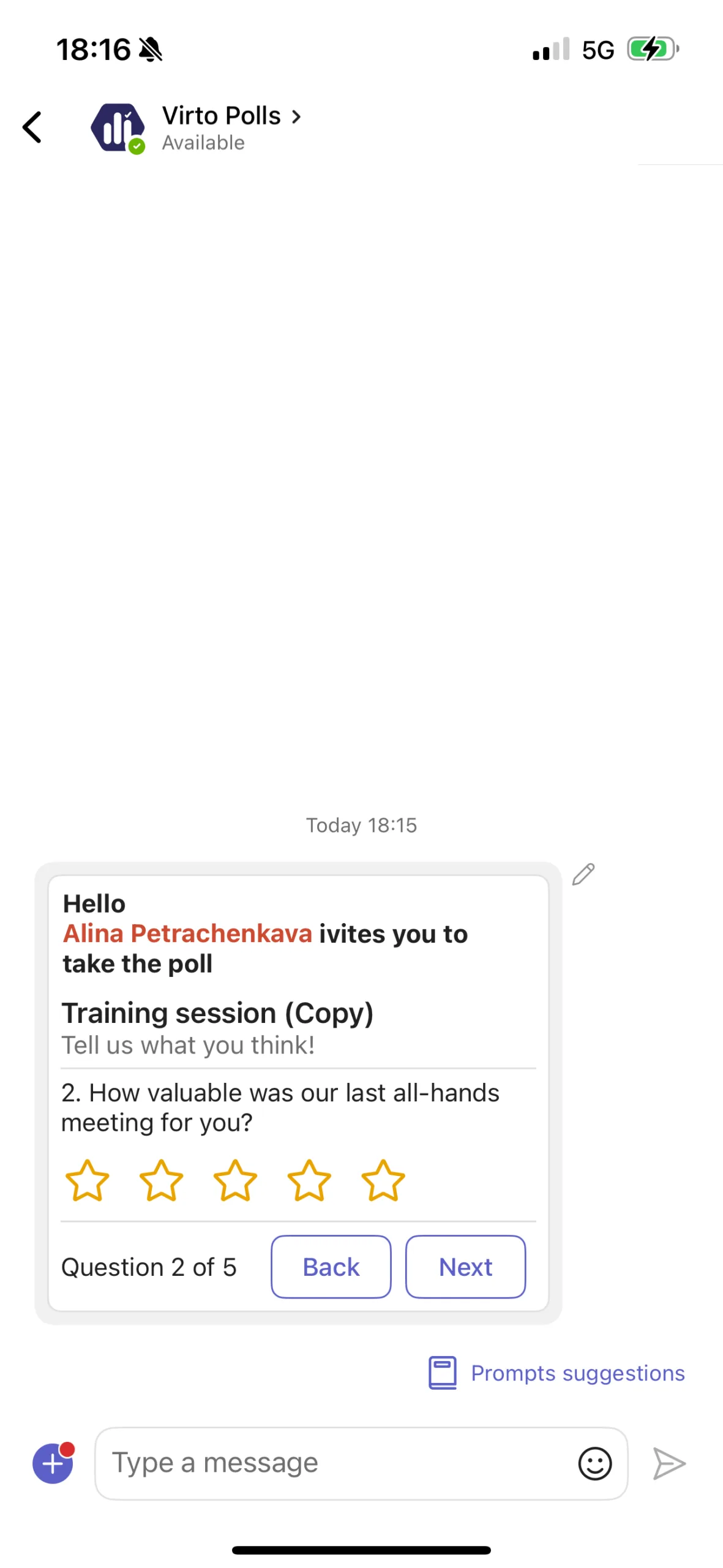
Build single choice, multiple choice, rating, or open-text polls instantly and share them right in chat or channels.
Instant Results
See responses update live with clear visual charts, making team decisions faster and easier.
Why Virto Polls Is the Easiest Way to Collect Feedback in Teams

Built for Everyday Teams
From standups to strategy meetings, Virto Polls keeps collaboration simple, engaging, and right where your work happens.

Decisions Made Visible
Responses turn into instant visual charts, so your team can spot patterns and act fast.

Seamless Team Fit
Launch and manage polls directly in chat or channels with the Virto Polls Bot, keeping feedback exactly where your teamwork happens.
How to install?
Your 24/7 library from our technical support team. Video guides, FAQs, troubleshooting articles, and more.
Talk to our team
Need clarity on our app's suitability for you? Set up a quick call with us or chat via Microsoft Teams chat to explore its potential for your needs.