


For SharePoint Server
Virto On-Premises Productivity Kit
11 web parts for SharePoint Server, under one licence
Kanban boards, calendars, forms, workflows, bulk file operations and Active Directory tools, all on your own servers.









What's included 11
-
Virto Kanban Board On-Premises
-
Virto Multiple File Operations On-Premises
-
Virto Calendar On-Premises
-
Virto Active Directory User & Password Manager
-
Virto Workflow Automation
-
Virto Password Reset & Recovery
-
Virto Related Items
-
Virto Slideshow & Image Carousel On-Premises
-
Virto Notifications & Alerts On-Premises
-
Virto Form Designer On-Premises
-
Virto Cross-Site Lookup
Why take the kit
One purchase instead of eleven
One quote, one invoice, one renewal date.
Costs less
Save $8,000+ in the first year compared with buying the web parts one by one.
Your data stays on your servers
No cloud storage, no external data transfer.
- SharePoint versions
- 2013, 2016, 2019 and Subscription Edition. Multiple File Operations, Active Directory User & Password Manager and Workflow Automation have no 2013 build.
- Security
- Runs inside your farm; libraries are open for security scanning. Trust & Security Center →
Need your IT team's approval?
Send them the brief: what runs in your farm and what leaves it, how the products install, security testing and cost.
What teams build with the kit
Cases on SharePoint Server with the web parts in the kit.
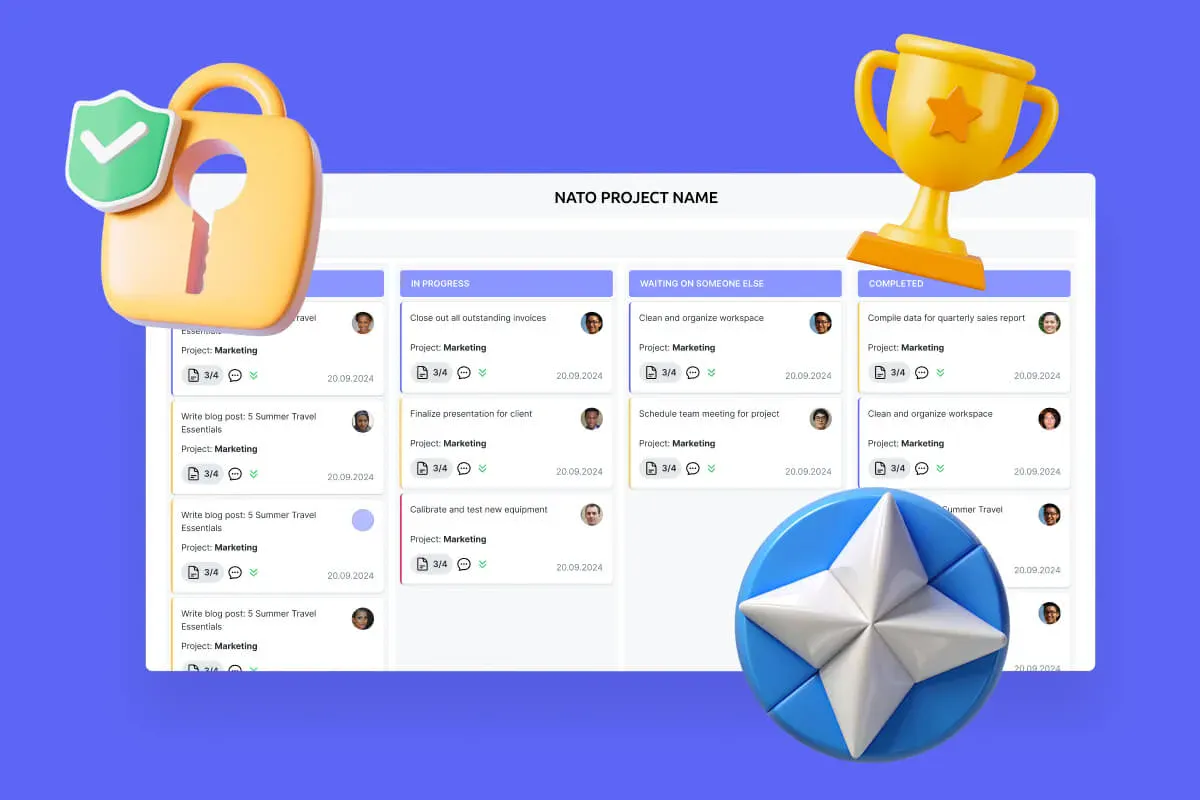
Secure Productivity for IGOs
Transform your secure project management, enhance mission coordination, and get your security and compliance features running like clockwork with VirtoSoftware's NATO-tested secure productivity solutions.
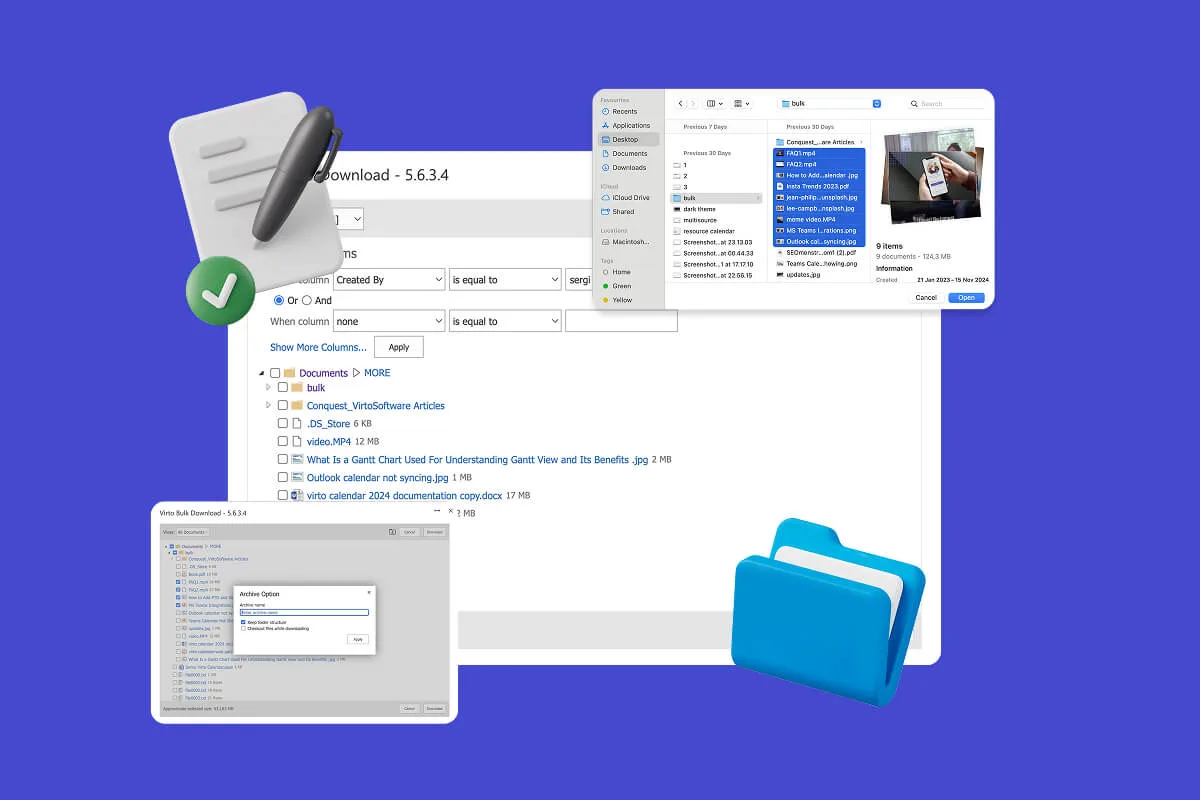
Multiple File Management
Built for high-compliance organizations: Virto Multiple File Operations On-Premises uploads, moves, copies, deletes and re-tags SharePoint files in bulk, under the permissions you already set—without scripting or IT help.
Password Self-Service on SharePoint Server
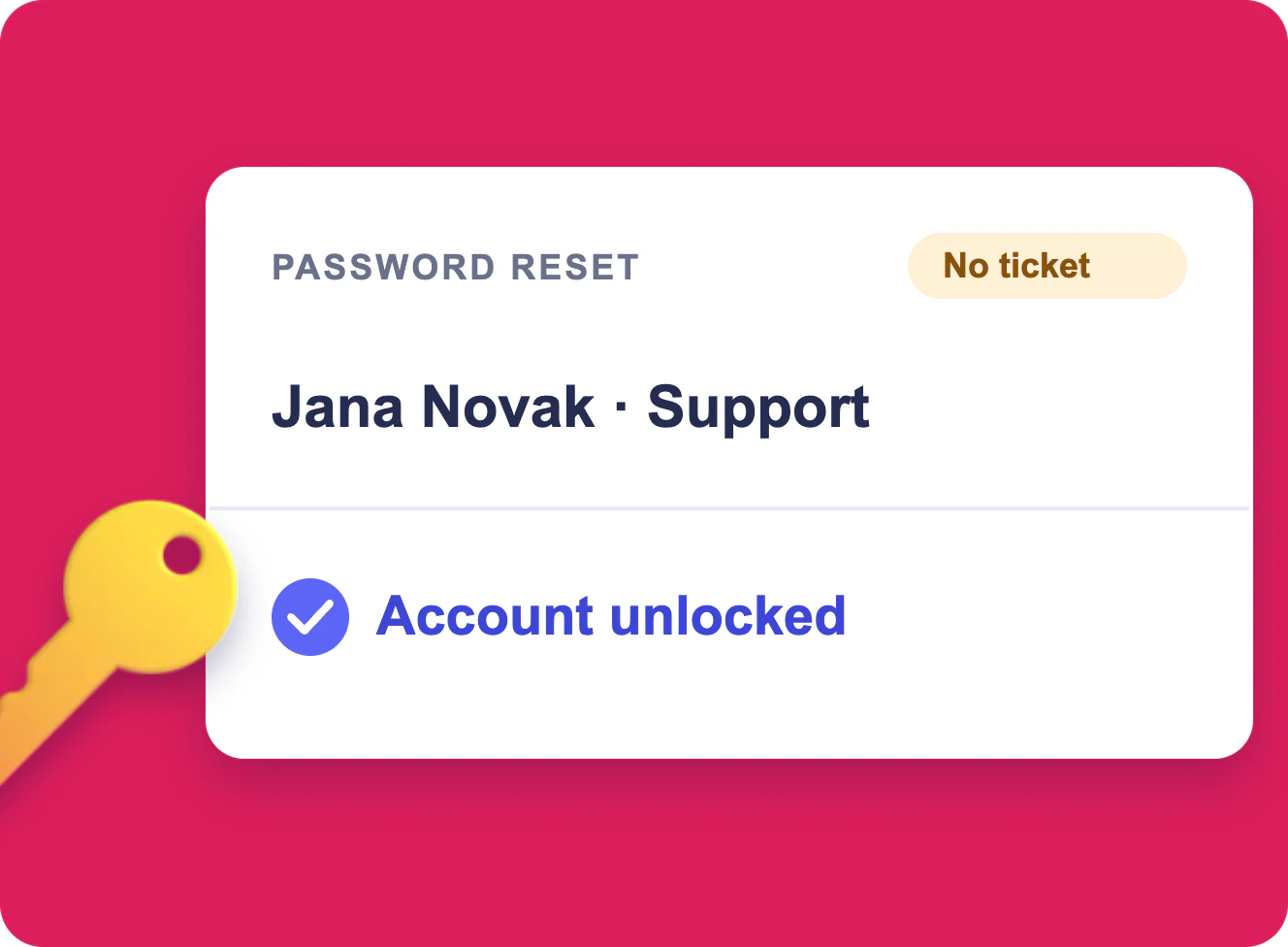
Employees reset a forgotten password and update their own Active Directory details from a SharePoint Server page, and HR creates new accounts from a form, without a helpdesk ticket.
Pricing
$5,500 per WFE server per year
- All 11 web parts while your subscription runs
- Renews each year at the same price, updates and support included
- Developer licence on request; 15% off for nonprofits and education
Want to try first? Every web part has a 30-day trial download on its page. All SharePoint On-Premises web parts →